
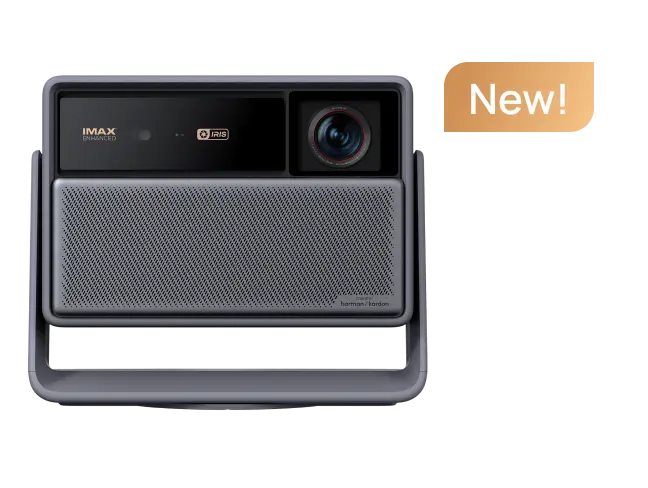
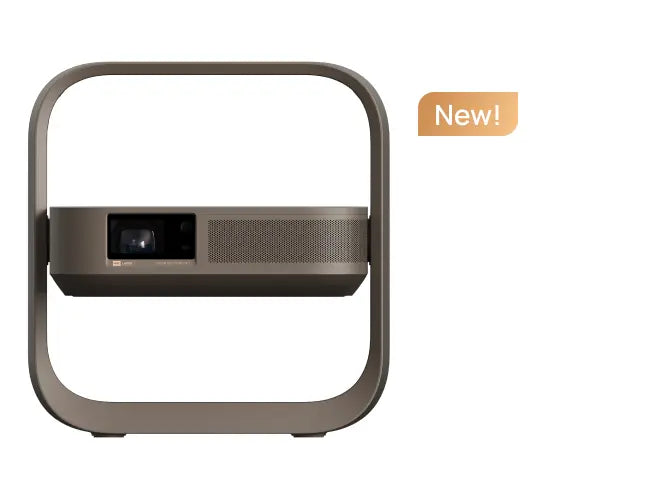
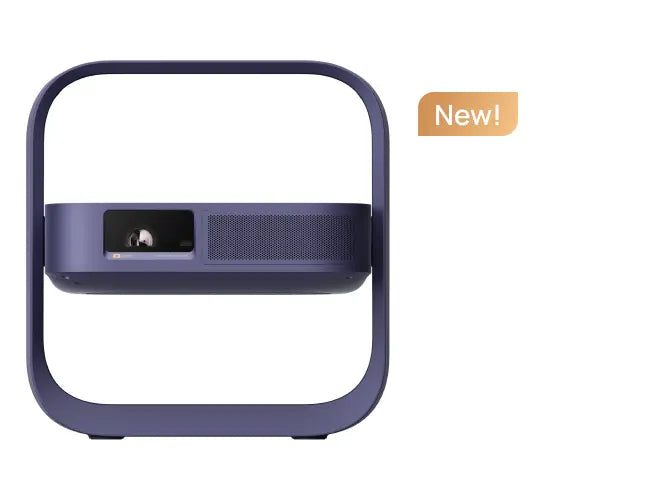
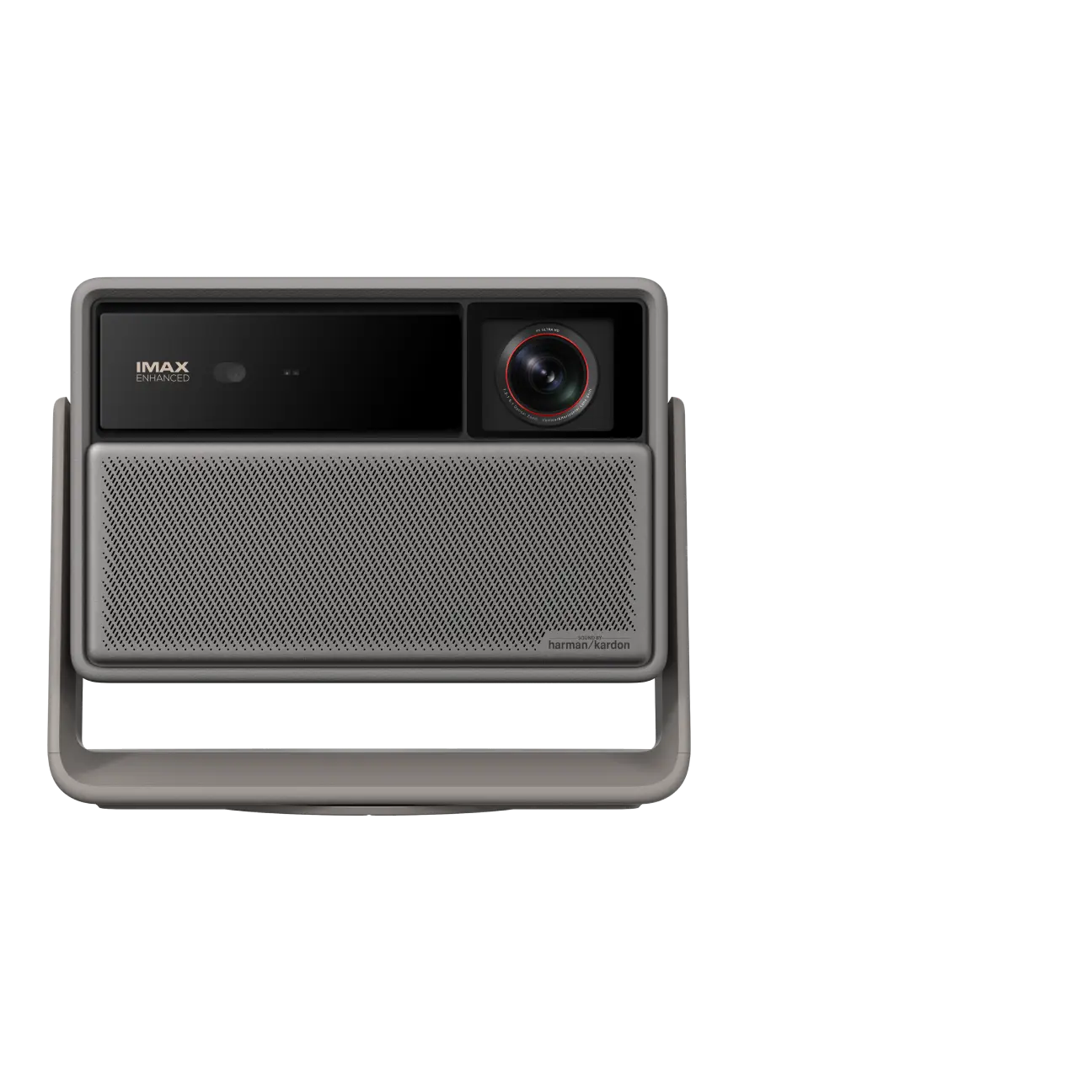
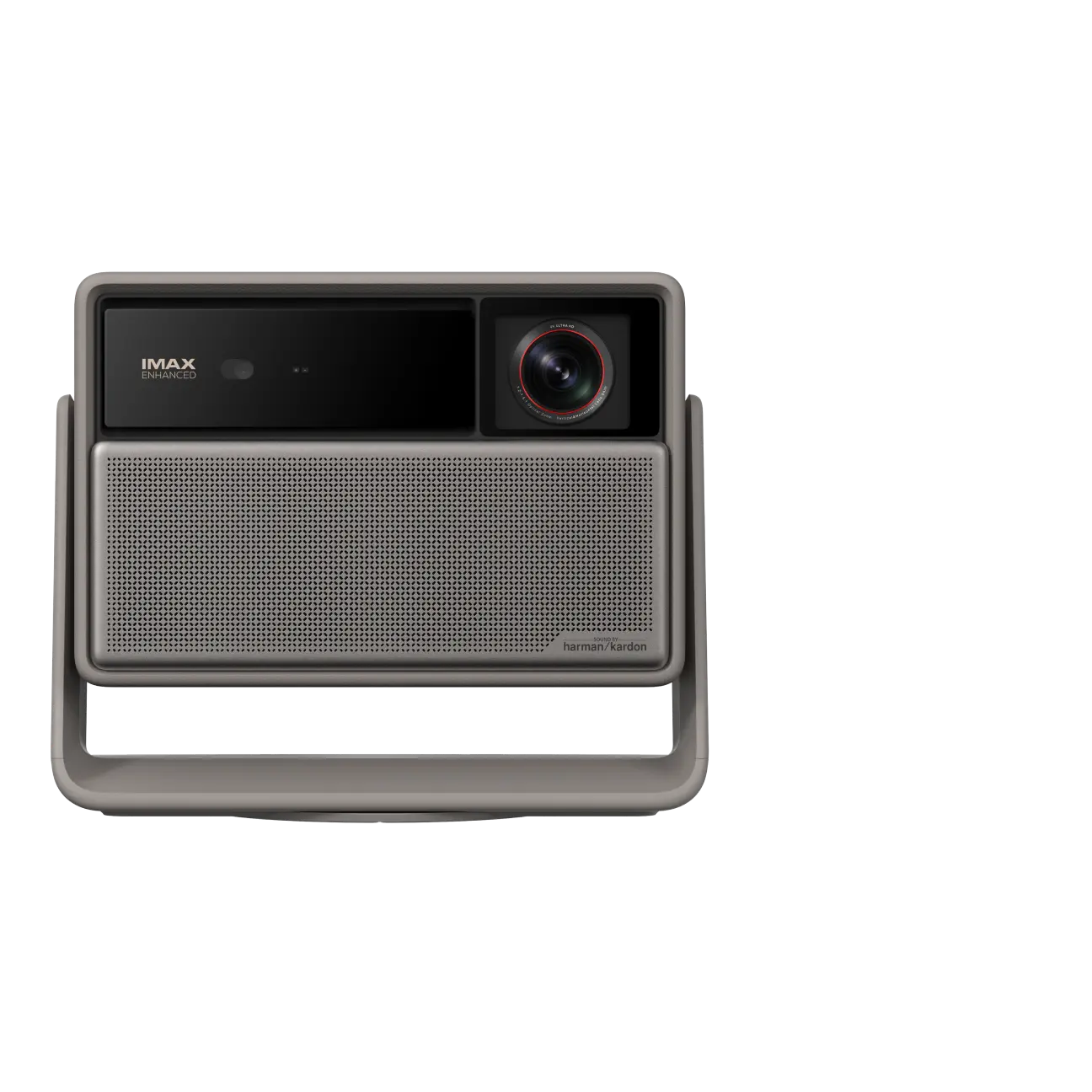
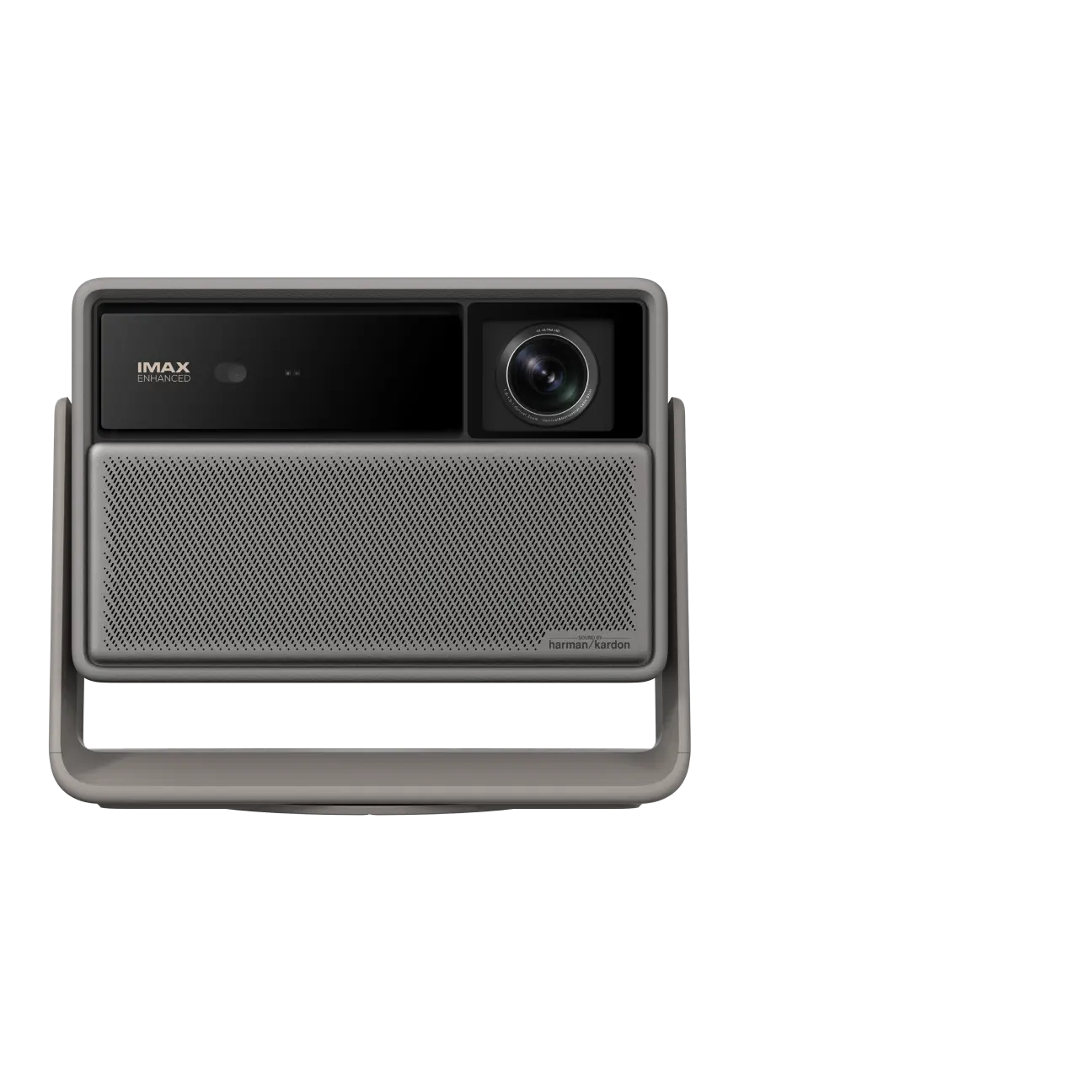
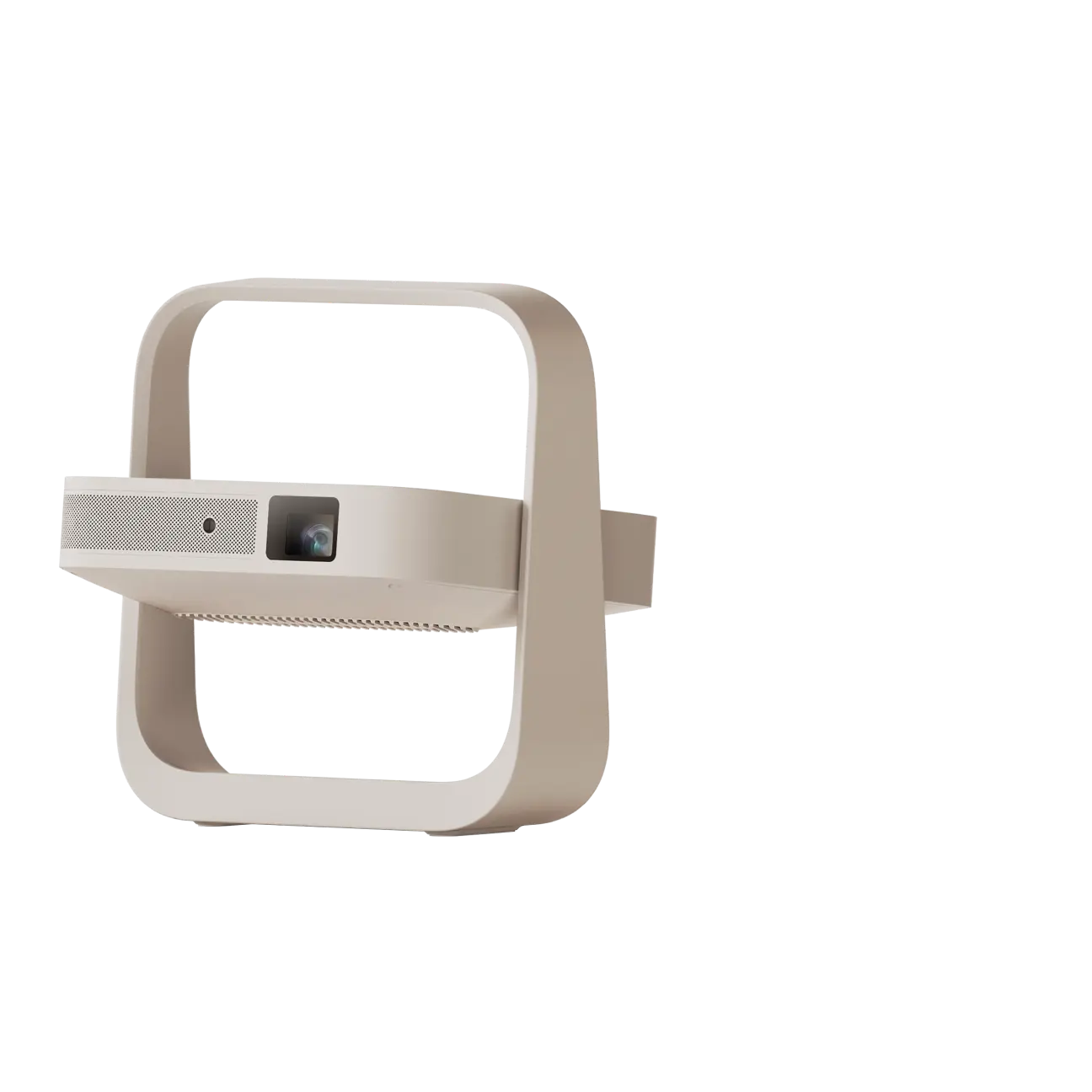



A portable Bluetooth projector lets you enjoy movie sound through wireless speakers or headphones without running extra cables around the room. Some models can also work as a Bluetooth speaker, playing music directly from your phone through their built-in speakers.
But Bluetooth audio, Wi-Fi streaming, and screen mirroring work differently. This guide explains how to connect your devices, use supported speaker modes, fix common audio problems, and make your next movie night easier.
What Bluetooth Can—and Can't—Do
Bluetooth is primarily an audio connection on a portable projector. Depending on the model, it can work in two directions:
- Bluetooth audio output: The projector sends sound to compatible Bluetooth speakers or headphones. This is useful for private listening or connecting external speakers for a larger gathering.
- Bluetooth speaker mode: The projector receives audio from a phone, tablet, or other compatible device and plays it through its built-in speakers.
Not every Bluetooth projector supports both functions. Check the manufacturer's specifications before assuming that a projector with Bluetooth can also serve as a wireless speaker.
Bluetooth does not transmit the projected movie image. To watch videos from mobile devices, you need a supported video connection.
A smart projector with Google TV or Android TV may offer built-in streaming apps that use Wi-Fi to access online content. Compatible models may also support screen mirroring through Google Cast, AirPlay, or another wireless method. You can also connect a streaming device, such as Apple TV, through HDMI.
For more detail, see XGIMI's guide to screen mirroring on a projector.
Remember that Bluetooth pairing alone doesn't enable Netflix, Amazon Prime Video, or internet access. Streaming availability depends on your projector's operating system, app support, and network connection.
How to Connect Bluetooth Speakers or Headphones
Connecting external audio is usually straightforward, but the exact settings vary by projector model and operating system.
Before starting, confirm that your projector supports Bluetooth audio output.
- Turn on both devices. Make sure your projector and Bluetooth speaker or headphones have enough power.
- Activate pairing mode. Follow the audio device's instructions to make it discoverable. If it's already connected to another device, disconnect that connection first.
- Open the projector's Bluetooth settings. Look for Bluetooth or accessory pairing options in the settings menu.
- Select your audio device. Choose the speaker or headphones from the available devices and confirm pairing.
- Test the connection. Play a short video, adjust the volume, and make sure sound comes through the selected device.
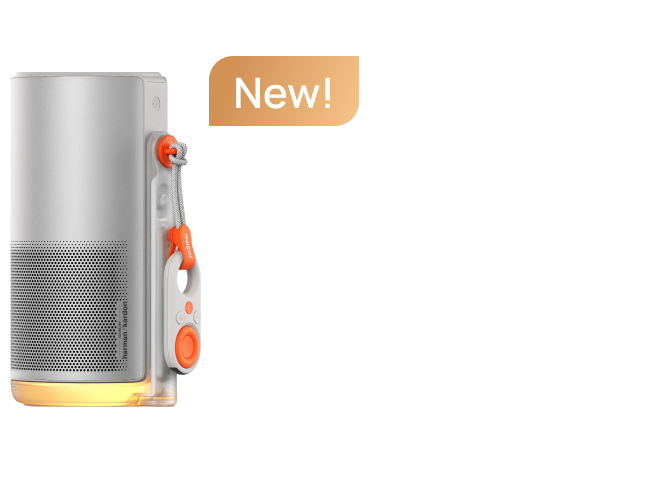
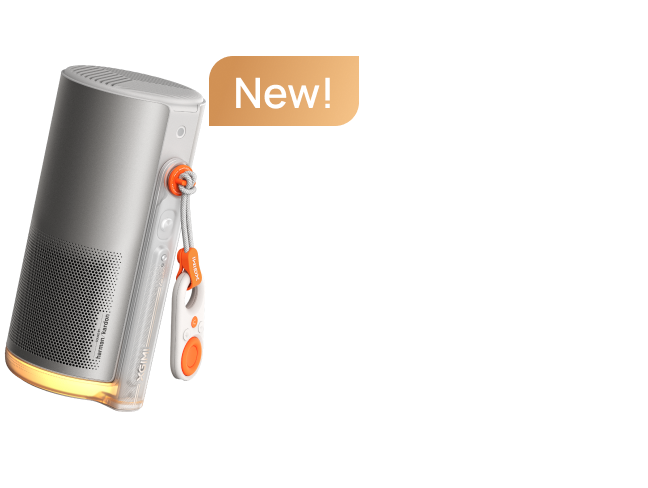
XGIMI Halo+ Pairing Example
The original XGIMI Halo+ and Halo+ (New) use different menus.
On Halo+ (New) with Google TV, XGIMI documents:
All Settings → Remote & Accessories → Pair accessory
On the original Halo+ with Android TV, use:
System Setup → Remote & Accessories → Add accessory
Select your device and complete pairing. If the menu looks different, consult the relevant Halo+ (New) support resources for your software version.
For movie watching, place external speakers near the screen when practical. This helps dialogue sound as though it's coming from the action instead of from the back of the room.
If your projector doesn't recognize the speaker, don't immediately assume the devices are incompatible. The speaker may simply need to be put back into pairing mode.
How to Use a Projector as a Bluetooth Speaker
Some portable projectors can receive music from your phone and play it through their built-in speakers, even when you're not watching a video.
This is different from connecting external Bluetooth speakers to the projector.
For Halo+ (New), XGIMI's updated support instructions confirm that phone-to-projector Bluetooth audio is supported on firmware V2.1.5 or later.
To use this feature:
- Check the projector's firmware version and install an applicable official update if necessary.
- Turn on the projector and enable Bluetooth on your phone.
- Find the projector in your phone's available Bluetooth devices.
- Select it, complete pairing, and start playing music or a podcast.
The original Halo+ uses a different documented method. Pair your phone, then hold the remote's Power button for 2–4 seconds and select Display off to continue listening without projecting an image. See the original Halo+ support instructions.
Other manufacturers offer similar functionality on selected models:
- Anker Nebula Mars 3 Air: Supports Bluetooth speaker functionality, with dual 8W speakers for playing music.
- Epson EpiqVision Mini EF12: Features a Yamaha-designed speaker system and supports Bluetooth audio playback as a standalone speaker.
- BenQ GS50: Includes a 2.1-channel speaker system with dual 5W drivers and a 10W woofer, plus Bluetooth speaker mode.
These examples show why audio quality and speaker functionality should be checked separately. A model with built-in speakers doesn't automatically support Bluetooth audio input, and speaker specifications alone don't prove that one projector sounds better than another.
Fix Pairing, Missing Sound, and Audio Delay
Even when your projector and speakers support Bluetooth, connection problems can occasionally interrupt playback.
Your Bluetooth speaker doesn't appear
Make sure the speaker is in pairing mode rather than simply powered on. Check whether it's already connected to a phone or laptop. Move it closer to the projector and try searching again.
The devices connect, but there's no sound
Check the projector's audio output selection, mute status, and volume. Raise the volume on the speaker as well.
If you're trying to play music from your phone through the projector, verify that Bluetooth audio input or speaker mode is supported. A connection to the projector's Bluetooth remote doesn't establish audio compatibility.
The sound keeps cutting out
Move the devices closer and reduce physical obstacles. Nearby wireless equipment and crowded 2.4 GHz environments can interfere with Bluetooth audio.
A clear line of sight isn't always necessary, but distance, walls, and interference can still affect the connection.
Dialogue doesn't match the picture
Bluetooth audio can introduce processing delays, making voices arrive slightly after the action on screen.
A Bluetooth 5.0 or 5.1 specification does not guarantee delay-free video playback.
If your equipment supports an audio-sync adjustment, follow the manufacturer's instructions. Otherwise, try the projector's built-in speakers or a compatible wired audio connection, such as a 3.5mm output.
For more detailed troubleshooting, read XGIMI's Bluetooth audio-delay guide.
Pairing still fails
Remove the saved Bluetooth connection and pair the devices again. Restart both devices if necessary.
Check official firmware guidance for your particular model. A factory reset should be a last resort, not the first troubleshooting step.
Make Movie Night Easier: Picture, Power, and Connections
Bluetooth improves audio flexibility, but a smooth movie night also depends on your video source, image setup, and available power.
Picture Quality and Easy Setup
A portable projector with native 1080p Full HD resolution can provide a sharp picture for many home entertainment setups. However, image quality also depends on screen size, focus, ambient light, and the projection surface.
Many compact projectors produce less light than larger home theater or traditional projectors. Larger models may offer higher brightness and more physical lens adjustments, including lens shift. But brightness varies widely across both categories.
Manufacturer specifications illustrate that range:
- Anker Nebula Mars 3: 1,000 ANSI lumens, native 1080p resolution, and a supported image size up to 200 inches.
- TCL PlayCube: 750 ISO lumens, native 1080p resolution, and a 30- to 150-inch image-size range.
- JMGO N1: Currently listed at 750 ISO lumens in JMGO's official support specifications.
- Epson EpiqVision Flex CO-W01: Rated at 3,000 lumens of white brightness under ISO 21118, although it uses HDMI for external streaming devices and should not be assumed to support Bluetooth audio.
- Anker Nebula X1: Rated at 3,500 ANSI lumens, demonstrating how substantially brightness can vary among transportable projectors.
ANSI, ISO, and CVIA lumens use different measurement standards. Don't directly compare or convert their numbers without a justified method. Brightness specifications also don't establish a projector's Bluetooth capabilities.
For outdoor viewing, a darker environment is generally more useful than chasing the highest brightness specification alone. A smooth screen and sensible image size can help maintain contrast and perceived sharpness.
Some compact projectors also include features that make setup easier. XGIMI Halo+ (New), for example, lists autofocus, auto keystone correction, intelligent screen alignment, and obstacle avoidance.
Autofocus helps sharpen the projected image, while keystone correction adjusts image geometry when the projector is angled. Neither can turn a wrinkled or uneven surface into a flat screen.
Battery Life and Portable Power
A portable design doesn't necessarily mean a projector has a built-in battery. Smaller projectors may require an outlet, while battery-powered models can be more convenient for camping or backyard viewing.
For watching a full movie away from an outlet, consider a rechargeable battery rated for at least 2–2.5 hours of video playback under clearly documented conditions. This is a useful planning target, not a guaranteed runtime for every portable model.
Published examples show why checking the operating mode matters:
- XGIMI MoGo 4 Laser: Up to 2.5 hours of video playback in Eco Mode, with support for compatible USB-C power banks meeting its specified power requirements.
- Anker Nebula Mars 3 Air: Up to 2.5 hours of video playback on a full charge.
- Anker Nebula Capsule Air: A soda-can-sized mini projector rated for up to two hours of movie playback in Eco Mode—enough for some movies, but not every feature-length film.
- TCL PlayCube: A built-in 66Wh battery, with up to three hours of playback listed in its technical specifications.
- ASUS ZenBeam L2: Up to 3.5 hours in Battery Low Mode.
- Anker Nebula Mars 3: Up to five hours in Eco Mode, when brightness is reduced to 300 ANSI lumens.
These are manufacturer-stated maximums under particular conditions, not equivalent real-world endurance tests. Check the stated brightness mode, volume, battery condition, and movie length before relying on a single charge.
For extended playback, use an external power source or compatible power bank. USB-C charging isn't universal, and having a USB-C port doesn't automatically mean the projector supports every charger or power bank.
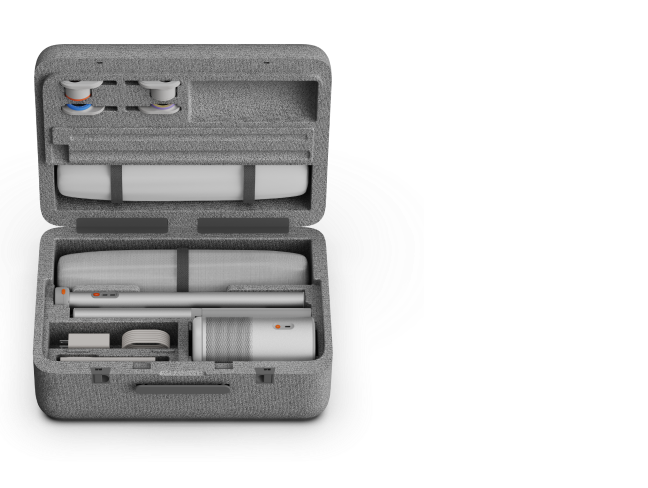
Outdoor durability matters, too. A compact size, protective carrying case, or built-in handle can make travel easier. Some models add limited resistance to splashes or accidental drops.
For example, BenQ rates the GS50 at IPX2 for splash protection and specifies drop resistance up to 2.3 feet. IPX2 addresses limited water exposure under test conditions; it doesn't make the projector waterproof or suitable for use in rain.
Always check the exact protection rating before using electronic equipment in outdoor settings. If rain or heavy moisture is expected, move the projector indoors.
Choose the Right Audio and Video Connections
A portable projector should have the connections needed for your actual devices.
An HDMI input is useful for a laptop, game console, or streaming player. Some models also include USB-A ports for supported media files or accessories. USB-C may provide charging, video input, or other functions depending on the specific projector.
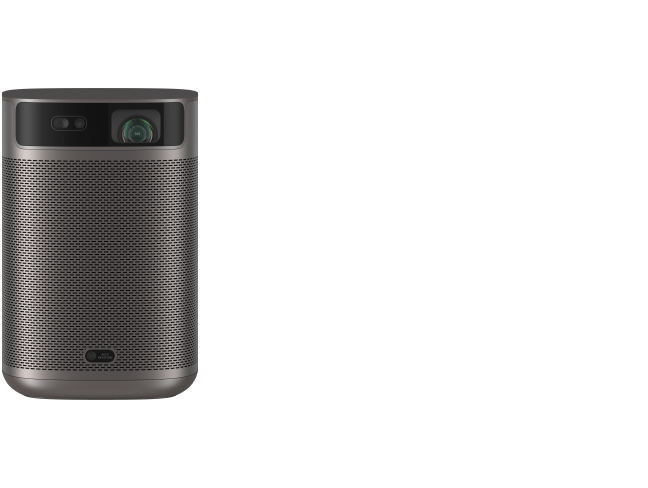
For example, the XGIMI MoGo 4 Laser includes HDMI, USB-A, and USB-C charging connectivity, Google TV, built-in speakers, and a documented battery-powered playback option.
For audio quality, start with the projector's built-in speakers. If dialogue is difficult to hear or you're hosting a larger outdoor gathering, a compatible external Bluetooth speaker may be more practical.
Test both picture and sound before guests arrive. Keep equipment protected from moisture unless its documented resistance rating covers the conditions.
XGIMI's outdoor movie-night setup checklist offers additional help with screen placement, power, and viewing conditions.
A portable Bluetooth projector is most convenient when each connection has a clear job: Wi-Fi or HDMI for video, Bluetooth for supported wireless audio, and the right power source for uninterrupted playback. Get those basics right, and you can spend less time adjusting settings and more time enjoying the movie.


