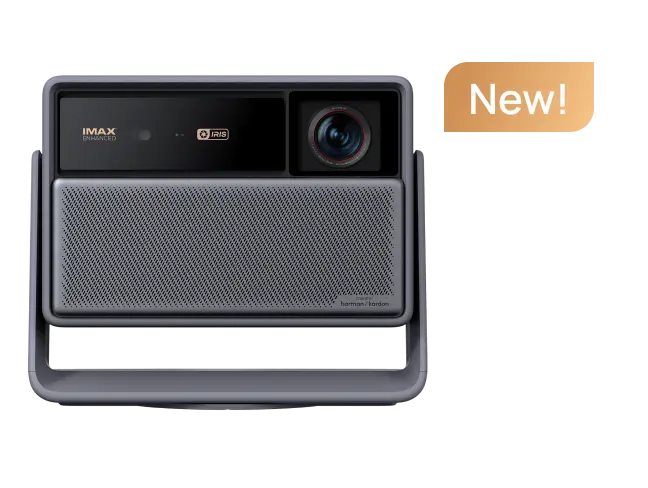
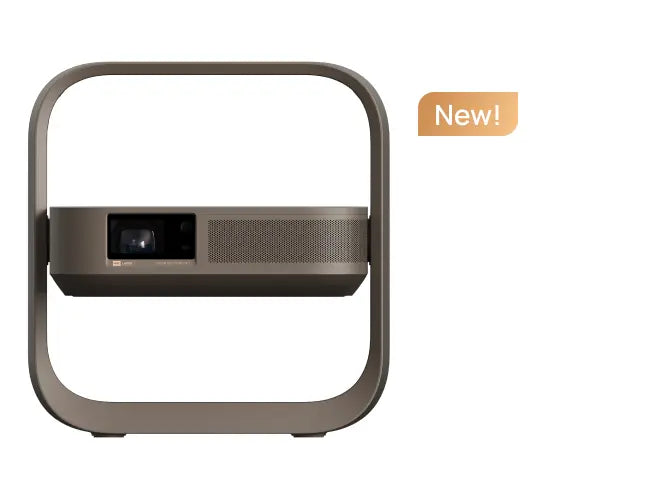
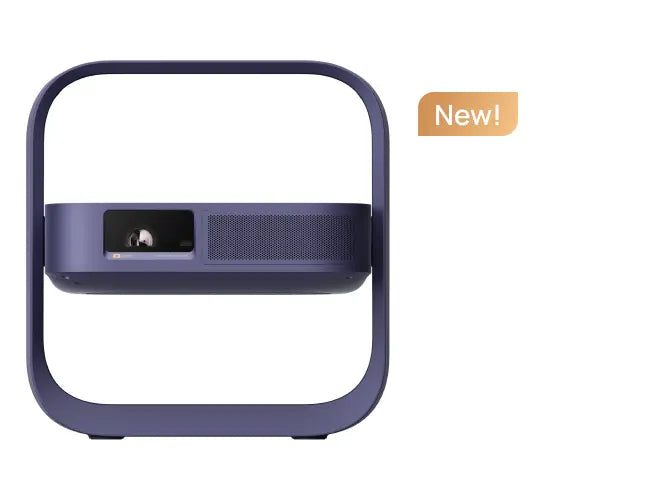
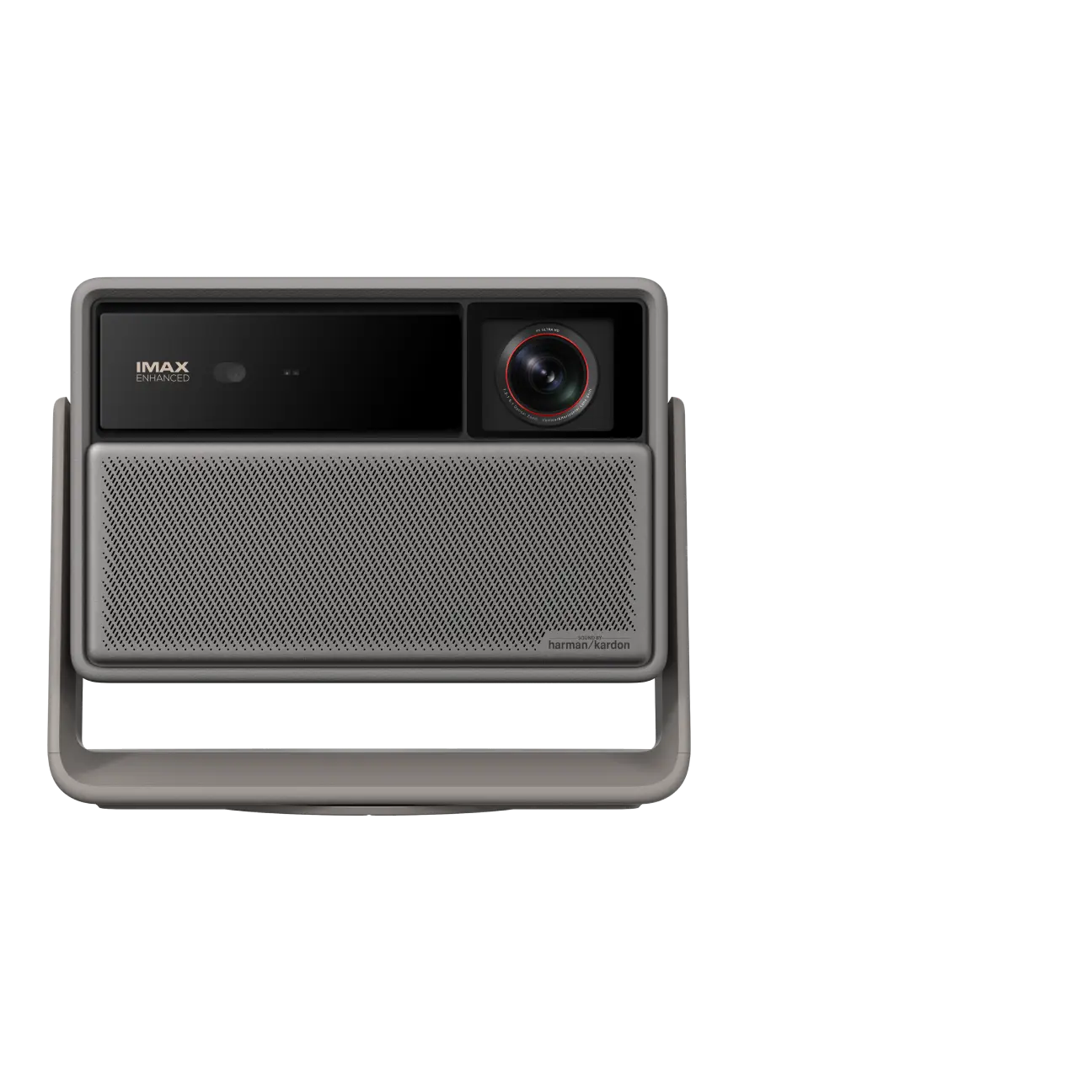
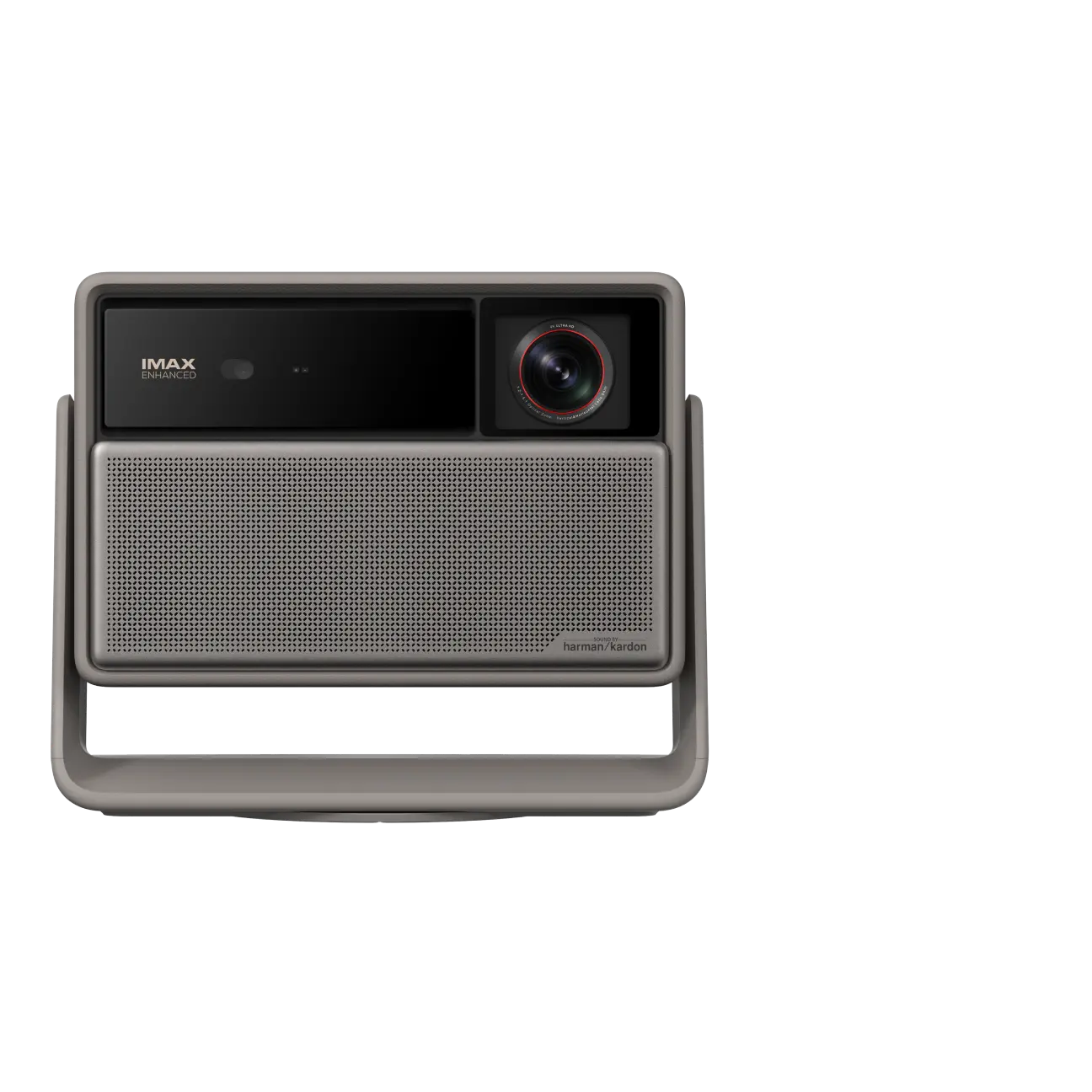
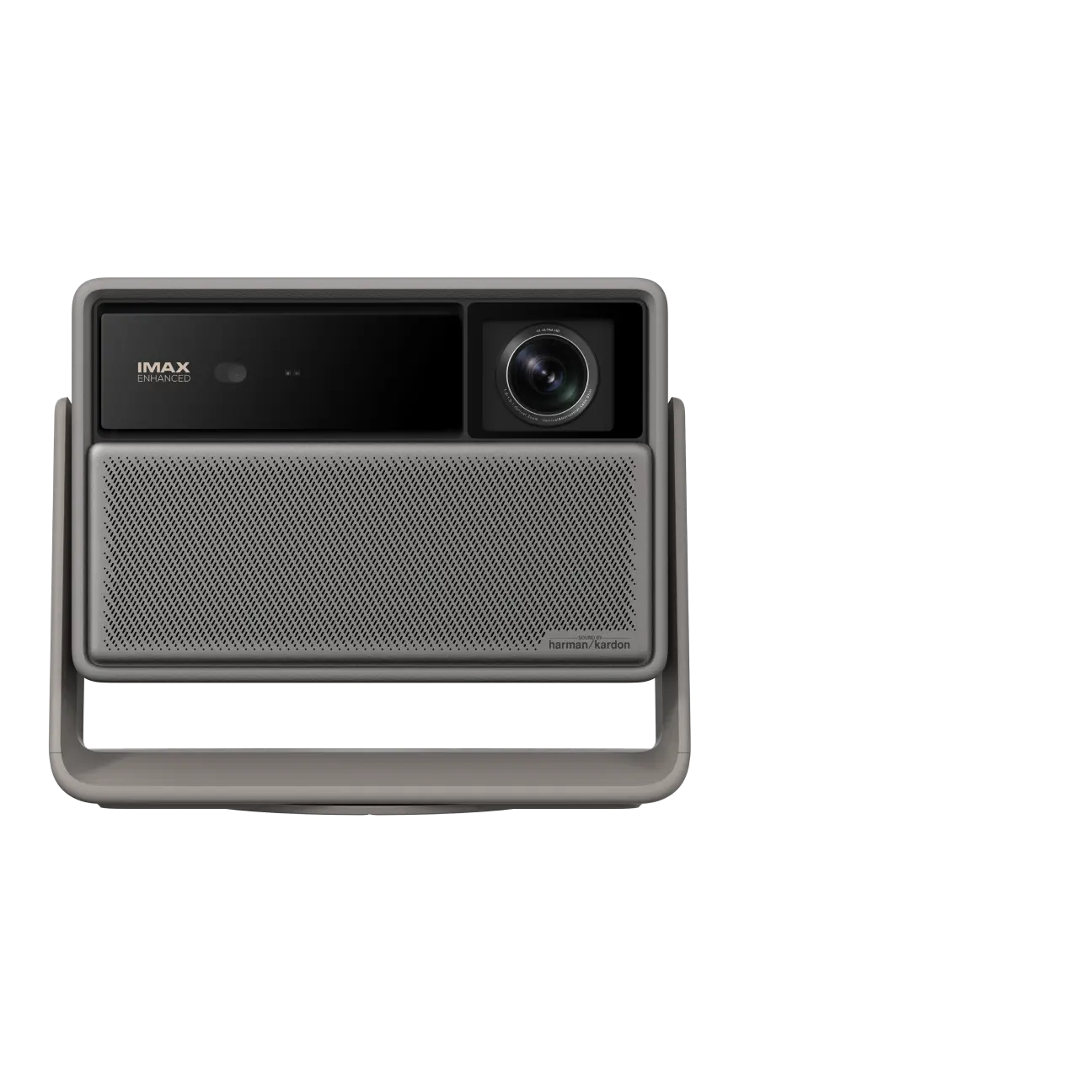
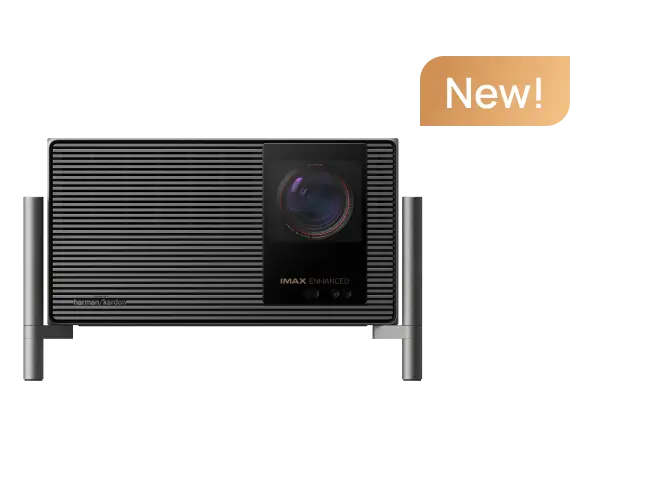
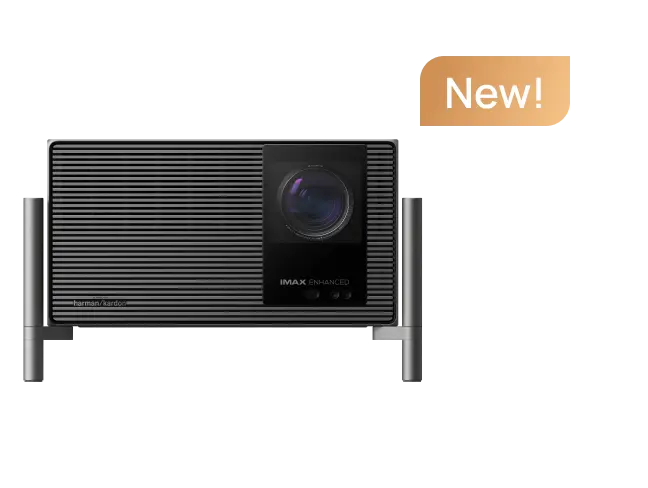
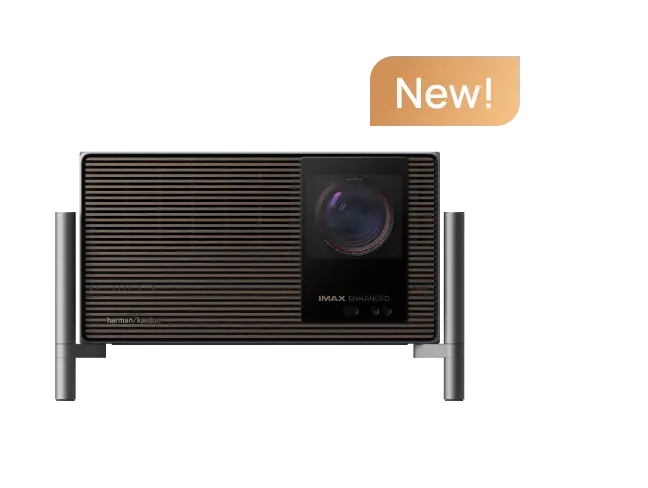
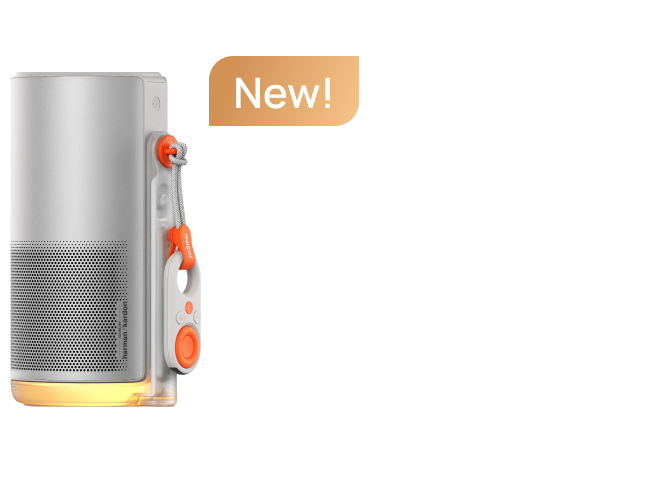
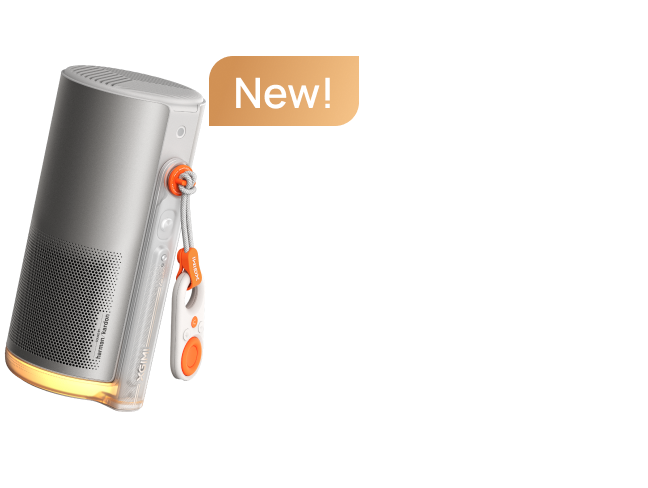
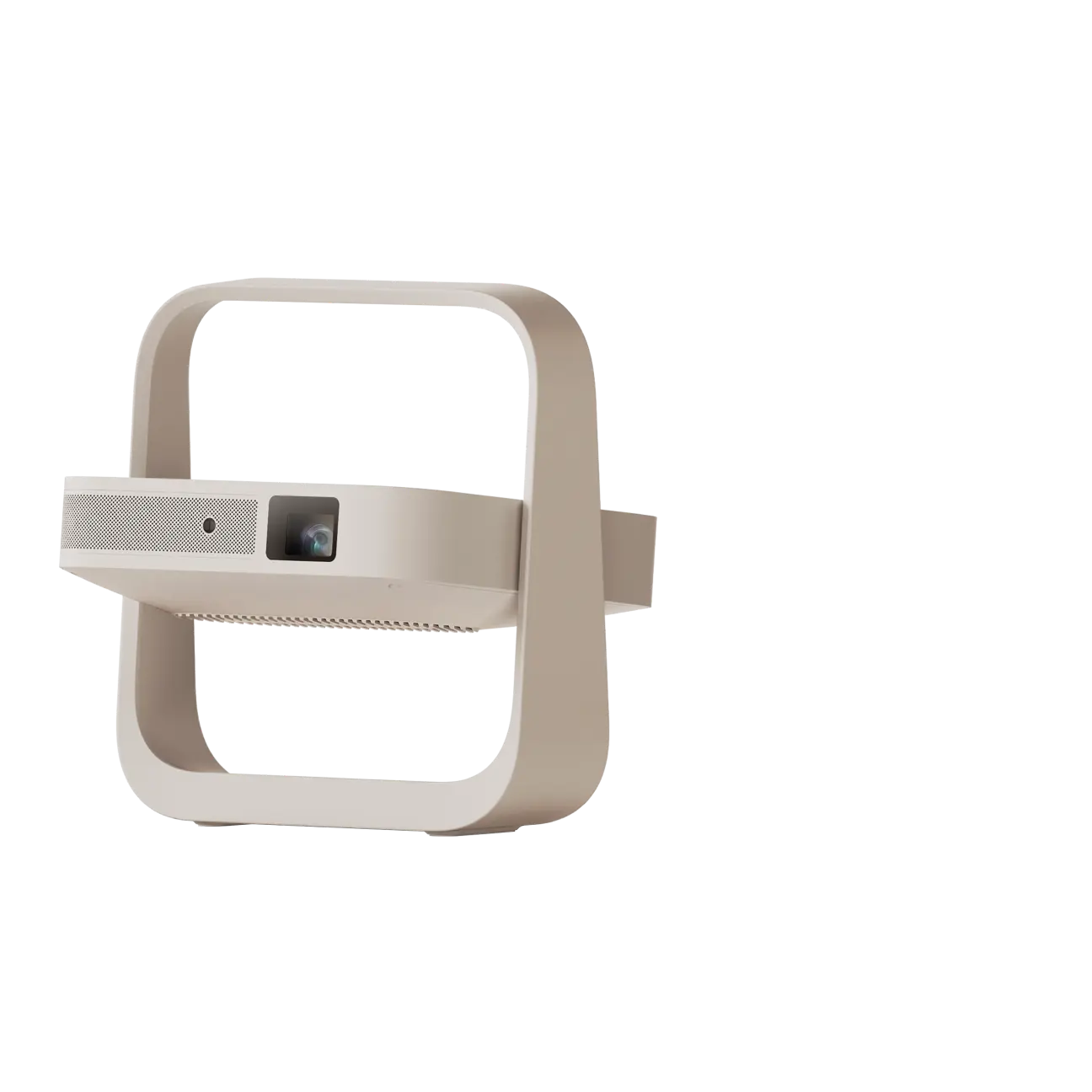
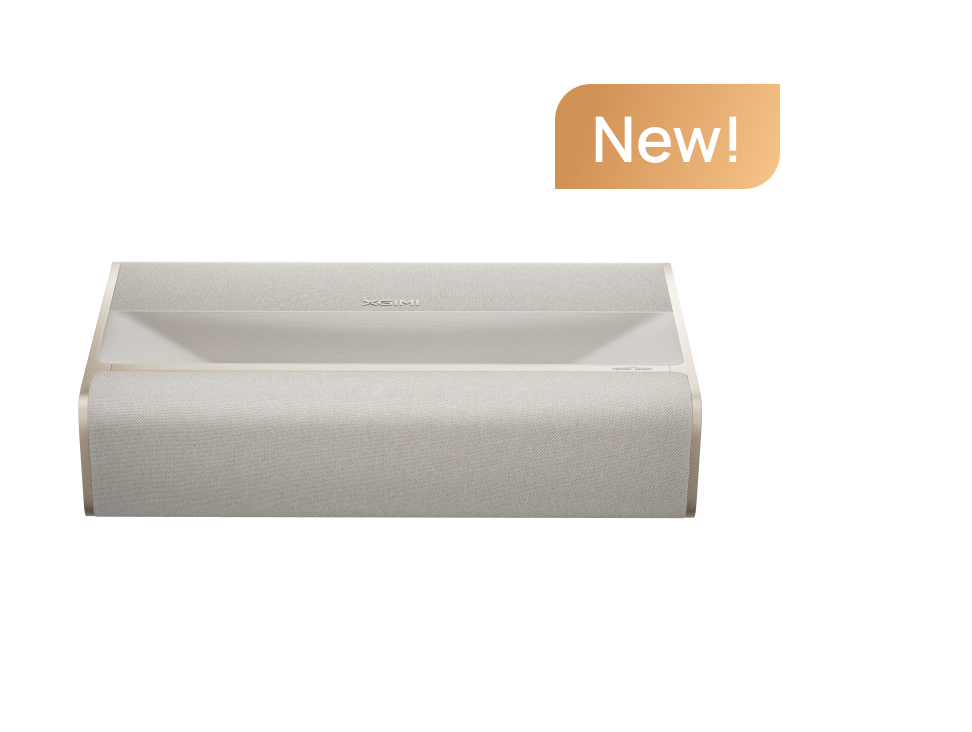
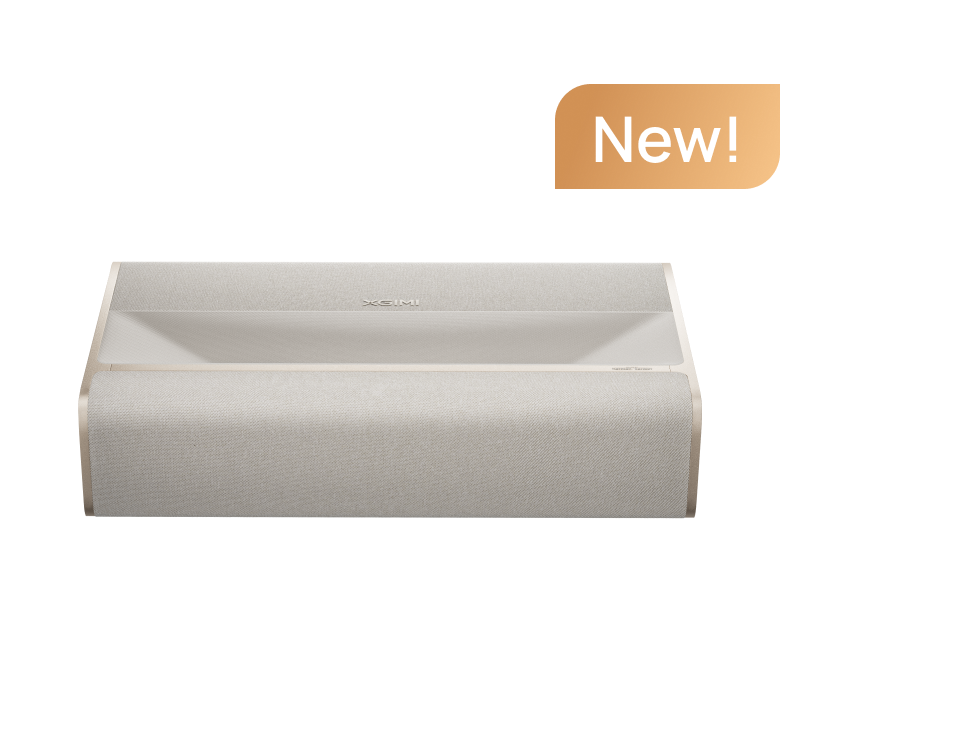
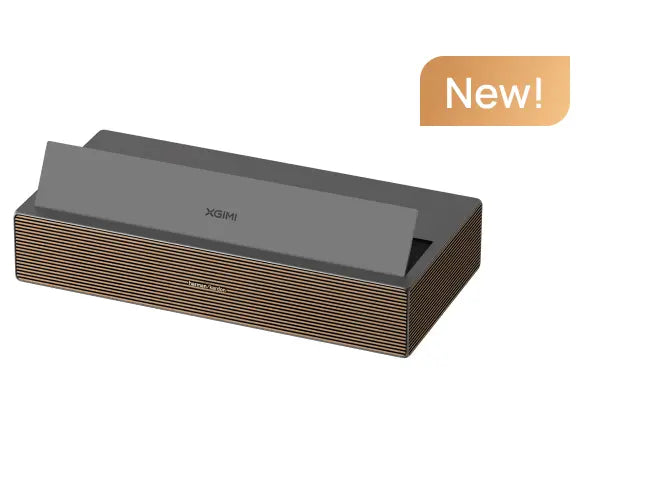
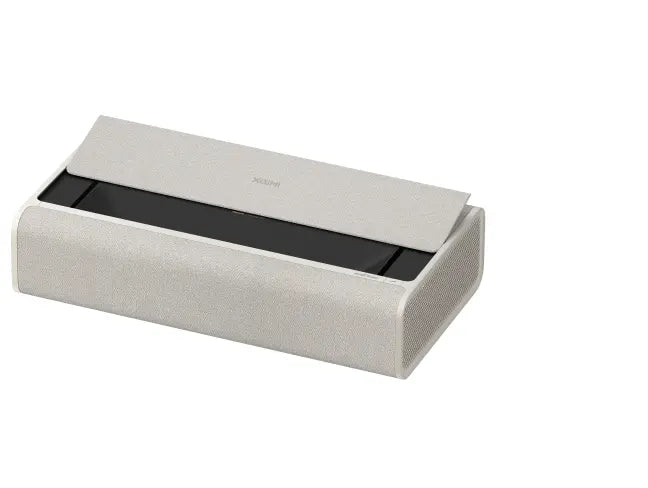
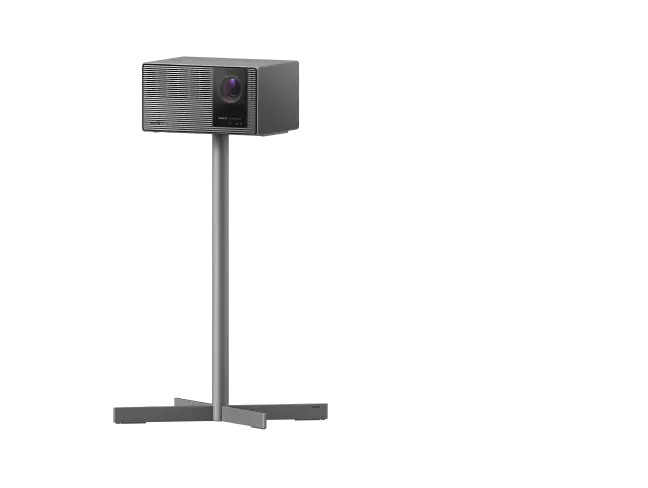
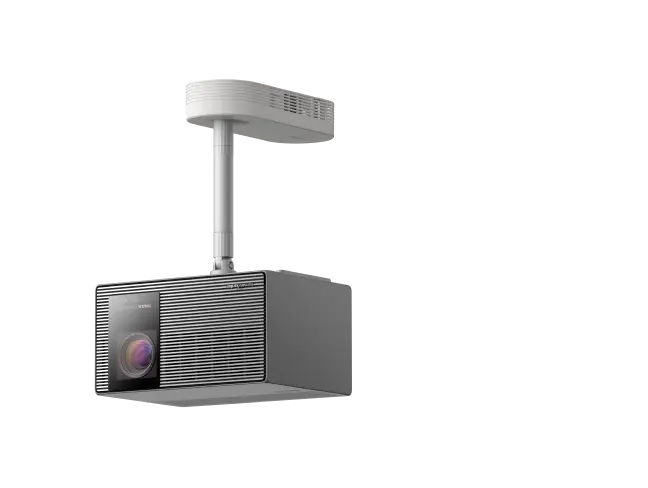
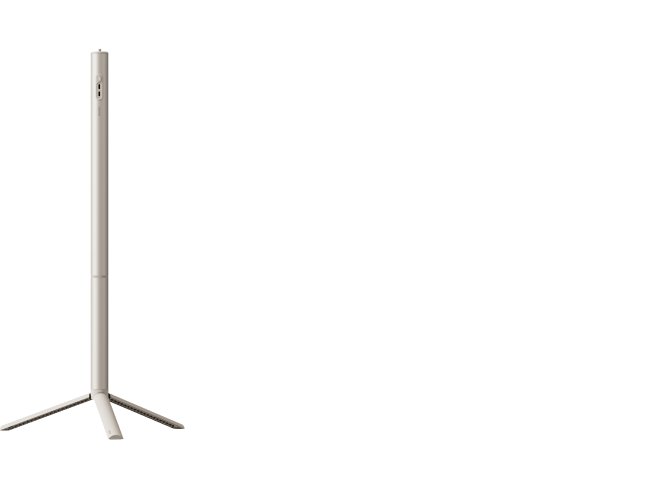
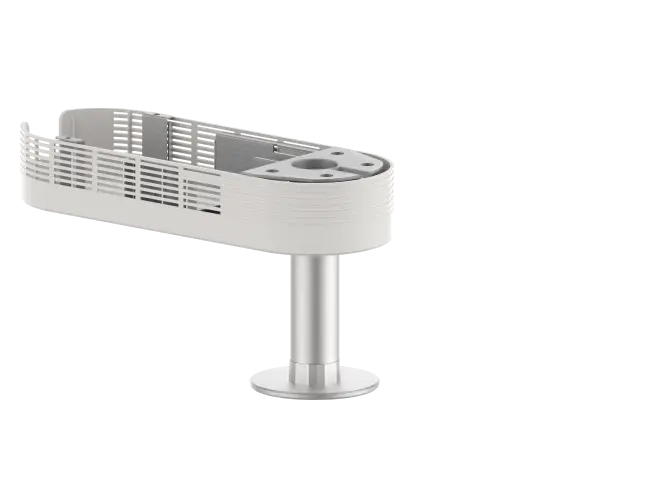
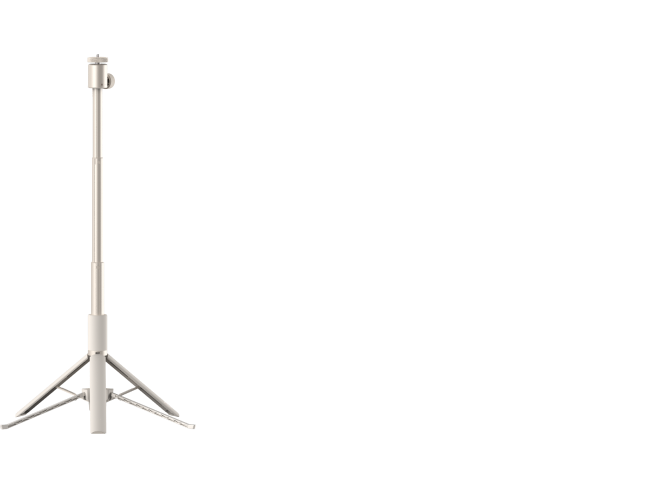


AURA 2 (New)
- Google TV with licensed Netflix: Just power on and instantly stream the latest blockbusters and trending shows on your AURA 2 (New) — no setup needed.
-
Dolby Vision & IMAX Enhanced* Certified: Experience the ultimate home cinema with Dolby Vision, IMAX Enhanced, Dolby Atmos and harman/kardon built-in speakers, transforming your living space into a premier theater with stunning visual and audio quality.
- Remarkable Visual Experience: Enjoy unparalleled brightness at 2300 ISO lumens and an astounding 1,000,000:1 contrast ratio for crisp, vibrant images driven by Dual Light 2.0.
- Advanced Intelligent Screen Adaption 5.0: Our advanced hardware and software module ensures seamless projector environmental adaptability, making setup effortless and optimizing usage for a perfect viewing experience every time.
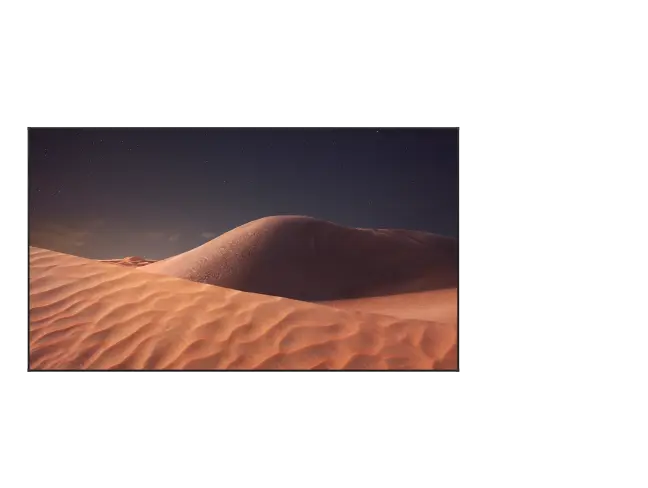
- Bring Art Home: With its elegant art design and exclusive Art Mode, this projector easily blends into any home decor, combining functionality with style.
- Ultimate Gaming Experience: Equipped with ultra-low 20 ms latency and MEMC technology, AURA 2 (New) provides smooth, lag-free gameplay, ensuring every action is captured accurately.
Same Stunning Display,
Now Powered by Google TV


Same Stunning Display, Now Powered by Google TV


Brighter, Clearer, More Vivid

26% Bigger Screen

Exclusive IMAX Experiences

Deeply Immersive Sound

See Your Content Come Alive

Elevate your viewing experience with our cutting-edge innovation.
Other UST Projectors

28%
2300 ISO Lumens 5
Other UST Projectors
45%
1,000,000:1
Dynamic Contrast Ratio 6
19%
99% DCI-P3 Color Gamut 7
AURA 2 (New)
Other UST Projectors
Rembrandt Portrait Engine
Light Up the Hero in Every Shot
· Skin Tone Correction
· Per-Unit Factory Color Calibration
· DCI-P3 Color Gamut Point Correction
· △E<1 Color Accuracy 4
· D65 Color Temperature Correction
AURA 2 (New)
Other UST Projectors
Unlock Visual Ease and Clarity
· Dual Light 2.0 Continuous Spectrum
· Cinema-Grade Image Quality Optimization Engine
· Intelligent Dynamic Noise Reduction
· No Scattered Sparkles or Color Edges


HDMI x 2, HDMI (eARC Supported) x 1
USB x 3
LAN x 1
OPTICAL x 1
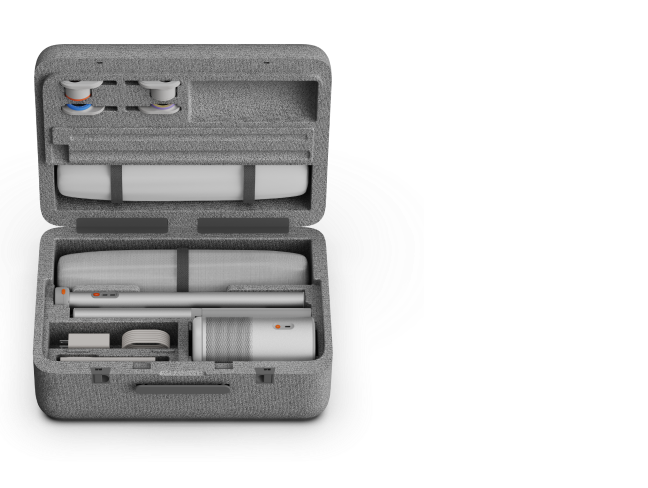
AAA Batteries × 2


FAQs About UST Projectors and XGIMI AURA 2 (New)
1. What is the best UST projector for home theater?
The best UST projector for home theater combines detailed picture quality, convincing black levels, accurate colors, and practical placement. XGIMI AURA 2 (New) is a strong option for big-screen home cinema in a light-controlled room, offering 4K output, Dolby Vision, IMAX Enhanced, and Dual Light 2.0 technology.
Contrast ratio affects how well a projector displays bright highlights alongside dark areas. AURA 2 (New) advertises a 1,000,000:1 dynamic contrast ratio, which should not be confused with native contrast. Higher native contrast generally helps prevent dark movie scenes from looking gray or washed out, but screen quality and ambient light also influence perceived black levels.
For the best movie experience, pair the projector with a flat, suitable screen and reduce unwanted light. This setup can create an immersive home theater for watching films with family or friends.
2. What should I look for when buying a UST projector?
Focus on picture quality, brightness, throw distance, screen compatibility, and total setup cost. The best projector is the one that fits your room and viewing habits, not necessarily the model with the highest specifications.
Most importantly, check these details before purchasing:
• Resolution and contrast: Look for genuine 4K display output, HDR support, and reliable black-level performance.
• Brightness: Higher brightness can improve visibility in well-lit rooms, but compare measurements using the same standard.
• Screen size: AURA 2 (New) specifies 90–150 inches, while XGIMI recommends 90–130 inches for the best viewing experience.
• Placement: Its 0.177:1 throw ratio allows a large image from a short distance, but precise alignment is still required.
• Software: Verify the exact model generation. AURA 2 (New), model WM18P, uses Google TV, unlike the earlier AURA 2.
DLP technology is common in compact projection systems because it can produce sharp images with relatively small imaging hardware. AURA 2 (New) uses a 0.47-inch DMD chip.
3. Are ultra short throw projectors worth it?
Yes, ultra short throw projectors are worth considering if you want a big screen without placing a projector across the room.
Unlike traditional projectors, UST models can project large images from very short distances. This makes them practical for living rooms, apartments, and other spaces with limited depth. AURA 2 (New) can sit near the wall, eliminating the need for a conventional rear-of-room or ceiling-mounted installation.
Laser-based light sources also typically offer a longer service life than traditional replaceable projector lamps, although brightness can gradually decline with use.
However, UST projectors have limitations. Their placement range is relatively restricted, accurate alignment matters, and an appropriate screen may add significant cost. If your room receives strong daylight or you prefer a simple plug-and-play display, a large TV may be the better option.
4. What is the best 4K ultra short throw projector?
The best 4K ultra short throw projector should balance resolution, HDR performance, contrast, color reproduction, and installation flexibility. XGIMI AURA 2 (New) delivers 3840 × 2160 display output through DLP technology, alongside Dolby Vision, HDR10, and HLG support.
Its Dual Light 2.0 light engine combines wide• and narrow-spectrum illumination. Although RGB triple-laser projectors are known for vivid colors and wide color gamuts, AURA 2 (New) should not be described as an RGB triple-laser model. XGIMI specifies 99% DCI-P3 color-gamut coverage under its stated laboratory conditions.
These differences matter when choosing a display for a compact home cinema. AURA 2 (New) supports up to 150 inches, although XGIMI recommends 90–130 inches for optimal viewing.
5. What is the best UST projector for a bright living room?
A good UST projector for a bright living room needs sufficient brightness, a compatible ambient-light-rejecting screen, and some control over room lighting.
XGIMI AURA 2 (New) is rated at 2,300 ISO lumens, measured under ideal laboratory conditions in Performance or High Power Mode. This mode provides maximum brightness but may increase fan noise and affect color appearance compared with normal viewing modes.
For better daytime results, use a UST-compatible ALR or CLR screen, reduce direct sunlight, and avoid placing ceiling lights directly above the viewing surface. A smaller image can also appear brighter than a larger one using the same projector.
Even with an ALR screen, direct sunlight can wash out dark details. Read XGIMI's guide to ALR screens and bright-room projection to understand the benefits and limitations before creating your setup.
6. What is the best UST projector for the money?
The best UST projector for the money should deliver useful features without requiring too many additional purchases.
AURA 2 (New) combines 4K output, Dolby Vision, Google TV with licensed Netflix, and four 15W Harman/Kardon speakers. Its integrated audio system can provide sufficient sound for casual movie watching, while HDMI eARC supports an external sound system if you want a more immersive experience.
7. Should I buy a UST projector or a 100-inch TV?
Choose a UST projector if your priority is a cinematic image that can extend beyond 100 inches. Choose a 100-inch TV if you want stronger daytime visibility, deeper blacks in ordinary lighting, and simpler everyday operation.
A large TV panel generally maintains better perceived contrast under ambient light. A UST projector, however, offers greater flexibility in screen size without requiring an equally large permanent television panel.
AURA 2 (New) can create images within its specified 90–150-inch range, with 90–130 inches recommended for the best viewing experience. That makes it an appealing alternative when a 100-inch TV still feels too small.
The key idea is to compare your desired image size, room conditions, and total cost. For a detailed breakdown, read XGIMI's projector vs. TV comparison.
8. Can an ultra short throw projector replace a regular TV?
Yes, an ultra short throw projector can replace a regular TV if your home environment supports projection and you are comfortable managing room lighting.
AURA 2 (New) includes Google TV and officially licensed Netflix, making it convenient to watch movies and shows without adding a streaming stick. You can browse compatible apps, sign in to the required accounts, and play content directly from the device. Streaming subscriptions and internet access may still be required.
Its built-in Harman/Kardon speakers support everyday viewing, and HDMI connections allow you to connect external entertainment devices. The projector also offers a claimed latency as low as 20 ms with automatic keystone correction disabled, although gaming performance depends on the operating mode.
If you mainly watch during daylight, a TV may remain more practical. For nighttime movies, streaming, and big-screen entertainment, AURA 2 (New) can be a compelling alternative. Learn more in XGIMI's Google TV and streaming-app guide.
9. Do I need an ALR screen for a UST projector?
An ALR screen is not strictly required, but a UST-compatible ALR or CLR screen is highly recommended for living rooms with ambient light.
These specialized screens reject unwanted light from particular directions while accepting the steep upward projection angle of a UST projector. They can improve perceived contrast and visibility, especially when overhead lighting is present.
Screen selection matters because ordinary ALR screens designed for standard-throw projectors may reject part of the UST projector's own light. A flat, rigid or properly tensioned surface is also important to avoid image distortion.
AURA 2 (New) is compatible with the separately sold XGIMI 100-inch UST ALR Screen, although its current product listing indicates that the accessory is unavailable. For a clearer explanation of screen types and viewing-angle trade-offs, see the ALR vs. CLR screen buying guide.
10. Can I use a UST projector on a regular white wall?
Yes, you can project onto a regular white wall, but the result may be less consistent than using a dedicated screen.
Ultra short throw projectors send light toward the wall at a steep angle, which can make small surface issues, bumps, and uneven areas more visible. A smooth, neutral-colored, flat painted wall is a better choice than textured paint, wallpaper, or decorative surfaces.
AURA 2 (New) includes Wall Flatness Adaptation and Wall Color Adaptation to help adjust the projected picture. Flatness adaptation uses a phone-assisted setup process and is intended for regular painted surfaces. Color adaptation can compensate for some wall-color differences when enabled, although results depend on the surface and lighting.
These features are useful, but they cannot completely eliminate physical wall imperfections. If you want consistently sharp images and reliable black levels, a suitable projection screen remains the better choice.
11. How far does a UST projector need to be from the wall?
A UST projector can create a large image from just inches away, but the required distance depends on the exact model, screen size, and measurement point.
For AURA 2 (New), XGIMI advertises a 100-inch image from approximately 7 inches (17.8 cm) away from the wall, using its 0.177:1 ultra-short throw design.
This published example should not be confused with the complete installation footprint. Projector depth, rear clearance, cabinet height, screen-bottom position, and ventilation space must all be considered. AURA 2 (New) itself measures 270 mm, or approximately 10.6 inches, from front to back.
Also distinguish the optical lens-to-screen distance from the space between the rear of the projector and the wall. These are different measurements, and neither alone determines the required cabinet dimensions.
For other screen sizes, use XGIMI's projection distance calculator as an initial planning tool. Confirm the exact installation measurements before fixing a cabinet or screen in place, particularly if you plan to project an image larger than 100 inches.

$20
OFF
$15
OFF