
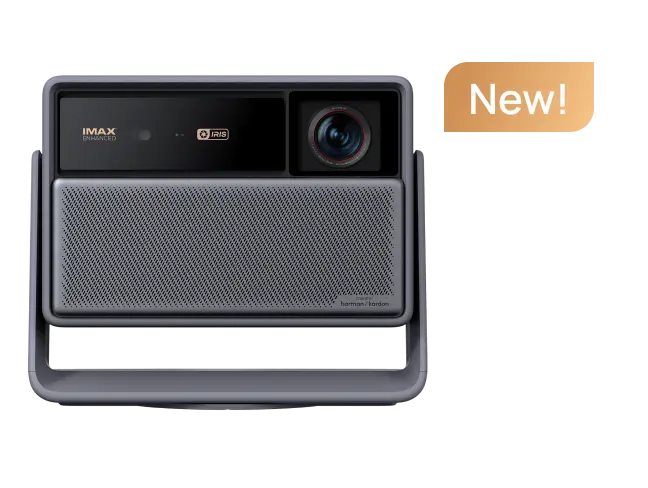
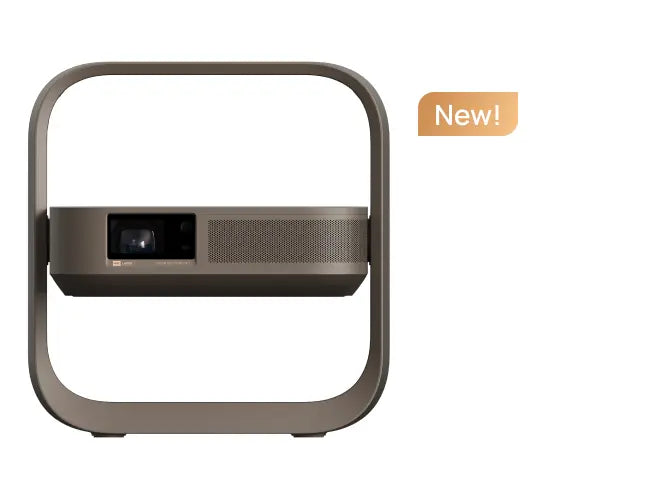
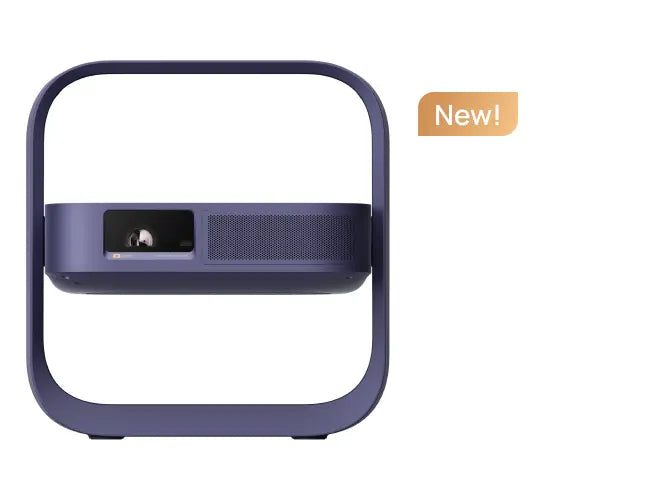
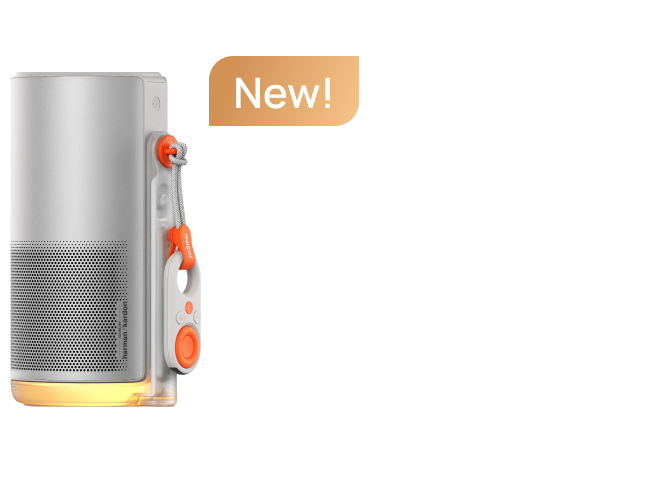
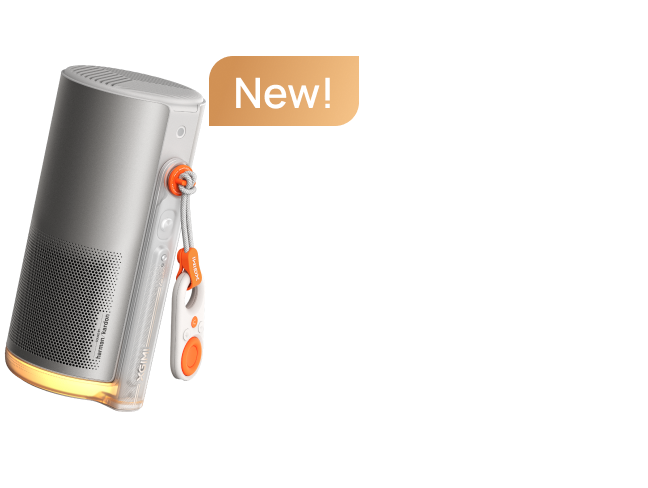
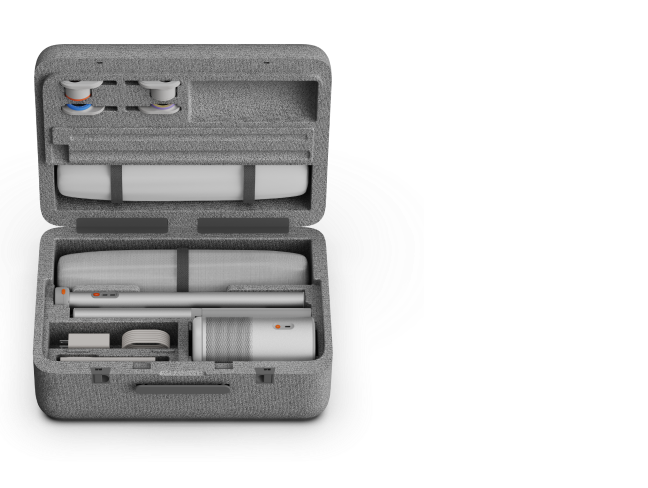
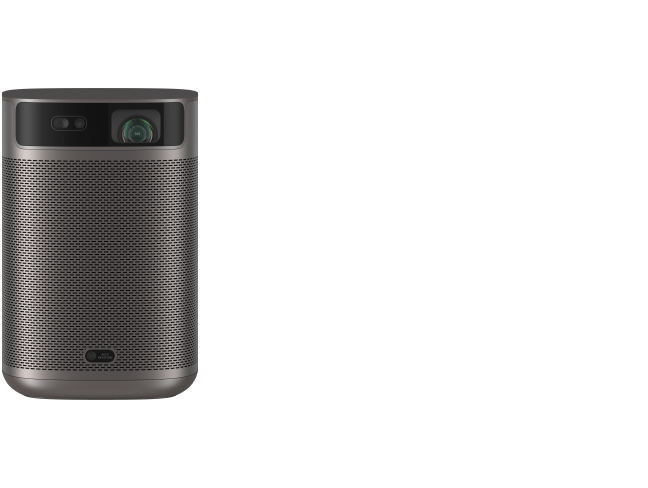
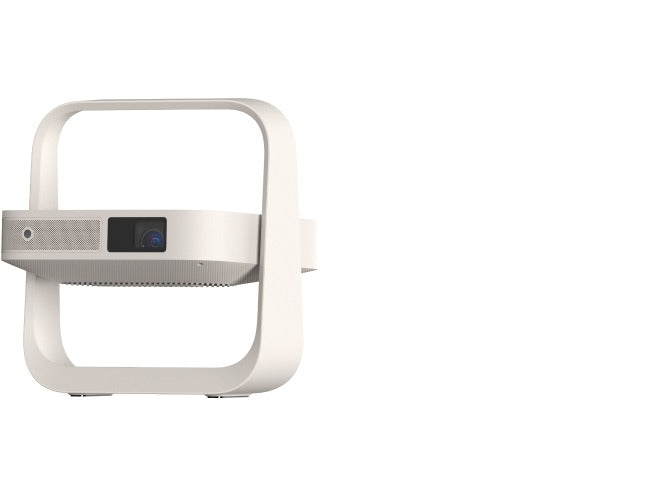



A 4K projector can deliver a movie theater experience with an image well over 100 inches, while a 4K TV generally offers better performance in bright rooms and simpler everyday viewing. Neither guarantees better image quality in every situation. When comparing a 4K projector vs. a 4K TV, consider your room lighting, desired screen size, gaming needs, streaming preferences, and total budget. The best display is the one that fits how you actually use your home entertainment space.
4K Projector vs. 4K TV: A Quick Comparison
| Feature | 4K Projector | 4K TV |
| Bright-room viewing | Sensitive to ambient light | Generally better for daytime viewing |
| Screen size | Flexible, potentially 100 inches or larger | Limited to the physical panel |
| Picture quality | Depends on brightness, contrast, optics, and screen | Depends on panel technology, contrast, and processing |
| Installation | Requires suitable placement and a projection surface | Usually simpler |
| Streaming | Built-in apps or an external streaming device, depending on the model | Commonly includes built-in streaming apps |
| Gaming | Depends on input lag, refresh rate, and supported features | Depends on panel performance and gaming features |
| Overall cost | May require a screen, mount, and additional equipment | Often requires fewer accessories |
1. Picture Quality Depends on More Than Resolution
Both 4K projectors and 4K TVs can display 4K Ultra High Definition (UHD) content at 3840 × 2160 pixels. However, resolution alone doesn't determine picture quality. Contrast ratio, black levels, shadow detail, color accuracy, HDR processing, optics, and motion performance all contribute to the final image.
A well-designed 4K laser projector can produce crisp detail and an immersive big-screen experience. A TV may deliver better overall picture quality in a bright living room, particularly when deep blacks and intense highlights matter most. Overall picture refinement depends on the entire imaging system, not just its resolution or light source.
Brightness, Contrast, and HDR
Projectors reflect light from a screen or wall, so daylight and room lighting can wash out the image. This reduces perceived contrast and makes dark scenes appear gray. TVs generally maintain a brighter, more consistent picture in sunlit rooms, although reflections and glare can still affect them.
Projector brightness is commonly specified in ANSI or ISO lumens, depending on the manufacturer's measurement standard. TV brightness is usually measured in nits. These units describe different aspects of display output and shouldn't be compared through a simple numerical conversion.
The brightness you need depends on screen size, ambient light, screen material, and viewing expectations. A projector rated at 2,200 ANSI lumens might suit a moderate-sized image in a controlled-light room, but it isn't a universal threshold. Larger screens generally need more light output to maintain comparable perceived brightness, and even the brightest projectors cannot fully overcome direct sunlight.
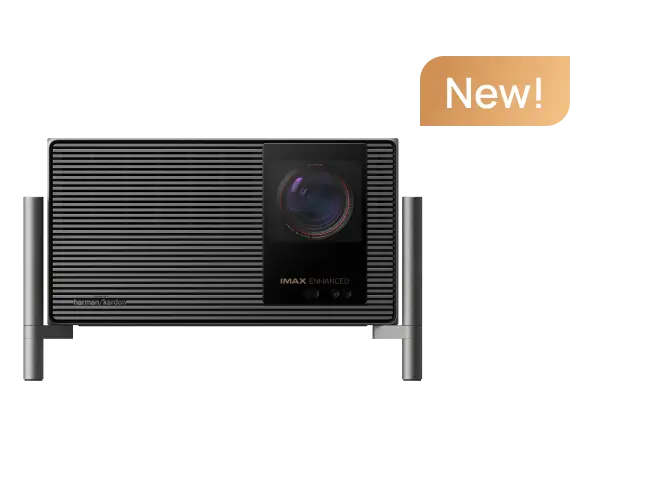
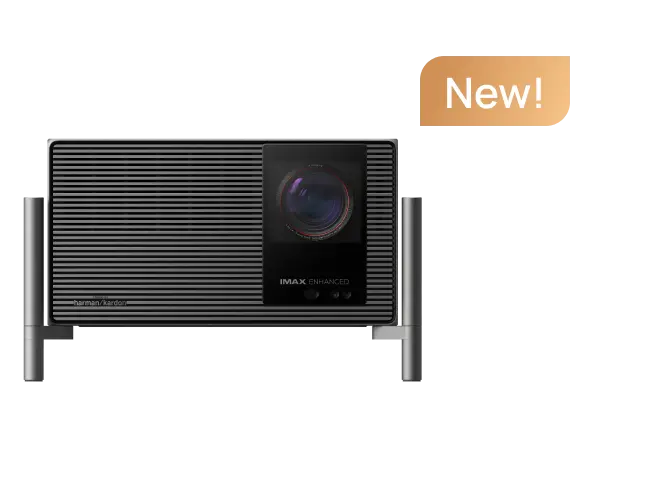
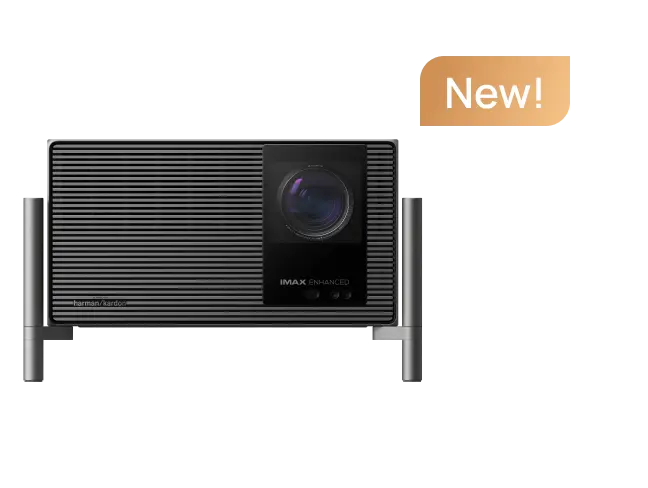
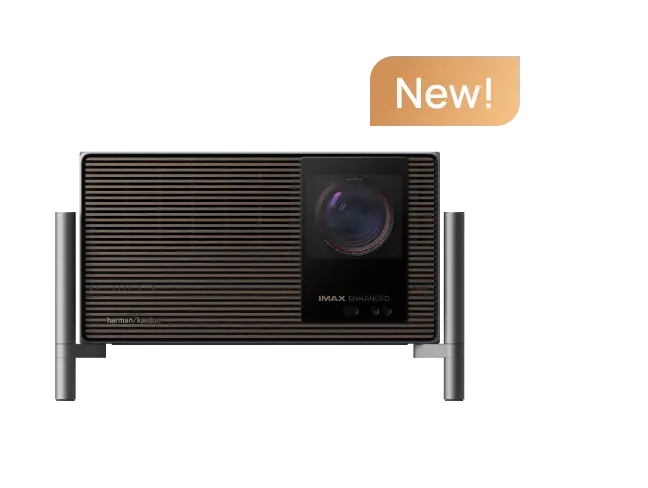
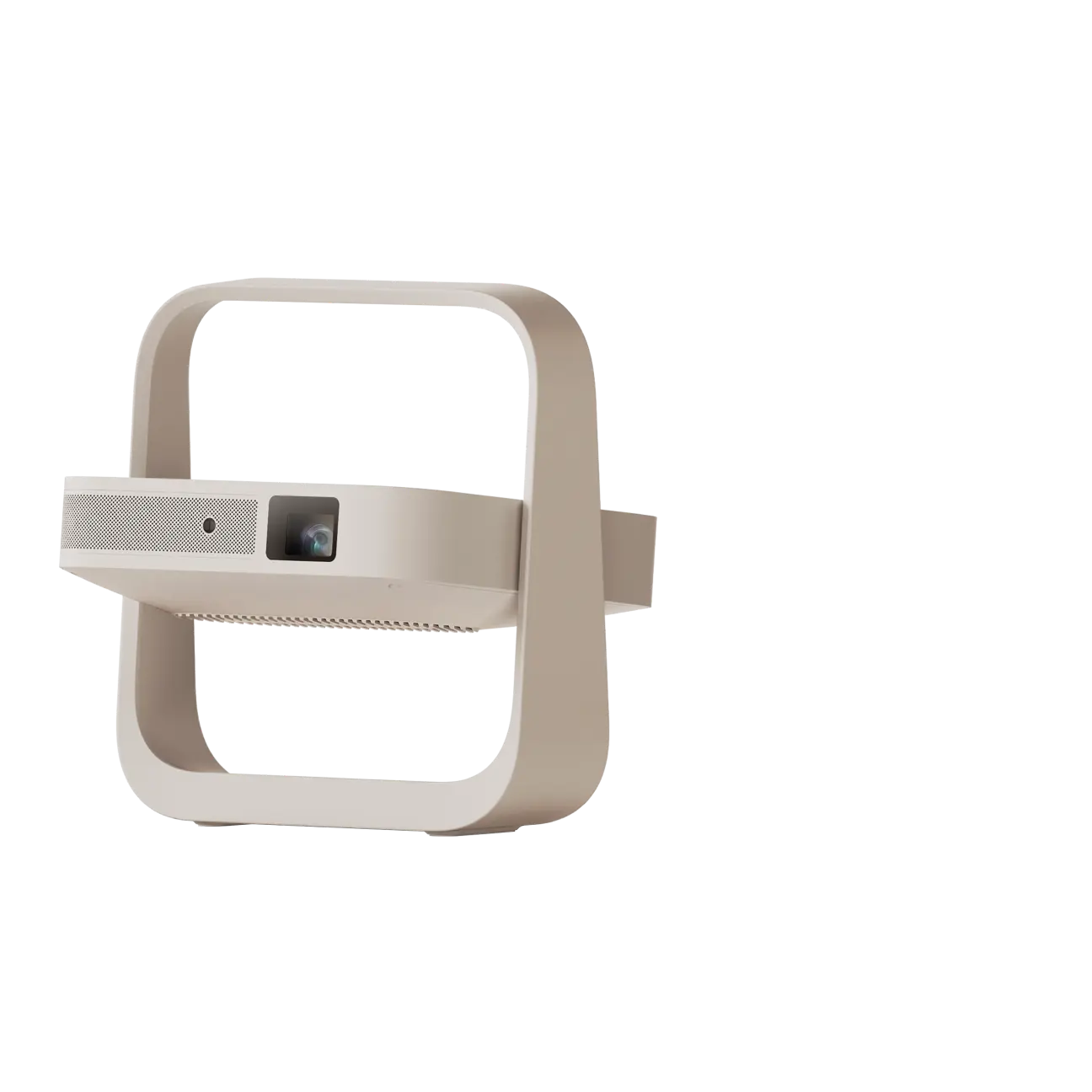
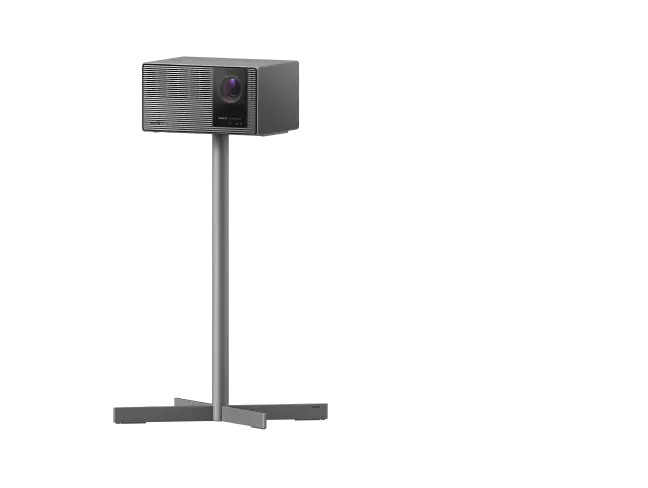
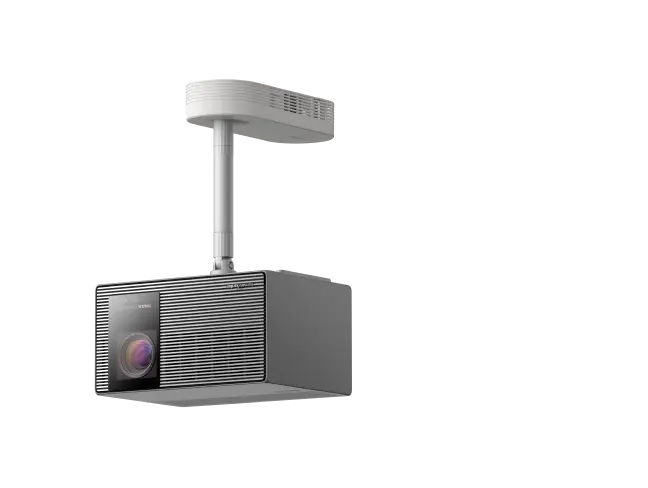
For example, the XGIMI HORIZON 20 Max is rated at 5,700 ISO lumens and supports HDR10+, Dolby Vision, and IMAX Enhanced. It also offers lens shift and optical zoom for more flexible placement. These features can help create a detailed image on a large screen, but they don't eliminate the effects of ambient light.
article_product1
Contrast matters just as much as brightness. Native contrast describes the difference between bright and dark image output under specified conditions. Dynamic contrast uses techniques that adjust light output according to the scene or operating conditions. A high dynamic contrast figure shouldn't be treated as equivalent to high native contrast.
HDR support can improve bright scenes, shadow detail, and color when the content and display support the same format. However, accepting HDR video doesn't guarantee TV-level peak brightness. For film fans watching in a properly darkened room, projection can be particularly rewarding. For daytime television and sports, a TV is often more practical.
For additional guidance, read XGIMI's projector brightness guide.
Native 4K, Pixel Shifting, and Light Sources
Many projectors use digital light processing (DLP), which creates images using microscopic mirrors on an imaging chip. Some DLP models use pixel shifting to display 4K-level detail from an imaging chip with fewer physical pixels.
Pixel-shifted 4K isn't automatically inferior to native 4K. The visible difference depends on screen size, viewing distance, lens quality, focus, and video processing. When comparing projector specs, distinguish the imaging chip's native resolution from the displayed image resolution.
Laser and LED light sources can offer long rated operating lives, and some laser models provide high brightness and wide color gamuts. However, laser projectors aren't universally brighter, more energy-efficient, or more color-accurate than every lamp-based or LED model. Performance varies by product and operating conditions.
Some solid-state light sources are rated for around 20,000 hours or more, but that doesn't mean they maintain their original brightness indefinitely. Light output can decline over time, and the light-source rating isn't a guarantee of the complete projector's lifespan.
2. Screen Size and Projector Setup
Screen size is one of projection's biggest advantages. Depending on the model, a projector can create images ranging from around 100 inches to 200 inches or more, with some supporting sizes up to 300 inches. These are model-specific capabilities, not universal recommendations. As an image grows, the available light spreads across a larger surface, potentially reducing perceived brightness and fine detail.
Measure your wall space, seating distance, and available throw distance before buying. A suitable screen can improve surface uniformity, color accuracy, and perceived sharpness compared with an uneven wall.
A projector setup also needs space for ventilation, power cables, and alignment. Some compact models can sit on a coffee table, while others are designed for permanent installation. Portable projectors offer flexibility, but portability doesn't automatically mean 4K resolution or battery-powered operation.
A retractable screen can help keep the display out of sight when it's not in use, creating a cleaner room aesthetic than a permanently visible large TV. However, the projector itself may still need a suitable storage location.

Standard Throw vs. Ultra-Short Throw
A standard-throw projector needs sufficient distance between its lens and the screen. A short-throw projector can create a large image from closer to the screen, while an ultra-short-throw (UST) projector sits very close to the wall or screen.
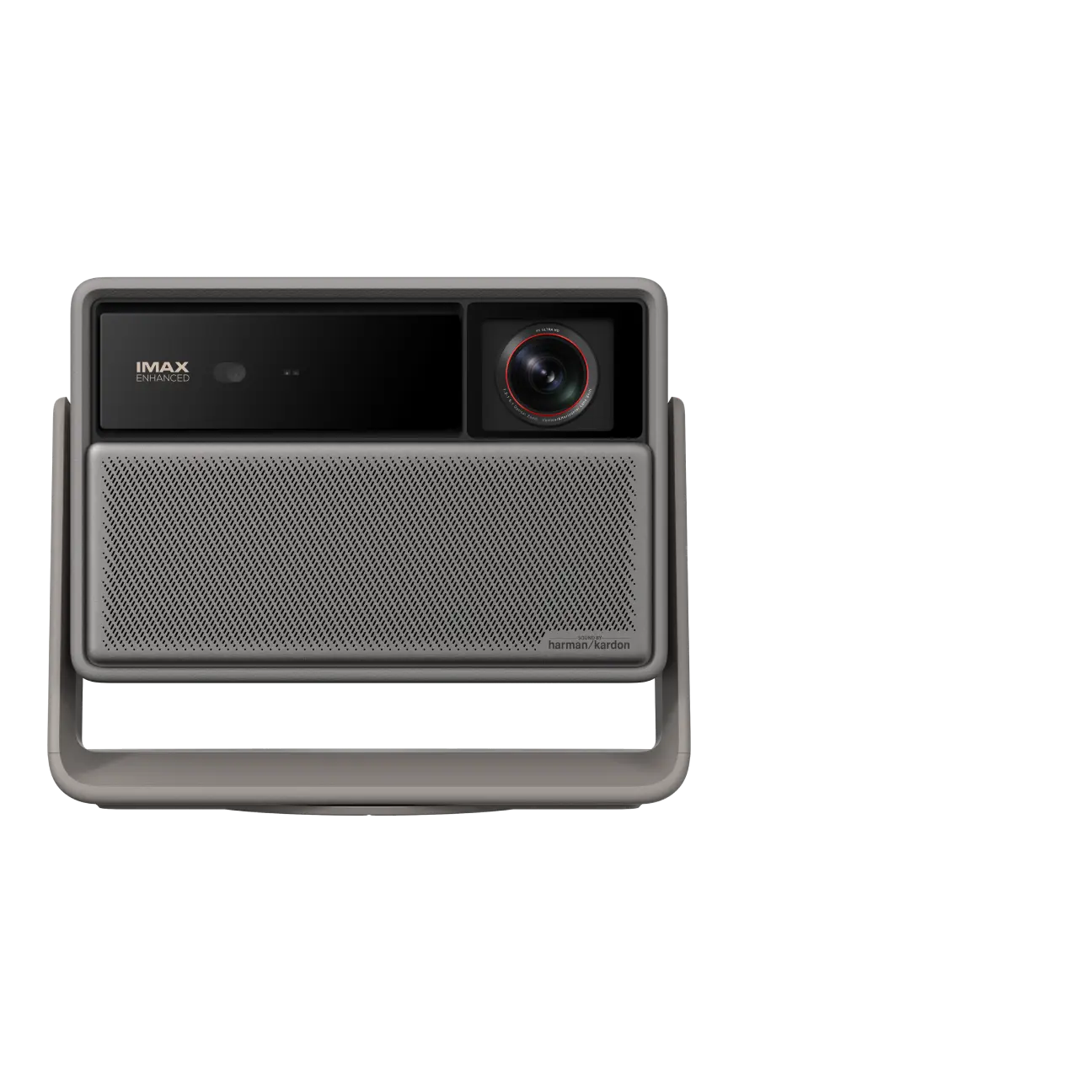
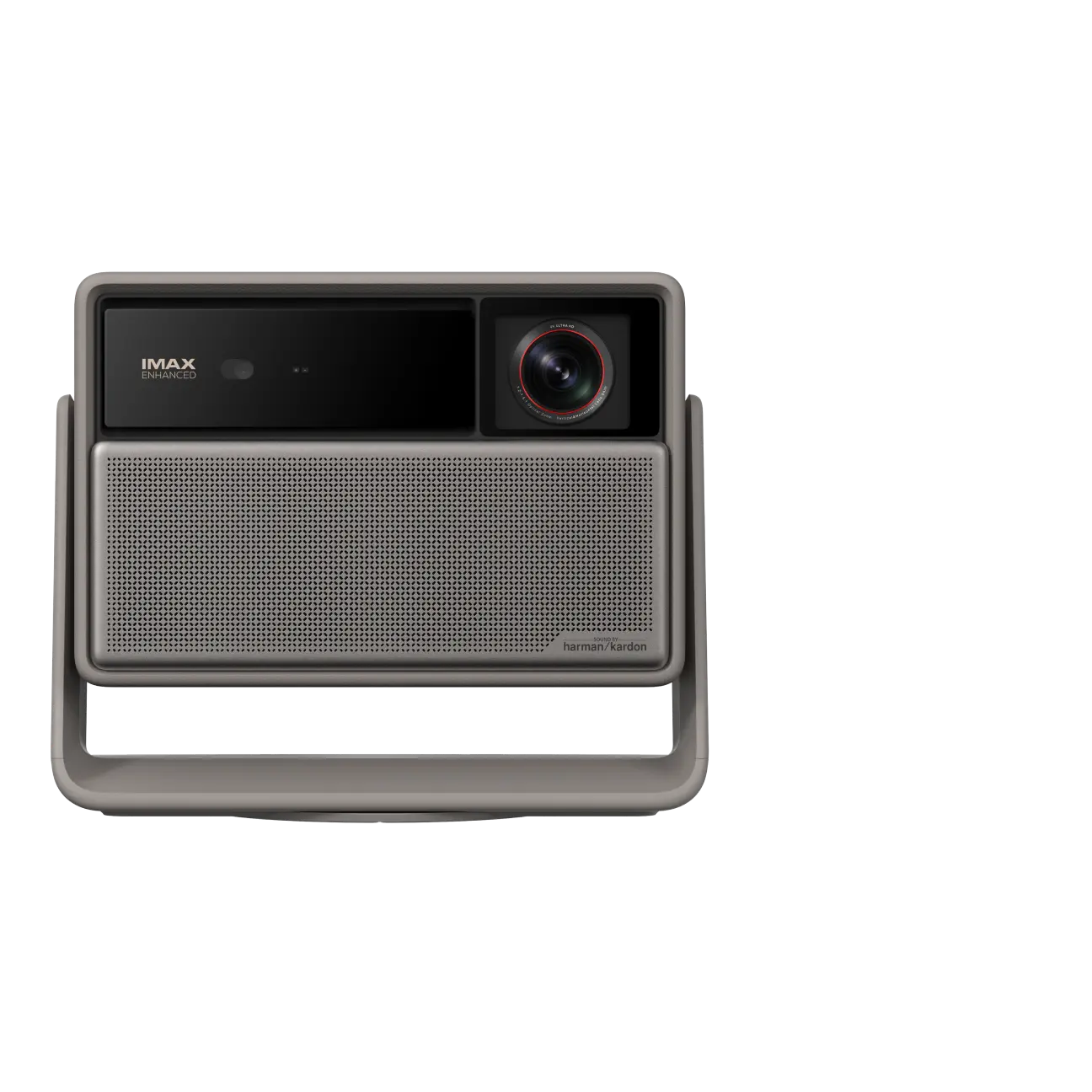
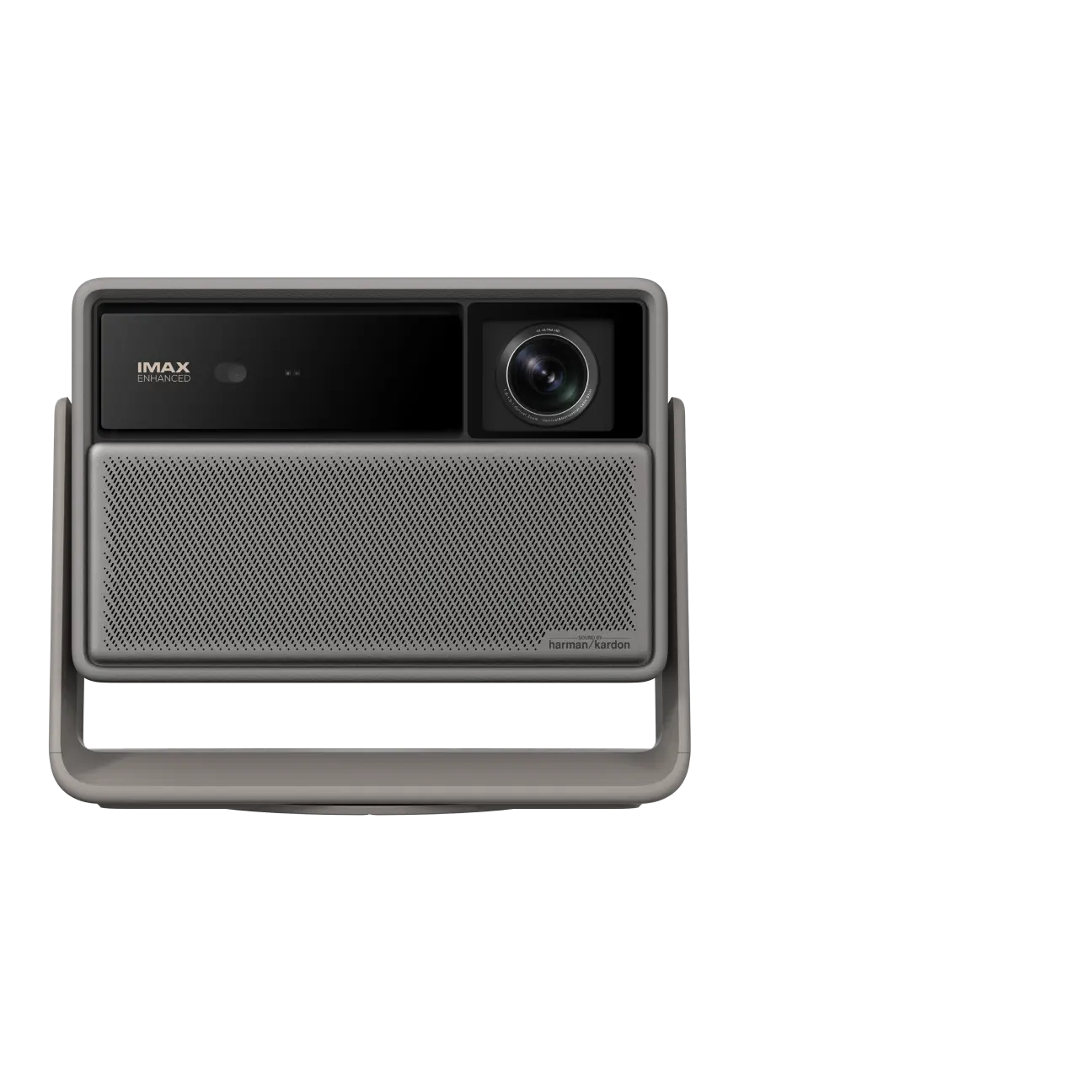
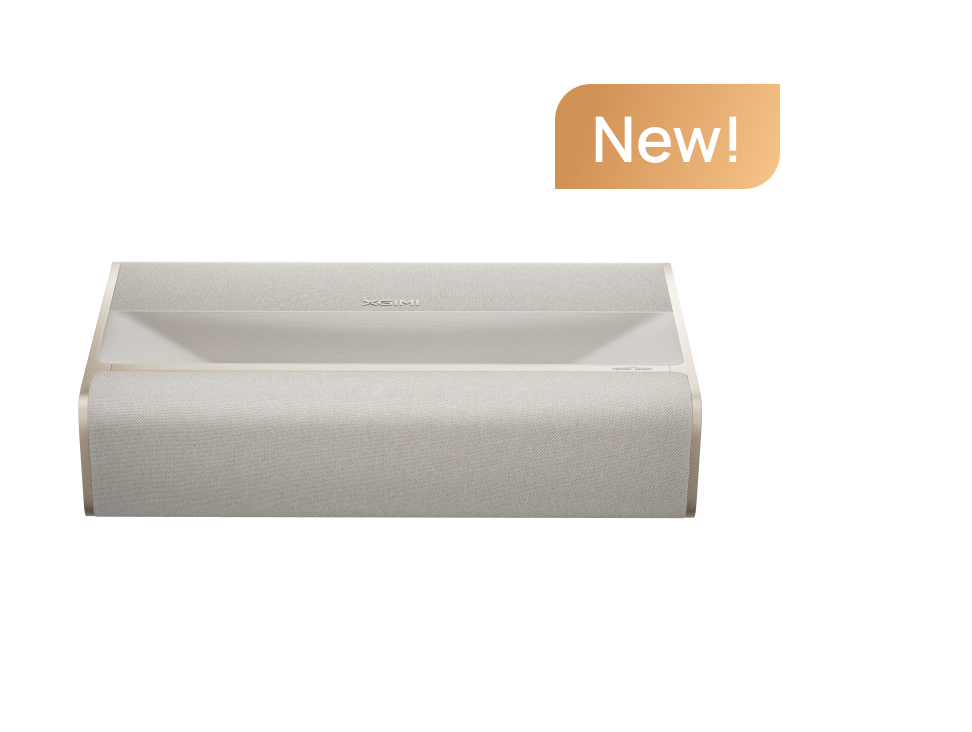
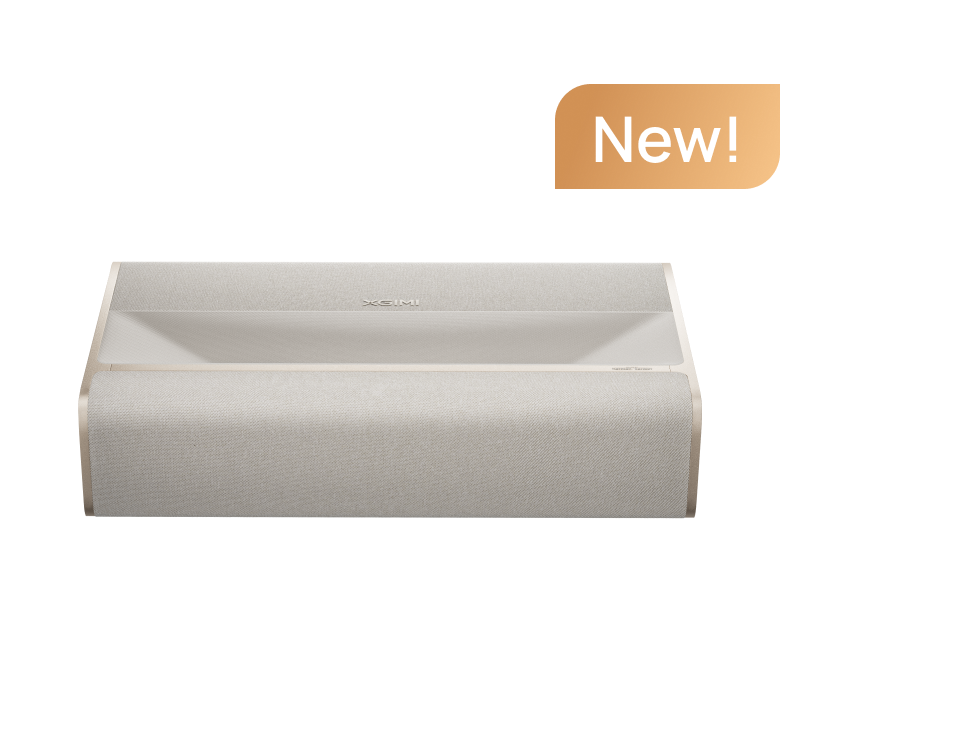
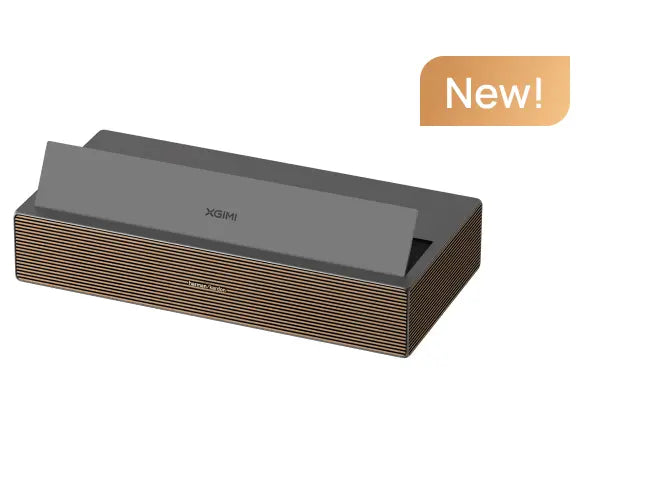
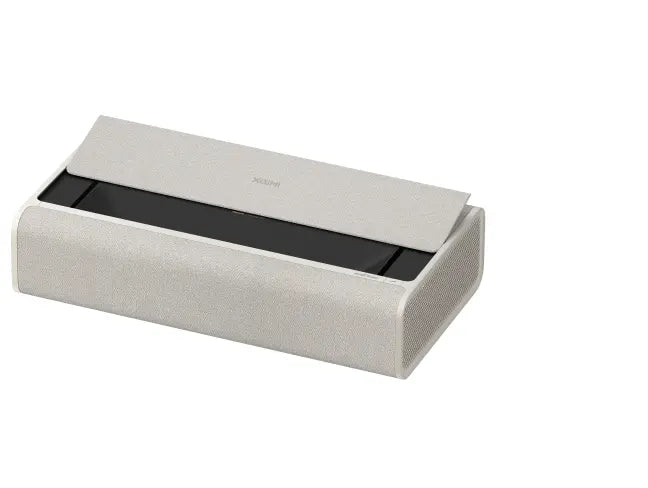
For living rooms where ceiling mounting isn't practical, a UST model can be a convenient TV alternative. The XGIMI AURA 2 (New) is a 4K UST projector with a 0.177:1 throw ratio and a listed image range of 90–150 inches. It also includes Google TV, Dolby Vision, Dolby Atmos support, and built-in Harman/Kardon speakers.
article_product2
There isn't a single best ultra-short-throw projector for every room. Match the model to your desired image size, furniture, lighting, and budget. UST projectors can sit on suitable media furniture, but they still require ventilation, precise alignment, and a flat projection surface. They shouldn't be enclosed inside an ordinary cabinet while operating.
An ambient-light-rejecting (ALR) screen can help in some brighter rooms, but it doesn't eliminate all ambient light. Screen design also matters: a UST-compatible screen uses different optical characteristics from a screen intended for a standard-throw projector.
Before finalizing your setup, consult XGIMI's projector screen buying guide and use the XGIMI Projection Calculator to estimate throw distance and screen size.
3. Streaming, Gaming, and Connectivity
Many modern projectors include smart operating systems and built-in streaming apps, but features vary by model. Google TV built in can provide convenient access to supported streaming services without a separate device. Other projectors require an external streaming stick or media player. Wi-Fi alone doesn't guarantee licensed Netflix playback or 4K streaming, so check app compatibility, content availability, subscriptions, and supported playback formats.
Connectivity is also worth checking. Look at the number of HDMI inputs, whether an HDMI port supports eARC, and whether USB-A ports meet your accessory or media-playback needs.
For example, the XGIMI HORIZON 20 Max includes Google TV and two HDMI inputs, one supporting eARC, alongside USB 3.0 and USB 2.0 ports. Its manufacturer lists input lag of 1 ms at 1080p/240Hz and 3 ms at 4K/60Hz, with Game Mode enabled and automatic keystone correction disabled. These mode-specific figures help explain its gaming capabilities; they do not mean the projector supports 4K at 240Hz.
A gaming projector should be evaluated for input lag, refresh rate, response time, and motion performance. Auto low latency mode (ALLM) and variable refresh rate (VRR) can also be useful where supported, but an HDMI 2.1 label alone doesn't guarantee every advanced gaming feature.
Audio is equally model-dependent. Some projectors have capable built-in speakers, while others benefit from a soundbar or separate audio system. Dolby Atmos support can improve an appropriately configured audio experience, but it doesn't guarantee that a projector's integrated speakers will sound like a dedicated surround system.

4. Total Cost and Long-Term Maintenance
A projector can sometimes offer a lower cost per inch for a very large image, but it isn't always cheaper than a large TV. Compare the complete setup, including the projector, screen, mount or furniture, cables, installation, audio equipment, and external streaming device if needed.
A TV is usually simpler to install and operate. Very large TVs can be difficult to move through tight spaces, while some compact projectors are easier to relocate. However, not all projectors are portable, and a complete projection system can cost more than expected once accessories are included.
Maintenance depends on the light source. Some lamp-based projectors require periodic lamp replacement, while solid-state laser and LED models avoid routine lamp changes. They can still lose brightness over time, and other components may require service.
At an affordable price, the right choice is the display that meets your actual needs without unnecessary high-end features. Consider the warranty, rated light-source life, operating requirements, screen costs, and any accessories you'll need before comparing the total investment.
Which Display Fits Your Viewing Habits?
Choose a 4K TV if you watch mostly during the day, want straightforward everyday operation, or prioritize bright highlights and deep black levels without additional setup.
Choose a 4K projector if you want a much larger image for watching movies, sports, or games and can manage ambient light and placement. A dark room or dimly lit room can help projection deliver the immersive movie theater experience many buyers want.
For a living room where a traditional projector would be difficult to position, consider a UST model. If flexibility is your priority, compare portable models separately and verify their resolution, brightness, power source, and supported image sizes.
The best projectors aren't necessarily the brightest or the most expensive. They are the ones whose image quality, features, and setup suit your space. Explore XGIMI's 4K projector collection and use XGIMI Product Compare to find a model that fits your viewing habits and total budget.


