









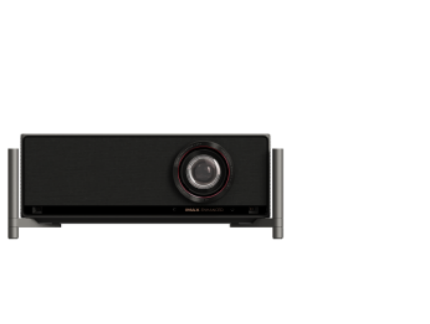
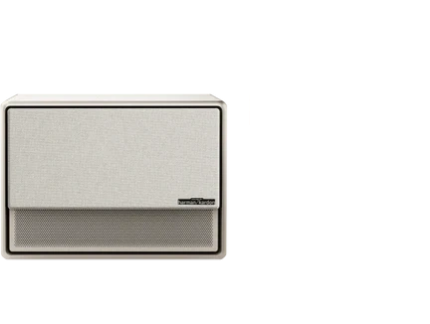








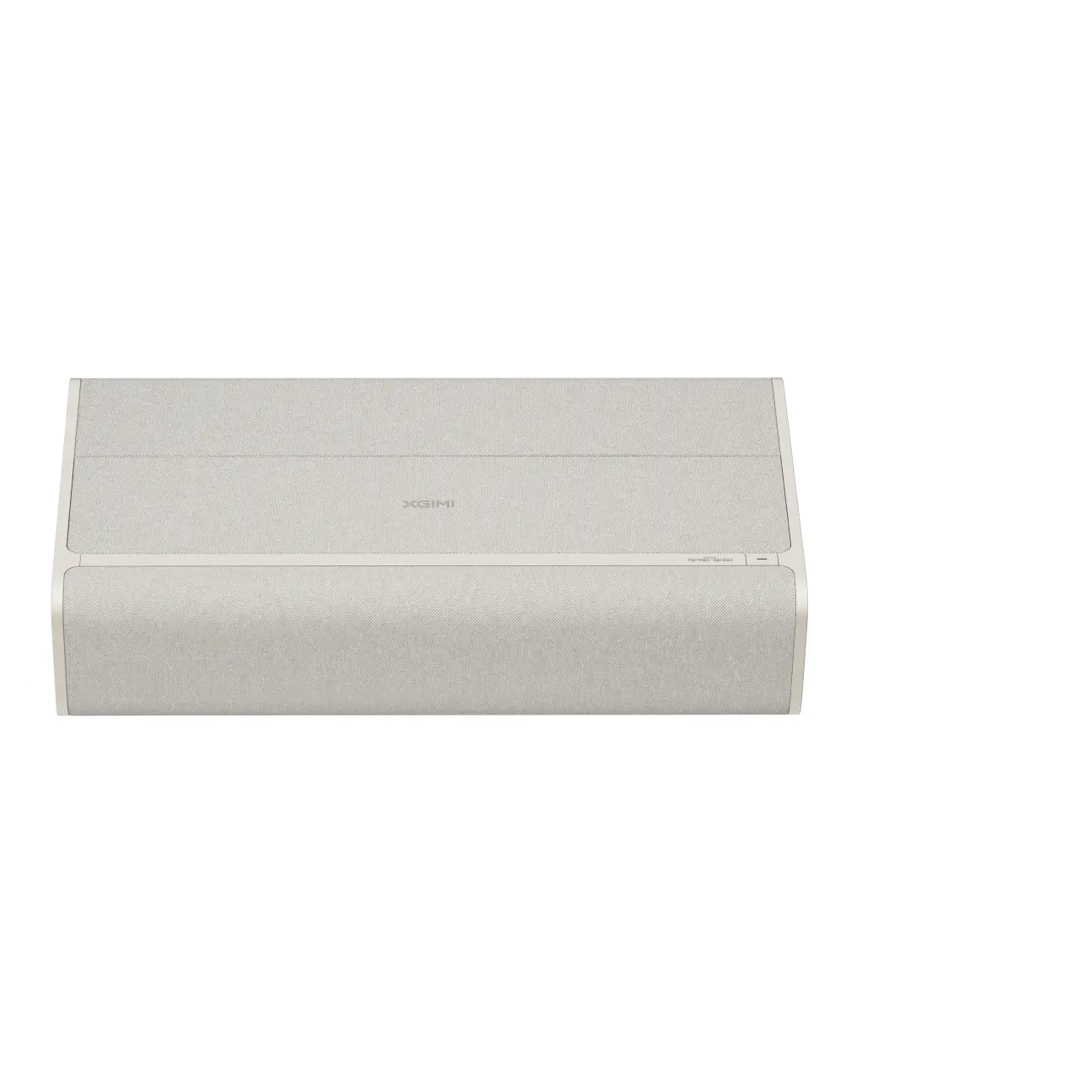












The best projector audio setup depends on your room size, budget, and how immersive you want the experience to be. XGIMI projectors feature premium built-in Harman Kardon speakers that deliver clear, room-filling sound for many living rooms and apartments, but adding a soundbar or surround system via HDMI eARC often creates a more cinematic feel while keeping setup relatively simple. For more on this topic, see How to Connect Multiple Bluetooth Speakers to Projector Simultaneou.... For more on this topic, see Demystifying Projector Audio: Soundbars, Surround Sound, and Built-....

Understanding Projector Audio Basics
Projectors are designed primarily for large, high-quality images, which means their built-in audio systems must balance power, clarity, and portability. Many modern models, including those with Harman Kardon tuning, provide surprisingly capable sound for casual viewing. However, for a true home theater experience that matches the scale of a 100-inch or larger projection, external audio is often the next step.
Built-in speakers excel in simplicity—no extra cables or devices needed. They are particularly suitable for portable or bedroom setups where space is limited. Yet in larger living rooms or dedicated media spaces, the sound may lack the depth, bass, and directional quality that external systems provide.
Built-in Speakers vs. External Audio: When Each Makes Sense
XGIMI projectors integrate high-quality Harman Kardon audio designed for immersive listening without additional equipment. This built-in solution works well for apartments, small living rooms, and families who prioritize easy setup over maximum volume or surround effects.
External audio becomes valuable when you want louder dialogue, deeper bass for action scenes, or true surround immersion for movies and gaming. The choice often comes down to room acoustics and content type. For weekend gaming or sports viewing, low-latency options matter most. For movie marathons, richer soundstaging improves the experience.
A common question is whether built-in audio is “enough.” For many users in rooms under 200 square feet watching streaming content at moderate volumes, it is. In larger spaces or for critical listening, external systems meaningfully improve immersion without complicating the clean projector aesthetic.
Choosing Between Soundbar and Full Surround Sound
Soundbars offer an excellent middle ground for most projector owners. They deliver enhanced clarity and bass in a single, easy-to-place unit that pairs well with wall-mounted or console-placed projectors. Setup is straightforward, and they maintain a minimalist look perfect for living rooms and condos.
Full surround sound systems, typically involving a receiver and multiple speakers, create the most enveloping experience. They shine in dedicated home theater rooms where wiring can be hidden and the seating position is optimized. However, they require more space, budget, and installation effort, making them less ideal for apartments or quick setups.
Here is a helpful comparison of the relative strengths of each option:
Projector Audio Options: Fit by Room and Priority
Relative fit score by option. Higher scores indicate stronger fit for the stated criterion; this is a heuristic comparison, not measured performance.
View chart data
| Series | Compact room fit | Movie immersion | Minimal wiring | Budget friendliness | Setup simplicity | Latency tolerance |
|---|---|---|---|---|---|---|
| Built-in speakers | 5.0 | 2.0 | 5.0 | 5.0 | 5.0 | 4.0 |
| Soundbar | 4.0 | 3.0 | 4.0 | 3.0 | 4.0 | 3.0 |
| Surround sound system | 2.0 | 5.0 | 1.0 | 1.0 | 2.0 | 3.0 |
Heuristic comparison based on the guide context: small apartments favor compact/minimal-wiring setups; living rooms suit soundbars for a balance of simplicity and better movie sound; dedicated theaters favor surround sound for immersion. HDMI eARC is the preferred quality path, Bluetooth is convenient but may add latency risk.
Use this radar chart as a starting point. Built-in speakers score highest for simplicity and compact spaces. Soundbars provide a balanced upgrade for most living-room setups. Surround systems excel in immersion but require more investment and space.
Projector Audio Output Options Explained
Choosing the right connection method is critical for sound quality and avoiding lip-sync problems. The main options include:
-
HDMI eARC/ARC: The preferred method for high-quality audio return. As the HDMI organization explains, eARC is the enhanced version that supports higher bandwidth audio formats over a single cable. It simplifies wiring by sending audio from the projector back to a soundbar or receiver. Not every projector includes eARC, so check your model’s ports.
-
Optical (TOSLINK): A reliable digital audio connection that carries compressed surround formats. It works well when HDMI ARC is unavailable.
-
Bluetooth: Offers wireless convenience for speakers or soundbars. However, Bluetooth can introduce latency that creates lip-sync issues, particularly with movies or gaming. Many setups allow audio delay adjustment to compensate.
-
3.5mm Aux or RCA: Analog fallback options for older audio devices, though they typically lack support for advanced surround formats.
HDMI eARC generally provides the cleanest, highest-quality path when available. For XGIMI models with this support, it integrates seamlessly with compatible soundbars.

How to Connect a Soundbar to Your Projector
-
Identify available ports on both the projector and soundbar. Look for HDMI eARC on both devices for the best results.
-
Use an HDMI cable rated for high-speed or eARC support. Connect from the projector’s HDMI ARC/eARC output to the soundbar’s corresponding input.
-
Configure settings: On the projector, select the external audio output in the sound menu. On the soundbar, choose the correct input source.
-
Test for sync: Play content with clear dialogue. If you notice delay, use the projector’s or soundbar’s audio delay adjustment feature.
For wireless setups, pair via Bluetooth but be prepared to fine-tune latency. Optical connections follow similar steps but use a dedicated optical cable.
Remember that performance depends on the specific ports available on your projector and audio system. Consult your user manual for model-specific instructions.
Tips for Optimal Projector Audio Performance
- Position your soundbar or speakers at ear level or slightly below for the best dialogue clarity.
- In larger rooms, consider acoustic treatments like rugs or curtains to reduce echo and improve sound quality.
- For gaming, prioritize low-latency connections and test input lag on both video and audio.
- Keep firmware updated on both the projector and soundbar to ensure compatibility and feature improvements.
Many users find that starting with built-in Harman Kardon audio and adding a soundbar later provides a scalable path to better sound without immediate complexity.
Common Audio Setup Mistakes to Avoid
- Assuming all wireless connections are lag-free—Bluetooth often needs manual sync correction.
- Overlooking room acoustics, which can make even premium audio sound muddy.
- Using mismatched cables or ports that limit audio formats (for example, using standard HDMI instead of eARC for Dolby Atmos).
- Ignoring power requirements—some external systems need separate outlets and receivers.
If you experience persistent lip-sync issues or “no signal” errors on HDMI connections, double-check cable quality and device settings. Resources like XGIMI’s guide on fixing projector HDMI no signal can help troubleshoot connectivity problems.
Creating Your Ideal Home Theater Audio Ecosystem
A projector-based home theater can deliver stunning visuals paired with impressive sound when the audio system is chosen thoughtfully. For most users, the built-in speakers on premium models offer an excellent starting point. Adding a soundbar via HDMI eARC provides noticeable improvement with minimal hassle, while full surround sound suits those building a dedicated cinema room.
Consider your room size, tolerance for wiring, and viewing habits when deciding. Test setups in person when possible, and remember that the “best” audio solution is the one that feels immersive and easy to use in your specific space.
Important note on comfort and setup: This article discusses audio setup advice for enhanced viewing experiences and does not constitute technical, medical, or health guidance. Audio perception and comfort vary by individual and environment. If you experience discomfort, hearing issues, or persistent setup problems, consult qualified professionals or refer to your device manuals. Performance depends heavily on room conditions, device compatibility, and proper configuration.
For more on XGIMI’s audio technology, explore why Harman Kardon was chosen for XGIMI projectors or how to use Bluetooth to link audio devices. If you are shopping for a new projector with strong built-in sound, browse the home projectors collection.


