

A small room can still deliver an enjoyable big-screen experience if the image fits the available wall and the projector can sit at the right distance. Choosing the right projector for small room use starts with understanding your space, viewing habits, and installation options.
Before buying a small projector for home entertainment, measure the distance from the planned projector lens position to the screen and check which image sizes the projector supports. A compact projector is not automatically a short-throw projector, and a large image is not useful if furniture, doors, or seating interfere with the setup.
This guide explains how to measure projector throw distance, choose a practical projector screen size for small room viewing, and compare portable, standard-throw, and ultra-short-throw projectors.
Quick Answer: What Should You Check First?
When choosing a projector for small room use, focus on four essential factors: available screen area, projector throw distance, room lighting, and projector placement.
First, measure the clear width and height of the wall or screen area. Then determine how much distance is available between the planned projector lens position and the projection surface.
Next, consider the room's lighting conditions. A projector used mainly at night may have different brightness requirements from one used during daylight hours.
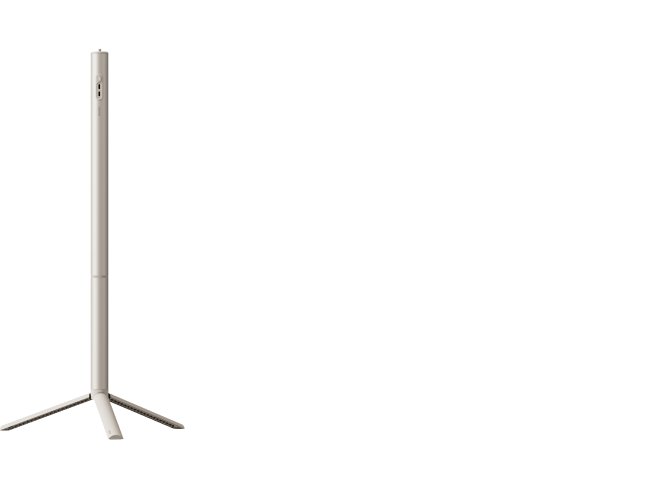
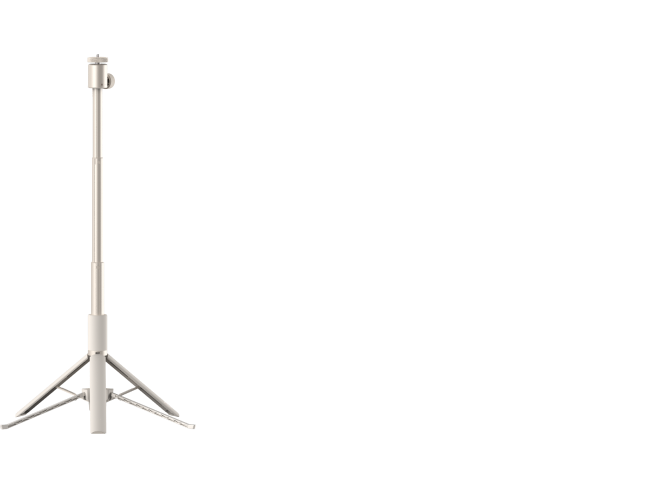
Finally, identify a stable location for the projector, whether that means a shelf, table, tripod, or dedicated cabinet.
If projection distance is limited, compare models specifically designed for short-throw or ultra-short-throw placement. If the room provides sufficient depth, a standard-throw model may also be suitable.
For accurate planning, use the XGIMI Projection Calculator to estimate projection distance and image dimensions rather than assuming every projector works at the same distance.

Measure the Screen Area and Available Throw Distance
Accurate room measurements help determine whether a small projector for room use can produce your preferred image size.
Start by measuring the clear wall or screen area. Leave enough space around the image for furniture, wall decorations, doors, and other features that might interfere with viewing.
Next, measure the available projector throw distance from the intended lens position to the screen surface, rather than from the back of the projector.
Remember to allow extra space for cables, ventilation, mounting accessories, and access to projector controls.
For example, a 100-inch 16:9 projected image measures approximately:
- Width: 87.2 inches (221 cm)
- Height: 49.0 inches (125 cm)
- Diagonal: 100 inches (254 cm)
These dimensions provide a useful starting point for evaluating the available wall space. However, screen dimensions alone do not determine where the projector should sit.
Projection distance also depends on the projector's throw ratio, which describes the relationship between image width and lens-to-screen distance.
Projector Throw Distance = Image Width × Throw Ratio
For example, a projector with a 1.2:1 throw ratio would require approximately 104.6 inches (8.7 feet) of lens-to-screen distance to produce a 100-inch 16:9 image.
For a detailed explanation of these calculations, read XGIMI's projector throw distance and setup guide.
Always verify the exact projector model's supported image sizes and installation measurements before buying.
Match Throw Type to the Room
The projector's throw type plays a major role in determining whether it will fit your space.
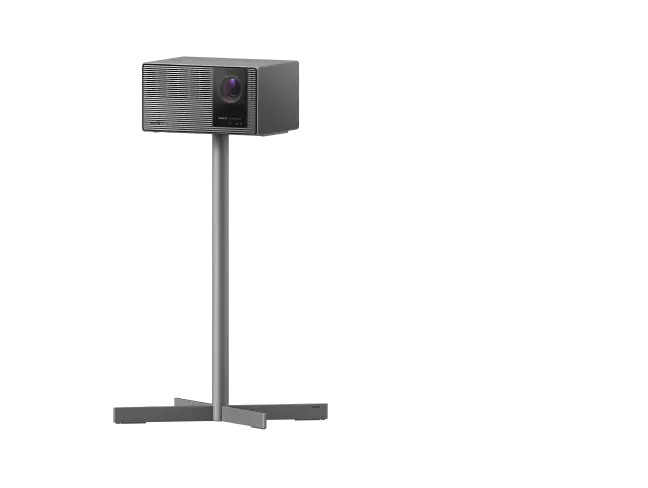
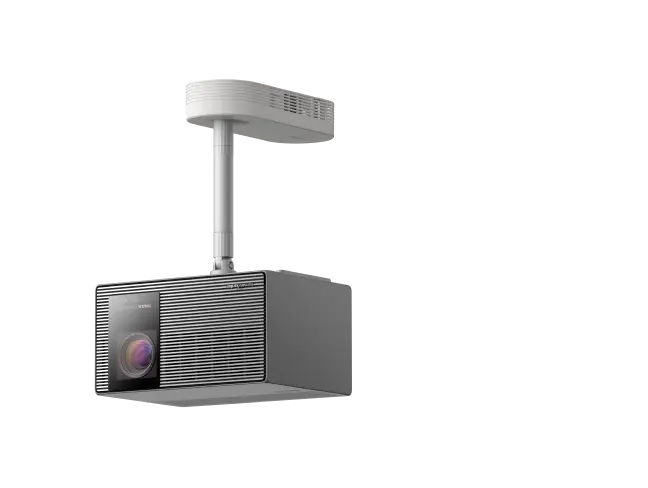
Standard-throw projectors generally need more distance between the lens and screen to create a large image. They can work well in bedrooms or living rooms with enough depth for a shelf, table, or ceiling-mounted setup.
Short-throw projectors produce larger images from shorter distances, making them useful when furniture or room dimensions limit placement flexibility.
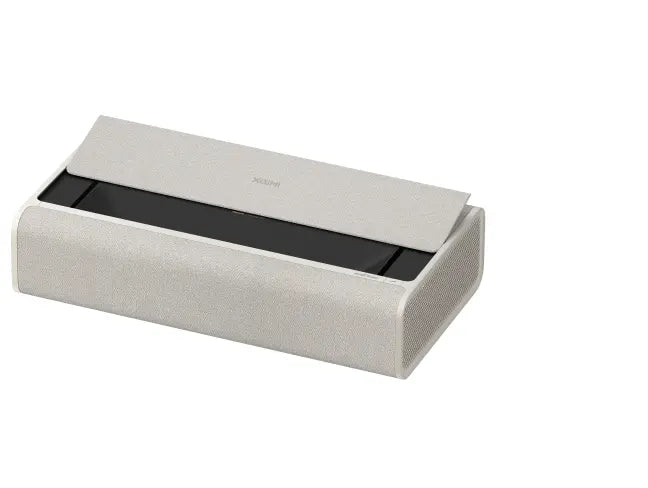
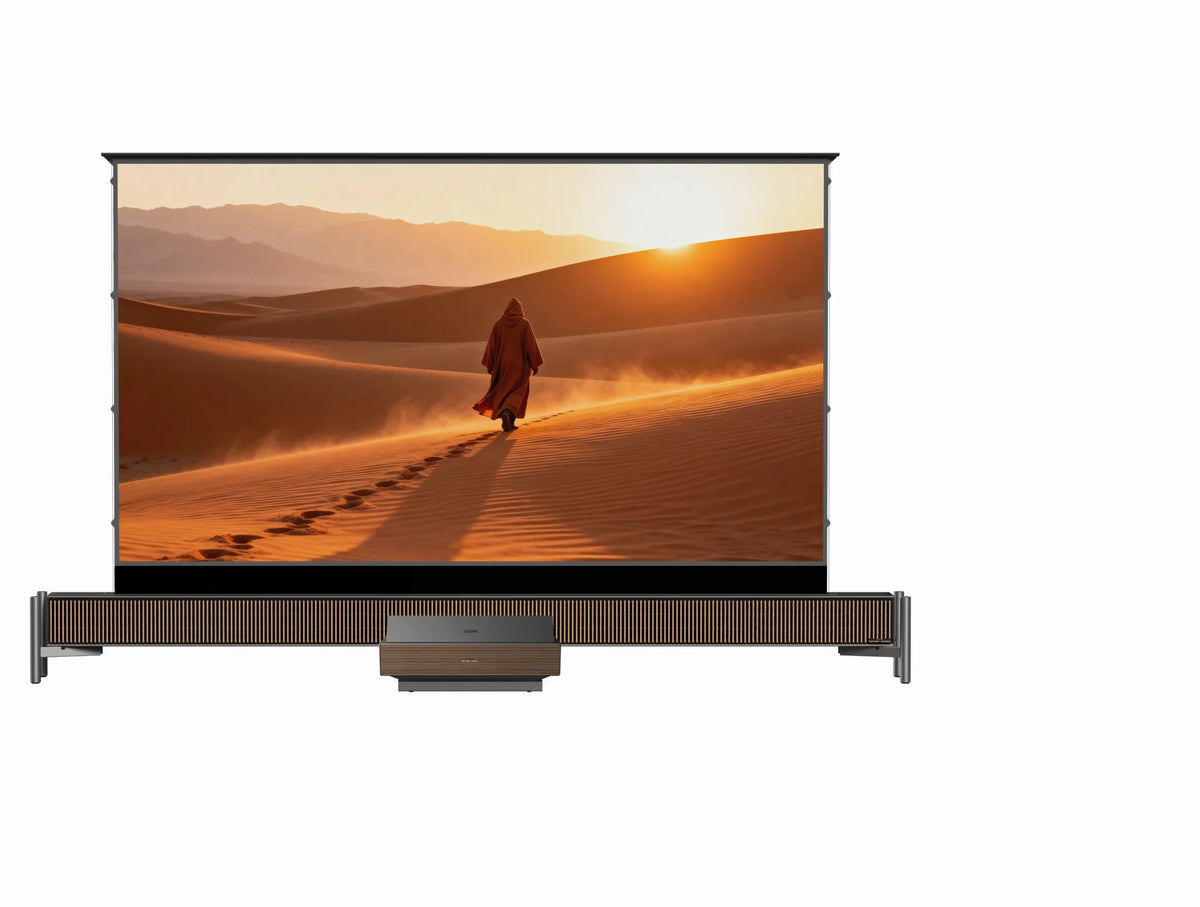
Ultra-short-throw (UST) projectors are designed to sit very close to the screen, commonly on a cabinet beneath the image. They can be a practical choice for a projector for small apartment setup where placing equipment across the room would be inconvenient.
However, these categories describe general projection behavior rather than exact installation distances.
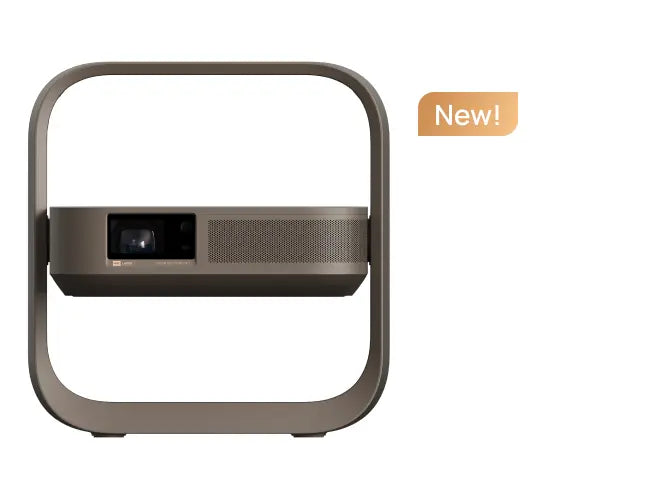
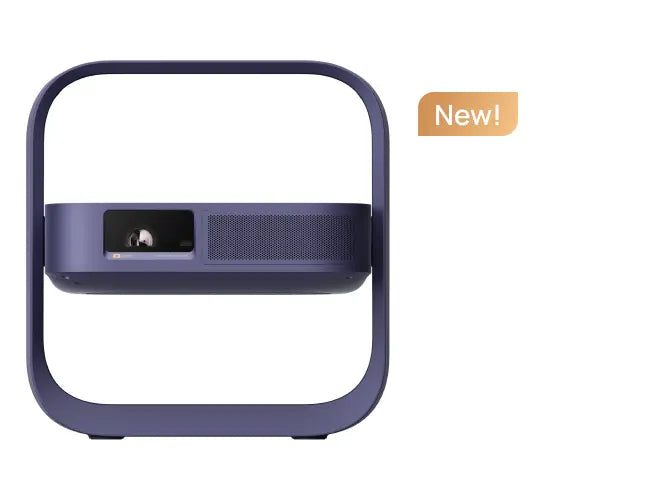
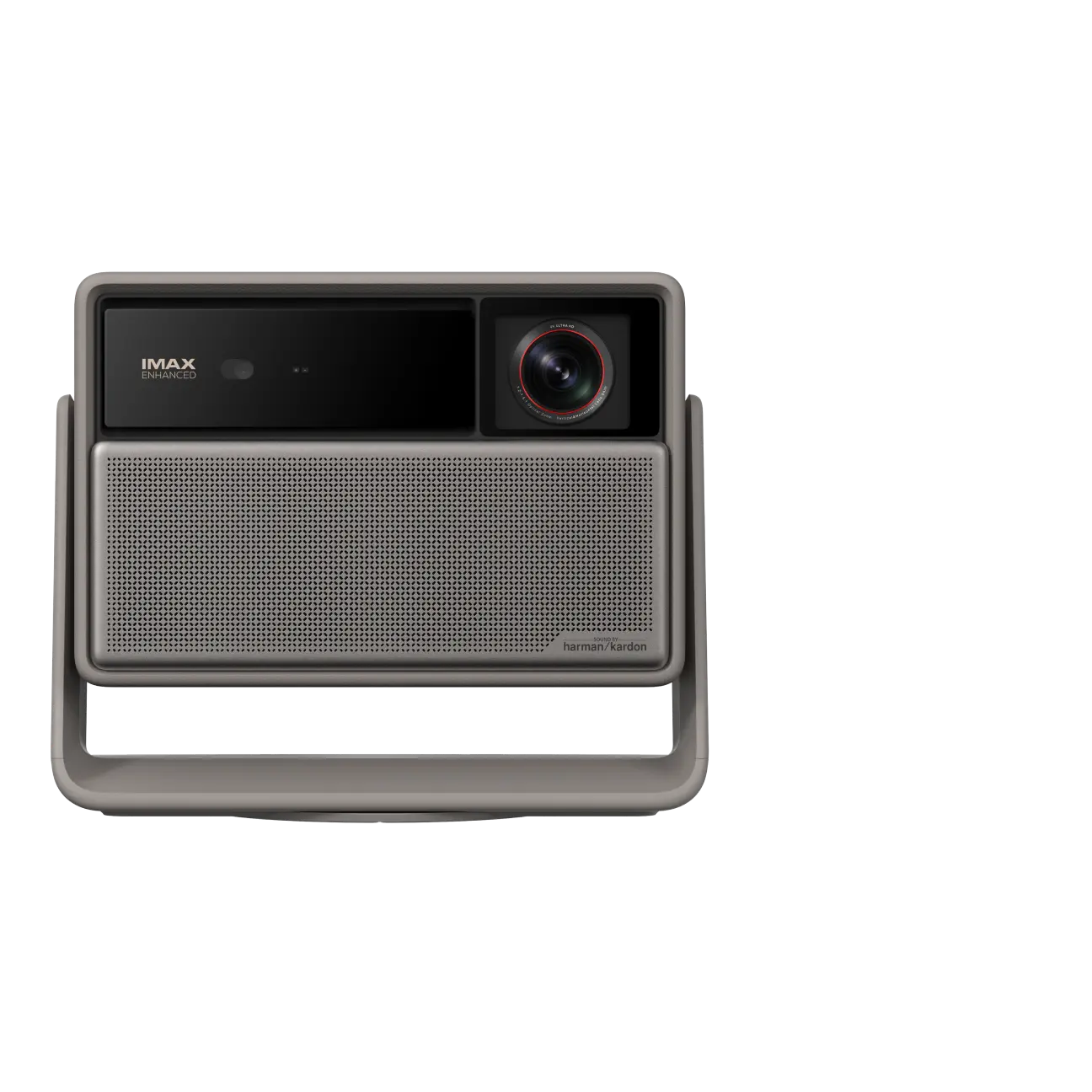
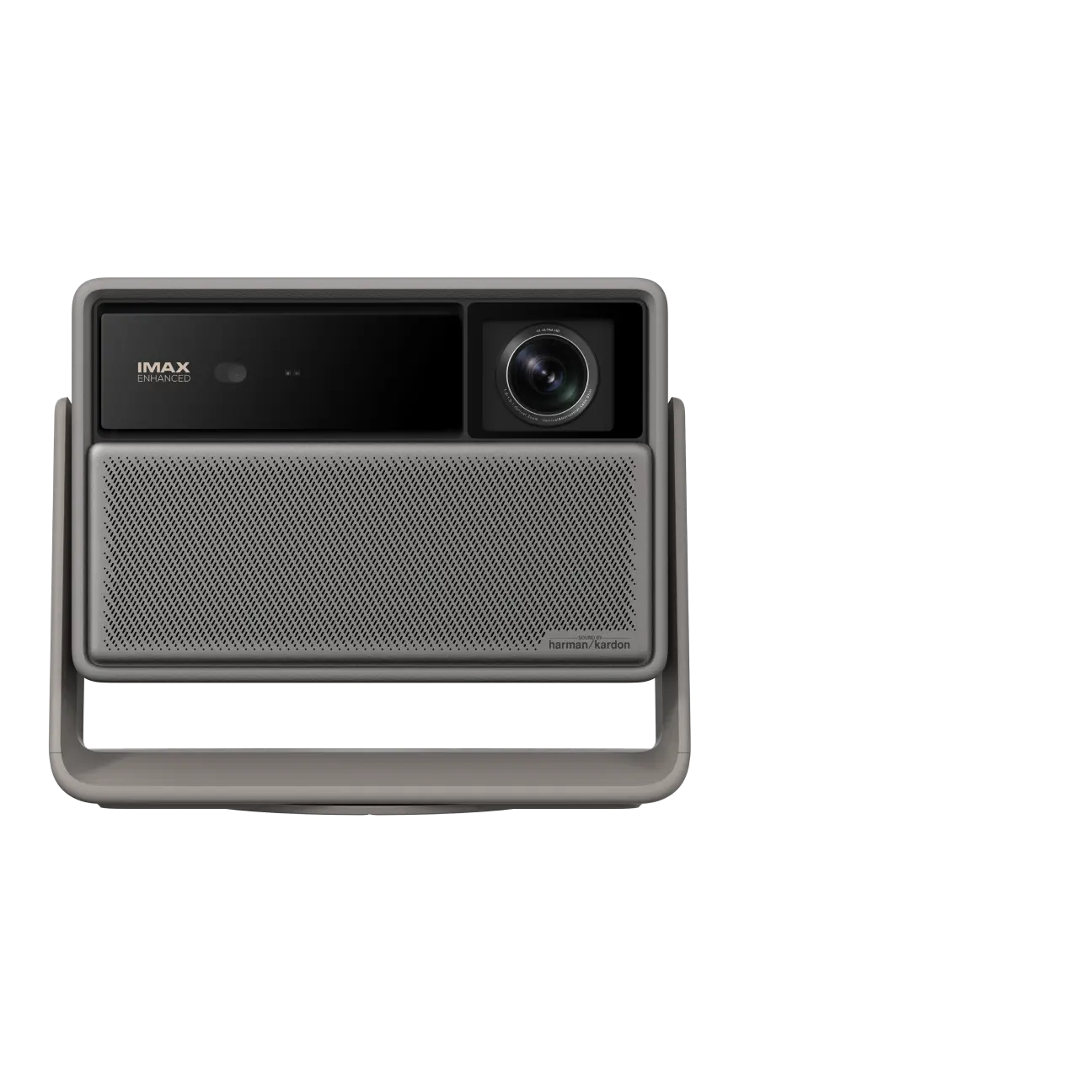
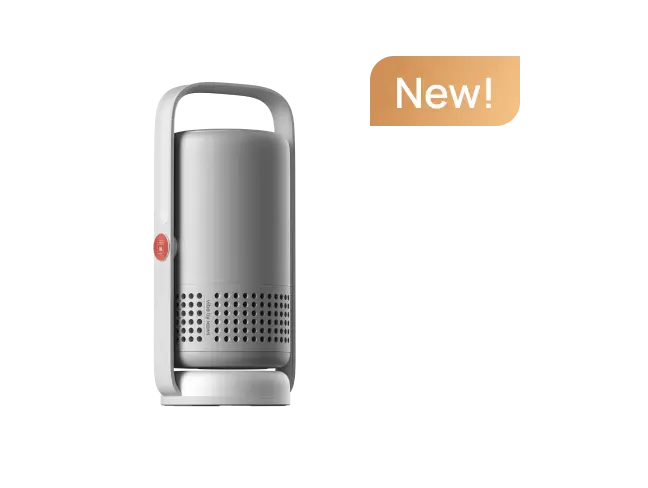
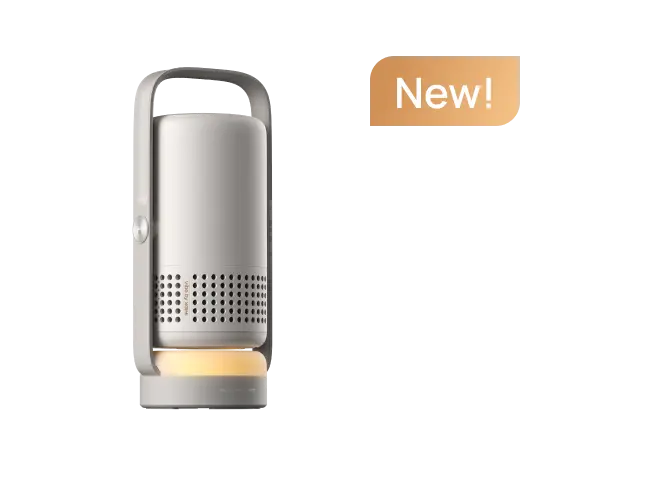
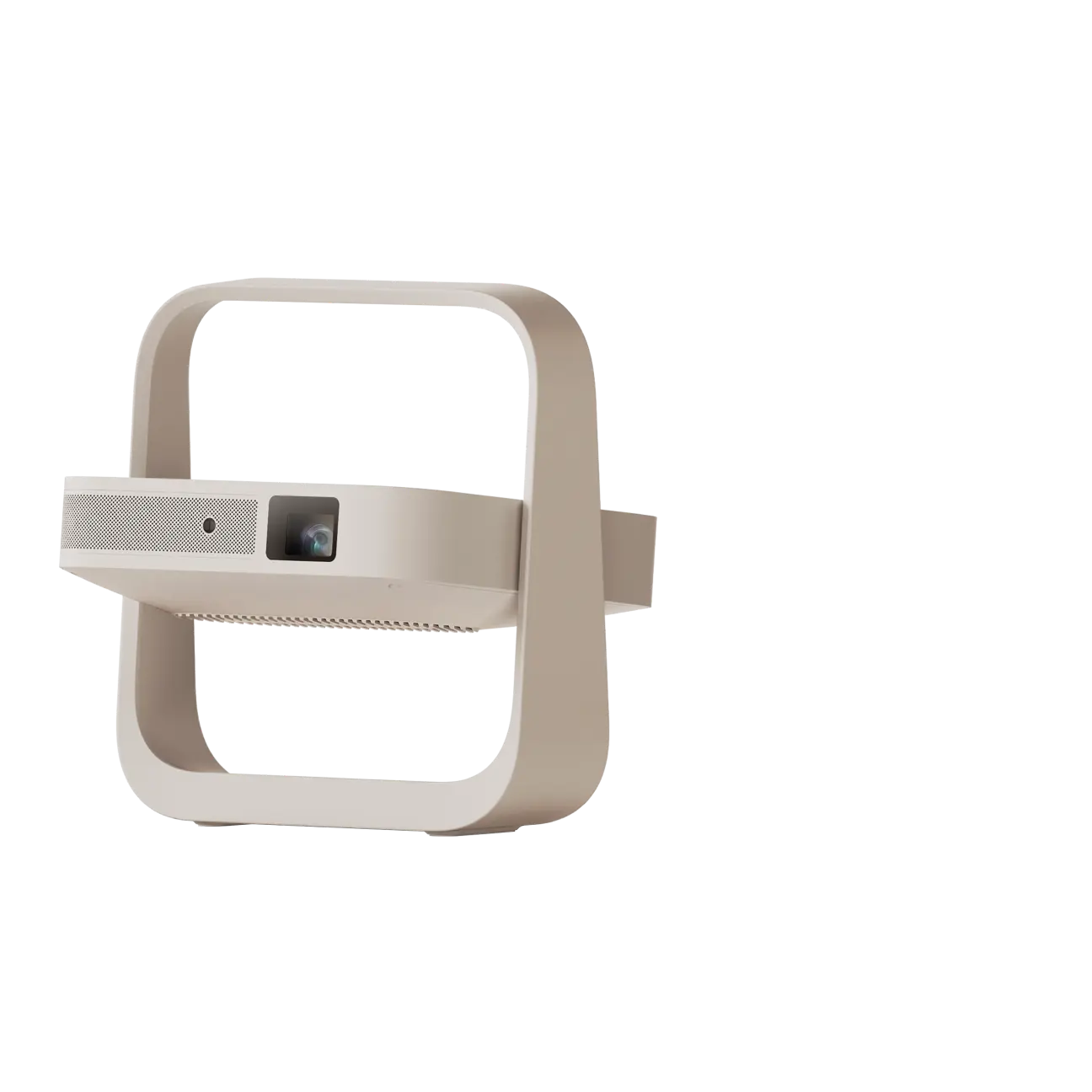
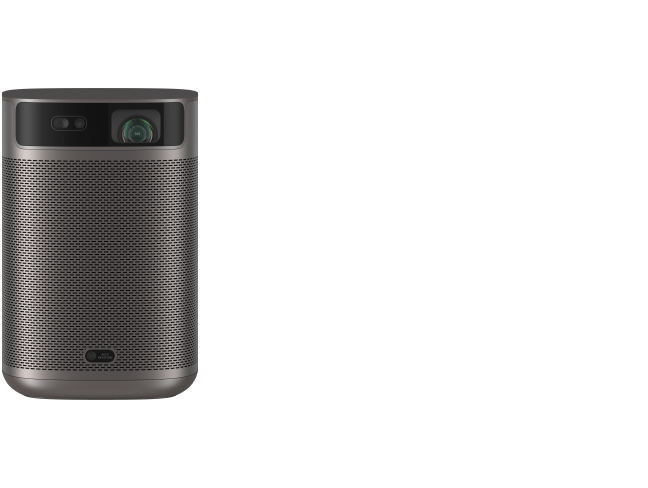
A compact projector may still use standard-throw optics. For example, the XGIMI MoGo 4 is a portable projector with a 1.2:1 throw ratio. Its compact body makes it easier to move or store, but it still requires sufficient distance for the desired image size.
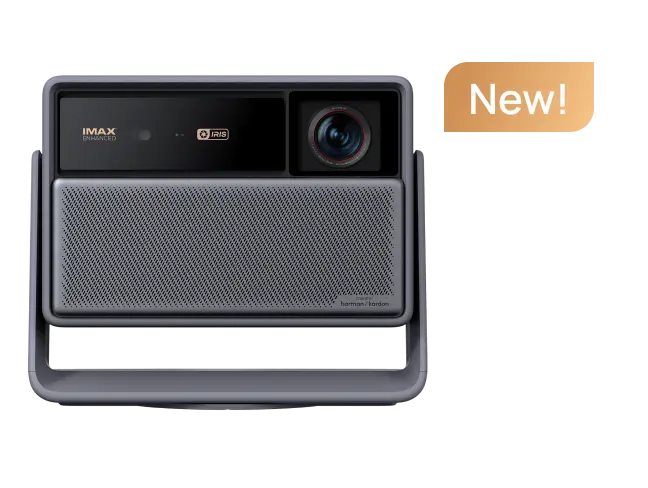
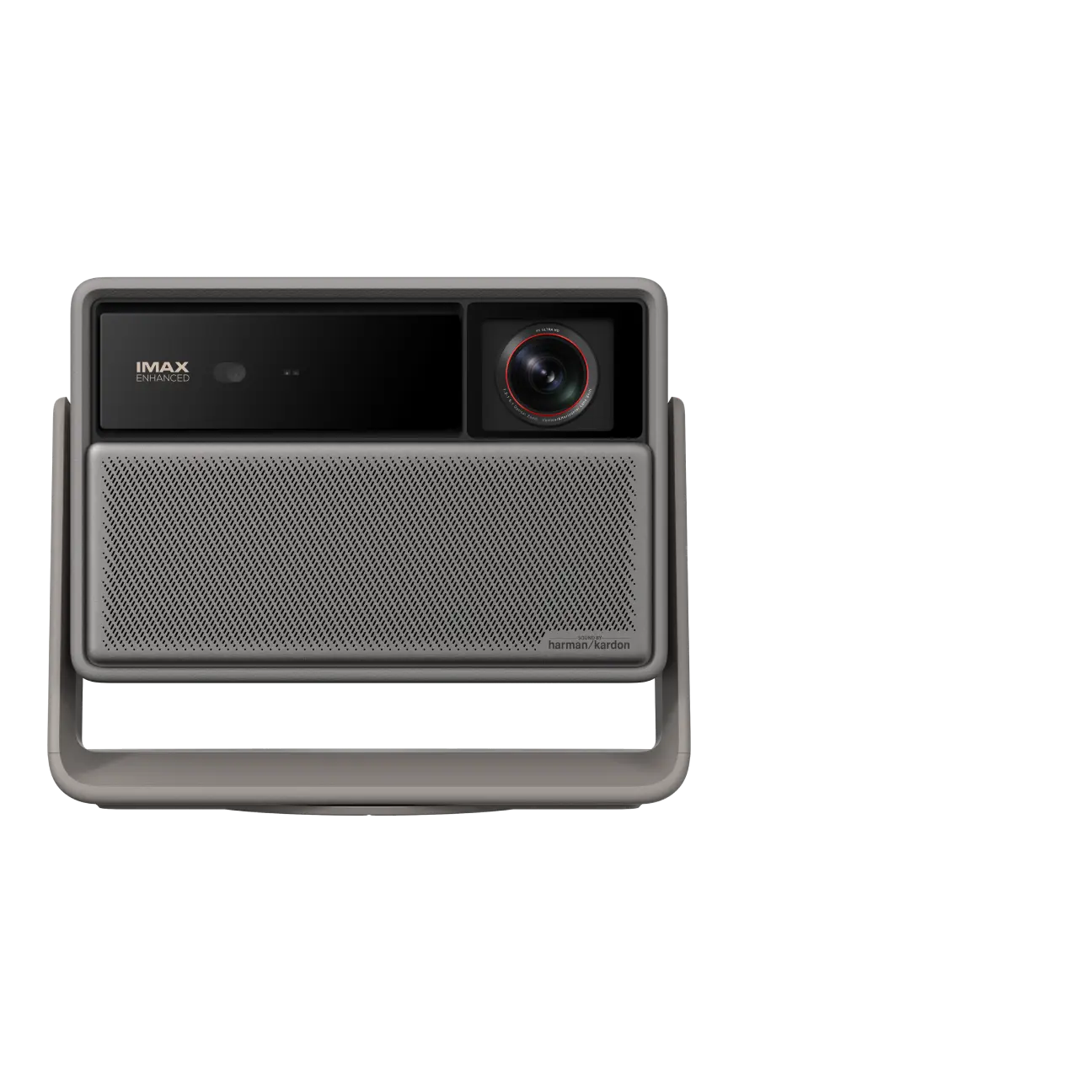
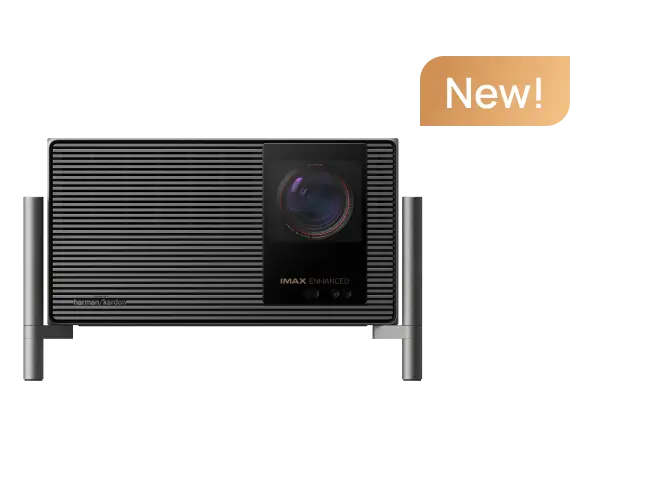
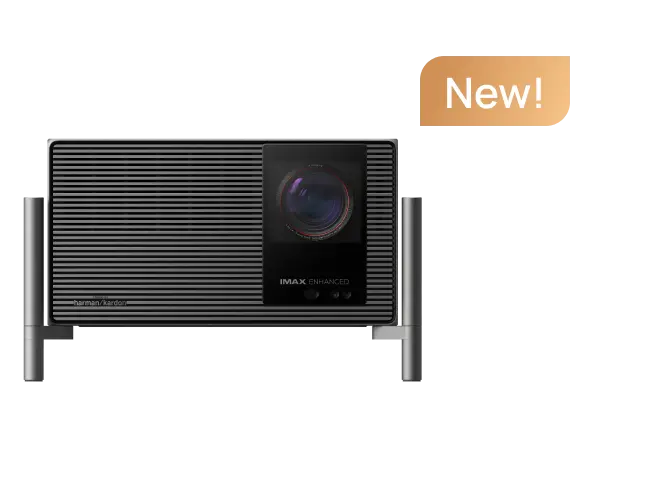
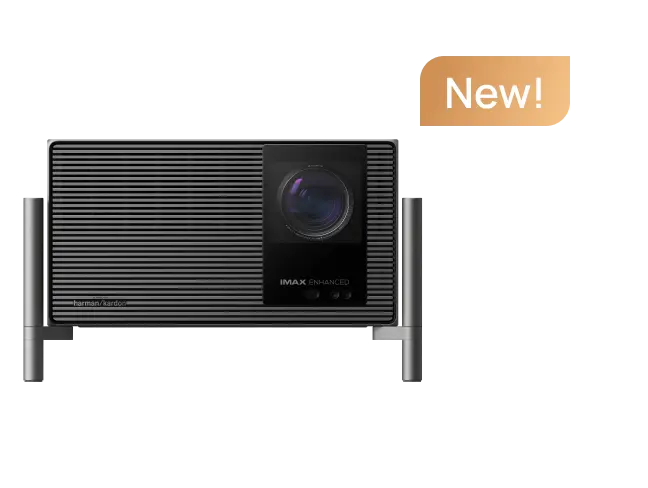
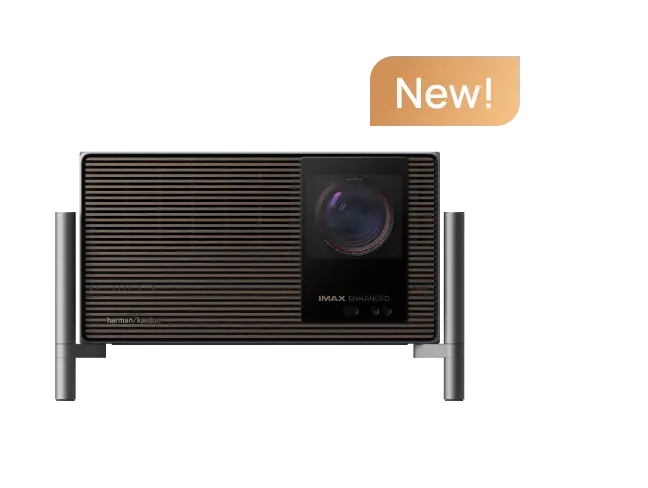
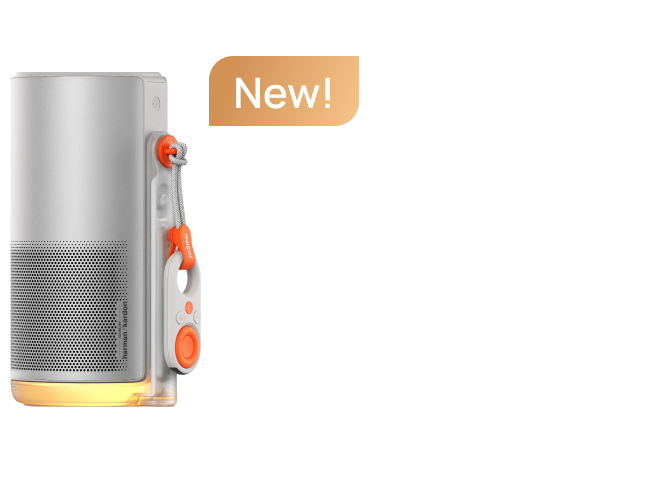
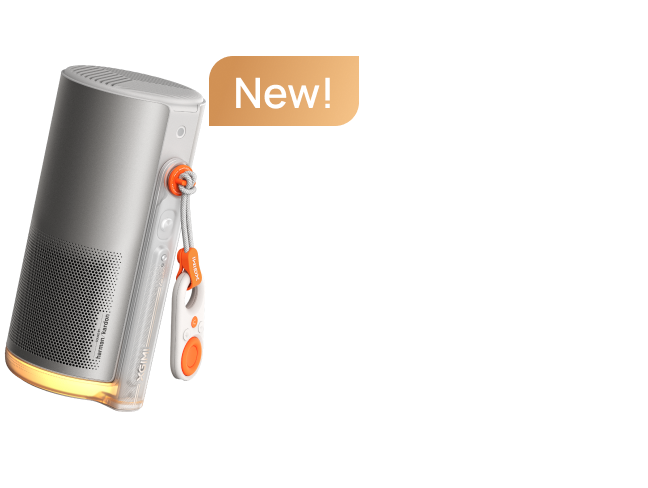
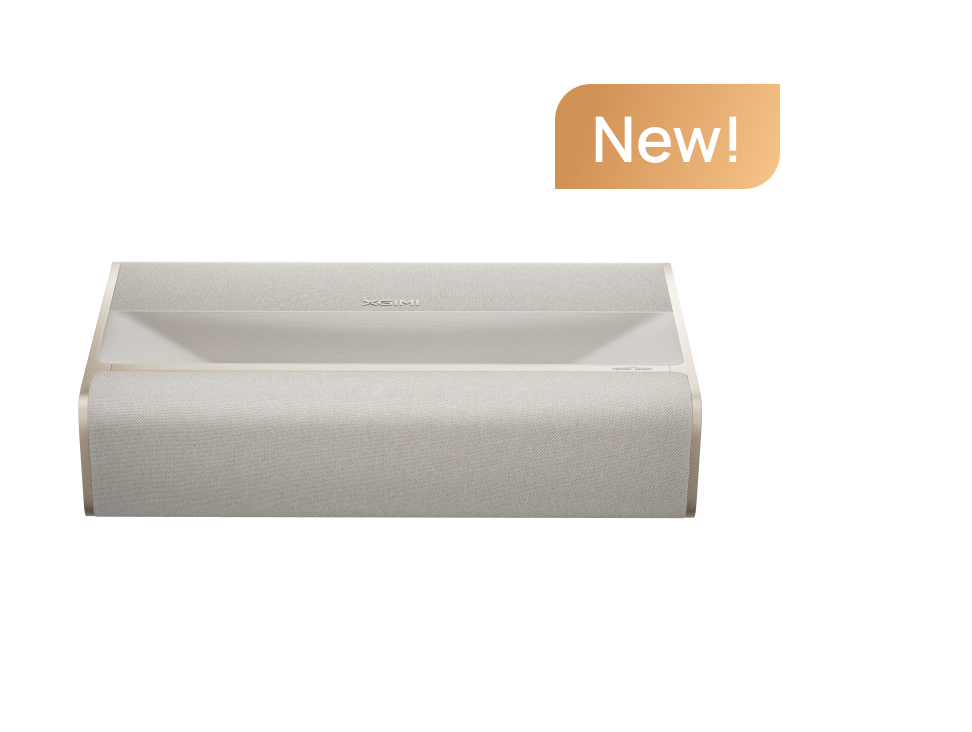
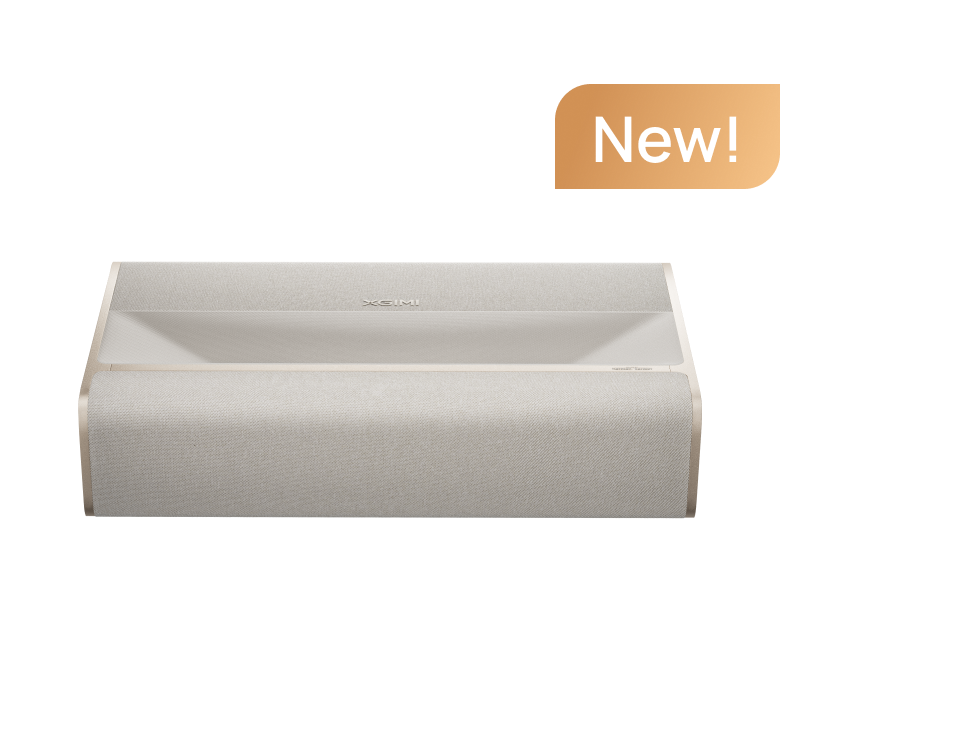
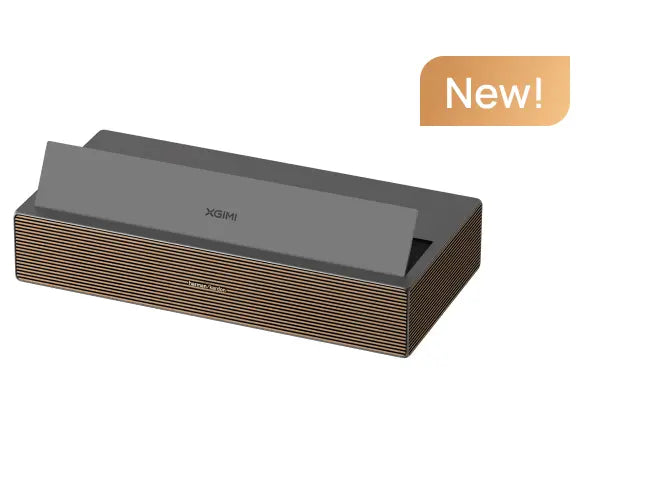
By comparison, the XGIMI AURA 2 (New) is an ultra-short-throw projector with a 0.177:1 throw ratio, designed to produce large images from a position much closer to the screen.
When choosing a projector for small room use, compare each model's actual projection distance, supported image-size range, lens position, and installation requirements.
For additional guidance, explore XGIMI's guide to calculating optimal projection distance for different room sizes.

Choose a Screen Size You Can Use Comfortably
The largest possible image is not necessarily the best projector screen size for small room viewing.
A comfortable screen size depends on the available wall space, seating distance, room layout, and personal viewing preferences.
In a bedroom or multipurpose room, a smaller image may be easier to watch comfortably. A larger image can work well when the wall is unobstructed and viewers have enough distance from the screen.
Before buying a projector, mark the planned image dimensions on the wall using removable tape.
Then sit in your usual viewing position and check whether the image feels comfortable to watch.
Pay attention to possible obstructions, including:
- Shelves or storage units
- Doors and windows
- Light switches and electrical outlets
- Wall decorations or framed artwork
- Furniture that may overlap the image
This simple test can reveal limitations that are difficult to identify from product specifications or promotional photographs.
If the image is too large for comfortable viewing, consider reducing the planned screen size rather than selecting a projector solely for its maximum advertised image dimensions.
You can also explore XGIMI's guide to throw ratio and ideal screen size to better understand the relationship between image dimensions and projector placement.
Consider Room Light and Screen Surface
Room dimensions alone do not determine how bright a projector needs to be.
The amount of ambient light reaching the projection surface, your selected screen size, and the projector's measured light output all affect the viewing experience.
A small projector for home entertainment may perform well in a darkened bedroom but appear less vivid when used in a brightly lit living room.
Before purchasing, consider when and how you plan to watch.
If most viewing takes place at night, controlling nearby lamps and other light sources may be sufficient.
For daytime viewing, blackout curtains or blinds can help reduce ambient light and improve perceived image contrast.
When comparing projector brightness, use ratings measured under the same standard whenever possible. Independent measurements can also help evaluate real-world performance.
The projection surface matters as well.
A smooth, neutral-colored wall may be suitable for casual viewing, but texture, paint color, and surface irregularities can affect the image.
A dedicated projector screen offers a more consistent projection surface and may be preferable for a permanent setup.
If you are planning a projector for small apartment installation, consider whether a portable or freestanding screen can fit without blocking walkways or interfering with furniture.
For ultra-short-throw projectors, pay particular attention to screen flatness and compatibility with steep projection angles.
Compare Portable, Standard-Throw, and UST Designs
Choosing a projector for small room use involves more than selecting the smallest device.
Portable, standard-throw, and ultra-short-throw projectors each offer different advantages depending on how your room is arranged.
Portable projectors
A portable projector can be convenient when the room serves multiple purposes or when you want to store the device between viewing sessions.
For example, the XGIMI MoGo 4 features a compact design, built-in battery, adjustable stand, and Google TV. These features can make it convenient for bedroom entertainment or flexible placement around the home.
However, portability does not automatically mean short-throw capability or higher brightness. Check the supported projection distance and image size before choosing a portable model.

Standard-throw projectors
Standard-throw projectors may suit rooms with enough depth for a stable projector position.
They can be useful for viewers who want a fixed home theater setup and have space for a shelf, table, or ceiling mount.
Before selecting one, confirm that its throw-distance range matches the available room depth and desired screen size.

Ultra-short-throw projectors
UST projectors are designed for placement close to the screen, potentially reducing the need for long-distance projection across the room.
The XGIMI AURA 2 (New), for example, uses ultra-short-throw technology and supports a 90- to 150-inch projected image range.
A UST setup still requires a suitable screen or wall surface, stable furniture, and careful attention to screen height and projector positioning.

When comparing these options, consider:
- Supported image size at your measured projector throw distance
- Brightness for your usual lighting conditions
- Native resolution and image clarity
- Streaming features and available apps
- Built-in speakers and external audio connections
- HDMI and other input options
- Portability and storage requirements
- Installation complexity and available furniture space
The best choice is the projector that fits your room and viewing needs, rather than simply the model with the largest advertised image size.
A Five-Minute Room-Fit Check
Before purchasing a small projector for room use, complete this simple five-step checklist.
- Measure the projection area. Choose the wall or screen location and record its clear width and height.
- Mark your preferred screen size. Use removable tape to outline a realistic image size and check it from your usual seating position.
- Measure the available throw distance. Determine the distance from the planned projector lens position to the screen, allowing space for furniture, cables, and ventilation.
- Check the manufacturer's projection specifications. Use the XGIMI Projection Calculator or the model's official distance chart to confirm whether the desired image size is supported.
- Review the complete room layout. Make sure seating, power outlets, cable routing, ventilation, and walkways remain practical after installation.
If the projector cannot produce your preferred image size at the available distance, consider a different throw type or adjust the planned screen dimensions before purchasing.
For more installation ideas, explore XGIMI's projector setup and installation options.
Frequently Asked Questions
What Is the Best Projector for a Small Room?
The best projector for small room use depends on your available screen width, projector throw distance, lighting conditions, and viewing preferences.
A portable projector may suit a bedroom or multipurpose space, while a standard-throw model can work when sufficient depth is available. A UST projector may be more suitable when the projector must sit close to the screen.
Compare the room measurements with each model's official projection specifications before deciding.
Do I Need a Short-Throw Projector for a Small Room?
Not necessarily. A standard-throw projector can work in a small room if the available distance supports your preferred image size.
Short-throw and ultra-short-throw models are useful when space constraints require closer placement.
The key is to compare the required projector throw distance with the actual space available rather than choosing based solely on the projector category.
How Do I Know What Screen Size Will Fit?
To determine the right projector screen size for small room viewing, start by measuring the usable wall area.
For reference, a 100-inch 16:9 image measures approximately 87 inches wide and 49 inches high.
Mark the planned image boundaries on the wall and check the viewing experience from your normal seating position.
Then confirm that the projector can produce the selected image size from the available lens-to-screen distance.
Can a Projector Work in a Small Apartment?
Yes. A projector for small apartment use can work well when the room layout supports the planned image size and projector placement.
For renters, a small projector for home entertainment paired with a stable portable stand or freestanding screen may offer flexibility without requiring permanent installation.
However, remember to account for power access, cable routing, furniture placement, and ventilation.
For additional rental-friendly ideas, read XGIMI's renter-friendly projector setup guide, which covers ways to create a home theater without drilling holes.


