

Note: This article is republished with the author's permission. The original article was written in Italian and should be considered the authoritative version. If you notice any translation inaccuracies, please feel free to let us know.
- Author: Alex Luciano Brancale
- Original Link: XGIMI HORIZON 30 Pro: lifestyle con l’Arma della Doppia Iride (Italian)
The smart and lifestyle projection market has entered a period of significant technical development. Until recently, competition among manufacturers focused almost entirely on raw lumen output and wider color gamut through triple-laser light sources. Low-contrast scene performance is now part of that competition as well.
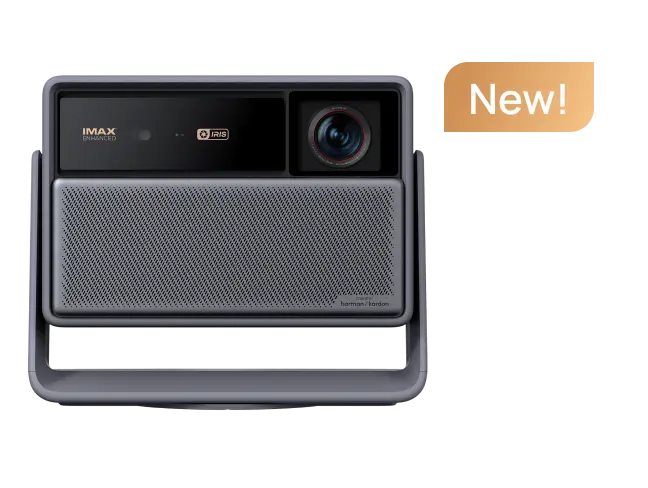
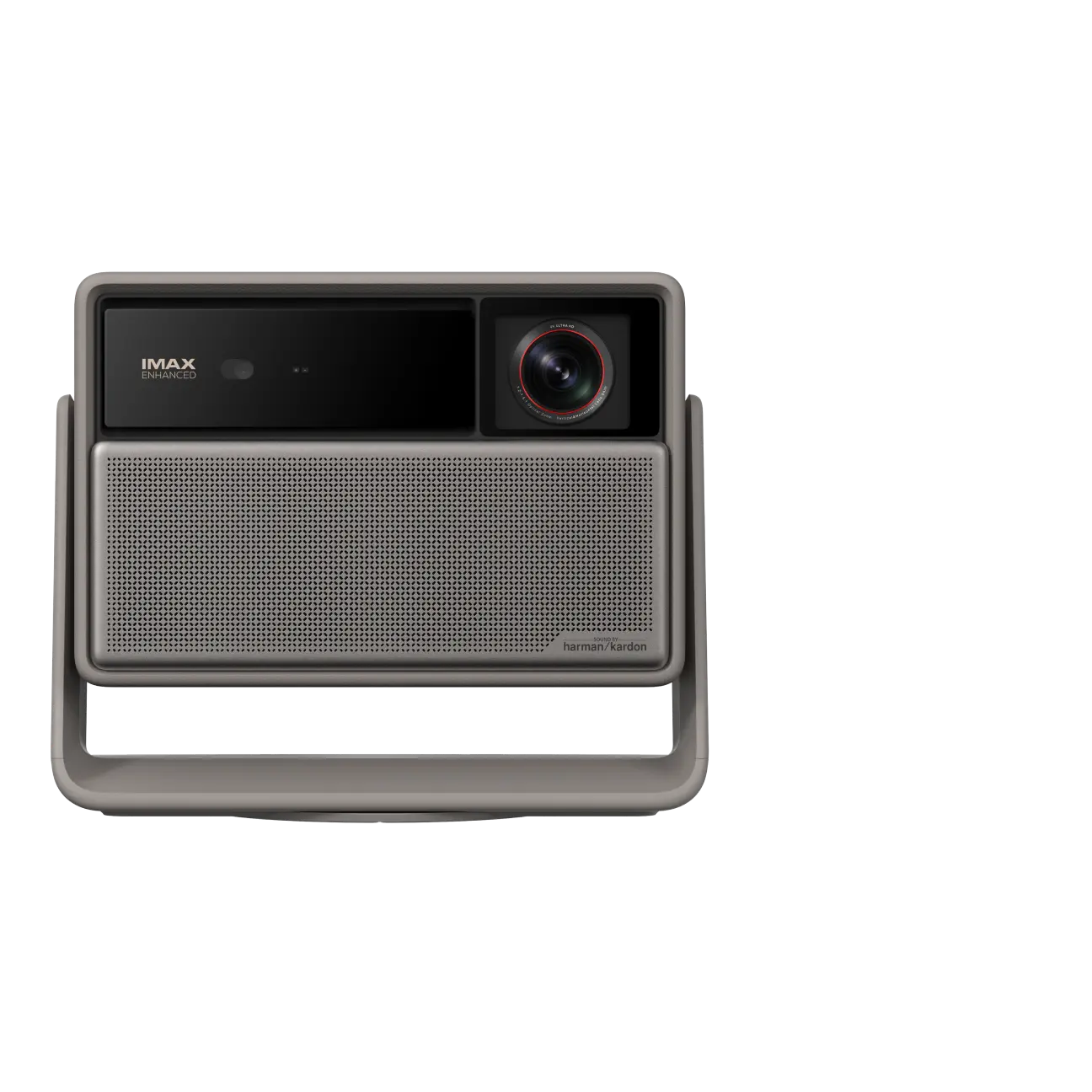
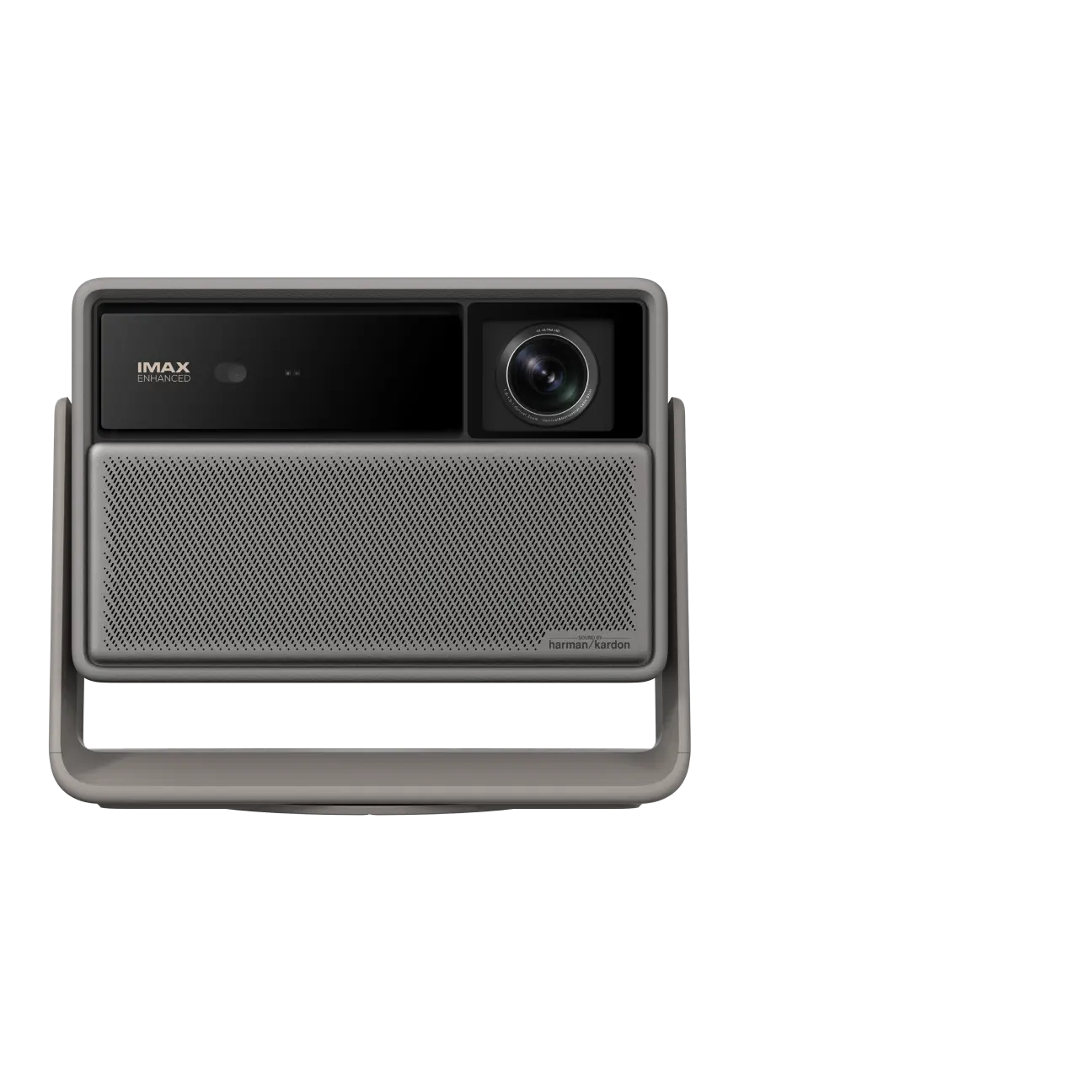
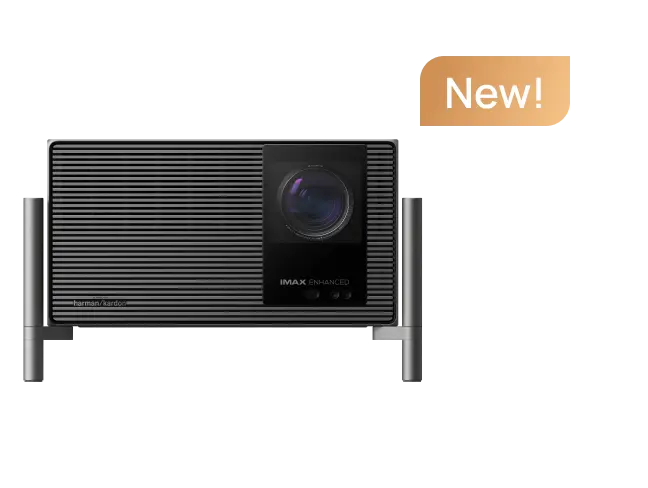
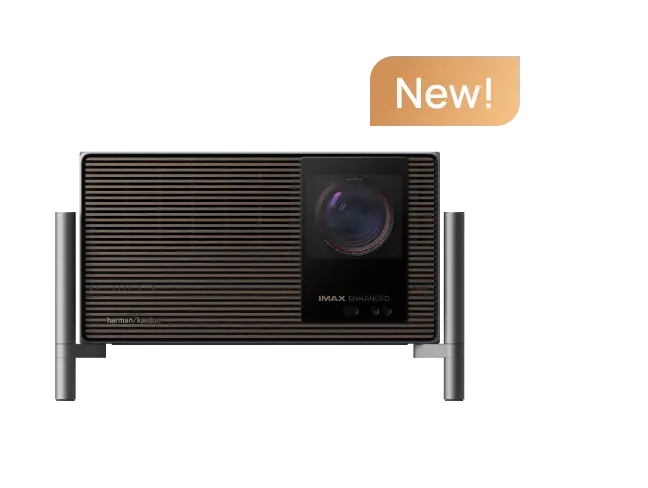
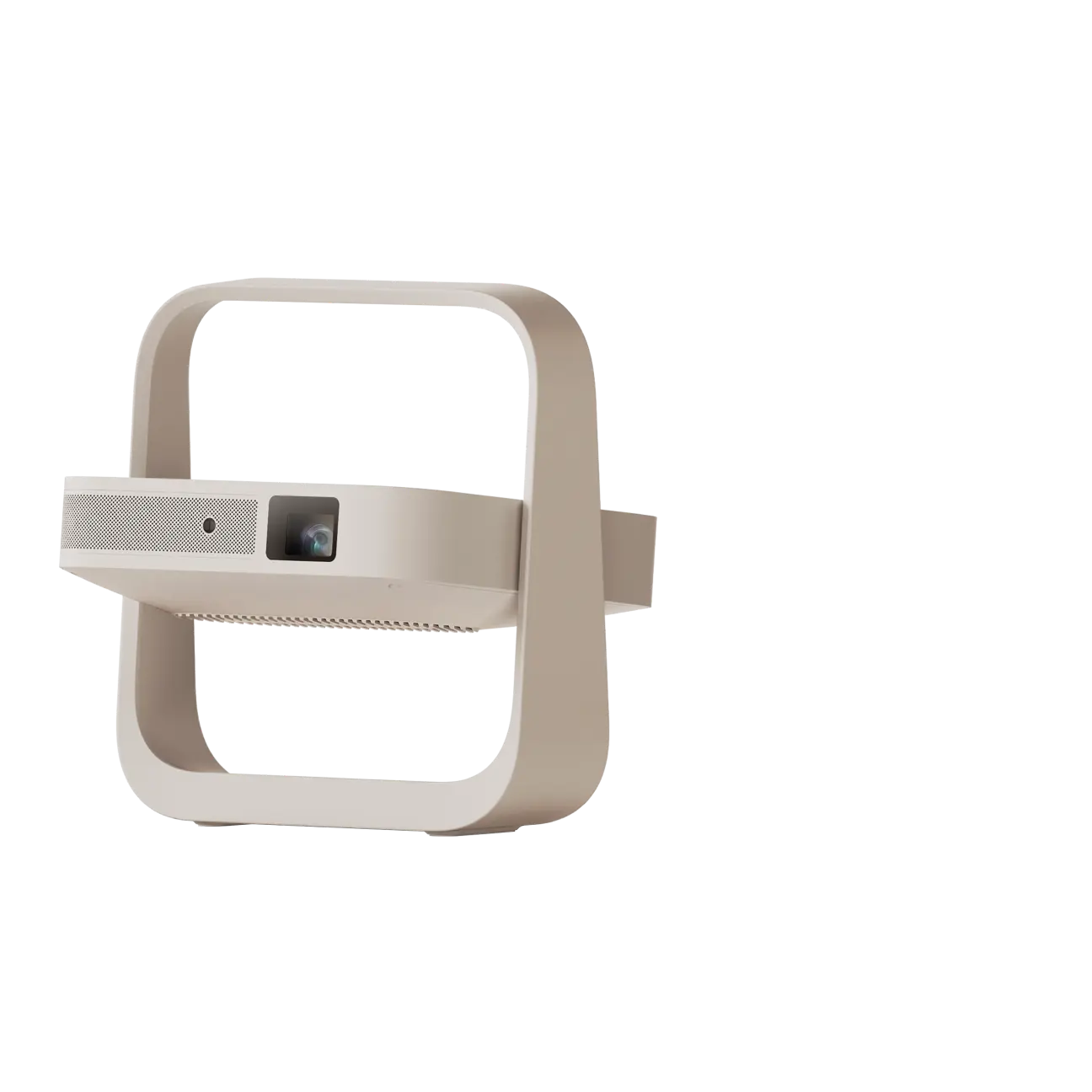
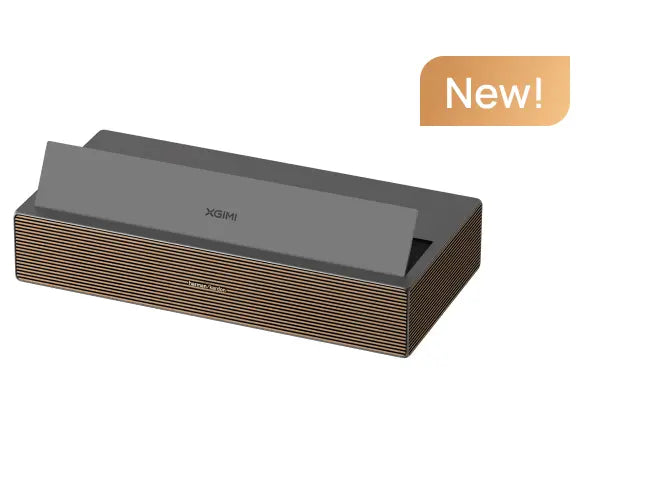
XGIMI has responded with the new HORIZON 30 Series. The lineup is designed to overcome a long-standing limitation of compact single-chip projectors: native contrast and black level depth.
The standout addition in this generation is the Dual Intelligent Iris system. This mechanical architecture, derived from higher-end home cinema projectors, controls light output dynamically to deepen black levels without sacrificing dynamic range and highlight brightness.
article_product1
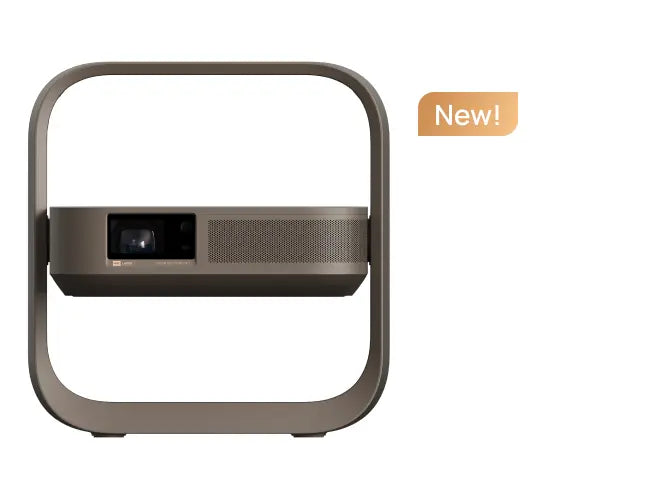
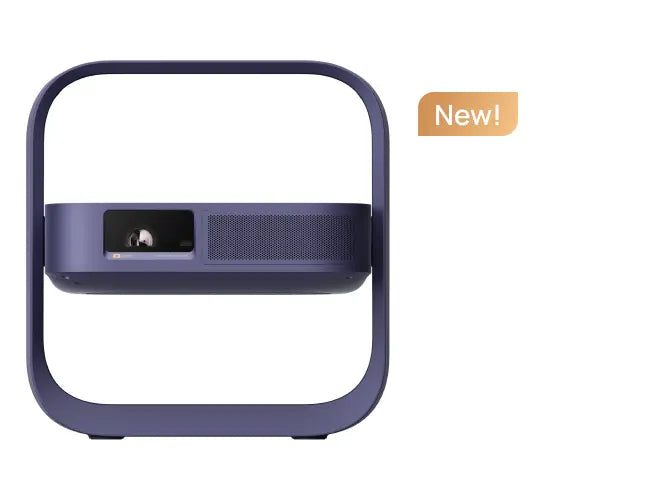
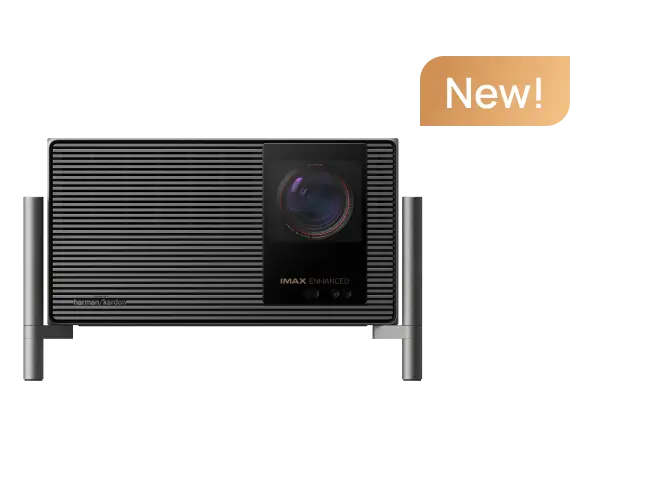
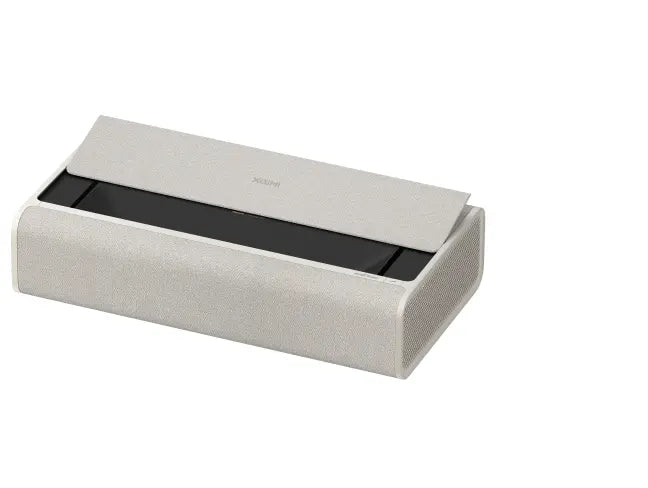
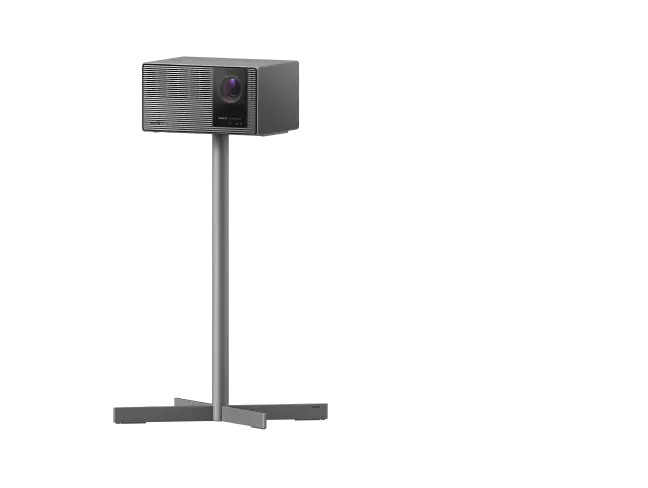
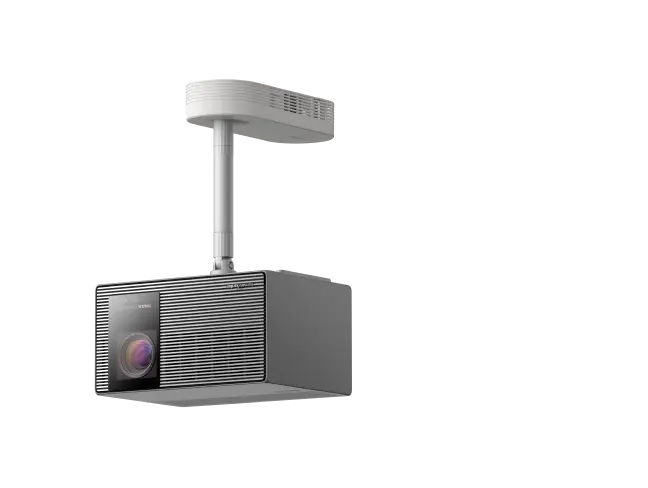
HORIZON 30 Series: Comparing the Three Models
For this generation, XGIMI offers the 30 Series in three 4K 120Hz models. Each uses an RGB Triple Laser light source, a 0.47-inch DMD chip, and the same optical package, including optical zoom and lens shift with horizontal adjustment of plus or minus 50% and vertical adjustment of plus or minus 130%. Native contrast and brightness separate the three models:
- XGIMI HORIZON 30 Pro: The balanced model. It offers 4,800 ISO lumens and native contrast of 8,000:1, which rises to 80,000:1 with the DBLE dynamic algorithm enabled.
- XGIMI HORIZON 30 Max: The mid-range model for users who need more brightness. It reaches 5,300 ISO lumens and native contrast of 9,000:1, or 90,000:1 in dynamic mode.
- XGIMI HORIZON 30 Ultra Max: The flagship of the series. It delivers up to 6,000 ISO lumens and native contrast of 10,000:1, or 100,000:1 with DBLE enabled, for a black level that was previously difficult to achieve in a lifestyle projector.

Key Features of the HORIZON 30 Pro

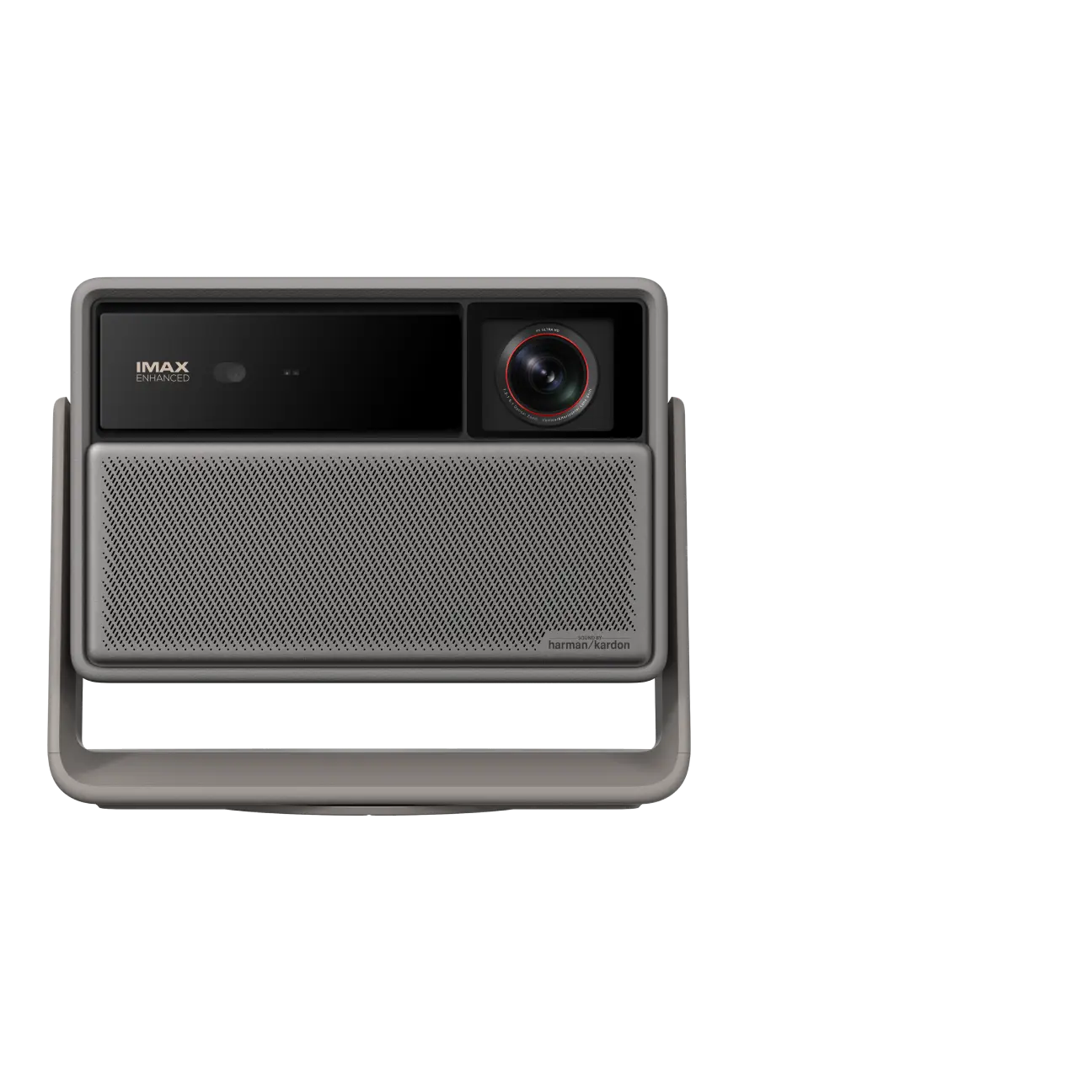
The HORIZON 30 Pro sent to me has an impressive specification for its price category: EUR 1,999 at launch and EUR 2,499 at list price.
- Lossless optics with Dual Iris and Lens Memory: The Dual Intelligent Iris is paired with true optical zoom and mechanical lens shift, which can move the image by up to plus or minus 50% horizontally and plus or minus 130% vertically. Lens Memory saves and switches between different screen formats, such as 16:9 and 21:9, with one click. This is a welcome first for lifestyle projectors.
- Color purity and brightness: The triple-laser light source covers 110% of the BT.2020 color space. The rated 4,800 ISO lumens support strong color stability and saturation, particularly when reproducing metadata from the natively supported HDR10+, Dolby Vision, and IMAX Enhanced formats.
- Factory calibration and ISF profile: The projector's software reflects the brand's maturity. It aims for reference-level color accuracy out of the box, with a typical factory DeltaE below 0.8 in cinema presets.
- 4K 120Hz and reduced RBE: Native 4K at 120Hz makes the micromirrors in the 0.47-inch DMD chip operate at twice the speed of conventional systems. Motion looks smoother and less blurred, while the perception of the rainbow effect (RBE) is reduced considerably. The result is easier viewing, including for users who are sensitive to RBE.
- Gaming performance: The MediaTek MT9679 SoC supports gaming monitor-level specifications, including 1ms input lag at 1080p 240Hz, 1.9ms at 4K 120Hz, VRR, ALLM, and AMD FreeSync certification.
- Built-in Google TV: XGIMI includes the Google TV interface natively. Unlike many dedicated home cinema projectors that sit outside the smart TV ecosystem, the HORIZON 30 Pro is ready after its guided setup. Netflix, Prime Video, and Disney+ are available through a responsive interface supported by the MediaTek MT9679 SoC and 64GB of internal storage.
- Harman/Kardon audio: The built-in audio system is useful when a separate sound system is not available. It uses a two-channel 2 x 12W system engineered by Harman/Kardon, with support for Dolby Audio, Dolby Digital Plus, and DTS-HD.
XGIMI's specification sheet describes a complete projector. An independent review needs to separate those specifications from marketing claims and test the product in practice.
The following sections examine each aspect of the projector using instrument measurements and extended viewing sessions:
- Brightness: Measure the actual ANSI lumen output on screen and isolate the native output of the light source.
- Native and dynamic contrast: Test the Dual Intelligent Iris and the DBLE algorithm to measure real black level depth.
- Factory calibration and color coverage: Assess out-of-box color and grayscale accuracy, especially in the ISF Night preset, along with gamma and color temperature linearity.
- Background noise: Measure the acoustic impact of the cooling system in decibels at specific distances and assess its effect on viewing comfort.
- Power consumption: Measure actual electrical consumption from the laser light source at different power settings.
- On-screen performance: Finish with real film content to evaluate motion, natural sharpness, and susceptibility to RBE.
Unboxing, Setup, and Installation
Before the laboratory measurements, I want to cover the initial setup and first power-on.
You can watch the full unboxing video on my YouTube channel.
The next step is powering on and configuring the projector. Before discussing the test results, I want to describe the first experience with the product.
The HORIZON 30 Pro immediately shows the maturity of its software ecosystem. Google TV setup is quick: scan the QR code with a phone to sync a Google account in seconds. The system then guides the user through selecting preferred apps such as Netflix, Prime Video, and Disney+, which are downloaded and arranged on the home screen.
The projection assistance tools are also convincing. Automatic keystone correction and motorized focus work precisely and without uncertainty. These features are especially useful for users who move the projector often or want a fast plug-and-play setup. For the best cinema result, however, avoid relying too heavily on electronic correction. Use a centered, precise physical placement and reserve digital filters for situations where they are necessary. This preserves the native sharpness of the 0.47-inch chip.
Brightness
Measuring light output is one of the most important parts of a projector review. To remove variables introduced by the screen and room reflections, I measured actual ANSI lumens directly at the lens of the HORIZON 30 Pro.
Tests used the ISF Night preset with laser power set to 10, which represents the highest brightness setting that can maintain faithful cinematic color. Measurements covered the mechanical iris from F2 through F7 and the Dynamic mode, as well as three zoom positions: Wide, Medium/Tele, and Tele.
The chart below shows the detailed measurements:

One notable result is the efficiency of the optical zoom. Between the Wide and Tele positions, light output changes by only about 100 to 150 lumens across the full focal range.
That provides considerable installation flexibility. Users do not need to search for a millimeter-perfect position to avoid a severe drop in brightness. Whether the projector is placed at the front or back of the room, the HORIZON 30 Pro retains its light output.
Although brightness remains stable across the zoom range, throw distance has a much stronger effect on another important projection characteristic: native contrast.
 |
Late update note: A recent XGIMI software update changed the projector's behavior in Dynamic mode only. Measured output in this mode increased from 1,600 to 1,800 actual ANSI lumens. The adjacent chart compares the old firmware results in blue with the latest release in orange. The other fixed iris positions did not benefit from this update and retained their original measurements. |
Native Contrast
The on/off contrast ratio is the main reference for judging the depth of a cinematic image. I measured it directly at the lens under the same conditions used for the brightness test: ISF Night preset, laser power 10, and no external processing algorithms.

The results across the Wide, Medium/Tele, and Tele zoom positions reveal a layered optical behavior that deserves a detailed look:
- F2 through F4: The Tele position delivers the highest native contrast in this range, approaching 2,000:1 at F2 and reaching 3,600:1 at F4. The Wide position produces the lowest values. Users who prioritize native contrast should install the projector at the back of the room with a long focal length.
- Iris F5: At the fixed F5 setting, optical performance is well balanced. Contrast stabilizes around 4,300:1 to 4,600:1 and remains broadly consistent across the zoom range.
- Iris F7: At the maximum iris setting, the behavior reverses. Wide becomes the strongest position, reaching 9,785:1 native contrast and exceeding XGIMI's published specification. The Tele position measures 7,506:1. At F7, internal light reflections favor the short focal length.
- Dynamic Iris: With the iris set to Dynamic, the algorithm follows the pattern of the intermediate fixed settings, measuring from 3,551:1 in Wide to 4,116:1 in Tele.
 |
Late update note: As with ANSI brightness, the latest firmware substantially improved native contrast at the F7 iris setting. The projector now reaches 10,000:1 regardless of zoom position. The adjacent chart compares the old firmware results in blue with the latest release in orange. The other fixed iris settings retained their original measurements. |
On/Off Contrast with DBLE Enabled
The DBLE (Dynamic Black Level Enhancement) algorithm substantially increases measured dynamic contrast, as the chart below shows. Measured numbers do not always tell the full story. Black level depth improves clearly, but the current DBLE implementation involves some viewing compromises.
At the time of writing, the algorithm responds too slowly to sudden scene changes and introduces visible brightness fluctuations. This limitation is especially noticeable when watching films with white subtitles, because a rapid brightness shift can destabilize the image and make the user want to turn the feature off. Until future firmware improves DBLE response, its best use is content without on-screen text. I also observed a slight color shift caused by DBLE, which is another indication that the algorithm needs refinement.

Factory Calibration and Color Coverage
The tight preview schedule did not allow a detailed mapping of every video profile on the HORIZON 30 Pro. For this first instrument-based assessment, I focused on the ISF Night preset in the Tele optical position and SDR content.
Out-of-box measurements show a solid starting point. Average grayscale DeltaE measured 4.36, with an average gamma of 2.4. The factory profile uses the Dark target and matches the 2.4 reference precisely. Primary and secondary colors were also well positioned, with average DeltaE of 2.84 and a Rec.709 gamut triangle that was more than wide enough. Color temperature measured slightly above 6,500K, producing a slightly cooler image than the D65 cinematic reference. The native ISF Night preset is already enjoyable, and a standard two-point calibration should be enough to correct the small deviations and achieve strong photometric accuracy.

Background Noise Test
Because of the schedule, I have not yet completed laboratory measurements with a sound level meter. Detailed fan-noise charts will be added in the coming days. In practical use, the HORIZON 30 Pro is notably quiet. Background noise is acceptable, and it did not become intrusive during the viewing sessions, allowing films to play without distracting fan noise.
Power Consumption
I recorded power draw in watts across all brightness steps from 1 to 10, combining the different iris positions in the reference cinema preset. The complete measurement chart is below:

Bugs and Issues
I did not encounter any blocking or obvious software bugs during normal use at the time of writing. The Anti-RBE filter introduced in the latest firmware does have a problem. Enabling it produces digital noise. The dithering artifact is visible in the HORIZON 30 Pro system menus and in grayscale patterns from 0% to 25% IRE. Above 30% IRE, the video noise disappears and the image looks clean. XGIMI still needs to refine this filter's algorithm and remove the visible digital grain.
On-Screen Performance and Recommended Viewing Presets
After the measurement sessions, I set aside the instruments and evaluated the HORIZON 30 Pro with real content in my living room. I began with the first three episodes of Carrie on Amazon Prime Video, which produced a positive first impression.
My setup uses a living room with light walls and a 115-inch ADEO Screen Ambient Grey. Its rated gain is 0.6, with an actual gain of 0.4.
I tested HDR10+ content in the ISF Night preset. To compensate for the low gain of the Adeo Ambient Grey ALR screen, I alternated between the fixed F2 iris and Dynamic mode. The combination produced a pleasing image with strong brightness and a mid-level perceived contrast thanks to the Dynamic iris.
Visual testing highlighted three important factors:
- Rainbow effect (RBE): As someone sensitive to RBE, I did not perceive any color flashes during the full session. It is too early to declare the HORIZON 30 Pro almost completely free of the effect, but I watched every title with white subtitles on screen and did not notice RBE even in the demanding title sequence of PLURIBUS. That is encouraging for users who are sensitive to RBE.
- Speckle and glittering: This was the most surprising result, and I checked it carefully before forming an opinion. With my table-mounted setup and the lens centered about 150 to 160 cm above the floor, speckle and glitter were noticeably lower and easier to tolerate than on the Titan Noir Max under the same conditions. The effect was not absent, since it is intrinsic to triple-laser technology and can be emphasized by some screens. Even so, the image was more pleasant than on my Titan Noir Max, including with the iris at F2 and maximum on-screen brightness.
- Sharpness and resolution: The image looked natural rather than overly digital. The HORIZON 30 Pro has a strong cinematic character, and the content I watched did not show distracting digital processing. The projector's sharpness control was set to zero.
By combining the light output measurements with the native contrast results, I can recommend these uses for each setting:
- F2 iris: Use this setting when maximum light output and image impact matter most. It is the best choice for 3D, demanding HDR formats, low-gain ALR screens in rooms without perfect light treatment, and screens larger than 120 to 130 inches.
- F4 iris and Dynamic mode: These settings provide the best balance between ANSI brightness and black level. Use will depend on screen size.
- F5 iris: This is the recommended preset for standard SDR film content. With the iris at F5, the HORIZON 30 Pro provides strong native contrast at an appropriate light level.
- F7 iris: Although native contrast can reach nearly 10,000:1 at the lens, the strong reduction in light output makes this an extreme setting. It suits screens around 100 inches or smaller, with positive gain above 1.0, in rooms with strong light absorption and black walls and ceiling. In a room like this, low brightness works in the projector's favor because ambient reflections do not compete with the image.
Conclusion and Final Considerations
My first experience and the extensive instrument testing lead me to recommend the XGIMI HORIZON 30 Pro. It delivers image quality that was difficult to imagine at this price. The purchase still depends on the user's existing setup. Is an upgrade from the HORIZON 20 Series worthwhile? If you already own a previous-generation HORIZON projector, the answer depends on your priorities:
- Entry-level HORIZON 20 model: An upgrade is strongly recommended. The improvement in contrast and black level depth is clear. At the EUR 1,999 preorder price, it is an excellent value, provided you want stronger native contrast even without DBLE.
- HORIZON 20 Max: An upgrade is harder to recommend. The Dual Iris in the 30 Series improves contrast, but users must accept a loss of light output that varies with the selected iris setting. It may not be worth the change unless black level is your primary priority.
- Gaming and older lamp projectors: Technically, the HORIZON 30 Series is well equipped for gaming with 4K 120Hz, 1ms input lag, and FreeSync. My experience is focused on cinematic image quality and film performance, so I am not making a definitive judgment on gaming. The upgrade case is much clearer if you are moving from an older lamp-based projector. Color, instant power-on, and dynamic range all improve substantially.
- No direct comparison with the Titan Noir Max: To avoid predictable forum debates, I will not make a direct comparison with the Titan Noir Max. It belongs to a higher category and serves a different purpose. It is also brighter and capable of much higher native contrast at the same effective on-screen light output.
The HORIZON 30 Pro is a capable projector that I recommend, provided buyers carefully assess their viewing preferences and budget. A few years ago, this combination of build quality and optical performance at this price would have been unrealistic. Today, XGIMI and healthy competition among brands have made it possible. The technology market moves quickly, perhaps too quickly, but this 30 Pro demonstrates that smart projection has reached a mature level for cinema use.
I hope this review helps you make a good choice. Enjoy your next movie night.
article_product1


