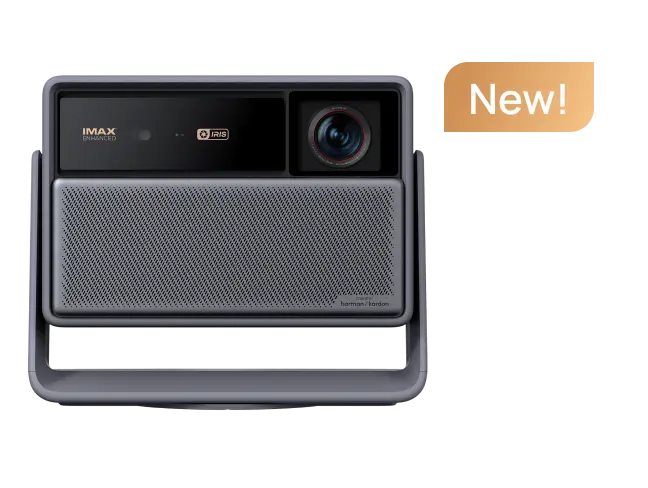
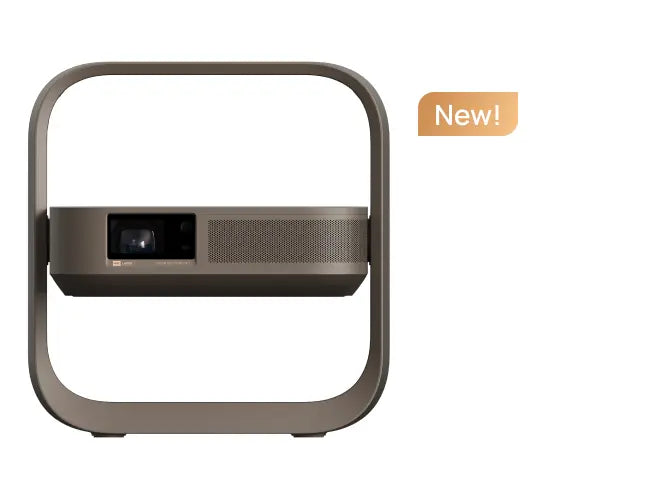
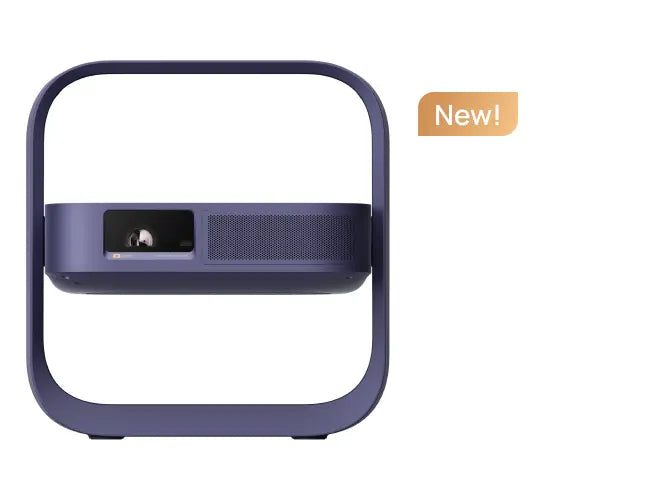
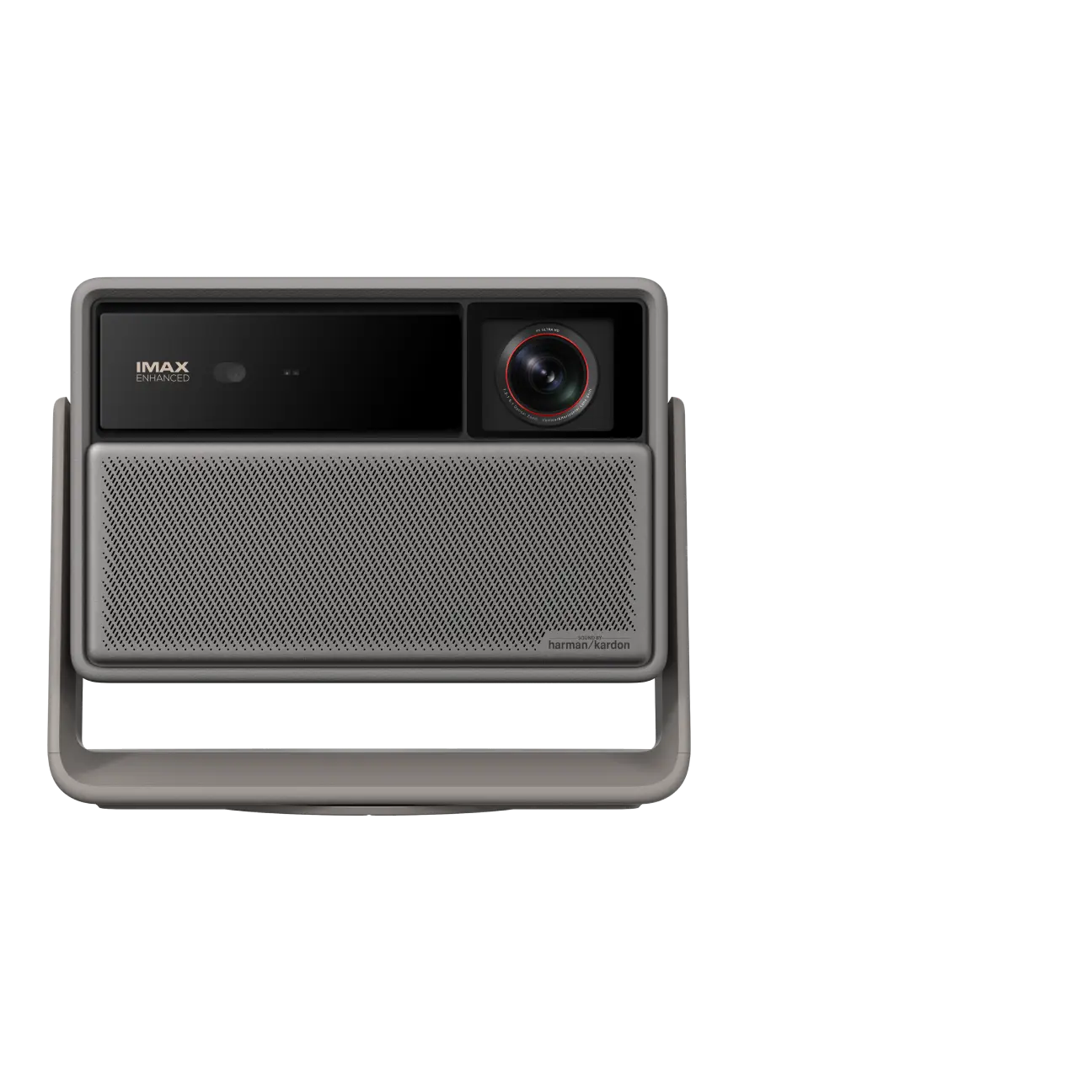
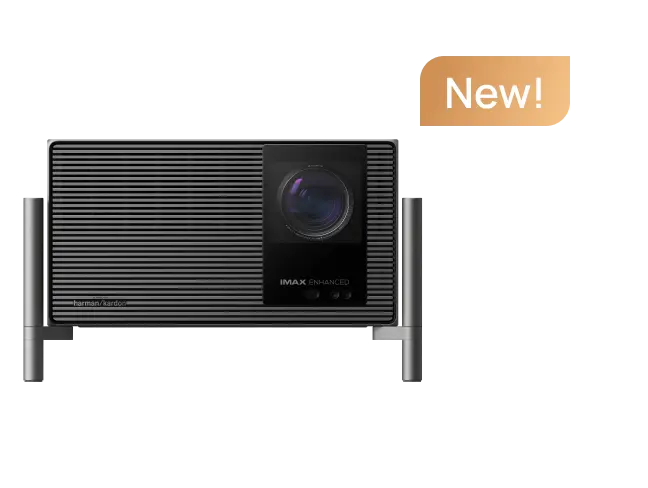
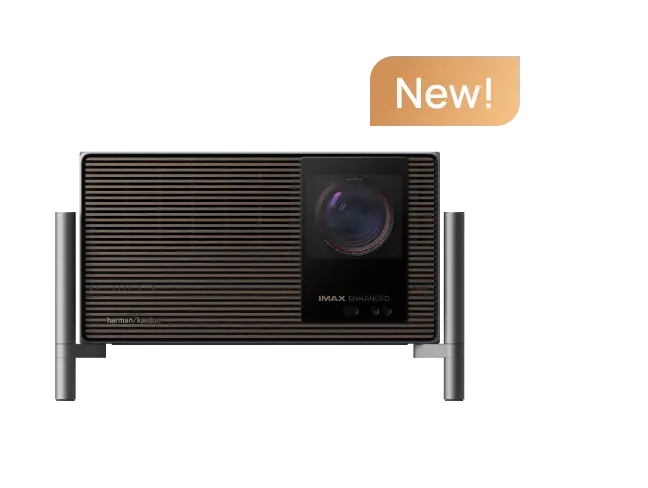
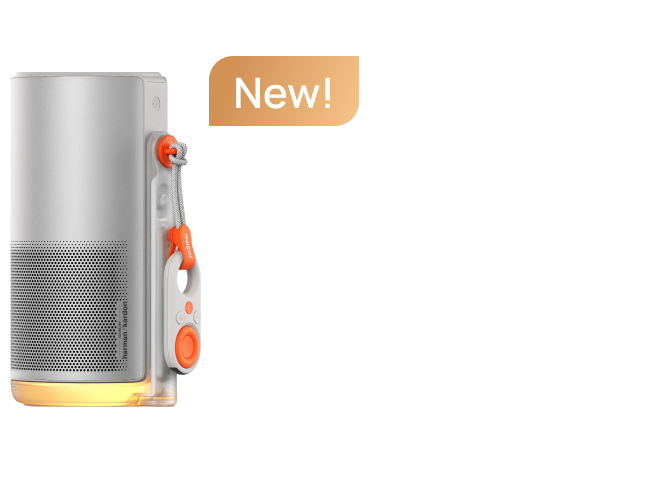
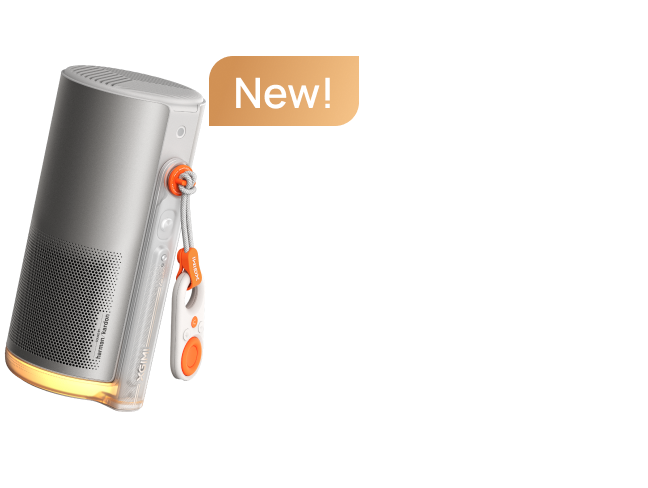
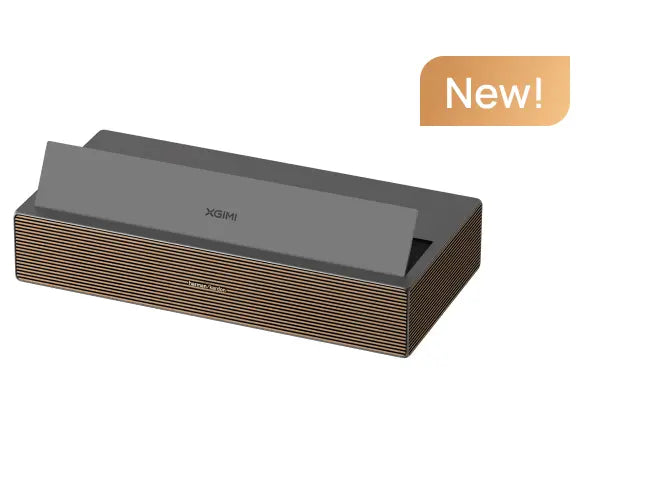
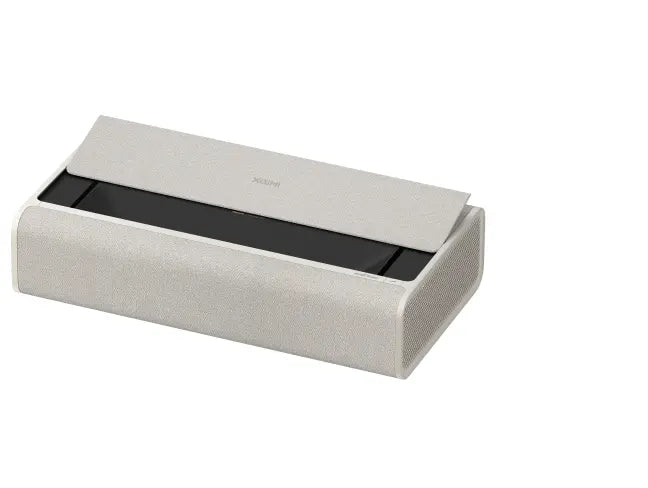
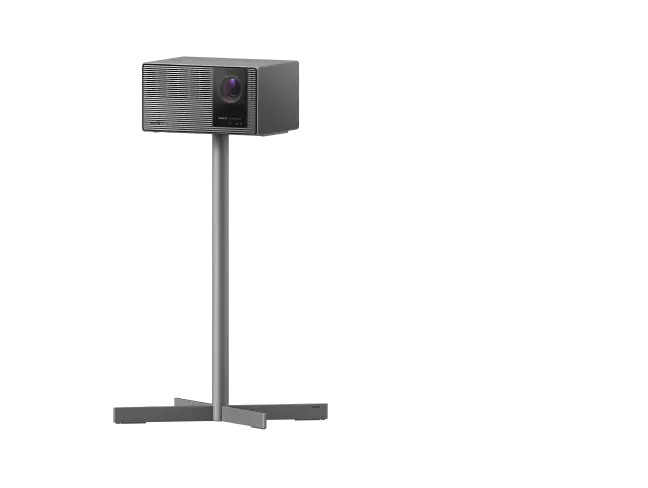
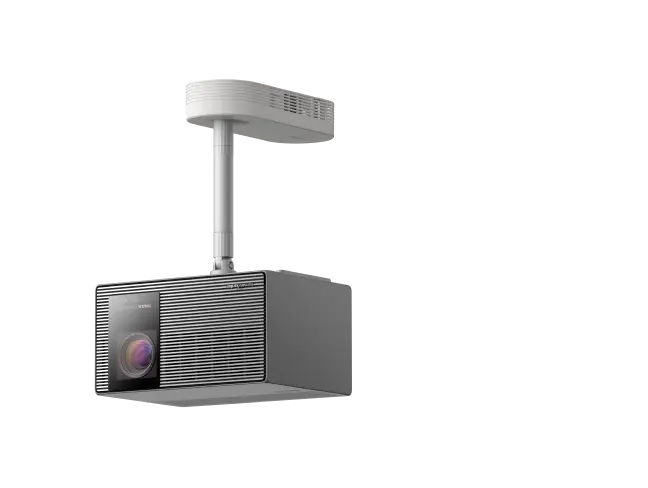



This review was originally published on Reddit by an Elfin Flip 4K user and is reproduced with the author's permission.
- Original Author: Fanis Poulinakis
- Original Review Link on Reddit: https://www.reddit.com/r/budgetprojectors/comments/1wt8p2n/xgimi_elfin_4k_review_i_ended_up_moving_this/
- Original Review Link on User Mode: https://usermode.substack.com/p/xgimi-elfin-flip-4k-review
- Note: XGIMI provided the projector to the author at no cost, but all experiences and opinions shared in this review are based on the author's own real-world use.
- Quick disclosure before I start, because I’d rather put this right at the top: XGIMI sent me the Elfin Flip 4K for free. I wasn’t paid, they gave me no talking points, and they never asked to approve anything I wrote.
I was genuinely excited to test it. I’ve bought and used projectors before (probably more than 7-8 lol), I love this stuff, and getting sent one to properly live with for a few weeks is still pretty cool to me.
Also, this is only my second proper tech review. I’m not a projector engineer or a calibrator, and there are people here who know much more than I do about measured contrast, colour accuracy, input lag and all the technical stuff.
What I’m trying to do is slightly different. I use the thing for a while, move it around, live with the annoying bits, notice what I keep using and what I stop caring about, and then write about that.
So fair warning, this is a long review. But I wanted to write the kind of review I would actually want to read after somebody had lived with the product for a few weeks, rather than another run through the spec sheet.
With the Elfin Flip 4K, the question I kept coming back to was pretty simple:
Where does a projector like this actually end up once it becomes part of the house? When do I bother turning it on? And what makes me carry it into another room instead of finding one place for it and leaving it there?
And since this is r/budgetprojectors, one thing upfront: at around €999, I know this is towards the expensive end of what many people here would consider a budget projector. I get into the price later, including whether I think I would actually pay for it myself.
- Note from XGIMI: Product prices may vary by region, sales channel, time of purchase, currency, and local pricing strategies. Please refer to the price displayed at the time of purchase.
article_product1
Anyway, this is what happened after a few weeks with it.
Also, this is specifically the Elfin Flip 4K, not the Elfin Flip Laser. The names are confusing. I haven't used the Laser model side by side, so this isn't a comparison between the two.
The first few days I did what I normally do when I get a new projector. I tried it on different walls, jumped between YouTube videos, played with the settings and basically wanted to see how good the picture could look.
But after a few weeks, the thing I keep coming back to is this:
I move this projector around the house more than I had with others.
Not because it's the smallest.
I've bought a couple of smaller battery projectors in the past, and those are definitely easier if I'm packing light for a one- or two-day trip.
The difference with the XGIMI Elfin Flip 4K is that I don't feel like I'm giving up as much on the picture just because I want something I can move.
So far, it is probably the best combination I've personally used of those two things.

I Expected to Use Elfin Flip 4K Mostly In the Dark. I Don't.
One of the biggest surprises has been how often I haven't had to wait for nighttime or darken the room before using the Elfin Flip 4K.
- XGIMI rates it at 1600 ISO lumens.
I don't really know what 1600 ISO lumens is supposed to feel like in my kitchen at 1:30 in the afternoon, so I ended up asking two much simpler questions.
Can I see the image clearly enough without closing everything and making the room dark?
And if I can, do I actually want to keep watching it?
My kitchen is probably the best example.
I spend a lot of time there. Sometimes I'm cooking, sometimes I'm sitting at the long table doing a bit of work, sometimes I just want YouTube, music or a recipe playing while I'm doing something else.
There are two windows with a section of dark brown wall between them.
One afternoon at around 1:30, I put the Elfin Flip 4K on the table across from that wall and started watching YouTube.
There was daylight coming into the room from different directions. One roller blind was closed, the other was open, and I was projecting directly onto the dark brown wall.
Not a white screen.
And I kept watching.
That is probably the simplest way I can describe the brightness.
The image was still bright enough for me to enjoy it and the colours still had a lot of punch.
I want to be careful here because I am not saying this is a television replacement in a bright sun-filled room. It isn't.
But there is a big difference between an image being technically visible during the day and an image I am actually happy to sit there and watch.
In my kitchen, it crossed that line.

That matters because if every time I want to use a portable projector I first have to close every blind and make the room dark, then moving the projector starts to feel like only half the job.
With the Elfin Flip 4K, quite often I just put it somewhere, turn it on and start watching.
That is also why most of the photos in this review have some light in the room.
Almost every decent projector can look impressive when the room is completely dark. I thought it was more useful to show you what my rooms actually looked like when I was using this one.
The photos were taken on a regular iPhone and none of them have been retouched.
The colour is probably my favourite thing about the image.
I like intense colours. That is just my taste.
When a projector has that rich, punchy feeling I like from an OLED, especially with colourful YouTube videos, animation or live TV, I enjoy it more.
I'm not saying the Elfin Flip 4K looks like an OLED TV. Obviously it doesn't. I'm talking about the colour.
The Elfin Flip 4K can look really vivid, and I like that.
Someone who wants a more restrained, calibrated cinema look may prefer something different, or may set the projector up differently.
One technical note because I know people here will ask: this is pixel-shifted 4K, not native 4K in the strict imaging-chip sense.
I am not going to turn that into a DMD lecture.
At the roughly 80 to 90 inch sizes I've actually been using, it looks very sharp to me.
Even streamed live TV looked cleaner than I expected. I don't know exactly what processing XGIMI is doing there, so I'm not going to call it upscaling as if I've tested that properly.
It just looked better than I expected from the source.

It Never Really Settled in One Room
The office was the obvious place for this projector at first.
I work from home and watch an embarrassing amount of YouTube while I work. Mostly technology, AI, productivity stuff, podcasts and things I can have playing while I'm doing something else.
There is a dark wall next to my iMac, so putting the projector on the desk made sense.
I get a big image without using up the screen I'm actually working on, and I like having something playing on the wall while I work.

But the interesting part is that it didn't stay there.
There is another small area in the house with a chair, a bookcase, a little table and a patch of wall opposite it.
I would never install a television there.
I don't want a television there.
But one day I put the Elfin Flip 4K down, pointed it at that wall and suddenly that little corner had a big screen.
When I was finished, the screen disappeared again because there was never a screen there in the first place.

That sounds like the most obvious argument for projectors imaginable.
You don't have TVs everywhere. You do have walls everywhere.
I know.
But I've owned smaller projectors before and I wasn't constantly carrying those from wall to wall.
With the Elfin Flip 4K, I have been.
So I started paying attention to why.
It turned out to be a combination of small things, and each one removes a reason not to move it.
Moving it Doesn't Mean Moving Everything Else
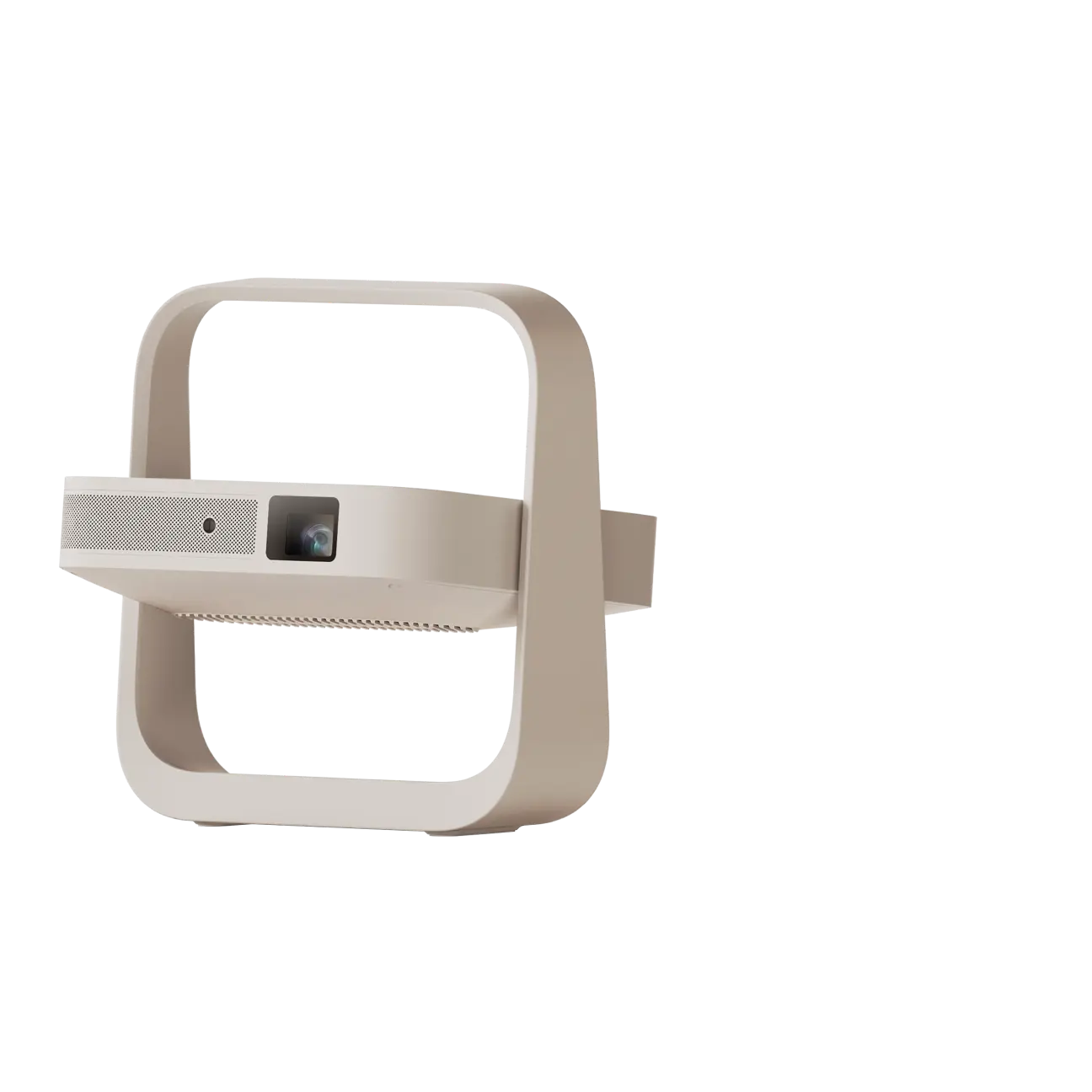
When I decide I want the XGIMI Elfin Flip 4K small projector somewhere else, I pick it up by the integrated frame, take the power adapter and the remote, and go.
That is basically the setup I use.

There is no battery, and I don't want to hide that inside a paragraph about portability.
If I was going away for two days with one backpack, I would probably take one of the smaller battery projectors I've bought in the past.
The Elfin Flip 4K needs a wall socket.
Inside my house, that has mattered much less because there are sockets everywhere.
What matters more is that the things I do need to carry don't turn into a second bag.
The power adapter is relatively small and light.
That sounds like a ridiculous thing to praise, but I've had portable projectors in the past with plugs or power bricks that felt almost as big as the projector.
At that point you start wondering which bit is supposed to be portable.
The built-in speaker helps for the same reason. It is not a replacement for a proper sound system, but I haven't been carrying a Bluetooth speaker around either.
Google TV is already inside the projector, so I haven't been moving an Apple TV or Fire TV with it.
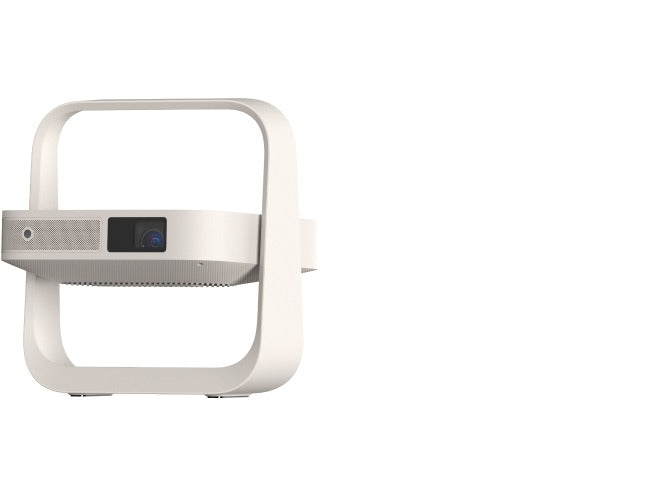
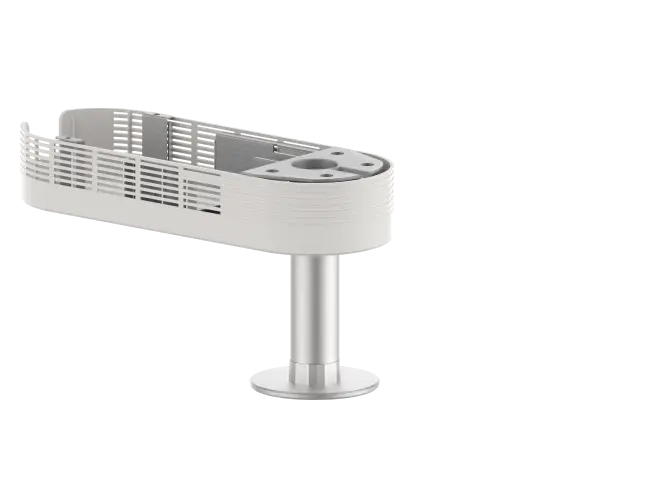
And the integrated frame is not just a handle. It is also the stand, so when I put the projector down I can change the angle without looking for another mount.
It is not that the Elfin Flip 4K is the smallest projector.
It isn't.
It is that when I move it, very little else has to move with it.
I also don't mind leaving it sitting in different rooms for a while.
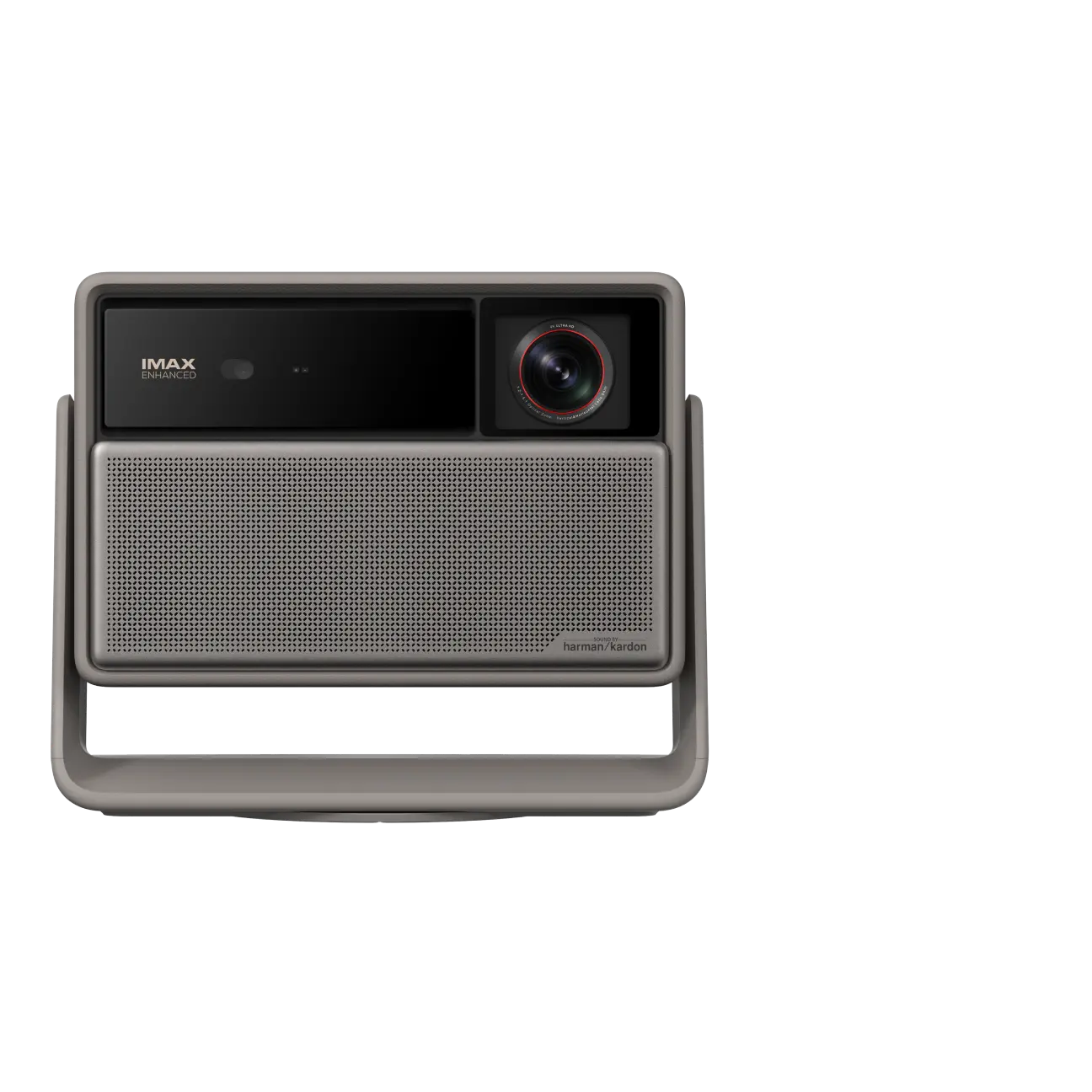
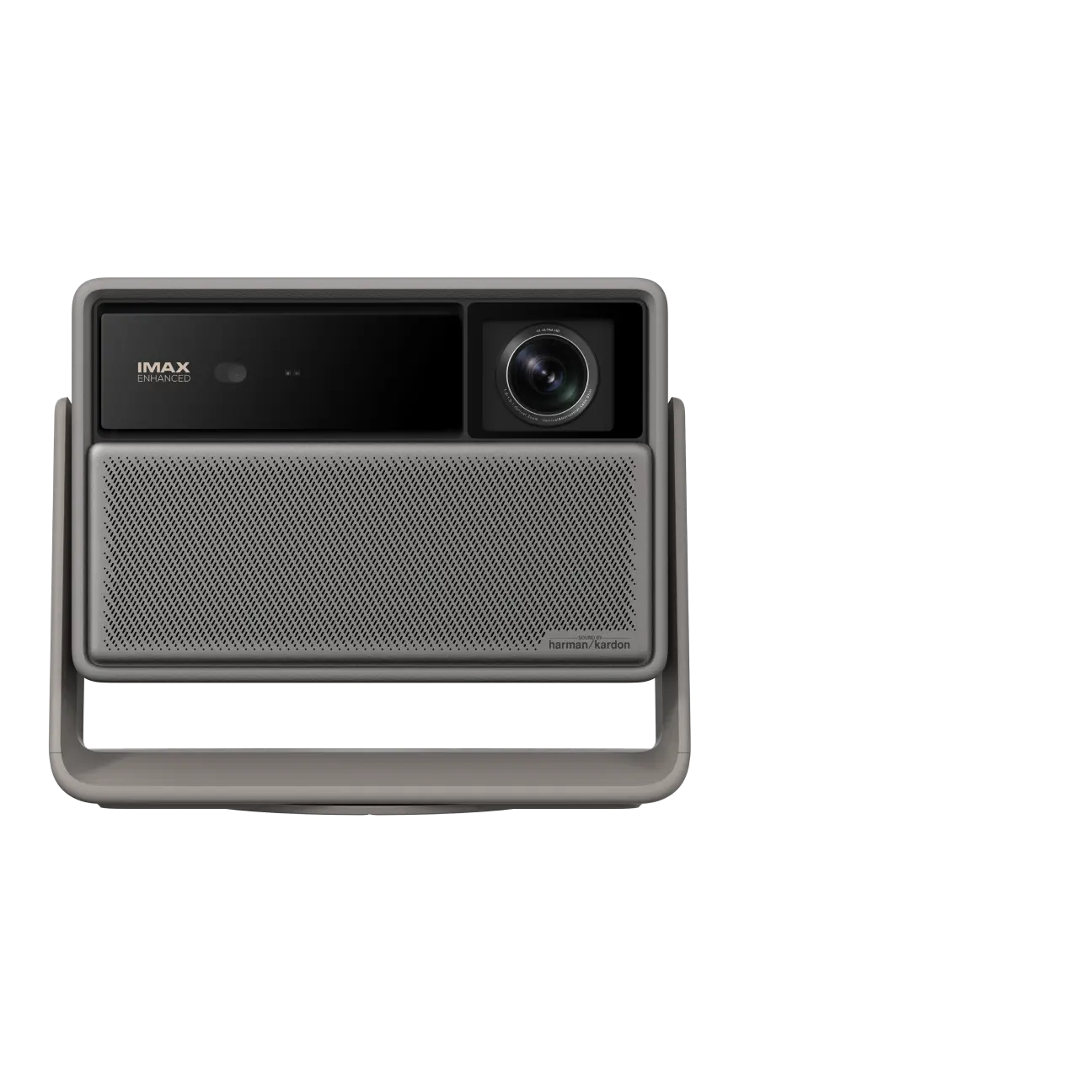
I really like the finish. It is this muted dark brown or warm grey kind of colour. I am not even sure exactly what to call it.
Personally I get tired of black consumer electronics everywhere. This sits naturally on a shelf or table in my apartment and doesn't immediately look like AV equipment that needs its own dedicated corner.
That is obviously subjective, but for something that keeps appearing in different rooms, I think it matters.

Optical Zoom is Why I Didn't Have to Rearrange the Kitchen
Back to the kitchen.
The wall between the two windows is not very wide.
When I first projected from the long table, the image was too big. It went beyond the dark wall and into both windows.
That left me with the usual projector problem.
Move the projector. Find another table. Put it on a stool. Move where I am sitting.
Basically make the room cooperate.
Instead I opened the optical zoom control and made the image smaller until it fitted the wall.
Done.
That was the moment I understood why I cared about optical zoom.
The Elfin Flip 4K has a 0.98 to 1.3:1 optical zoom, which in normal language means I can change the image size through the lens without physically moving the projector.
The number meant absolutely nothing to me until I had a real wall that was too small.

I also like that once I set the zoom for that wall, it stays where I left it when I turn the projector off and back on.
And if the projector gets nudged a little in the same setup and automatic keystone corrects the image again, the zoom position stays where it was.
That sounds tiny.
But it means I don't have to rebuild the setup because somebody moved the projector a few centimetres.
This is the kind of feature I want reviews to tell me about.
Not just "it has optical zoom."
Tell me when I will be glad it has optical zoom.
For me, it was when I didn't have to rearrange the kitchen.
In the Bedroom, I Stopped Setting it Up and Just Watched
My bedroom is a completely different problem.
There isn't a useful wall directly across from the bed, so this is one of the few places where I actually bother opening a portable screen.
The screen collapses when I am not using it, which is why I like it.
I put the screen up, placed the Elfin Flip 4K roughly 1.8 metres away, lower than the screen and a bit off to the side, and got an image of around 80 inches.


This was not some extreme off-axis torture test.
But the projector also wasn't sitting perfectly centred in front of the screen.
I used the screen alignment and automatic keystone, it fitted the image to the screen, and then I watched the movie.
That is what mattered.
I didn't spend the first ten minutes trying to get the picture straight.
I put it down, let the projector sort itself out, and started watching.
Auto keystone and autofocus are obviously not new.
The useful part here is that they remove another little reason not to move the projector.
If I knew every new room meant ten minutes of manual adjustment, I would move it less.
The fan didn't become a problem either. The projector was fairly close to me and I don't remember it distracting me during the film.
The speaker was more than loud enough. I was actually turning it down because I didn't want to disturb people elsewhere in the building.
Again, I am not calling this home-cinema audio.
The point is that I didn't reach the bedroom and think, "right, now I need to go get a speaker as well."
By this point I think I understood why the Elfin Flip 4K kept changing rooms.
It is not one thing.
It is the combination.
I Can Carry Everything I Need in One Go.
- Optical zoom gives me more freedom when the wall or furniture is awkward.
- Autofocus, keystone and screen alignment mean I don't spend ages setting it up again.
- Google TV and the speaker mean I am not collecting extra boxes before I can watch something.
And most importantly, once I move it, the picture is still good enough that I don't feel like portability was the compromise.
Some Features Disappeared From My Life
My apartment has quite a few walls that are not white, which is why Wall Color Adaption was one of the settings I was interested in trying.
The idea is good.
If you project onto a coloured wall, the projector tries to compensate for the wall colour.
My office wall is dark brown, so on paper this should be exactly where I want it.
I tried it several times.
After a while I just stopped using it.
On my wall, to my eyes, the adjusted image becomes darker and less colourful than the normal image.
I prefer the normal image.
That does not mean Wall Color Adaption is bad on every wall. I have tested it on one particular dark brown wall in my house.
But it is a good example of why I don't want to review products by counting features.
The feature that sounds perfect for my setup is one I don't use.
Optical zoom, which sounded boring, is one I genuinely care about.
The picture presets left me with a similar feeling.
You get Standard, Movie, Vivid and Game. I tried all of them, but to my eyes the differences are not big enough that I think about the modes very often.
Most of the time I leave it in Standard.
The sound modes are similar. I went back and tried them again because I thought maybe I hadn't paid enough attention the first time.
I still didn't hear a big enough difference to care very much which one was selected.
Ceiling projection works too.
I pointed the Elfin Flip 4K up, the automatic correction reacted quickly, and yes, I had a big picture on the ceiling.
I was impressed for about five minutes.
Then I realised I don't actually like watching things on the ceiling.
Someone else might love it.
I don't.
That is the funny thing about living with products for a while.
Some features work perfectly and still disappear from your life.
Others only become interesting when they solve a stupidly specific problem you didn't know you had.

Google TV is Useful, But It isn't Flawless
Google TV is one of the reasons the Elfin Flip 4K can move as a complete setup.
That only helps if the built-in software is good enough that I don't immediately reach for an external streamer.
So far, I haven't wanted one.
This is probably the fastest Google TV experience I have personally used on a projector so far.
If the projector is already plugged in and I turn it back on, I timed roughly eight seconds before I am back where I left it.
If I physically unplug it and start again from cold, it is closer to 30 seconds.
It is not flawless.
There is occasional lag.
The YouTube app has quit unexpectedly on me a few times.
I also had one strange Disney+ problem where I had sound but no picture. I uninstalled the app, installed it again, and it worked.
That has happened once.
I have no idea whether it was Disney+, Google TV or the projector, so I am not going to diagnose it from one incident.
I can only tell you it happened.
The remote is mostly good too.
Some of the buttons are backlit, which is genuinely useful in a dark room.
There is a dedicated autofocus button.
What I haven't found is a dedicated keystone shortcut.
I also don't see keystone in the first quick settings pop-up.
To get to things like Wall Color Adaption and the rest of the keystone controls, I go through All Settings first.
If I am missing a shortcut, somebody please tell me.
Because on a projector I physically move between different setups, keystone is exactly the kind of thing I would like to reach faster.

Where I Would Not Use It
I think it is just as useful to say where this projector stops making sense for me.
1. I wouldn't choose it for backpack travel.
If I am going away for a couple of days and trying to carry as little as possible, I would rather take a smaller battery projector.
The Elfin Flip 4K is movable, but it is not the smallest thing you can buy and it still needs a wall socket.
If I wanted one fixed screen in a bright room for everyday television, I would still buy a TV.
A TV is simpler, brighter and always there.
2. I also wouldn't buy it to build a permanent home cinema.
If I had one fixed projector position, a serious screen, a proper sound system and my main priority was the best possible dark-room performance for the money, I would be looking at a different kind of projector.
That is not really the job this product has been doing for me.
I also haven't tested the huge image sizes you see on the product page.
My actual use has mostly been around 80 to 90 inches because that is what my rooms naturally allow.
I am not going to project a 200 inch image badly just so I can say I tested 200 inches.
I haven't meaningfully tested gaming either.
The Elfin Flip 4K has gaming features and XGIMI makes latency claims around them, but I haven't spent enough time gaming on this unit to tell you anything useful.
I would rather leave that out than repeat a number from the product page.
For me, this is not a projector for every place.
It is a projector that makes a lot more places practical.
Would I Actually Pay for Elfin Flip 4K?
This is probably the part where the free review unit matters most.
I didn't spend €999 on mine, so I don't want to pretend that handing over the money feels exactly the same.
But after using it for a few weeks, I can at least ask myself whether I would.
At the time I am writing this, XGIMI's official European price is around €999, although I have already seen lower street prices, so I would absolutely check the actual price where you live.
At €999, it is not cheap.
And I am not going to tell you it is "the best projector under €1,000."
I haven't tested every projector around €1,000.
What I can say is that after using it, I understand much better what I would be paying for.
There isn't one spectacular feature that makes me think, "yes, that's why it costs this much."
The value for me is that I can carry one small setup into another room, put it somewhere that isn't perfectly designed for projection, and still end up with a picture I genuinely want to watch.
The image quality, brightness, colour, optical zoom, quick setup, built-in streaming, usable sound and physical design all contribute to that.
None of them is the whole answer.
Together, the package makes sense to me.
And based on what I have personally used so far, yes, I think I would pay for it.
If I found it closer to €850 or €900, that decision would obviously become easier.
If I was spending significantly more than €1,000, I would start looking much harder at larger projectors and deciding whether portability still mattered enough to me.
After a Few Weeks, This is What I Ended Up Thinking
Before using the Elfin Flip 4K, I probably thought about portable projectors mostly in terms of size.
- How small is it?
- Does it have a battery?
- Can I put it in a bag?
I still think those things matter.
But after a few weeks with this one, I think there is another question that matters more inside a home:
Will I Actually Bother Moving It?
I've used smaller projectors that were easier to carry, but where the picture reminded me pretty quickly that portability was the compromise.
I've also used bigger projectors that I was much happier leaving exactly where they were.
The Elfin Flip 4K sits in a very useful place between those two.
The thing I would miss is not the ability to physically carry it.
It is deciding I want a big screen in the kitchen, beside my bed or next to my desk and having one a few minutes later without feeling like the picture is the price I paid for moving it.
That is why this projector kept changing rooms.
Not because I decided I needed five locations for a review.
I just kept finding places where I wanted a screen.
That is probably the simplest way I can explain why I like it.
article_product1


