



A portable projector for iPhone can turn your bedroom, living room, or backyard into a big-screen viewing space. But choosing one takes more than checking its size or brightness. Some projectors connect through HDMI, while others support wireless casting or built-in streaming apps. This guide explains which connections work, what equipment you need, and how to choose a projector that fits your space, budget, and viewing habits.
What Makes a Projector Compatible With an iPhone?
A projector is iPhone-compatible when it supports a video connection your specific iPhone can use. The most dependable general-purpose option is HDMI with the correct adapter, provided your iPhone supports wired video output.
Many mini projectors also include Wi-Fi, Bluetooth, or smart projector features. However, Wi-Fi alone doesn't guarantee iPhone screen mirroring, and Bluetooth audio cannot transmit a movie's picture.
Google TV and Android TV devices may support Google Cast, which works with compatible iPhone apps. AirPlay is a separate Apple technology. A projector with Google Cast does not automatically support AirPlay.
Check the HDMI ports before buying. Some smaller projectors use Micro HDMI instead of full-size HDMI. USB-C may support charging, video, or both, depending on the device. A projector's USB-C charging port isn't necessarily a video input.

How to Connect Your iPhone: Wired and Wireless Options
Connect with HDMI
The adapter depends on your iPhone:
- Lightning iPhones: Use Apple's Lightning Digital AV Adapter and an HDMI cable.
- USB-C iPhones: Check your exact model's wired video-output support, then use a compatible USB-C-to-HDMI adapter or cable. Not every USB-C iPhone supports external displays.
Connect the adapter to your phone, run HDMI to the projector, and select the correct input. Keep the projector powered, and connect your iPhone to charging if needed.
For a complete walkthrough, see XGIMI's guide to connecting a phone to a projector with HDMI.
A standard USB charging cable won't carry the picture through a charging-only projector port.
Cast wirelessly over Wi-Fi
Google Cast lets an iPhone send content from supported apps to compatible projectors. Connect both devices to the same Wi-Fi network, allow Local Network access for the iPhone app, and tap its Cast icon.
You can also use a compatible external Chromecast receiver connected to the projector's HDMI input, with its required power supply. App-level casting is different from mirroring the entire iPhone screen.
Use AirPlay with Apple TV
For AirPlay screen mirroring, connect an Apple TV streaming box to the projector through HDMI and provide power to the box. Connect Apple TV and your iPhone to the same Wi-Fi network, then open Control Center and select Screen Mirroring.
This is useful for photos and supported apps, but not every streaming service permits mirroring.
What to Look for in a Portable Mini Projector
Picture quality and brightness
Most people choosing a portable projector should start with resolution, brightness, and room lighting.
A 1080p projector is a practical choice for watching movies, while 480p images may look noticeably pixelated on larger screens. A 4K projector can offer finer detail, but check its displayed resolution rather than assuming any device accepting 4K input actually projects 4K.
Brightness also affects image quality. Projectors may use ANSI or ISO lumens, which shouldn't be directly compared as identical measurements.
The brightest portable projector isn't automatically right for every room. Even a high max brightness rating cannot overcome direct sunlight, and a larger projected image spreads the available light over more surface area.
For outdoor movie night, wait until dusk or after sunset and consider a proper projection screen. XGIMI's daylight projection guide explains how ambient light affects visibility.
Sound quality and audio options
Many mini projectors have built-in speakers that work well for personal viewing. For larger gatherings, external speakers may improve audio quality and volume.
Check whether the projector supports Bluetooth audio output or a wired audio connection. Bluetooth speaker mode alone doesn't confirm that external Bluetooth speakers can receive movie audio.
Battery life, portability, and setup
Portable doesn't always mean battery-powered. A built-in battery makes a projector more convenient for camping or backyard viewing, while smaller projectors that require an outlet may work better for home entertainment.
Check battery life under the manufacturer's stated conditions. Eco Mode often extends video playback by reducing brightness.
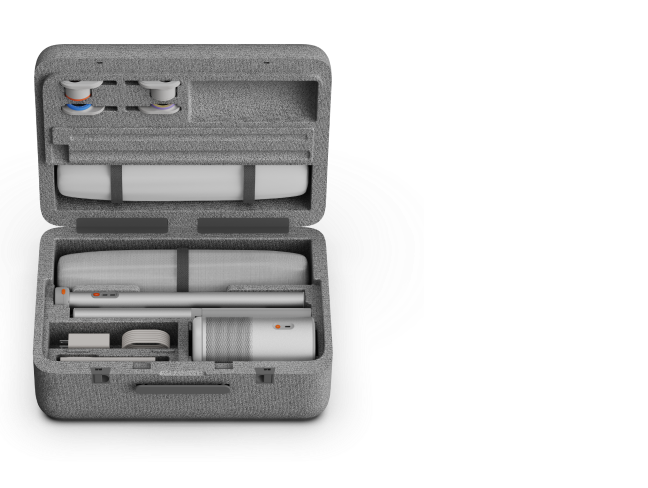
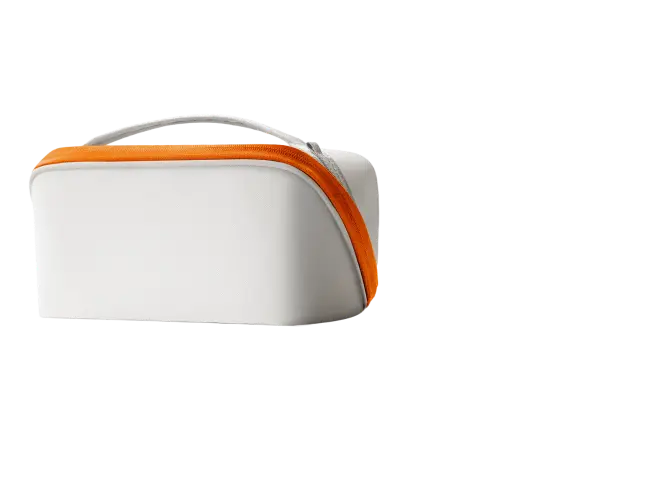
Size and accessories matter too. A projector that fits in a backpack, has an adjustable stand, or includes a built-in handle can be easier to carry than traditional projectors. A compatible tripod may help with positioning.
Auto focus and keystone correction simplify setup. Lens shift or optical zoom can offer more placement flexibility on certain home theater models, but don't assume most portable models include them.

Three XGIMI Projectors for Different Viewing Needs
The best portable projector depends on where you'll use it and whether you need battery power. These three XGIMI models offer different approaches to portable or compact home viewing.
You can also explore XGIMI portable projectors to compare other options.
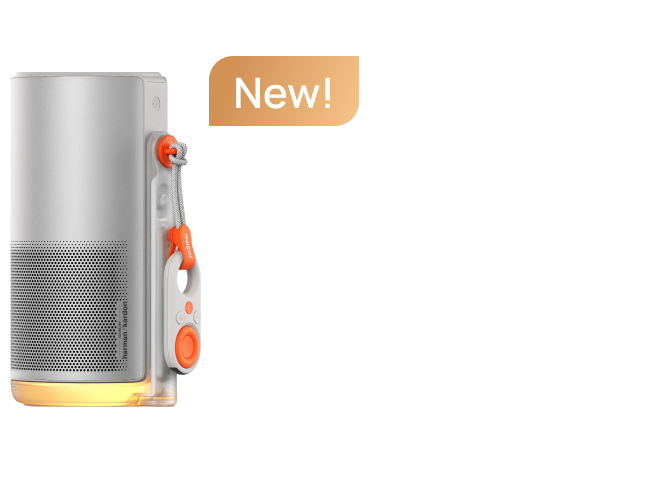
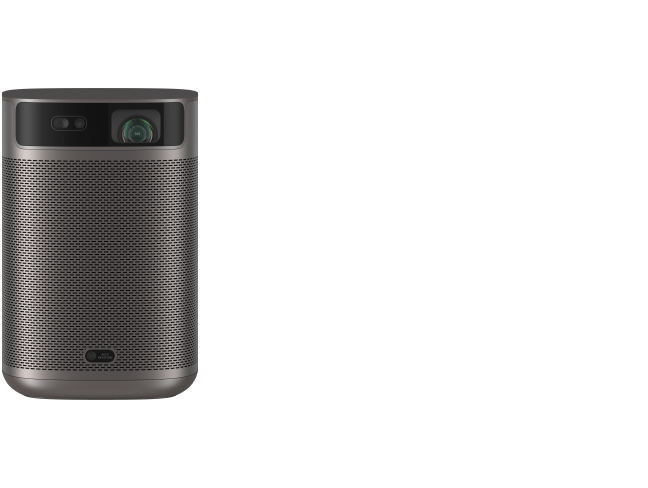
XGIMI MoGo 4 — for bedrooms and travel
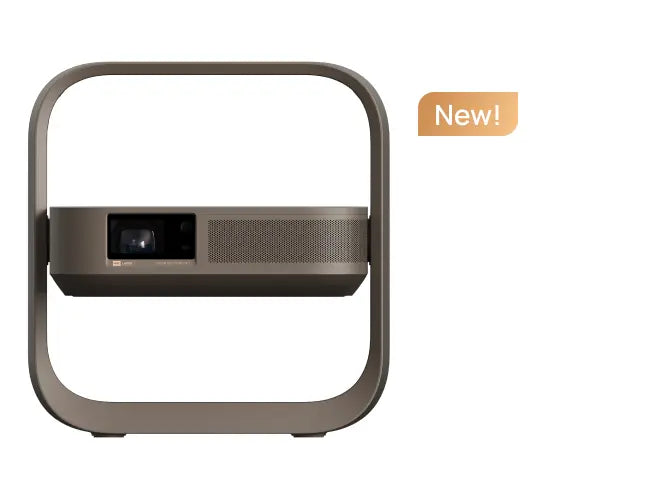
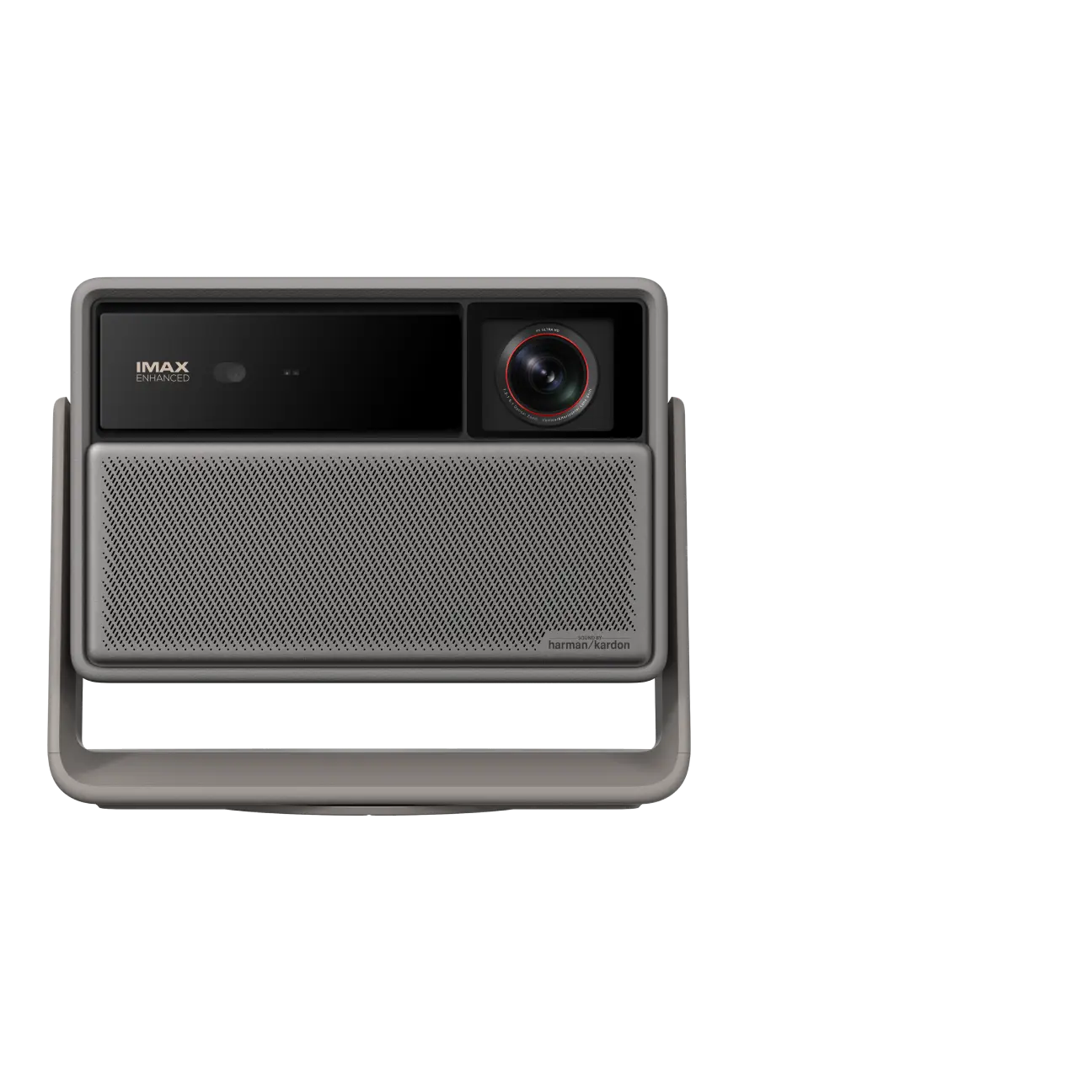
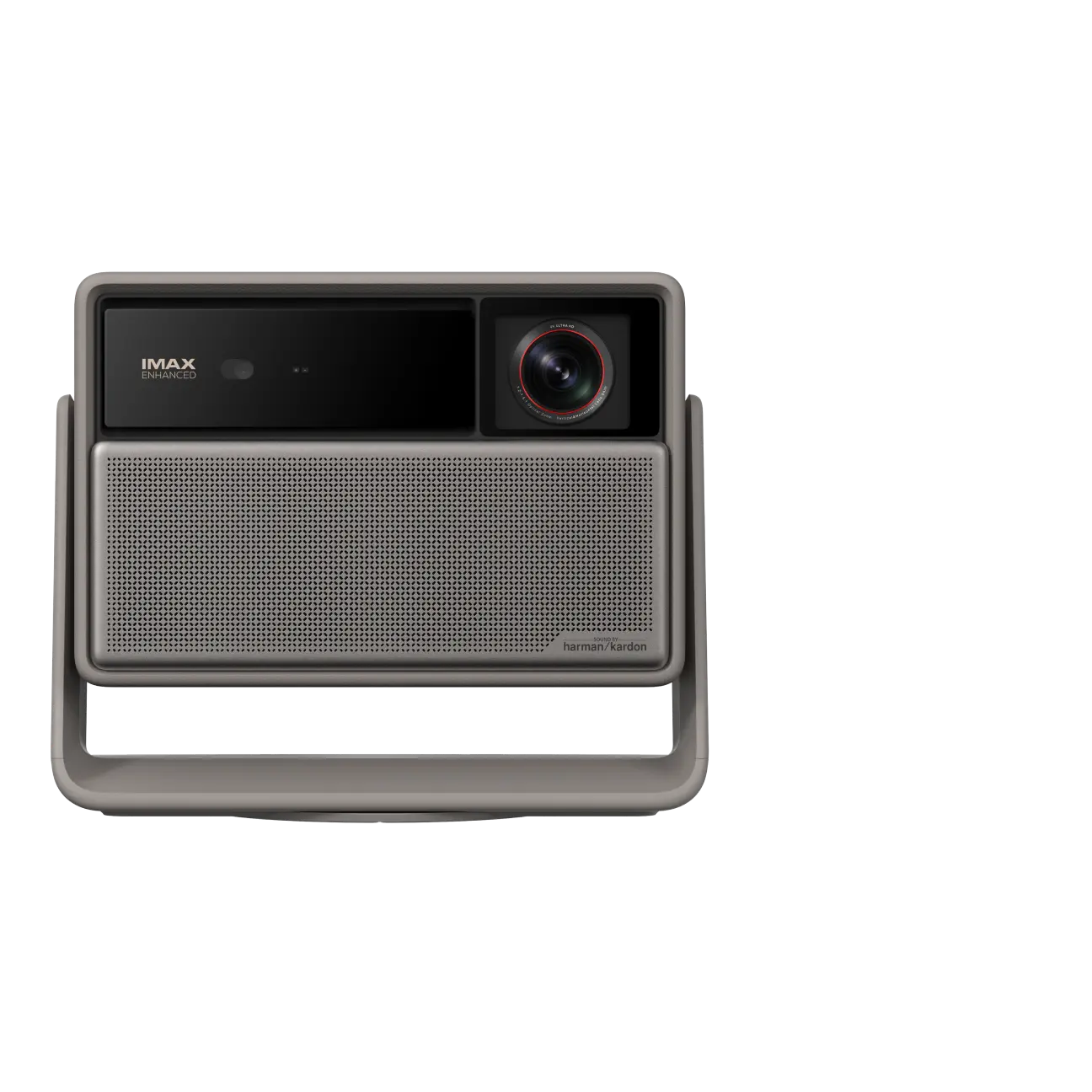
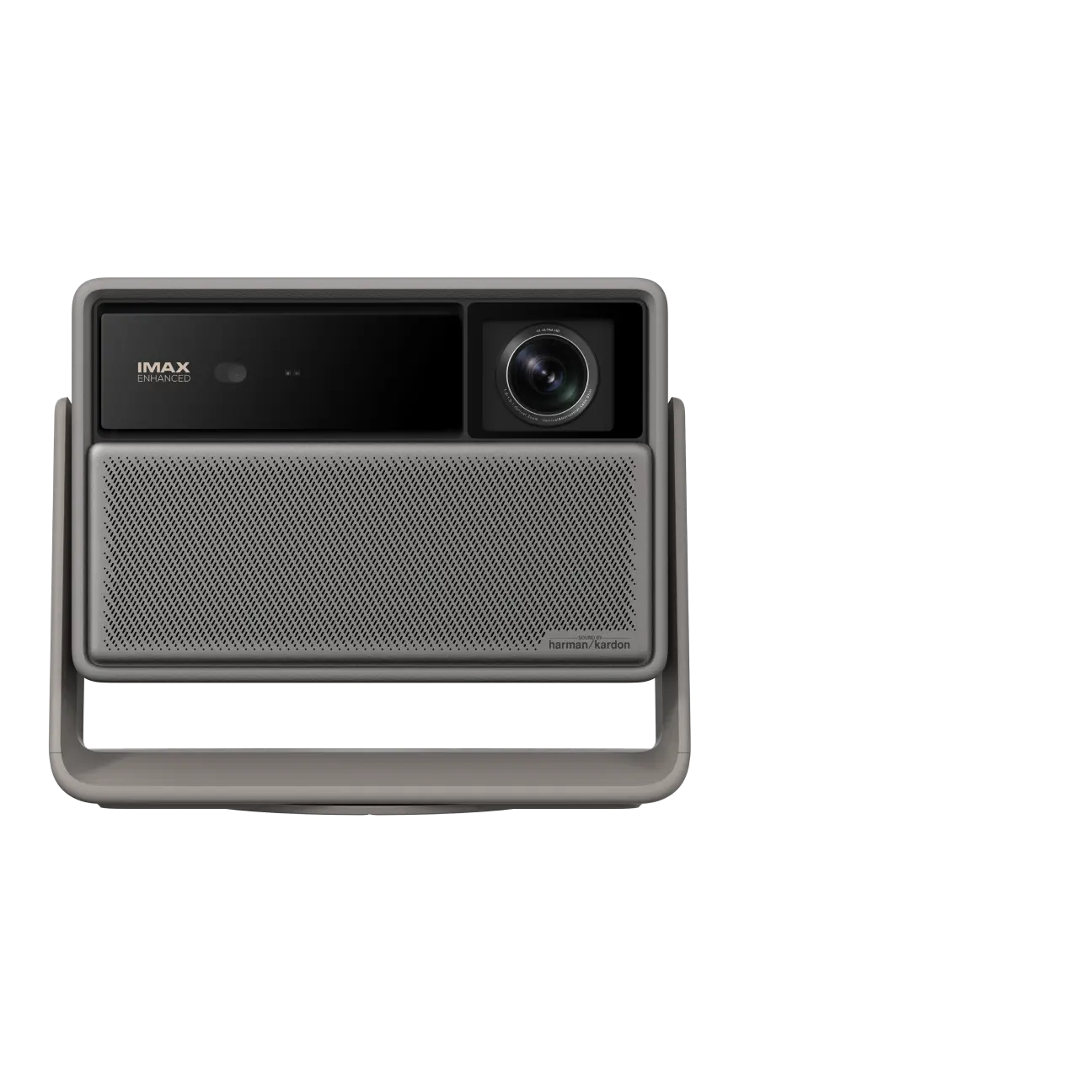
The XGIMI MoGo 4 is a compact 1080p DLP projector rated at 450 ISO lumens. It includes Google TV with licensed Netflix, dual 6W Harman Kardon speakers, and a 360-degree adjustable stand.
Its 71.28Wh built-in battery provides up to 2.5 hours of video playback in Eco Mode. HDMI connects to iPhones with supported wired output and the appropriate adapter.
It's a practical choice for dark bedrooms or occasional outdoor movies. The limitation is brightness: expect better picture quality in low-light conditions, and remember that its USB-C port is for charging, not iPhone video.
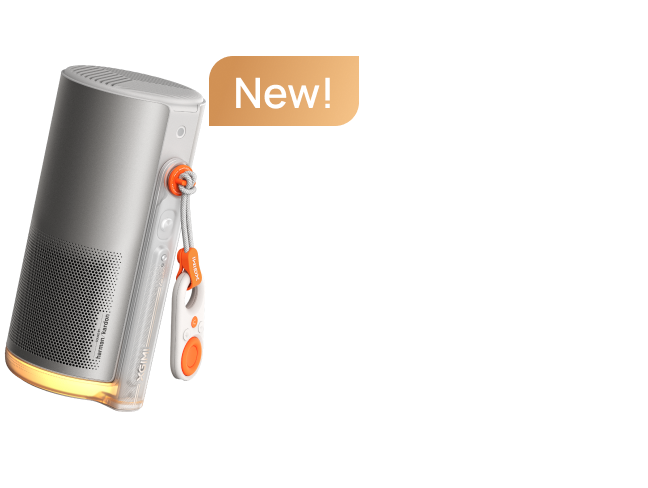
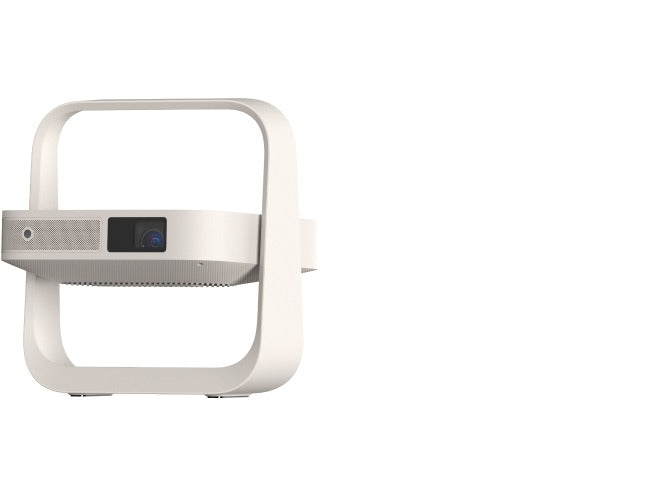
XGIMI MoGo 4 Laser — for portable laser projection
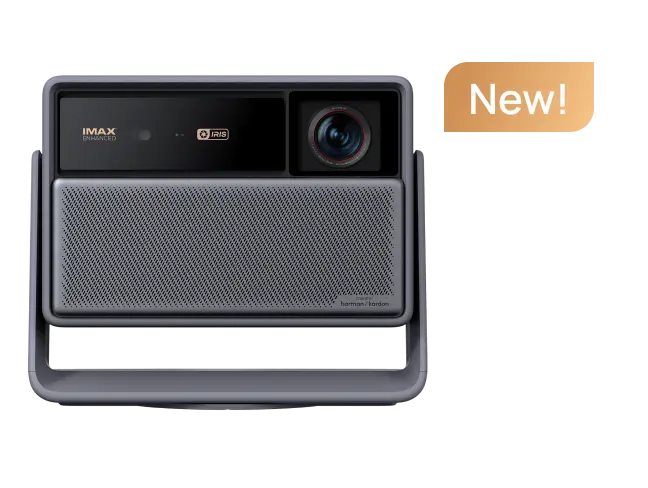
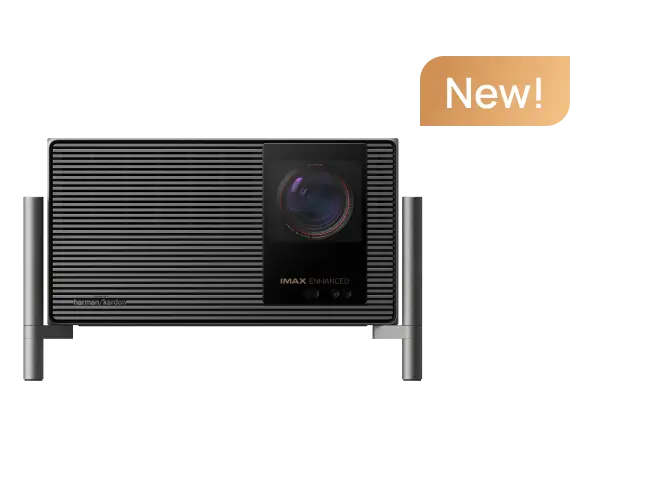
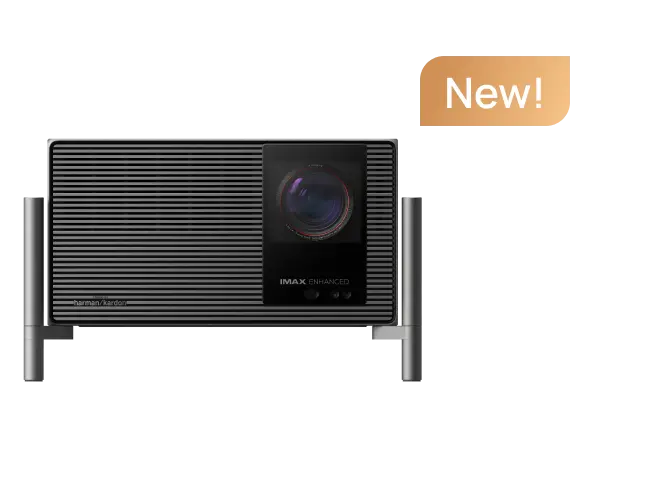
The XGIMI MoGo 4 Laser offers 1080p DLP projection with a triple-laser light source rated at 550 ISO lumens. It also features Google TV, licensed Netflix, dual 6W speakers, automatic image adjustment, and a built-in stand.
Its internal battery supports up to 2.5 hours of video playback in Eco Mode. XGIMI's compatible PowerBase Stand can extend the manufacturer's stated playback estimate to five hours.
Choose this model if laser projection and color performance matter more than the lowest price. It still benefits from a dark environment, and iPhone wired video requires an HDMI connection.
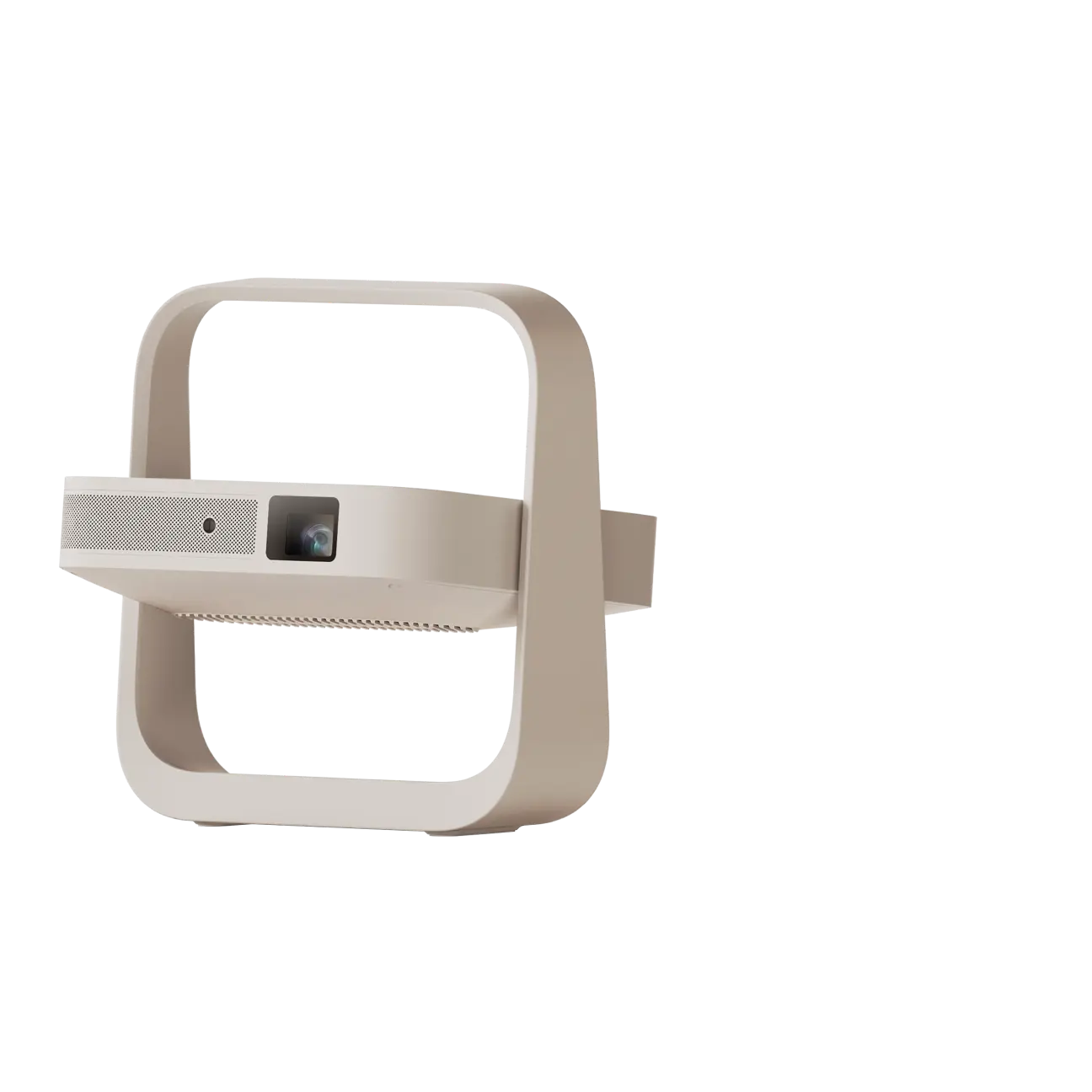
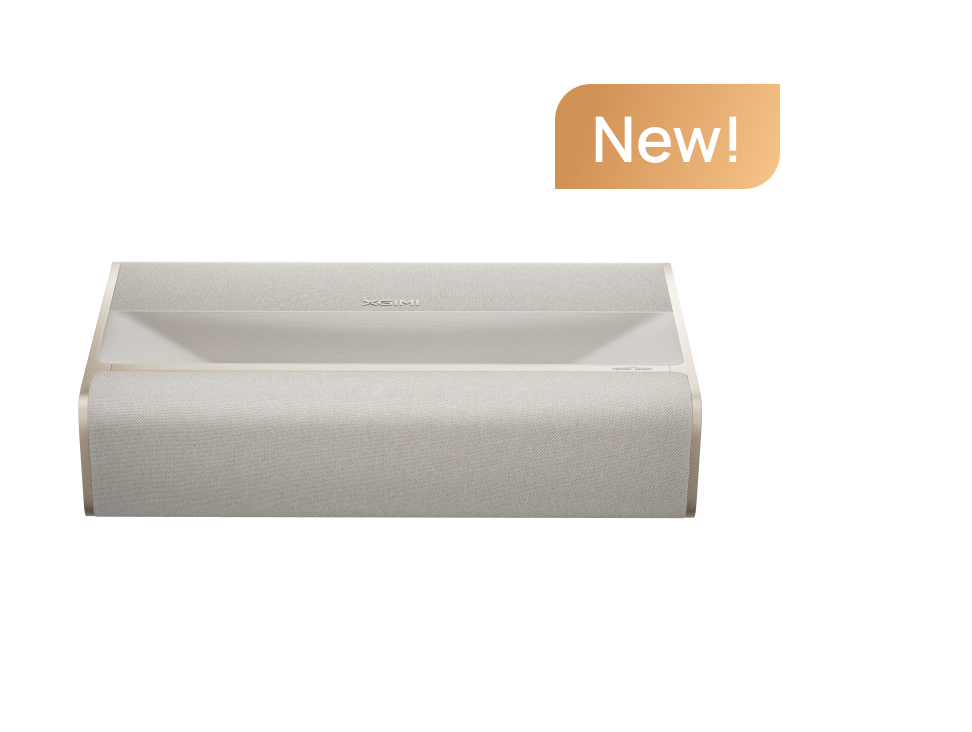
XGIMI Elfin Flip 4K — for compact home theater
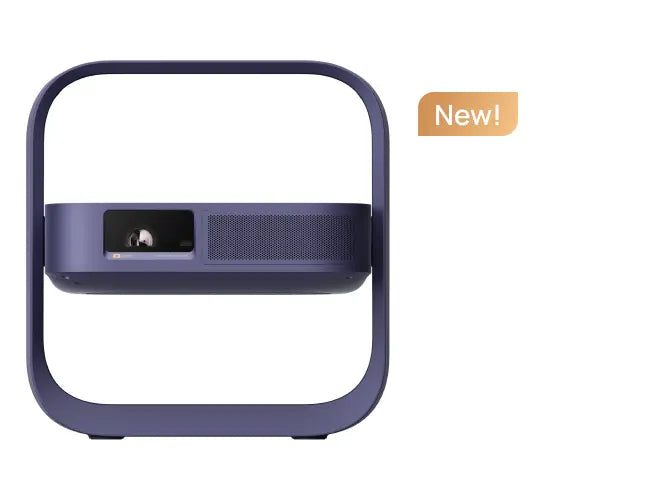
The XGIMI Elfin Flip 4K is a compact home projector rather than a battery-powered travel model. It offers 3840 × 2160 display resolution, 1,600 ISO lumens, optical zoom, and automatic setup features.
Two full-size HDMI inputs accommodate compatible iPhone video adapters. Google TV provides access to supported streaming apps, including Netflix and Prime Video, without connecting your phone.
This model suits viewers prioritizing home theater picture quality and flexible placement. Its important limitation is power: you'll need an AC outlet, making it less convenient for camping.
How Other Mini Projectors Compare for Portable Viewing
Battery capacity, brightness, and small size can make a meaningful difference when comparing alternatives.
The Anker Nebula Capsule Air is approximately soda-can-sized, with a 720p display and up to two hours of battery playback in Eco Mode. Its USB-C port is for charging, while iPhone video uses its HDMI input with a compatible adapter.
The Anker Nebula Mars 3 Air is rated for up to 2.5 hours of playback on its manufacturer's product page. The larger Nebula Mars 3 has a 185Wh battery rated for up to five hours in Eco Mode and produces a manufacturer-rated 1,000 ANSI lumens. Mars 3 also has a built-in handle, IPX3 water resistance, and specified drop resistance.
TCL PlayCube offers a 66Wh battery with up to three hours of playback, according to TCL's published specifications. Its US specifications list DC power input, so don't assume USB-C charging support without checking your exact version.
These figures illustrate why battery life matters as much as size. They are manufacturer estimates, not independent results, and brightness figures using ANSI and ISO standards aren't directly interchangeable.
Can You Watch Netflix From an iPhone?
Yes, but the connection method matters.
Built-in streaming is usually the simplest option. The three XGIMI models above offer Google TV with licensed Netflix, allowing you to stream Netflix directly through the projector using an internet connection and appropriate subscription. You don't need to connect your iPhone.
For wired playback, Netflix supports certain HDMI adapters, but compatibility depends on the iPhone model, adapter, content protection, and subscription. Netflix identifies Apple Lightning Digital AV Adapter models A1438 and A1621 as supported.
Netflix does not support AirPlay or iPhone screen mirroring. Its iPhone casting support is also restricted to specified compatible receivers, so Google Cast support alone doesn't guarantee that Netflix will cast from your phone.
If your iPhone home screen appears but a movie shows a black screen, check the app's playback restrictions and HDCP compatibility rather than assuming the projector is faulty.
For most people, a portable projector for iPhone works best when it combines a verified HDMI connection with built-in streaming. That gives you flexibility for photos, presentations, and everyday movie watching without depending on one connection method.


