
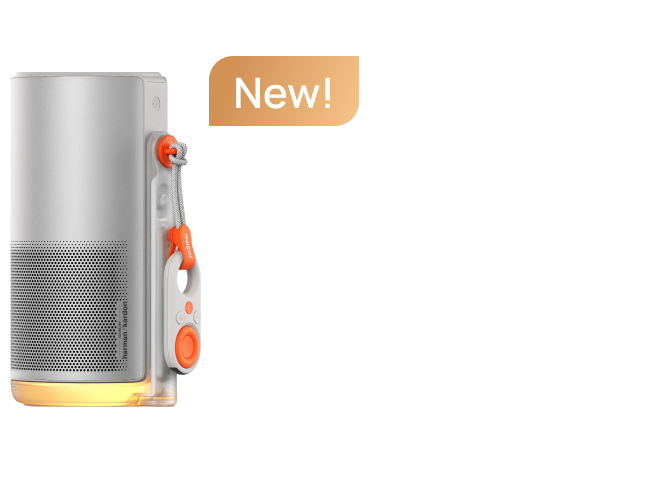
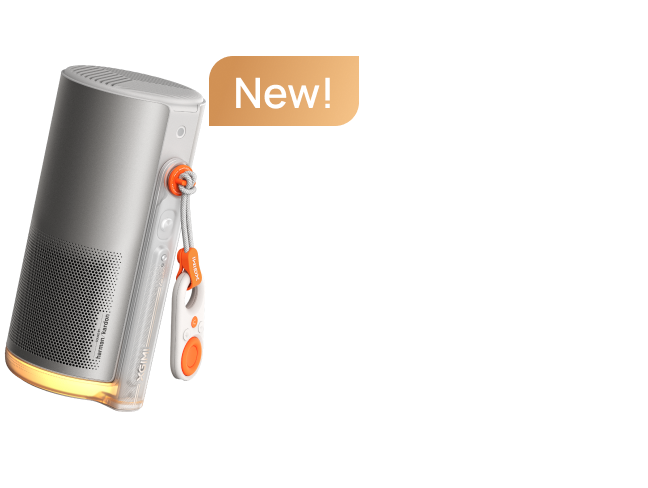
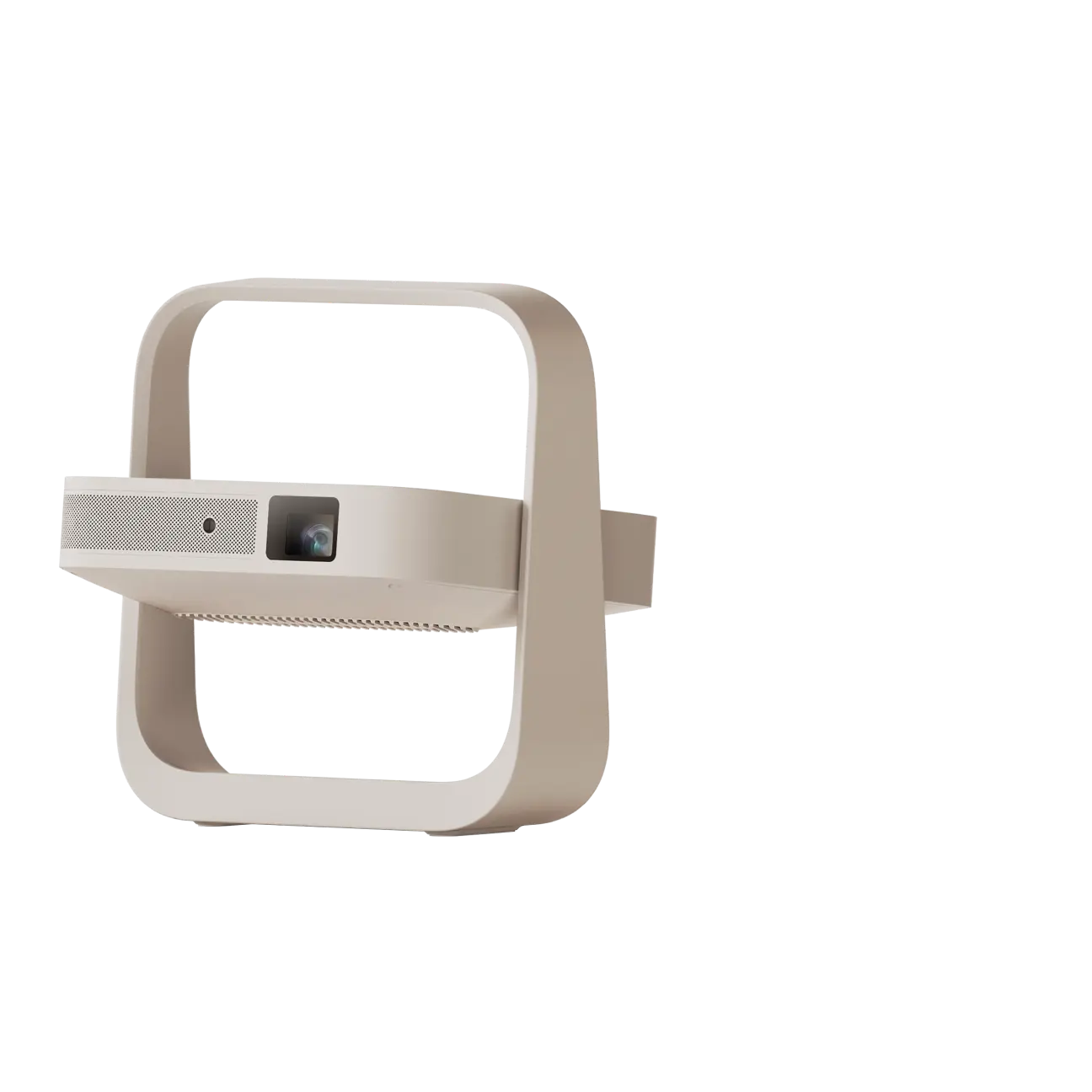
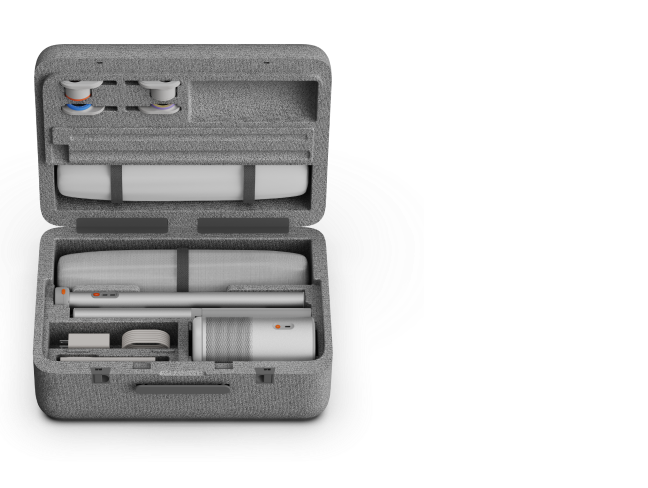
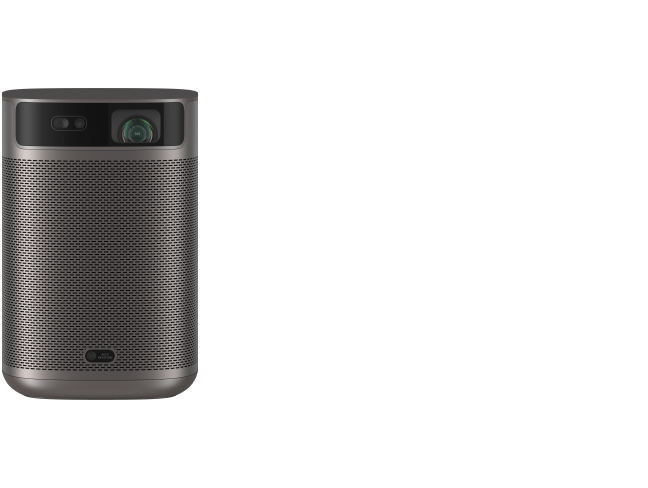
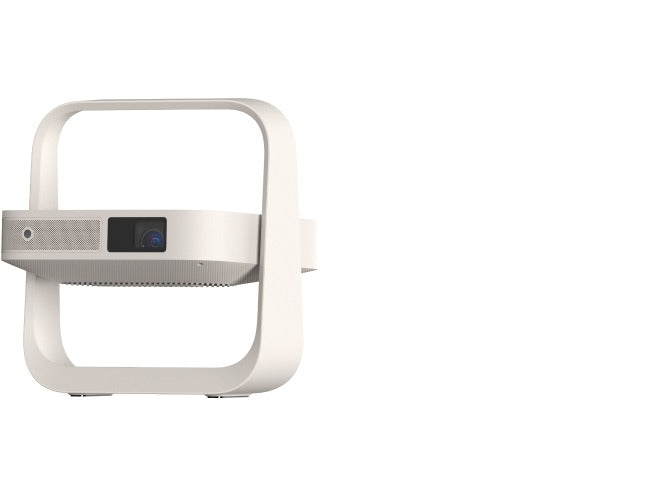


Searching for a short throw projector 4K option for movies or games? Start with your room, not the resolution badge. A short-throw projector can create a big image without sitting at the back of the room, but it still needs the right distance, screen, and lighting. Ultra-short-throw (UST) models solve a different placement problem. Neither category automatically fits every small room or replaces a TV in bright daylight.
Short Throw vs. Ultra Short Throw vs. Standard Throw
The difference comes down to throw ratio: how far a projector must sit from the screen to produce a particular image width.
Standard throw projectors usually sit several feet from the screen. They're practical for larger rooms, rear shelves, or suitable ceiling installations.
Short throw projectors use a short throw lens to create a large image from a shorter distance. They're useful when you have some floor space but cannot position a projector across the room.
Ultra short throw projectors use specialized optics to project upward from very close to the screen. Many can sit on a low TV console instead of across the room.
These categories don't have universally fixed throw-ratio boundaries. Always check the actual model rather than relying on its marketing label.
For a living room with a dedicated TV console, a UST projector may be convenient. A conventional short-throw model may suit a bedroom where a projector can sit several feet from the wall.
However, shorter projection distance doesn't eliminate every obstacle. Furniture, people walking through the beam, screen height, and ventilation still matter.
If most of your viewing happens during bright afternoons, a large-screen TV may remain the more practical option. Otherwise, explore the available XGIMI ultra short throw projectors to see which placement styles fit your home.
Calculate Screen Size and Real-World Placement
Throw ratio = lens-to-screen distance ÷ image width.
For a 16:9 screen, width is approximately 87% of its diagonal measurement. A 100-inch screen, measured diagonally, is about 87.2 inches wide.
For that 100-inch image:
A 0.60:1 short-throw projector needs approximately 52 inches (4.4 feet) from lens to screen.
A 0.175:1 UST projector needs approximately 15.3 inches from lens to screen.
A 1.20:1 standard-throw projector needs approximately 105 inches (8.7 feet).
These are geometric examples, not installation measurements for every projector.
Lens-to-screen distance is not the same as the gap between the projector's cabinet and the wall. UST lenses sit within the projector housing, so the manufacturer may advertise a much smaller wall gap than the calculated optical throw distance.
For example, XGIMI advertises a roughly 7.6-inch wall gap for a 100-inch MIRA image. The projector itself is approximately 10.6 inches deep. Your TV console must accommodate the unit, its required position, cables, and ventilation clearance.
Use the specific model's placement diagram instead of treating the advertised wall gap as its total footprint.
Before buying, measure your available wall width, ceiling height, console depth, and seating distance. A 120-inch image might sound appealing, but it needs approximately 105 inches of screen width and 59 inches of image height.
For more examples, see XGIMI's projector throw ratio and distance guide.
What Matters Most for 4K Picture Quality
A 4K projector can display more detail than a Full HD model, especially on larger screens. But resolution alone doesn't determine picture quality.
First, distinguish three specifications:
Displayed resolution: The image resolution the projector can produce on the screen.
Native resolution: The physical resolution of its imaging chip.
Supported input resolution: The video signal the projector can accept through HDMI or another connection.
Some DLP projectors use rapid pixel shifting to produce a 3840 × 2160 image from an imaging chip with fewer physical mirrors. That can deliver genuine 4K UHD on-screen detail, but it isn't the same as having a native 3840 × 2160 imaging array. Simply accepting a 4K signal doesn't prove a projector displays 4K.
Beyond resolution, consider these factors:
Brightness and ambient light: A brighter projector generally has more light output available for larger screens or rooms with some lighting. However, a 120-inch image spreads light over more area than a 100-inch image. Curtains, screen gain, and wall reflections also influence the result.
Compare brightness specifications measured under the same standard. ISO lumens, ANSI lumens, and CVIA lumens shouldn't be treated as interchangeable figures.
Contrast and HDR: Contrast influences the difference between dark and bright image areas. Native contrast describes the display's underlying performance, while dynamic contrast may involve changing light output or image processing. A very high advertised dynamic contrast ratio doesn't establish superior black levels.
Color and light source: RGB laser systems can support wide color gamuts, while hybrid light engines offer different design trade-offs. Dolby Vision, HDR10, and other HDR formats indicate supported processing, not guaranteed HDR performance.
For watching movies, prioritize appropriate room brightness, convincing dark scenes, natural color, and consistent image sharpness—not just the largest specification number.
Choose the Right Screen and Install It Correctly
A projector screen affects image quality almost as much as placement.
In a dark room, a smooth, matte white screen is often a practical choice. It provides a predictable projection surface without requiring specialized ambient-light-rejecting materials.
For a living room with overhead lights, a compatible UST ALR screen, sometimes called a ceiling-light-rejecting (CLR) screen, can help preserve contrast by accepting the projector's steep upward light angle while rejecting some light from above.
Not every ALR screen works with every projector. Screens designed for standard or short-throw projection may reject part of a UST projector's own light.
Read XGIMI's ALR vs. CLR projector screen guide before choosing a screen.
Even with the right material, direct sunlight on the screen can overwhelm the projected image. Window shades and controlled lighting remain important.
UST projection also demands a very flat surface. Its steep projection angle makes small wall imperfections more visible. A plain painted wall may work for casual viewing, but an appropriately flat, rigid, or well-tensioned screen is preferable for a permanent setup.
For installation:
Position the projector at the height and distance specified for your chosen screen size.
Level the projector and align it squarely with the screen.
Keep ventilation openings clear and allow room for power and HDMI cables.
Adjust physical placement before using digital keystone correction.
Some models offer autofocus, automatic keystone correction, and screen-alignment assistance. These features can reduce setup effort, but they cannot physically flatten a warped screen or guarantee perfect alignment.
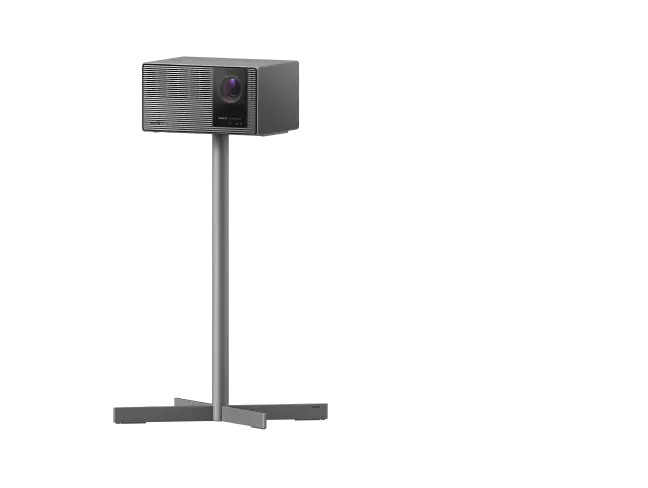
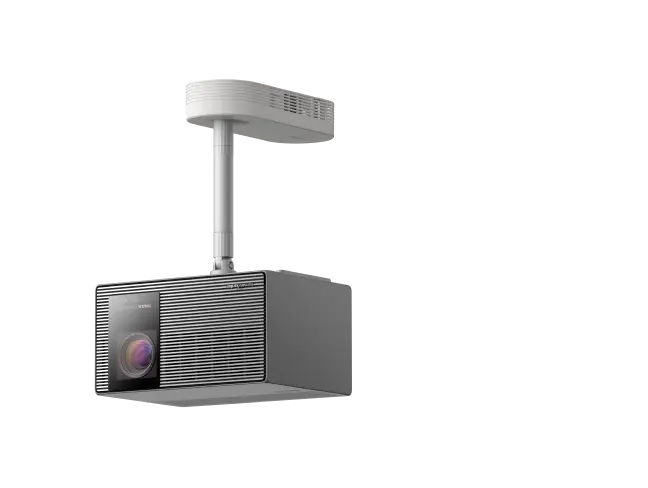
Confirm wall-mounting or ceiling-mounting support for your exact model before purchasing installation hardware.
Compare XGIMI 4K UST Projectors for Your Home
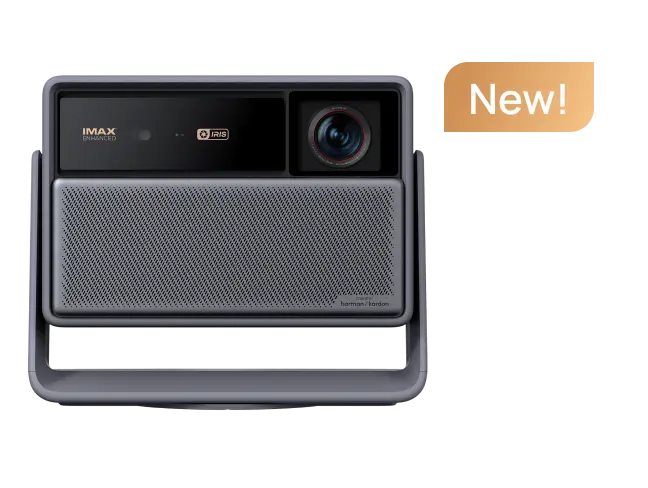
XGIMI's verified US lineup includes three relevant 4K ultra-short-throw models. Each supports a different set of priorities.
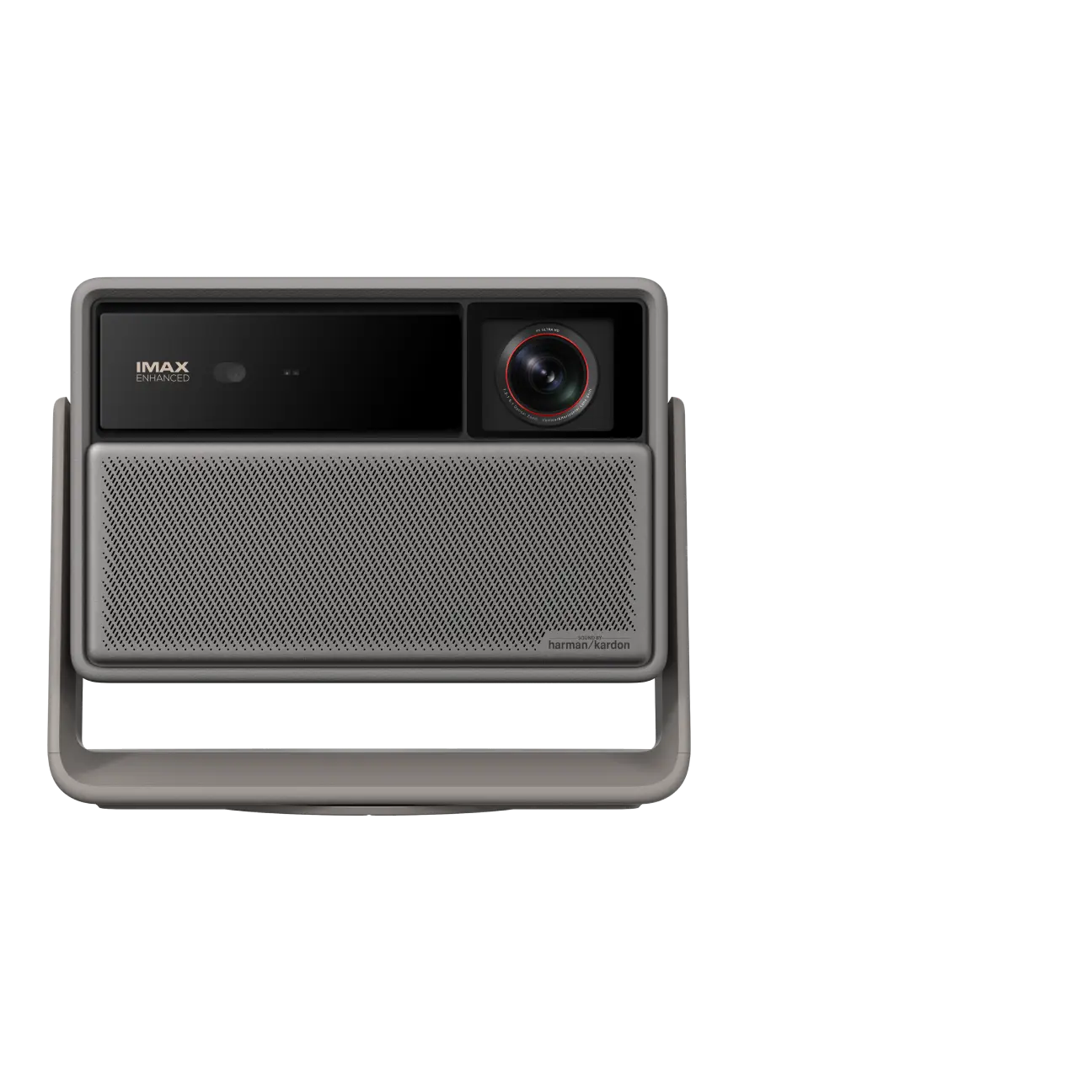
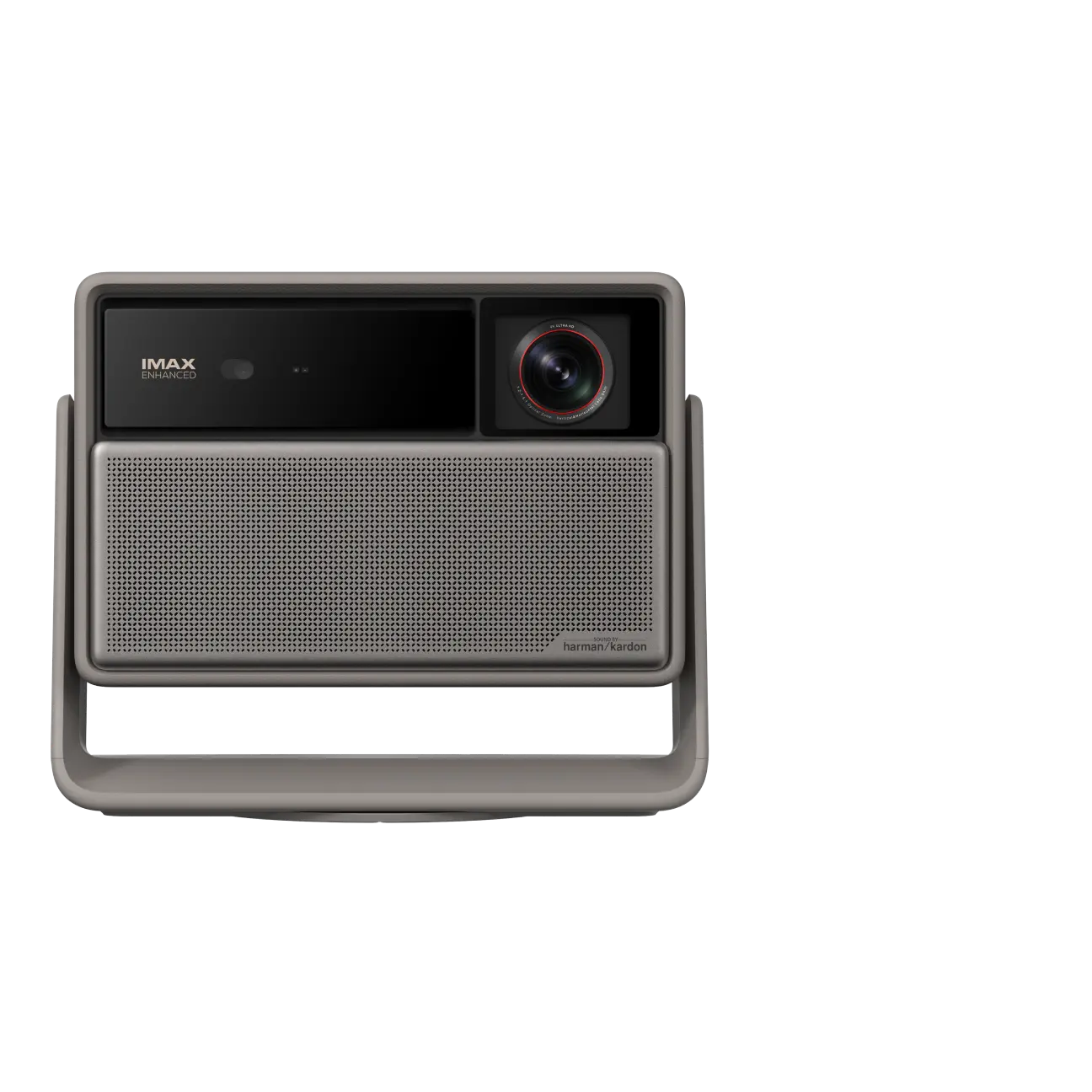
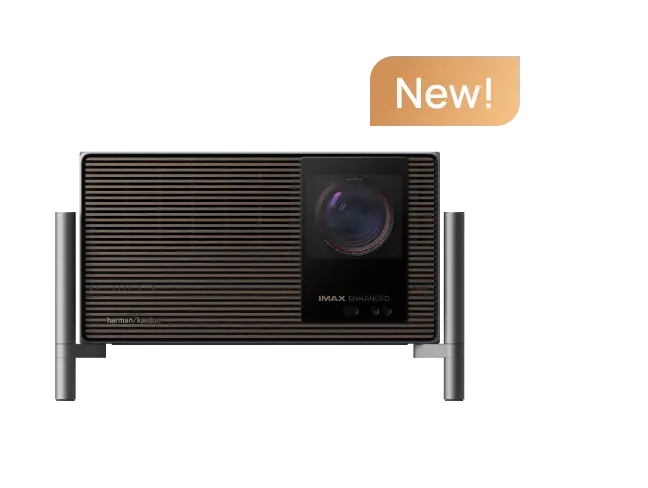
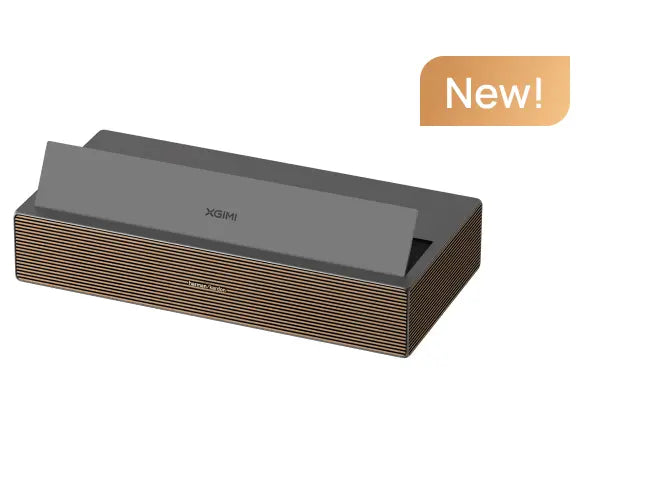
1. XGIMI MIRA: For Everyday Movies in a Controlled-Light Room
The XGIMI MIRA uses RGB triple-laser technology, with a 0.175:1 throw ratio and a supported 80–120-inch image range.
It offers 3840 × 2160 display resolution, a manufacturer-rated 2,000 ISO lumens, Google TV, and a built-in 36W Harman Kardon speaker system.
- Best for: Households wanting a 100- to 120-inch UST movie setup with integrated streaming and sound.
- Important limitation: Its supported maximum screen size is 120 inches, and ambient light still requires attention.
article_product1
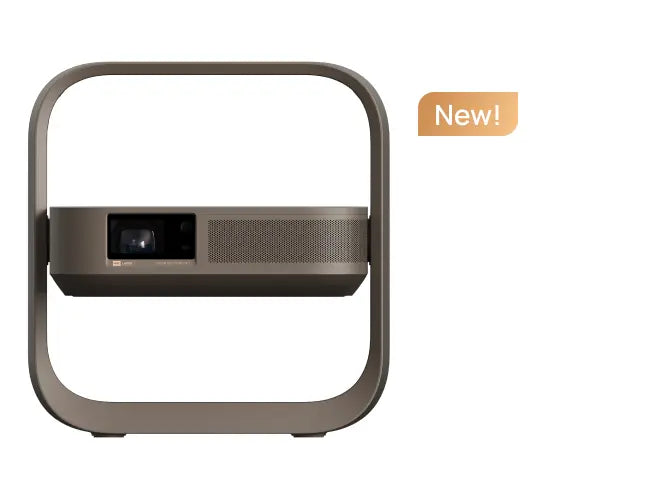
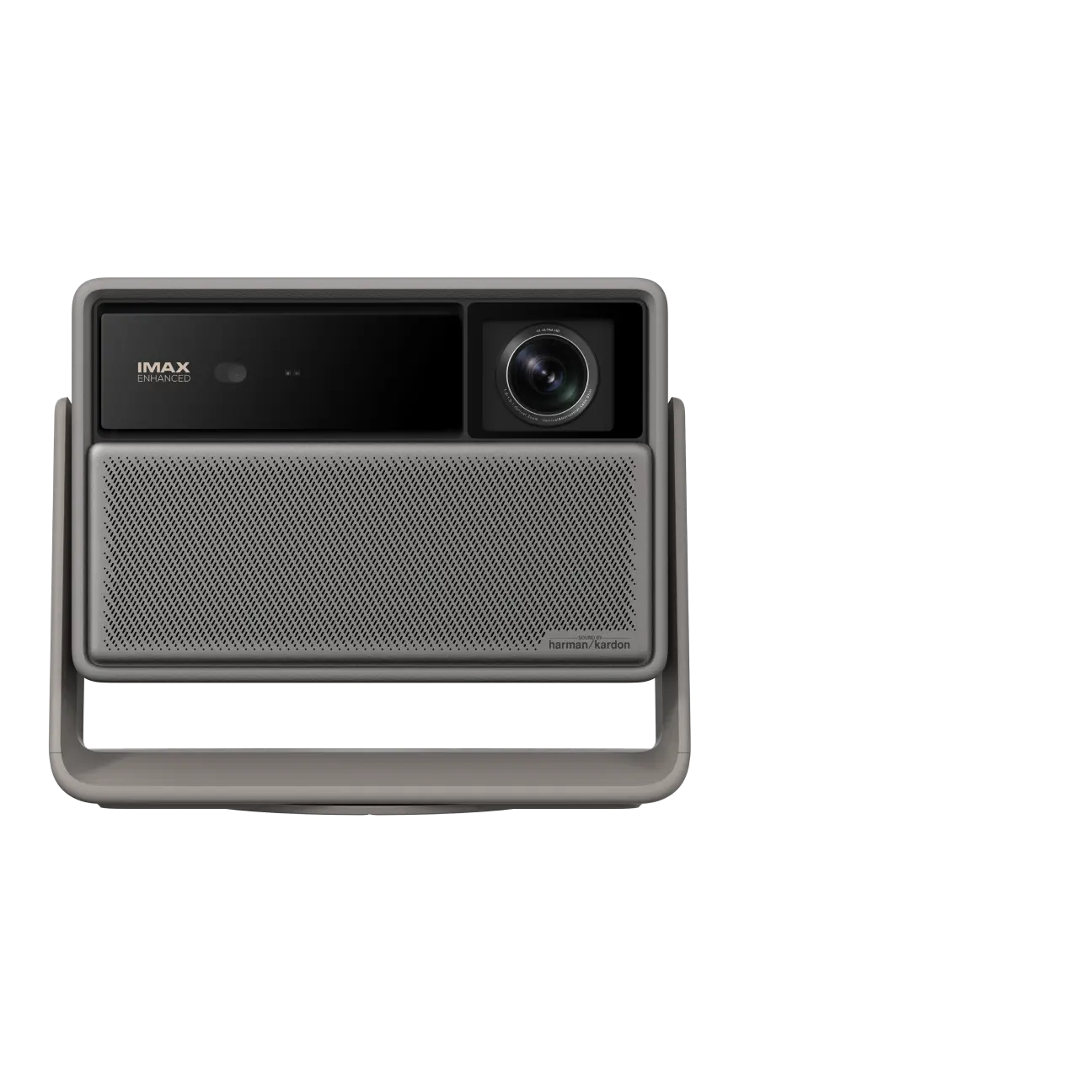
2. XGIMI MIRA Pro: For More Brightness at the Same Throw Distance
The XGIMI MIRA Pro shares the MIRA's 0.175:1 throw ratio, 80–120-inch image range, RGB triple-laser technology, and Google TV platform.
Its main difference is a higher manufacturer-rated output of 3,000 ISO lumens.
- Best for: Living rooms where some ambient light is difficult to eliminate, while keeping the same basic UST placement requirements.
- Important limitation: The higher brightness rating doesn't make it immune to daylight, and the maximum supported image remains 120 inches.
article_product2
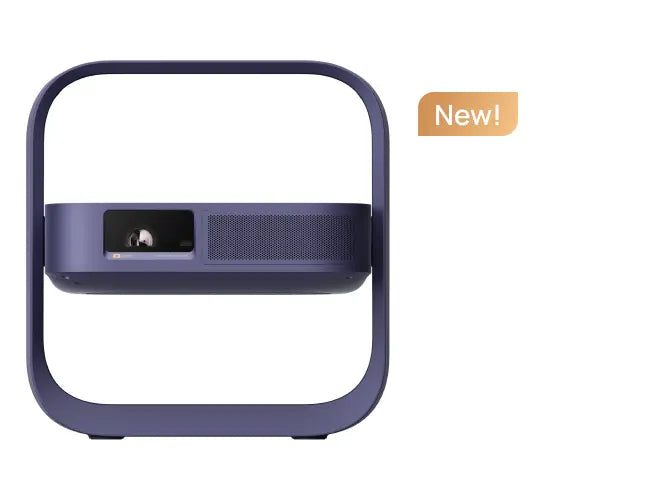
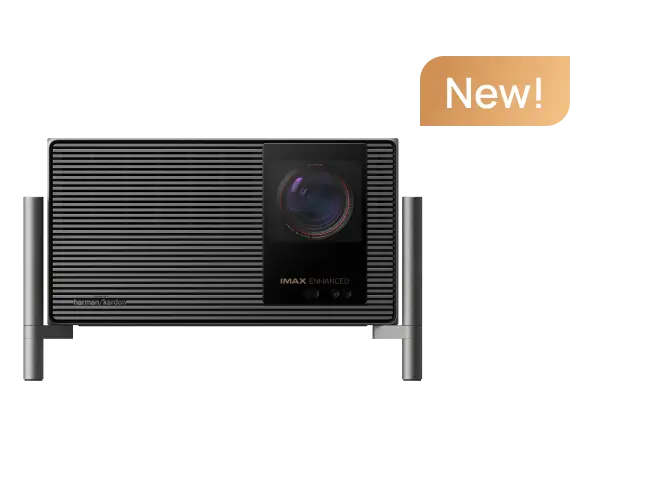
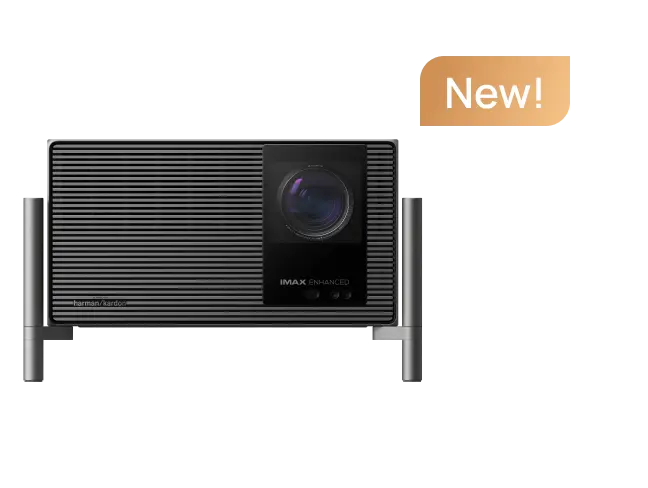
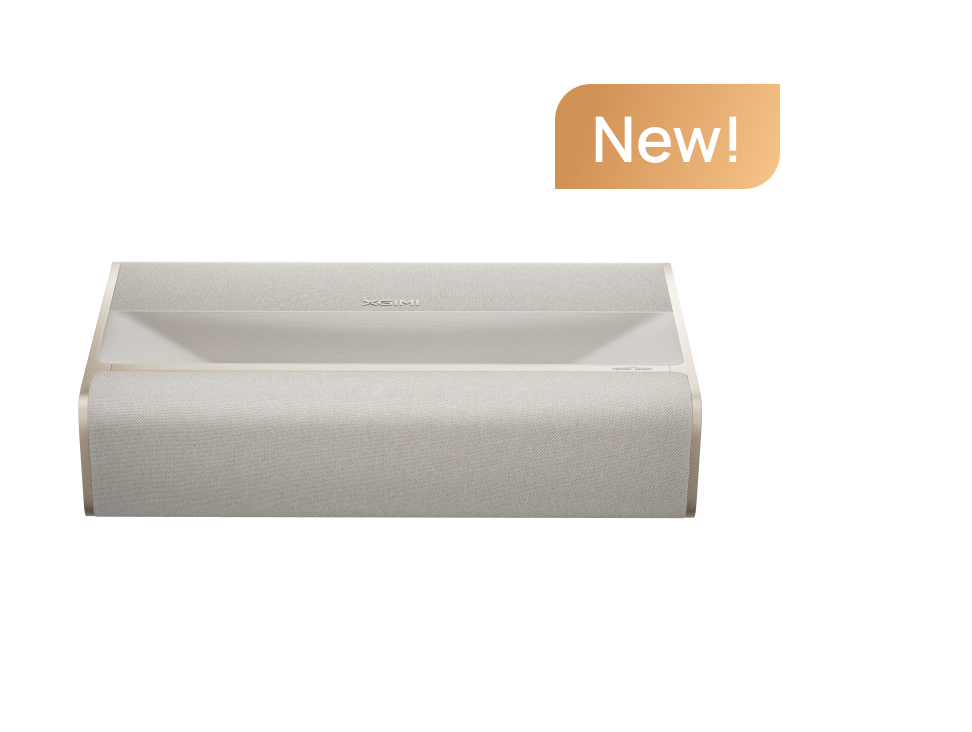
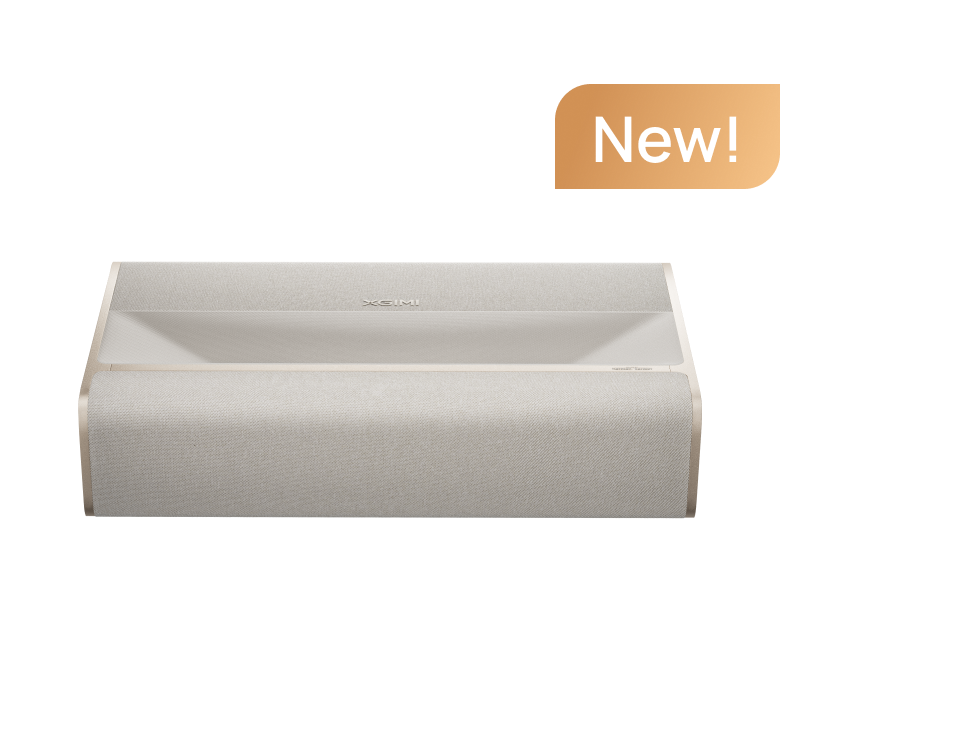
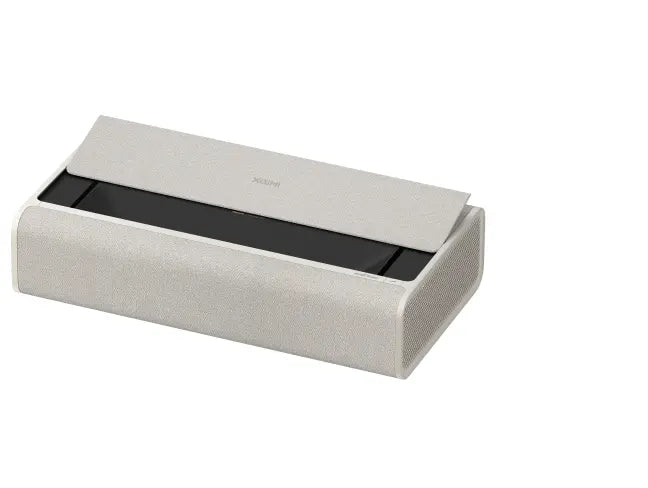
3. XGIMI AURA 2 (New): For Larger Screens and Movie-Focused Features
The XGIMI AURA 2 (New) is a 4K UST projector with a 0.177:1 throw ratio, Dual Light 2.0 light source, and 2,300 ISO lumens.
It supports Dolby Vision and includes Google TV, licensed Netflix, and four 15W Harman Kardon speaker drivers in a 2.0-channel configuration. Dolby Atmos support refers to audio-format compatibility, not a dedicated multichannel speaker arrangement.
Its specified image range is 90–150 inches, although XGIMI recommends 90–130 inches for the best viewing experience.
- Best for: Movie-focused living rooms where a screen larger than 120 inches is a priority.
- Important limitation: The advertised 150-inch maximum sits outside the manufacturer's recommended viewing range.
article_product3
Final Checks: Streaming, Audio, and Gaming
All three models list Google TV, but don't assume identical app availability or functionality across projector generations. Verify your preferred streaming services, account requirements, Wi-Fi connection, and regional availability. An external HDMI streaming device remains an option.
For audio, check the built-in speakers first. If you use a soundbar or receiver, confirm the available HDMI eARC or optical connection and the formats supported by your complete setup.
Gaming needs closer attention to tested conditions. XGIMI specifies a minimum 1 ms input lag for MIRA and MIRA Pro at 1080p/240Hz, with Game Mode active, VRR enabled, and automatic keystone correction off. That figure should not be applied to 4K gaming or other refresh rates.
AURA 2 (New) lists latency down to 20 ms with automatic keystone correction disabled, but its published specification does not establish equivalent performance across every resolution and refresh rate.
Before connecting a PS5, Xbox, or gaming PC, confirm the projector's supported video modes, input lag under your intended settings, and whether image correction affects responsiveness.
Ultimately, the right projector is the one that fits your room and viewing habits. Measure the space, decide how much light you can control, choose the screen, and then compare the specific model features. A well-planned 100-inch setup can be more satisfying than a poorly positioned 150-inch one.


