



Imagine finishing a long day, settling into bed, and turning a blank wall into a screen for your favorite movie. No bulky television, no complicated entertainment center—just a comfortable space that feels like your own private cinema.
A bedroom projector can make that experience possible, whether you live in a studio apartment, share a home with roommates, or simply want a more relaxing way to watch movies.
The key is finding a room projector that fits your space, viewing habits, and budget.
Quick Answer: For most bedrooms, a compact portable projector with 1080p resolution, automatic focus, built-in streaming, and flexible placement is a practical starting point. A dedicated 4K model may be better for larger screens and more demanding movie viewing. In a small room, measure the available projection distance before buying, and consider a short throw option if space is especially limited.
This guide explains how to choose the right model, plan your screen size, improve picture quality, and create a comfortable personal home theater.
Why Is a Projector a Good Choice for a Bedroom or Small Apartment?
A bedroom is often one of the most convenient places for a projector because it offers privacy, comfortable seating, and relatively easy light control.
Unlike a large television, a projector doesn't need to dominate your wall when it's turned off. You can enjoy a large image for movie night, then return the room to its everyday appearance.
For renters, portability is another advantage. A compact model can move between the bedroom and living room without requiring permanent installation.
A bedroom projector is particularly appealing when you want to:
- Watch Netflix, YouTube, movies, and TV shows from bed.
- Enjoy a larger image without installing a heavy television.
- Create a flexible entertainment space in an apartment.
- Connect a gaming console or computer for occasional big-screen entertainment.
- Move your entertainment device between different rooms.
However, projection isn't automatically better than a TV. Televisions generally perform better in bright daylight and don't require projection-distance planning.
A projector makes the most sense when you value flexible placement, a larger viewing experience, and a room where you can control the lighting.

How Much Space Do You Need for a Bedroom Projector?
Before choosing a projector, measure the distance between the lens and your intended projection surface.
This is where many first-time buyers make mistakes.
The screen size you can create depends on the projector's throw ratio—not simply on the overall size of your bedroom.
The basic formula is:
- Projection distance = Image width × Throw ratio
For example, a projector with a 1.2:1 throw ratio needs approximately 87 inches of lens-to-screen distance to create a 100-inch diagonal image in a 16:9 format.
The calculation assumes the specified throw ratio and does not account for every installation clearance requirement.
Bedroom Projection Distance Guide
The following table illustrates approximate lens-to-screen distances for a 1.2:1 throw-ratio projector.
Distances are illustrative, based on a 16:9 image and 1.2:1 throw ratio. Actual installation requirements vary by model.
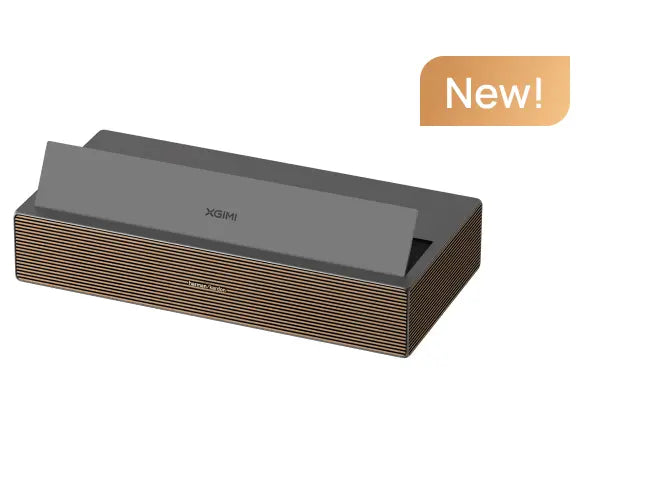
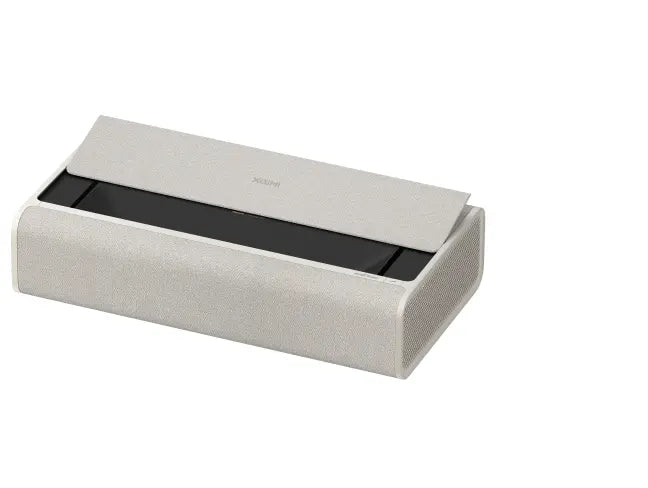
A short throw or ultra-short-throw model may be appropriate when there isn't enough distance for a conventional projector.
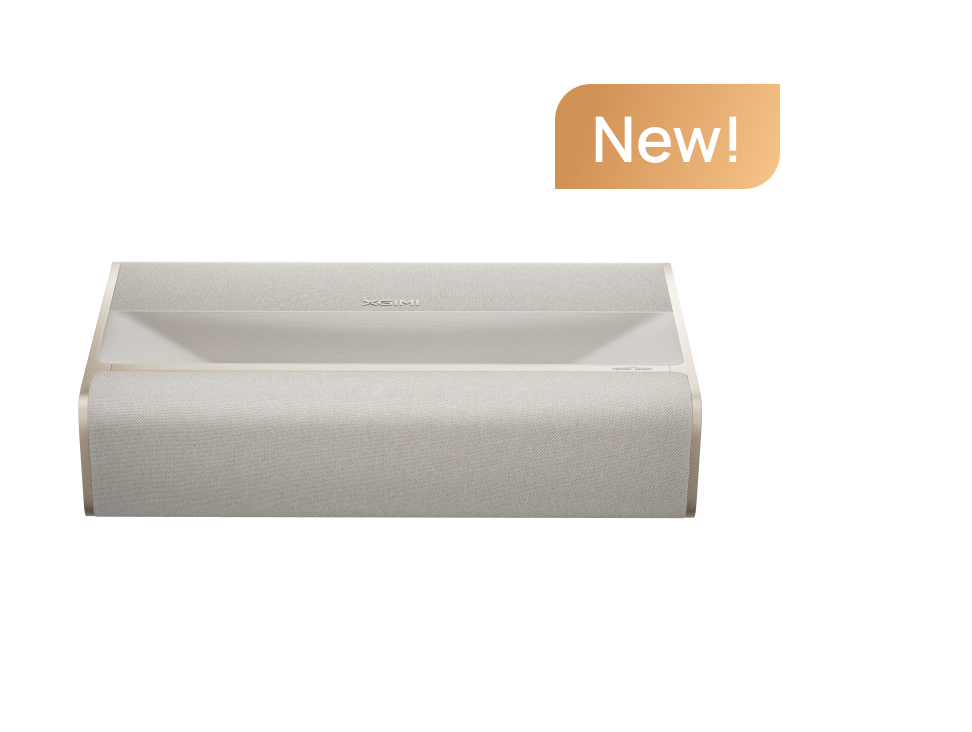
For instance, an ultra-short-throw unit can sit much closer to the wall, although it may require a suitable cabinet, precise alignment, and a compatible screen.
Don't assume every portable model is short throw. Compact size and throw distance are separate specifications.
Is a Portable Projector or a Fixed Home Theater Projector Better for a Bedroom?
The answer depends on whether flexibility or dedicated performance matters more.
A portable projector is often the better fit for renters, students, smaller rooms, and anyone who frequently moves their entertainment equipment.
A fixed home-theater projector may be more appropriate for people who have a dedicated projection wall, want larger images, or prioritize brightness and advanced picture controls.
When comparing products, consider the full cost of ownership, including a screen, mounting accessories, cables, and audio equipment.
The most expensive option isn't automatically the most appropriate.

What Features Should You Look for When Choosing the Best Bedroom Projector?
The best projectors for bedrooms aren't necessarily the brightest or most expensive. The right choice depends on how comfortably the projector fits into your daily routine.
Brightness and Ambient Light
Brightness affects how clearly an image appears when room lights are on.
For nighttime viewing with curtains closed, a compact projector with moderate brightness can work well. If you frequently watch during the afternoon, you'll benefit from greater light output and better light control.
Remember that a larger image spreads the available light over a bigger area. A projector that looks bright at 70 inches may appear noticeably dimmer at 120 inches.
When comparing products, check their stated ISO lumens, screen-size recommendations, and intended viewing environments. Brightness measurements should use comparable standards rather than assumed conversions between ISO and ANSI lumens.
Resolution and Picture Quality
For casual streaming, 1080p remains a practical choice, especially for moderate screen sizes.
A 4K projector can provide finer detail when you're watching high-resolution videos or sitting closer to a large image.
However, picture quality involves more than resolution. Contrast, color accuracy, brightness, screen material, and room lighting all influence the final result.
Noise and Comfort
A quiet projector matters more in a bedroom than it might in a busy living room.
Look for published operating-noise specifications and consider where the projector will sit relative to your pillow.
Keep ventilation openings unobstructed and avoid placing the unit directly on bedding or other soft materials.
Smart Features and Easy Setup
Features such as autofocus, automatic keystone correction, integrated speakers, and built-in streaming can simplify everyday viewing.
For people who move their projector frequently, easy setup can be more valuable than a complicated installation with additional equipment.
Check the exact model's streaming compatibility before purchasing, particularly if you want Netflix or YouTube without connecting another device.
Explore XGIMI Portable Projectors to compare models designed for flexible entertainment.
Which XGIMI Projector Is Best for Different Bedroom Setups?
There isn't one universal ideal projector for every bedroom.
The following guide matches common US household situations with practical XGIMI options.
Our recommendation: Start with how you plan to use the room, not with the most impressive specification.
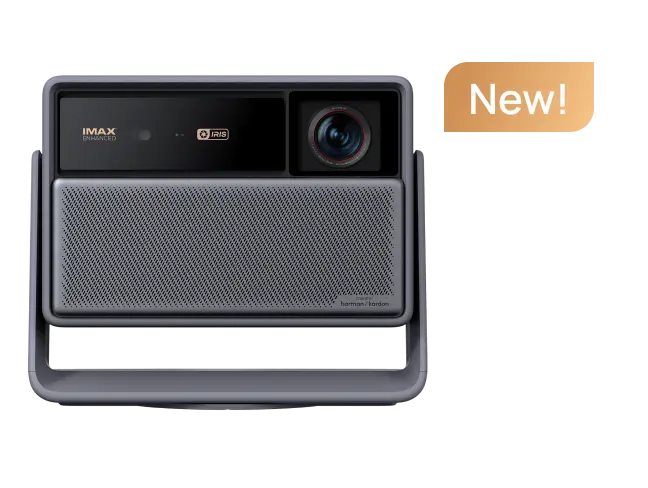
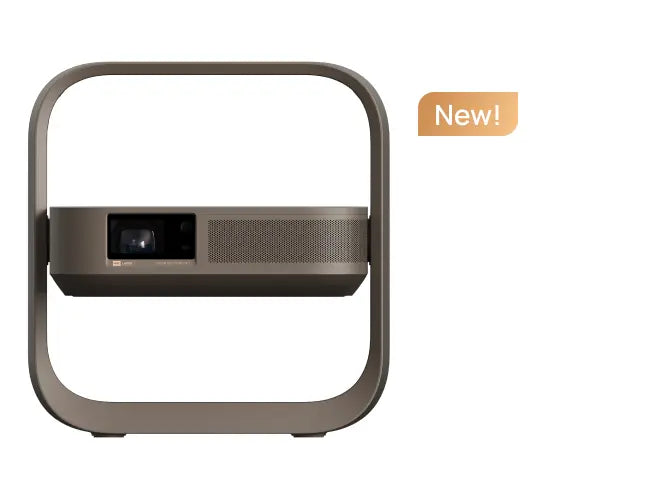
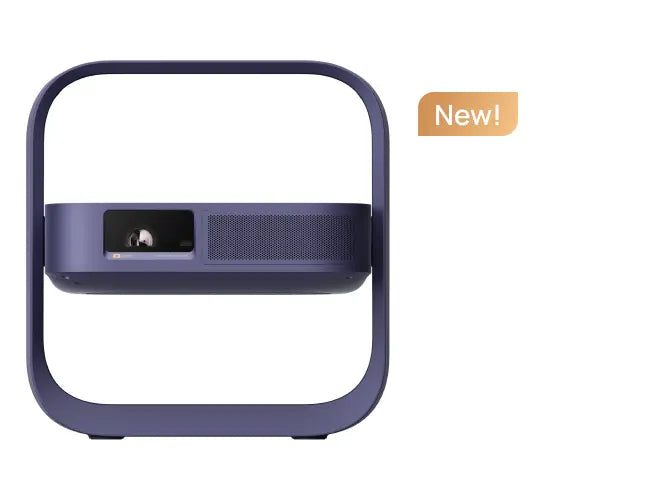
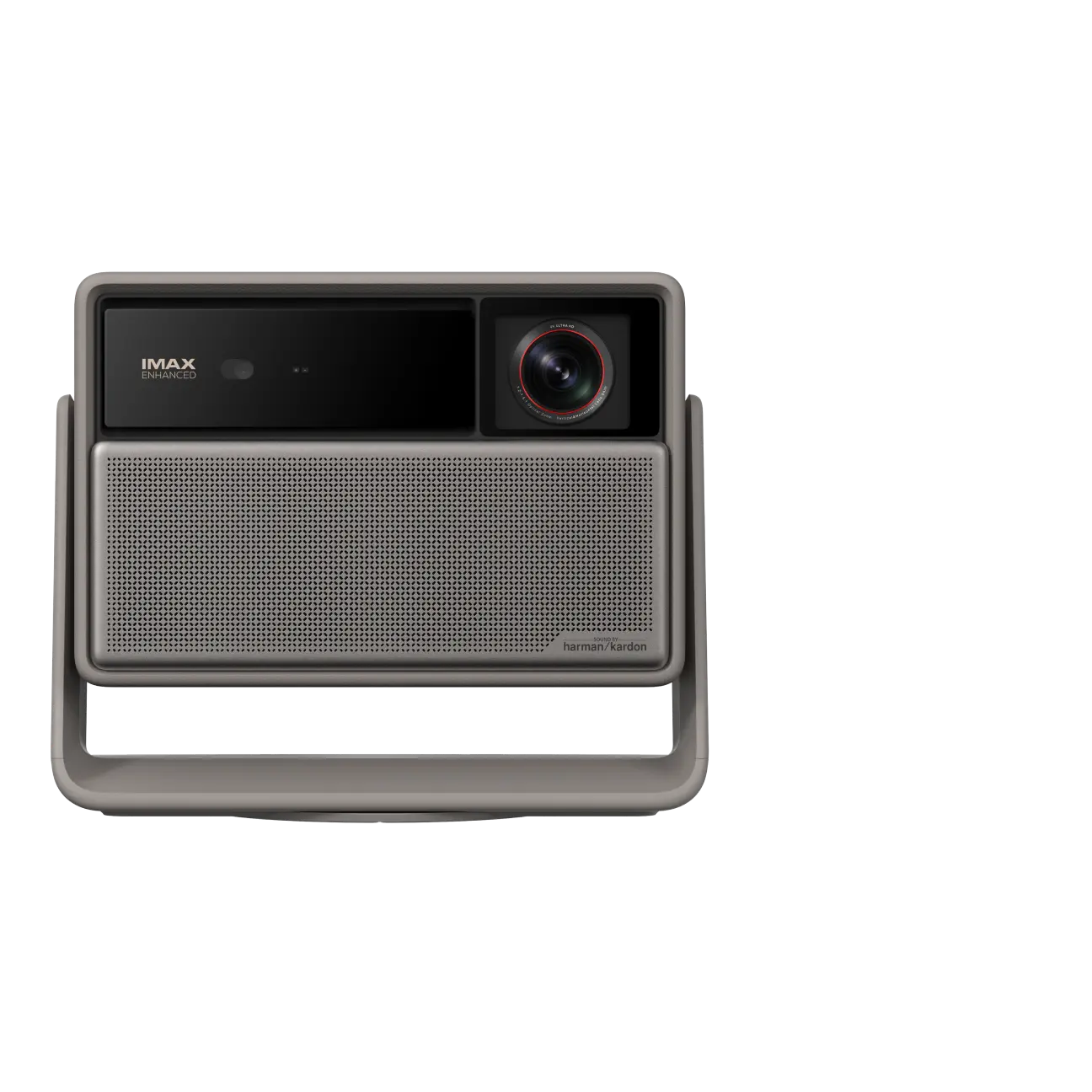
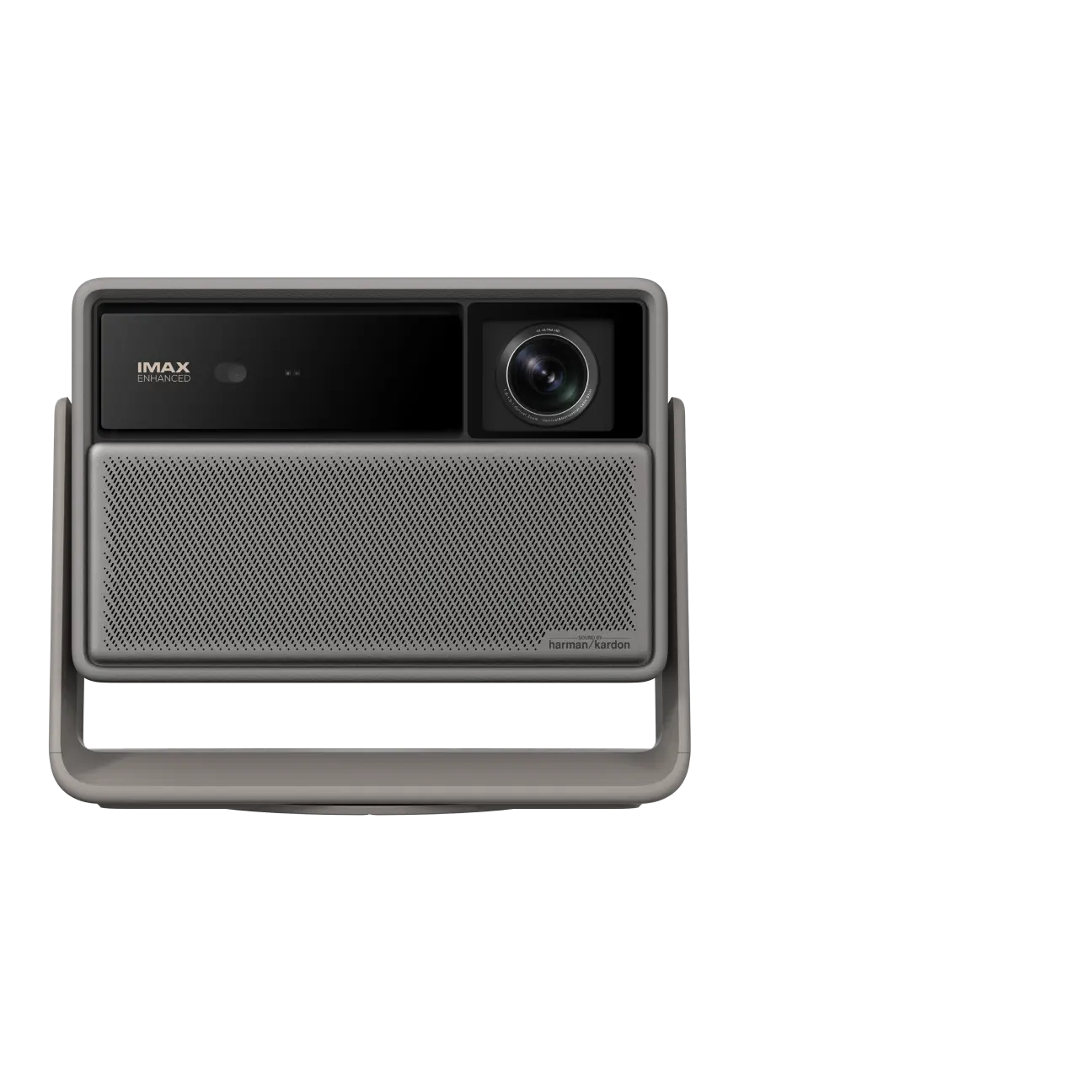
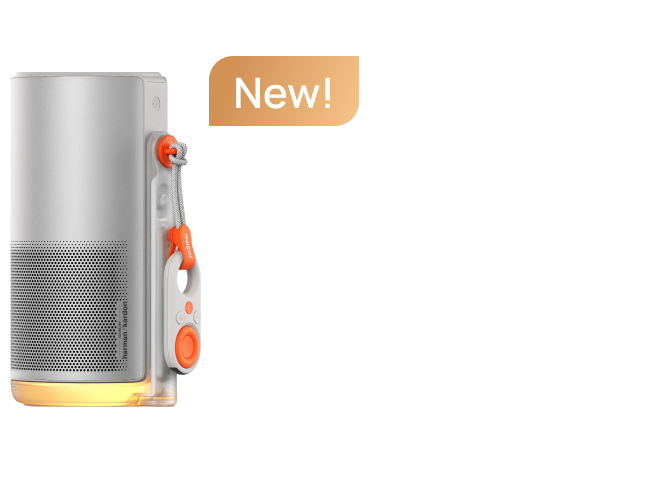
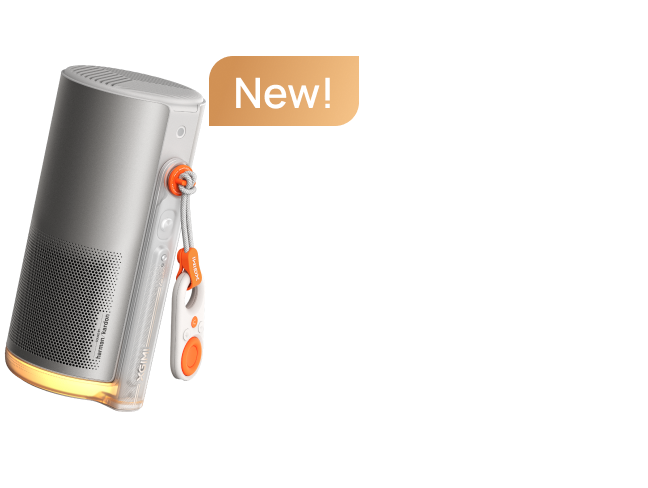
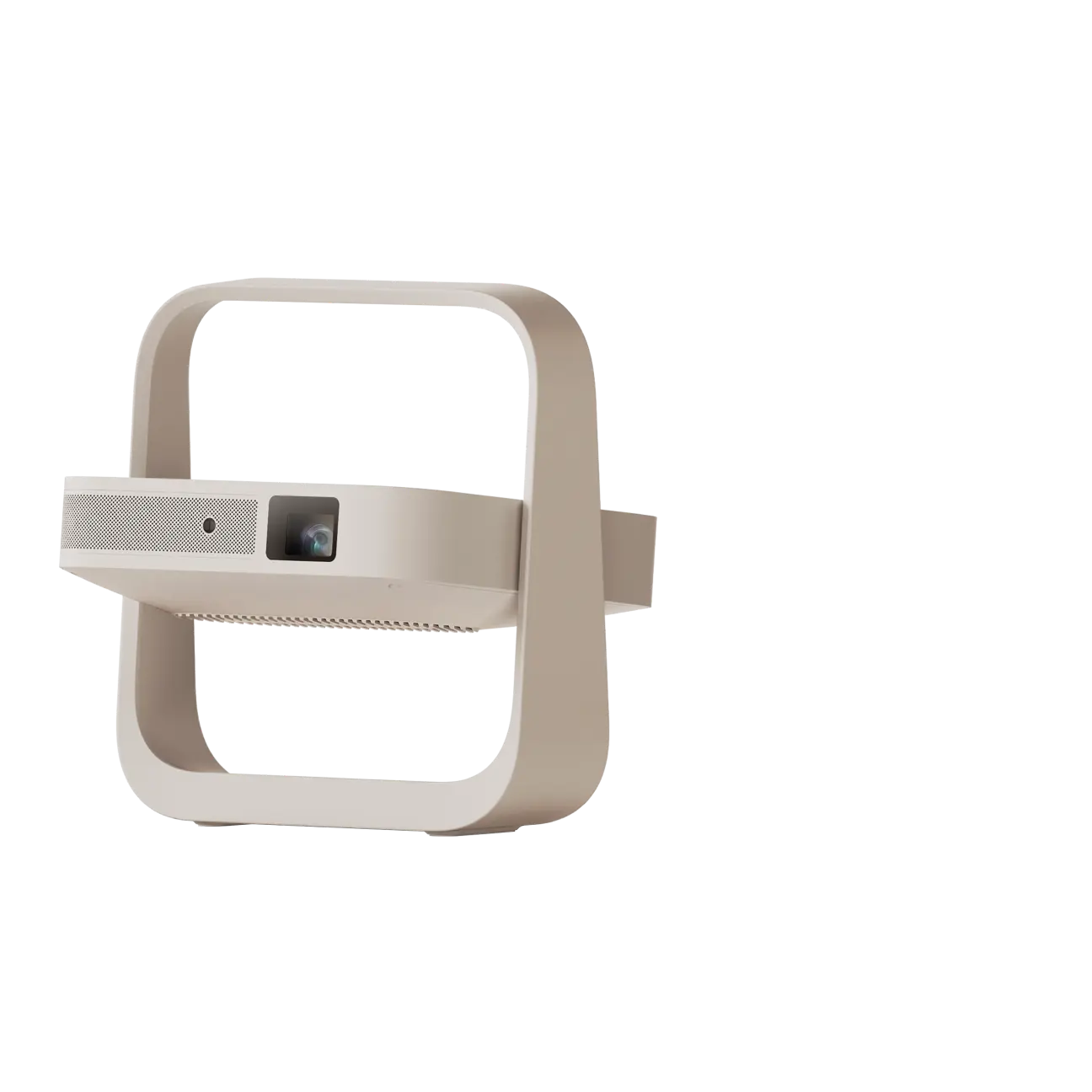
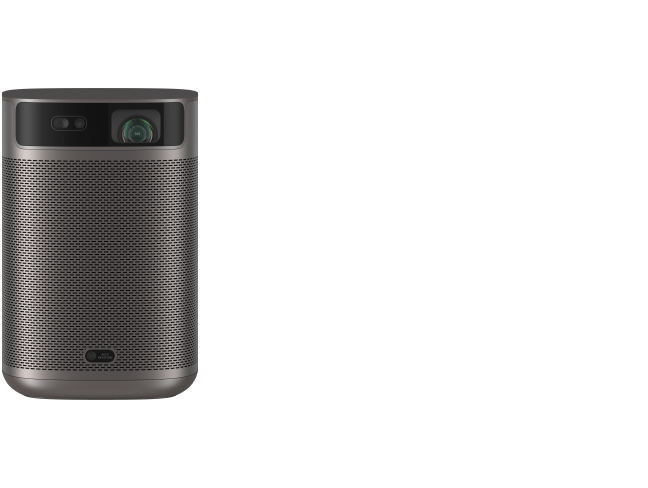
For example, the MoGo 4 offers 450 ISO lumens, 1080p resolution, Google TV, and a built-in battery. It's worth considering for casual nighttime streaming and flexible placement.
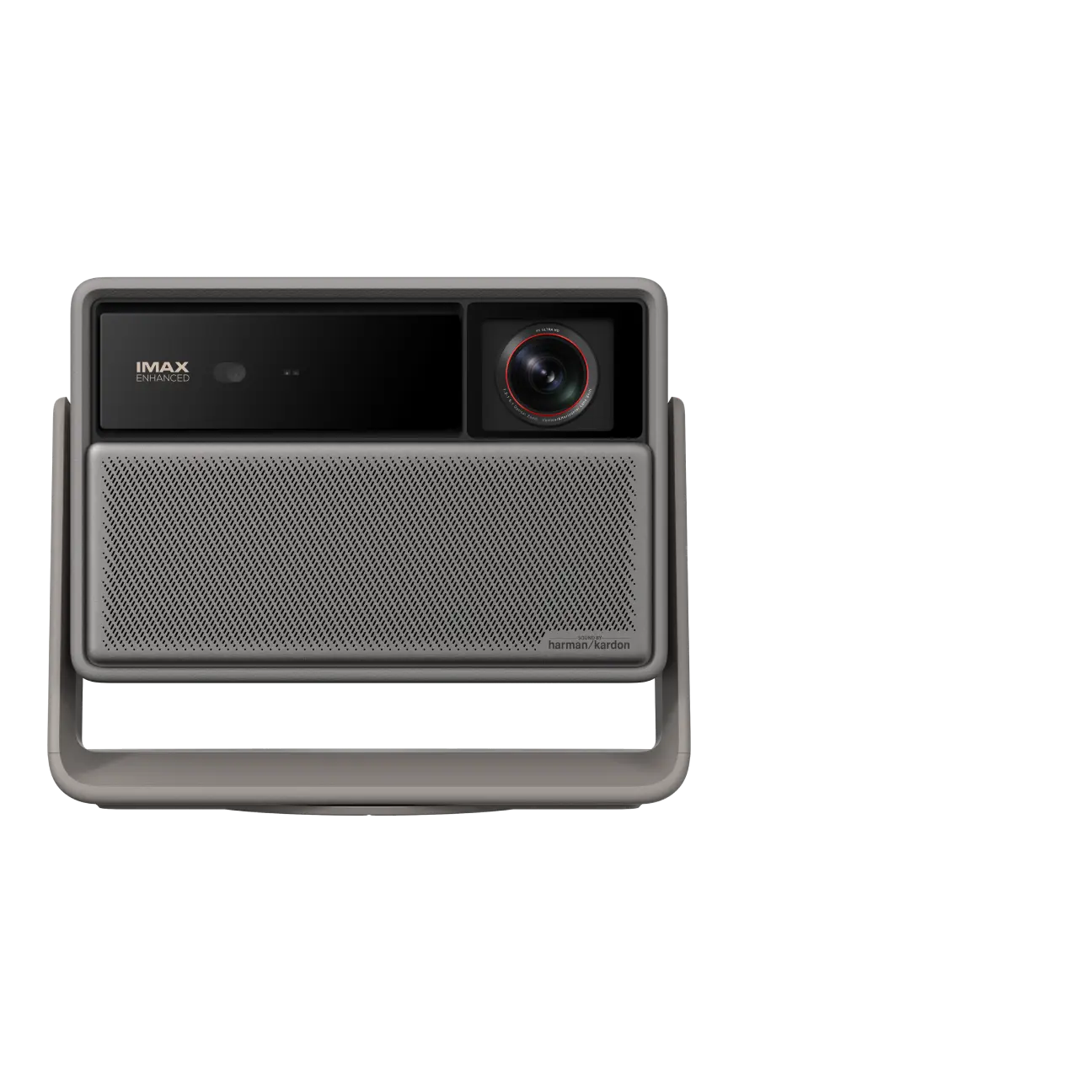
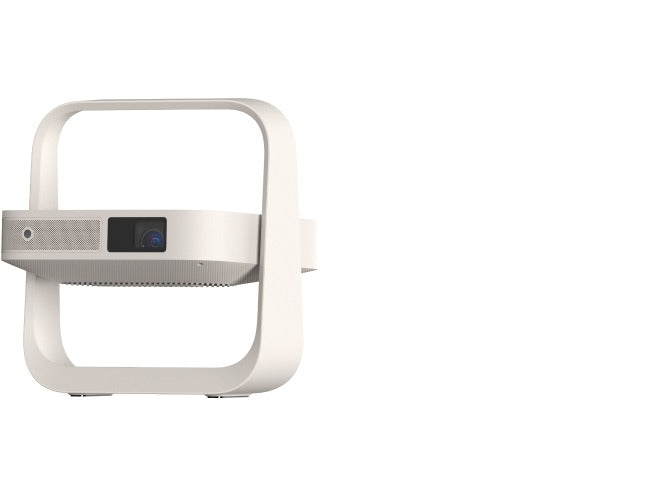
The MoGo 4 Laser delivers 550 ISO lumens, triple-laser technology, and a built-in adjustable stand. Its battery support allows up to 2.5 hours of video playback in Eco Mode under XGIMI's stated test conditions.
Neither should be assumed to perform like a high-brightness dedicated cinema model in a sunlit room.
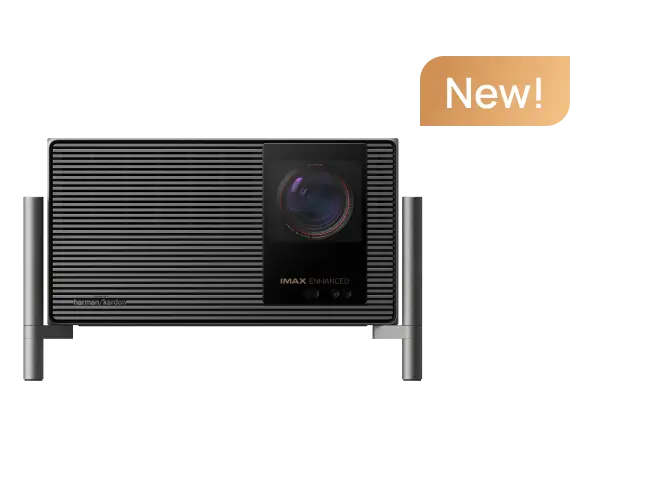
If you prioritize 4K detail or more brightness, compare the available home-theater options before deciding.
How Do You Set Up a Bedroom Projector in a Few Simple Steps?
A comfortable bedroom setup doesn't need to become a major renovation.
Start with a temporary arrangement, test it for several nights, and make permanent changes only after you're happy with the viewing position.
Bedroom Projector Setup Guide by Situation
Times are planning estimates, not guaranteed installation times. Initial account sign-in, mounting, cable routing, and network configuration can take longer.
Step 1: Choose the Projection Wall
Look for a flat, unobstructed surface directly opposite your preferred viewing position.
A smooth, matte wall is a reasonable starting point. Avoid glossy paint, textured wallpaper, and reflective decorations.
Step 2: Position the Projector
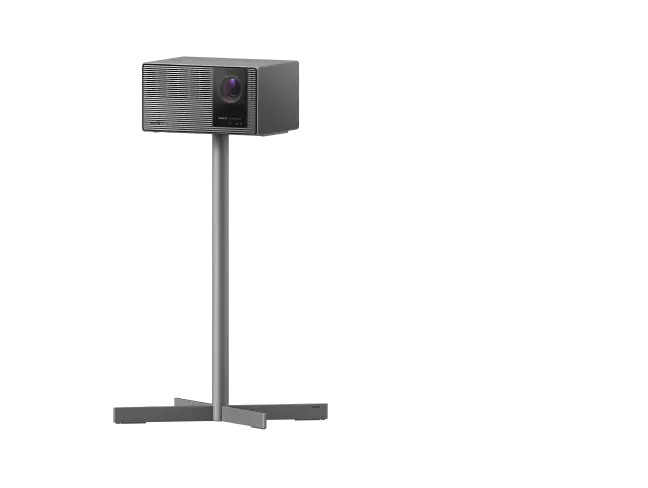
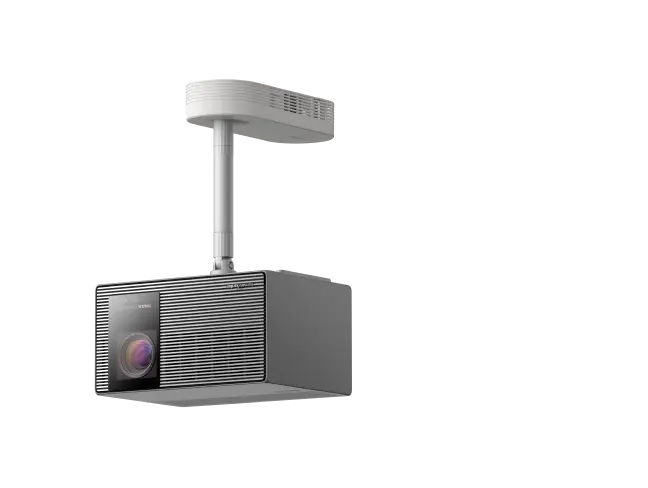
Place the projector on a stable stand, shelf, or appropriate mount.
Whenever possible, position the lens perpendicular to the projection surface. This helps preserve image geometry and sharpness.
If your model includes automatic keystone correction, use it for minor adjustments rather than relying on extreme correction.
Step 3: Connect Power and Streaming
Connect the projector to a suitable power source or confirm its battery charge.
Complete Wi-Fi configuration, sign in to your streaming services, and install any necessary updates.
If you're using a computer, connect it through a compatible HDMI connection or supported wireless casting method.
Step 4: Adjust the Image
Set your preferred image size, check focus, and adjust brightness to suit the room.
Test subtitles and smaller text to confirm the image remains readable from bed.
Step 5: Test the Complete Experience
Play a familiar movie scene, check dialogue clarity, and confirm the fan noise is comfortable at your normal listening volume.
A few small changes in placement can make a noticeable difference.
How Can You Improve Bedroom Projector Picture Quality?
You don't necessarily need to buy a more expensive projector to improve the viewing experience.
Start with the room itself.
Control ambient light. Blackout curtains are one of the simplest upgrades for daytime viewing. Switch off overhead lights that shine directly onto the projection surface.
Use a suitable screen. A smooth, neutral projection screen generally provides a more consistent surface than a textured wall. However, a clean matte wall can be useful while experimenting with your preferred arrangement.
Avoid unnecessary digital correction. Automatic keystone correction is convenient, but large corrections can reduce effective image detail. Better physical alignment is preferable.
Choose a realistic screen size. Bigger isn't always better. An oversized image may appear dimmer and can become uncomfortable when viewed from close range.
Adjust picture settings. Experiment with movie or cinema modes, color temperature, and brightness. Avoid assuming the brightest preset always provides the most natural image.
For additional options, browse XGIMI Home Projectors.
How Do You Watch YouTube, Movies, and Computer Videos on a Bedroom Projector?
Modern smart projectors simplify access to entertainment, but compatibility depends on the specific model and application.
Watching YouTube and Streaming Services
On a supported Google TV projector, connect to Wi-Fi, open the relevant application, and sign in.
You can then browse YouTube, stream compatible services, and resume your favorite shows without a separate streaming stick.
Application availability, subscriptions, and playback capabilities may vary.
Connecting a Computer
A laptop or desktop computer can be useful for personal videos, presentations, and browser-based content.
HDMI is often the simplest connection when both devices have compatible ports.
After connecting, select the projector as your display and choose a resolution and refresh rate supported by both devices.
Wireless casting is another possibility, but compatibility and responsiveness depend on the model, network, and casting method.
Watching Movies From a Portable Device
A battery-powered portable projector gives you more freedom to move your viewing space.
For example, you might watch an episode in your bedroom, then take the projector into the living room for a family movie night.
Check battery runtime, charging requirements, and Wi-Fi availability before relying on cordless playback.
How Can You Create a Comfortable Home Theater in a Bedroom?
The most enjoyable home theater isn't necessarily the one with the largest screen.
It's the one you can use comfortably and consistently.
Consider where your head naturally rests when sitting or reclining in bed. Position the image so you don't need to strain your neck or maintain an awkward viewing angle.
Soft pillows, a stable bedside surface, and simple lighting controls can make the space more inviting.
For audio, start with the projector's built-in speakers. If dialogue sounds unclear or you want fuller movie sound, consider a compatible external speaker system.
In a shared apartment, headphones may be a practical alternative for late-night viewing, provided your projector supports the required connection.
Keep cables organized and allow enough clearance around the projector for safe ventilation.
An added screen, stand, or audio accessory should solve a real problem rather than complicate the room.
The goal is a setup that feels natural when you want to relax.

Frequently Asked Questions About Bedroom Projectors
Can I Use a Projector in a Bedroom Without a Screen?
Yes. A smooth, matte, light-colored wall can work for casual viewing. A dedicated projection screen may provide more uniform reflection and improve image consistency, especially when wall texture or color affects the picture.
Can a Portable Projector Work in a Small Apartment?
Yes. Portability is particularly useful in rental homes where permanent installation isn't practical. A compact model can sit on a stable shelf or stand and move between rooms. Always check throw distance and available power before purchasing.
How Far Should a Projector Be From a Bedroom Wall?
The required distance depends on screen width and throw ratio. A 1.2:1 projector needs approximately 7.3 feet for a 100-inch diagonal 16:9 image. Other models may require more or less space, so check their specifications before buying.
Is a Short Throw Projector Better for a Small Bedroom?
A short throw projector can be a good option when you want a larger image but have limited distance between the projector and wall. However, compact conventional projectors may be simpler or more affordable when their throw distance already fits your room.
Can I Connect My Laptop or Computer to a Bedroom Projector?
Yes, provided the projector and computer have compatible connections. HDMI is commonly used for displaying movies, browser content, and presentations. Some models also support wireless casting, although performance and compatibility can vary.
Can I Watch YouTube on an XGIMI Bedroom Projector?
Yes, on compatible XGIMI smart projectors that provide access to the YouTube application. Connect the device to Wi-Fi, open the app, and sign in if needed. Check the individual model's software and application support before purchase.
Is a 1080p or 4K Projector Better for Bedroom Movies?
1080p is a practical choice for everyday streaming and moderate screen sizes. A 4K projector can provide finer image detail when watching high-resolution content on a larger screen, particularly from a closer viewing distance. Brightness, contrast, and room lighting also matter.
How Long Can a Battery-Powered Bedroom Projector Play Movies?
Battery life depends on the model, picture mode, and power settings. The XGIMI MoGo 4 Laser is rated for up to 2.5 hours of video playback in Eco Mode. For longer sessions, use a compatible external power source or connect to AC power.
What Should I Check Before Buying a Bedroom Projector?
Before buying, measure your available projection distance, decide on a comfortable screen size, and consider ambient light, fan noise, streaming compatibility, audio, and budget. We recommend prioritizing everyday usability over specifications you may rarely need.
Final Thoughts: Build a Bedroom Cinema That Fits Your Life
A great bedroom cinema starts with the way you want to spend your evenings.
Maybe it's a quiet movie after work, a weekend marathon of your favorite series, or a big-screen gaming session without a television taking over the room.
Whatever your routine, the right projector should make entertainment feel easier—not more complicated.
Start with your available space, choose a comfortable screen size, and focus on the features you'll actually use.
Explore XGIMI Portable Projectors for flexible bedroom entertainment, or compare XGIMI Home Projectors if you're planning a more dedicated cinema experience.
Your personal cinema doesn't need a separate room. Sometimes, it starts with the wall across from your bed.


