



Imagine watching your favorite movie on a 120-inch screen without mounting a giant television or installing a projector across the room. That's the appeal of ultra short throw projectors: big-screen entertainment with a smaller footprint.
But there's one detail that can make or break the experience: the projector screen.
A dedicated UST projector screen uses a specialized optical surface to reflect light from an ultra-short-throw projector toward viewers while reducing interference from room lighting. The right screen can improve perceived contrast, preserve color, and make movies, sports, and games more enjoyable in everyday living spaces.
This guide explains how UST screens work, whether you need an ambient light rejecting screen, what size to choose, and how to avoid expensive installation mistakes.
What Is a UST Projector Screen, and Do You Need One?
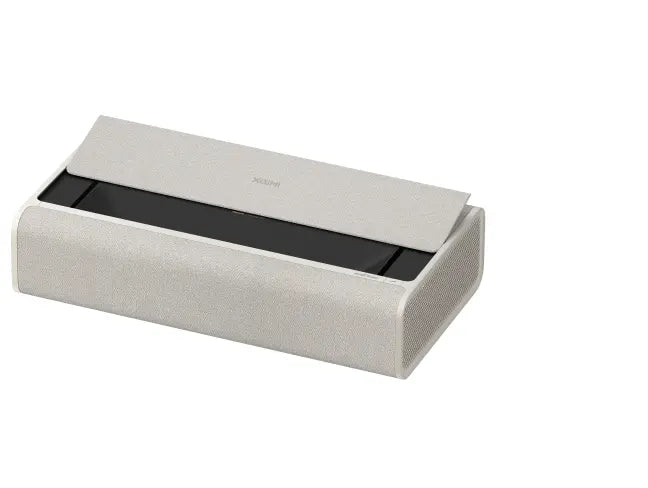
A UST projector screen is a projection screen designed for ultra short throw projectors, which produce large images while sitting close to the wall.
Unlike conventional projectors that send light from several feet away, many ust projectors sit on a media console directly below the screen. Their light reaches the display surface at a steep upward angle.
That geometry changes how the screen needs to reflect light.
A dedicated ust projection surface is engineered to handle light arriving from below. Many premium ust screens also use optical structures that reduce reflections from ceiling fixtures and other room lighting.
Do you absolutely need one? Not always.
If you watch movies in a dark room, a smooth plain white wall may be adequate for casual viewing. However, wall texture, paint color, and unevenness can affect the image. For a permanent living-room installation, a purpose-built screen is usually the more reliable choice.
A dedicated screen becomes particularly valuable when:
Your living room has windows or overhead lighting.
You want to maintain contrast during daytime viewing.
You're building a living room television replacement setup.
You want a clean, flat image at 100 inches or larger.
You frequently watch sports, movies, or play video games with some lights on.
For shoppers considering a complete setup, explore XGIMI's projector collection to understand the differences between portable, home-theater, and UST models.
How UST ALR Screens Work in Bright Rooms
One of the biggest concerns for US homeowners is whether a projector can perform well in a well lit living room.
The challenge is ambient light.
When sunlight or ceiling light reaches an ordinary screen, it raises the brightness of dark image areas. Blacks can appear gray, colors lose their richness, and picture quality degrades significantly under strong lighting.
An ambient light rejecting screen helps address this problem.
Instead of reflecting all incoming light equally, a UST-compatible alr screen is designed to direct more useful projector light toward the audience while reducing the effect of light arriving from certain other directions.
The result can be a brighter image relative to the surrounding black levels, better perceived contrast, and a more comfortable daytime viewing experience.
Ambient Light Rejection and Ceiling Light Rejection
Most specialized UST ALR screens use angular-reflective or microstructured optical technology.
Their screen surface may contain tiny optical structures that redirect light from the projector toward viewers while reducing reflections from above.
This approach is often described as ceiling light rejection, or CLR.
For example, imagine a living room with recessed ceiling lights.
With a conventional white screen, the screen reflects both the projector shining upward from the console and the overhead light hitting the surface.
With a compatible UST ALR screen, the optical structure is designed to redirect overhead light away from the primary viewing area while returning more of the projector's light toward the audience.
This ambient light rejecting property helps preserve darker-looking blacks and more saturated colors.
However, ALR technology has limitations.
A screen designed to reject overhead lighting may be less effective against light coming from a window at a similar angle to the projector's reflected light. Even direct ambient light can still wash out the image when it is sufficiently strong.
For the best results, combine a UST ALR screen with curtains, blinds, or adjustable lighting.
Screen Gain, Contrast, and Viewing Angles
Screen gain describes how strongly a screen reflects light toward a particular viewing direction compared with a standard reference surface.
A screen with a gain of 1.0 reflects light at the measurement angle similar to the reference.
Many UST ALR screens have a lower screen gain, commonly around 0.4 to 0.6, although specifications vary by manufacturer.
Why would you choose a lower-gain screen?
A carefully designed optical surface can improve perceived contrast by reducing unwanted room-light reflections, even if it reflects less projector light toward the viewer.
But lower gain is not automatically better.
A higher screen gain may deliver more brightness in the main viewing direction, while potentially introducing viewing-angle limitations or uneven brightness.
Consider these factors together:
The best screen is not necessarily the one with the highest gain or the strongest advertised rejection percentage. It is the screen that matches your projector, lighting conditions, and seating arrangement.
UST Projector Screen vs. Regular Projector Screen
Can you pair an ultra short throw projector with a regular cinema screen?
Sometimes, but compatibility matters.
Traditional matte white screen materials scatter light broadly and can work well in dark home theaters. They generally do not reject room lighting in the same way as specialized UST ALR materials.
A conventional ALR screen designed for long-throw projection can be an even bigger problem.
Because its optical surface may be optimized for light coming from a different direction, it can reject some of the light produced by a UST projector.
That is why not all ust projectors and ALR screens are automatically compatible.
For an everyday living-room installation, a dedicated UST ALR screen is often worth considering.
For a dark basement theater, a high-quality flat white screen may still be a reasonable alternative, provided the screen manufacturer confirms UST compatibility.
Choosing the Best UST Screen Size: 100, 120, or 130 Inches
One of the biggest advantages of UST projection is big screen scale without placing equipment across the room.
Many residential UST screen products are offered in sizes around 100 to 120 inches, with some models and installations supporting 130 inches or more.
However, the maximum screen size depends on the projector and screen combination.
Some projectors support significantly larger images. For example, certain Epson UST models support up to 160 inches, while Hisense's L9Q is specified for an 80- to 200-inch projection range.
These capabilities do not mean every screen size will deliver equally satisfying brightness and clarity.
As the image grows, the available light is distributed over a larger area.
Which size fits your living room?
A 100-inch screen can be a practical choice for an apartment or compact media room.
A 120-inch screen creates a more expansive movie experience and is often a compelling upgrade from a conventional television.
A 130-inch screen can feel like a gigantic projector screen, but it requires careful planning for seating distance, brightness, and installation.
Before purchasing a huge screen, measure your room.
Check that you have enough wall space for the complete screen assembly, including its frame, mounting hardware, and any clearance required around furniture.
Also consider whether the projector can produce your chosen size at the intended placement distance.
For more sizing calculations and seating recommendations, read XGIMI's Guide to Understanding Projection Screen Size.
Fixed-Frame vs. Retractable UST Projector Screens
UST screens are particularly sensitive to surface imperfections.
Because the projected light strikes the surface at a steep angle, even a small ripple can distort straight lines or make part of the image appear uneven.
That's why screen tension and physical flatness are essential.
Fixed-Frame UST Screens
A fixed frame screen holds the screen material under continuous tension.
It is often the preferred option for a dedicated living-room or home-theater installation.
Advantages include:
Consistent screen flatness.
Reliable image geometry.
No motorized mechanism.
Clean, permanent presentation.
Potentially lower cost than a comparable motorized screen.
Some premium designs feature an elegant slender black frame, creating a clean architectural look.
A dark border can also help the projected image visually screen pop against the surrounding wall.
The main trade-off is permanence: the screen remains visible when the projector is off.
Retractable UST Projector Screens
A retractable ust projector screen is a strong option for homeowners who prefer to hide the screen when it is not in use.
Motorized floor-rising screens are especially popular in TV-replacement installations because they can emerge from a cabinet or media console.
Wall- or ceiling-mounted retractable screens are another possibility.
However, ordinary pull-down screens may develop waves or curling.
For UST projection, look for a motorized model specifically rated for UST use, ideally with tab-tensioning or another reliable flatness system.
Some screen systems offer an optional led backlighting kit for decorative lighting behind the frame. This is an aesthetic feature, not a substitute for proper screen optics or room-light control.
Which should you choose?
Choose fixed-frame if image flatness, simplicity, and value are your top priorities.
Choose retractable if a clean living-room appearance matters more and your budget supports a quality tensioned mechanism.
Popular UST Screen Brands and Price Considerations
The projection industry produces a wide range of screen options, from entry-level ALR products to premium custom installations.
When comparing screens, pay attention to material compatibility, screen size, mounting method, optical gain, viewing angles, and warranty coverage—not just the price.
Screen Innovations
Screen Innovations is known for premium residential projection products, including the Zero Edge Pro and Solo Pro 2 families.
The Zero Edge Pro emphasizes a minimal-frame appearance, while the Solo Pro 2 family includes retractable screen configurations.
Your supplied pricing references list:
Screen Innovations Zero Edge Pro: $2,999.
Screen Innovations Solo Pro 2: $5,973.
These are illustrative reference prices, not verified current retail offers. Exact configurations and compatible screen materials must be checked before purchase.
If you're comparing screen innovations price options, confirm that the selected material is specifically suitable for UST projection. Not every screen in a premium product family is designed for the same throw geometry.
Stewart Filmscreen
Stewart Filmscreen offers premium screen systems for custom home theaters.
The supplied reference price for Stewart Balon Edge is $4,967.
The balon edge series features a contemporary frame design, but the selected surface must still be checked for compatibility with your projector.
Buyers may also encounter the stewart blackhawk ust screen name when researching specialized screen technology.
Rather than assuming all blackhawk ust surface features are identical across configurations, request the current manufacturer's specifications, especially optical gain, viewing angles, and supported projector geometry.
Grandview and Other Screen Options
Grandview offers screen systems at different price points.
The supplied reference for a fixed frame grandview Dynamique screen is $1,099, although actual prices depend on size and configuration.
Other brands, including xy screen, offer ALR and fixed-frame products that may appeal to buyers seeking alternatives to premium custom installations.
You may also encounter product names such as edge pro short throw while comparing different screen families.
Before ordering any screen, ask the seller to confirm that the exact material is designed for your projector's throw type.
The most important buying rule: A premium screen with the wrong optical surface can perform worse than a less expensive screen that is correctly matched to your projector.
How to Set Up a UST Projector Screen Correctly
A well-matched screen still needs proper installation.
Unlike many conventional projectors, UST models are highly sensitive to small changes in position.
Follow these steps before permanently mounting the screen.
Step 1: Measure the Wall and Seating Area
Start by measuring the available wall space.
A 120-inch 16:9 image is approximately 105 inches wide and 59 inches tall, excluding the screen frame.
Confirm that the screen will not interfere with doors, windows, shelves, or ceiling fixtures.
For a tiny living room television alternative, consider whether 100 inches offers a more comfortable fit than 120 inches.
Step 2: Check the Projector's Throw Ratio
Throw ratio determines the relationship between projection distance and image width.
Many UST projectors use very short throw ratios, but fixed focal lengths and model-specific optical designs mean their placement requirements vary.
Do not assume that every UST projector can sit the same distance from the wall.
For example, the XGIMI AURA 2 specifies a 0.177:1 throw ratio and can produce a 100-inch image with approximately 7 inches of stated wall clearance.
Its published specifications list a 90- to 150-inch image range, with 90 to 130 inches recommended for optimal viewing quality.
Always follow the exact projector's installation diagram, including the correct reference point for distance measurements.
Step 3: Confirm the Screen Is Flat and Level
Use a level to check the screen's horizontal alignment.
Make sure the mounting surface is secure and the screen remains flat.
With UST projection, small waves in the screen surface can become noticeable distortions in the image.
A rigid fixed frame or properly tensioned motorized screen helps reduce this risk.
Step 4: Position the Projector Before Using Digital Correction
Place the entire projector squarely in front of the screen.
Adjust its physical position until the image fits the screen as closely as possible.
Avoid relying heavily on digital keystone correction because it can reduce effective image detail.
Some XGIMI UST models include intelligent screen alignment tools to make setup easier, but physical positioning remains important.
Step 5: Test the Room Lighting
Check the image in three conditions:
Curtains closed and lights off.
Curtains open with moderate daylight.
Typical evening lighting with ceiling fixtures on.
Pay attention to black levels, color saturation, and image uniformity.
Also sit in the far-left and far-right seats to check whether extreme off axis positions cause noticeable brightness or color changes.
This real-world test will tell you more about the installation than a single screen-gain specification.
Is a UST Screen Worth It for Your Living Room?
For many US households, the bigger question isn't simply which screen to buy.
It's whether a projector is a better investment than a large television.
If you're considering a living room television replacement, a UST projector can provide a compelling combination of screen size, flexible placement, and modern interior design.
A 120-inch projection setup offers substantially more image area than a 98-inch television.
However, a conventional TV still has advantages, particularly in very bright rooms, where it can deliver more consistent contrast without a specialized screen.
A UST system also requires a screen budget, suitable furniture, and careful installation.
When a UST Setup Makes Sense
A UST projector and compatible screen may be a strong choice when:
You want an encompassing big screen experience for movies or sports.
You prefer a 120-inch image over a permanent large TV.
Your room has manageable daylight and adjustable lighting.
You value a clean, modern entertainment space.
You want large-screen viewing without a traditional ceiling-mounted projector.
When a TV May Be Better
A conventional television may be more practical when:
The room receives strong direct sunlight.
You mainly watch daytime television.
You need consistent picture quality without controlling lighting.
Your desired screen size is around 85 to 100 inches.
You want the simplest possible installation.
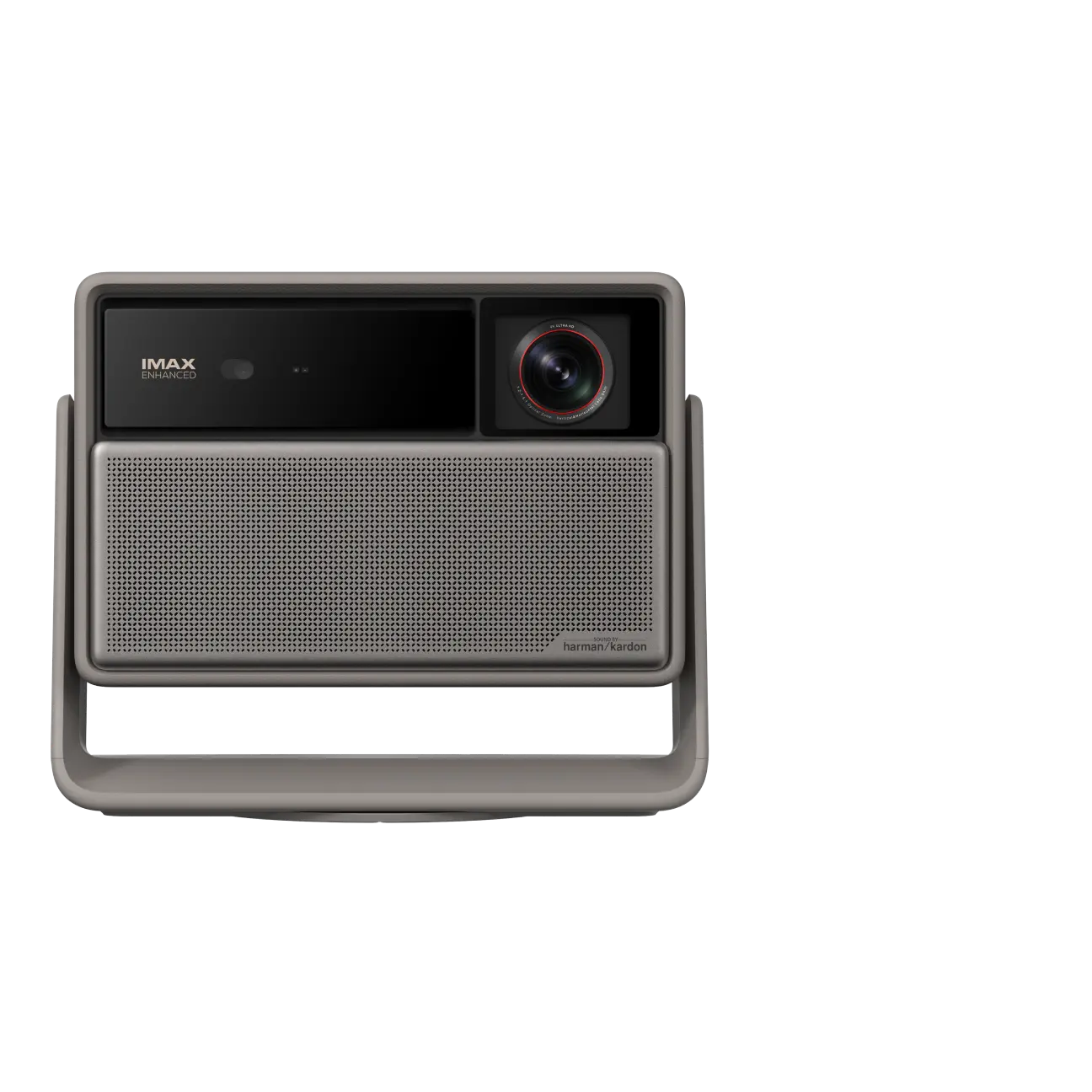
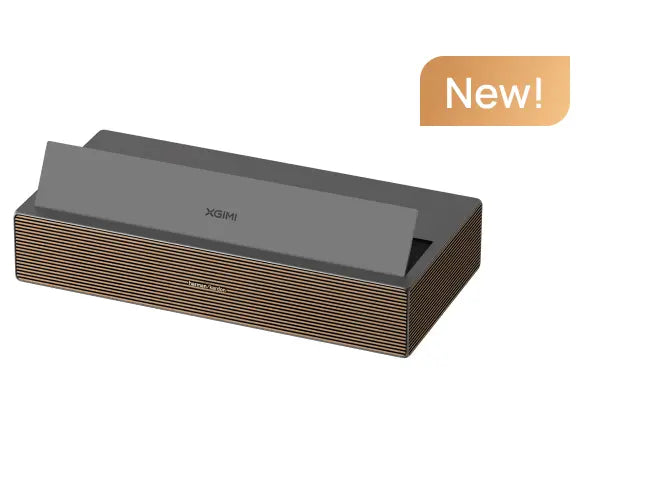
For buyers who want the cinematic scale of a laser tv, XGIMI's AURA family offers a useful starting point.
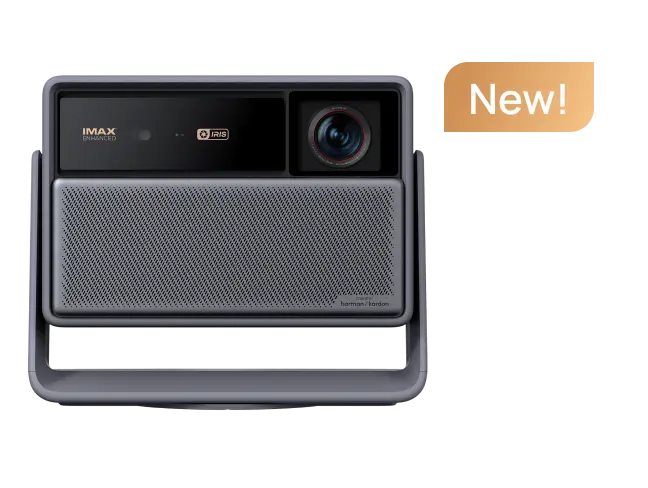
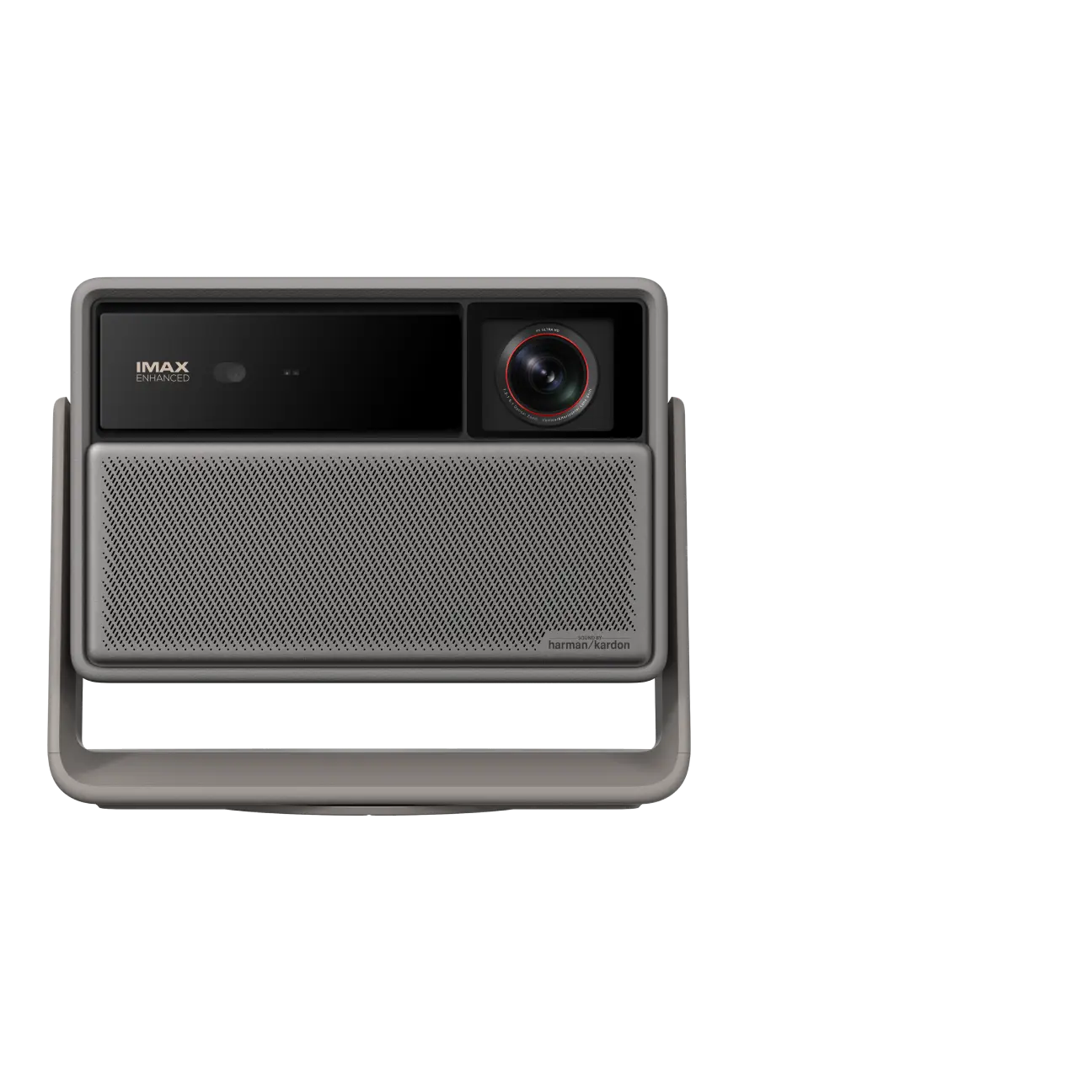
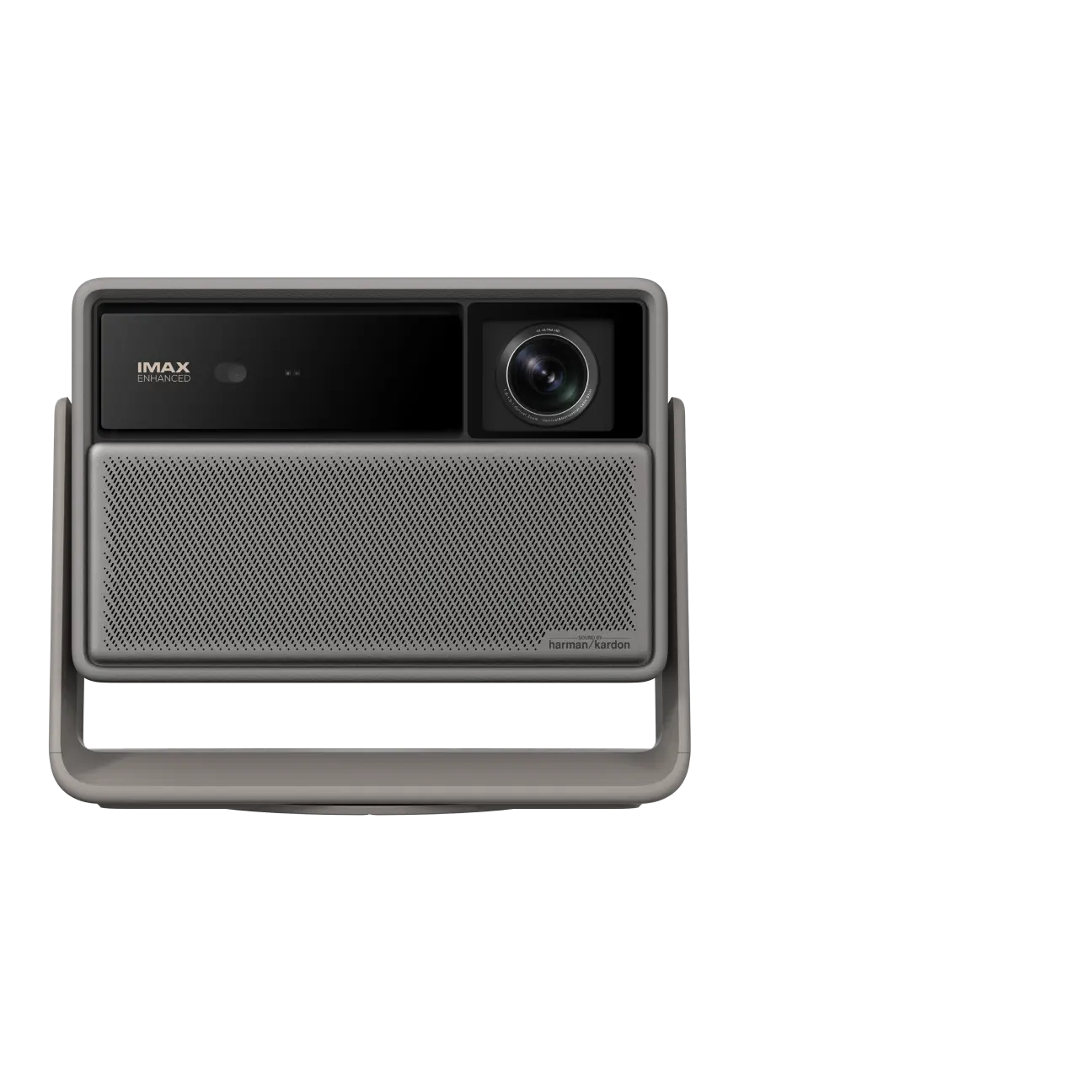
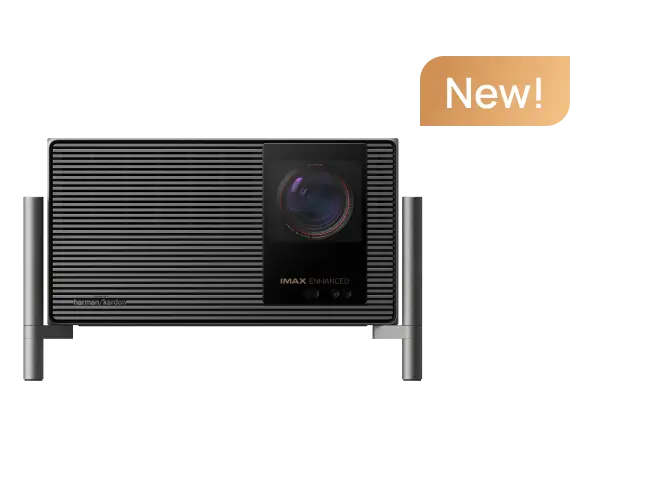
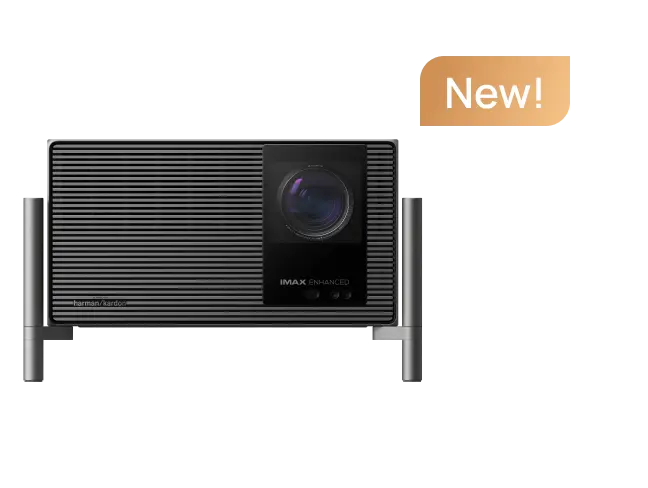
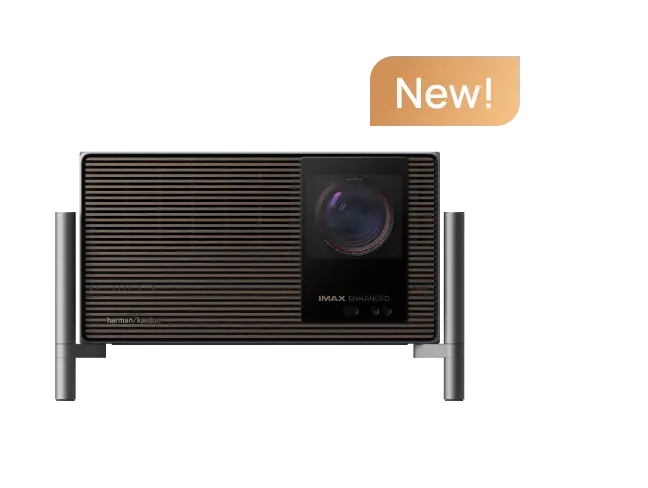
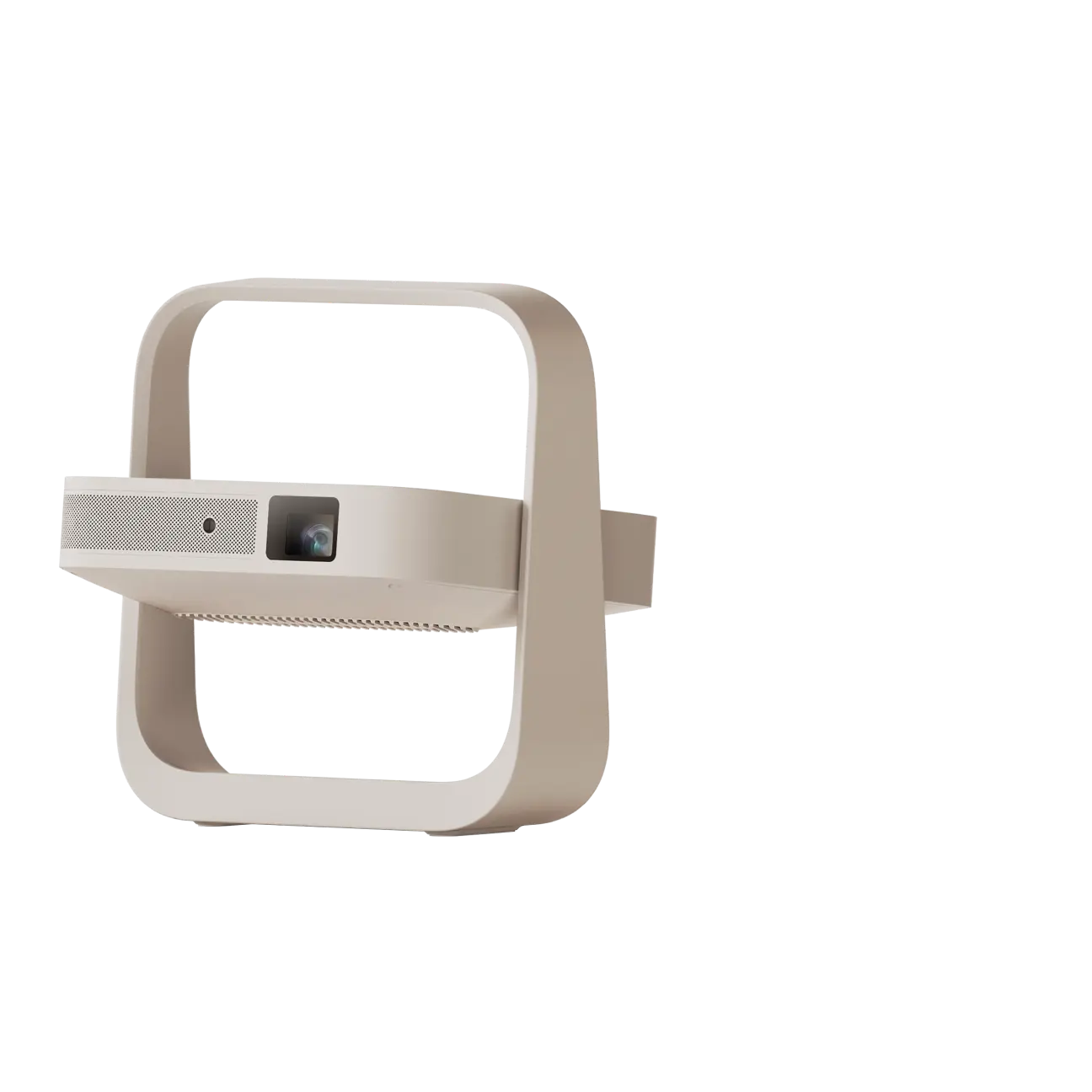
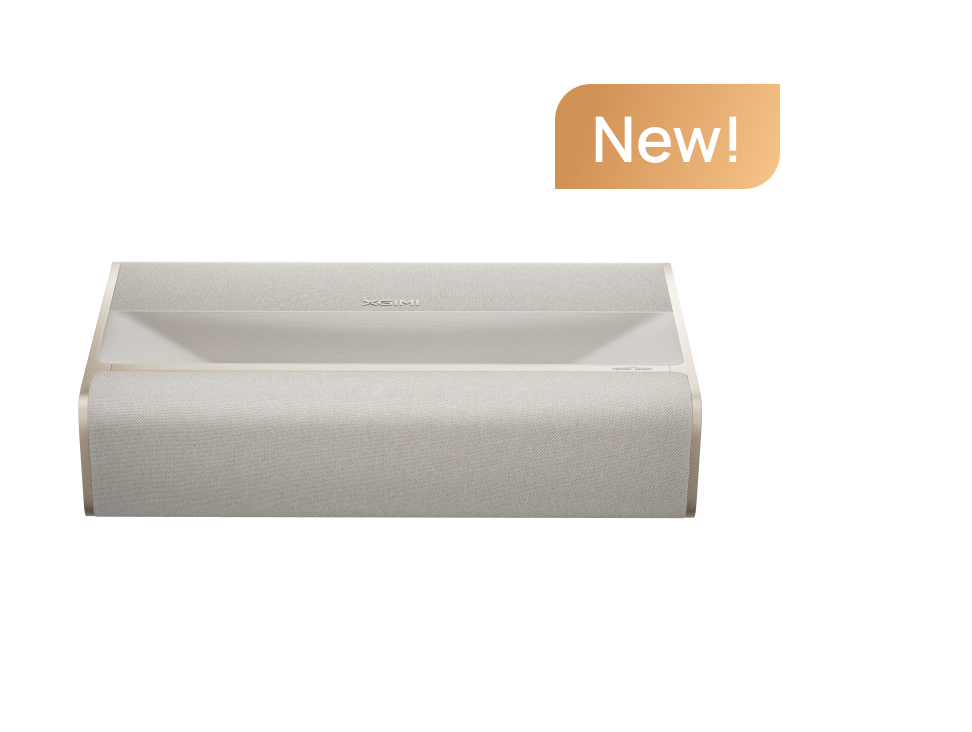
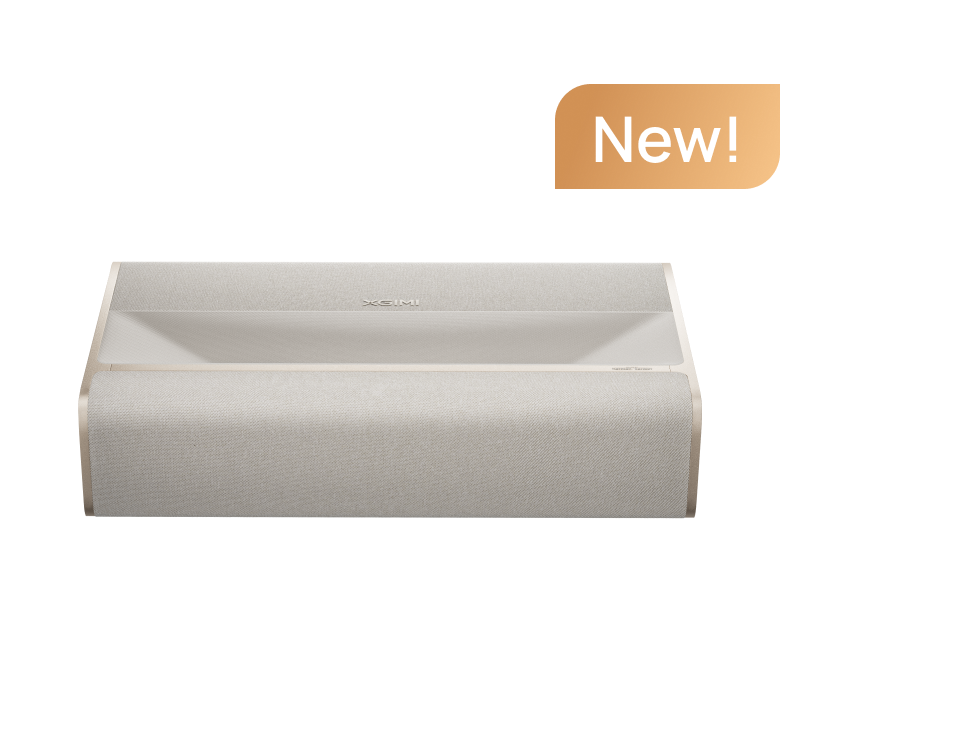
The XGIMI AURA 2 (New) combines 4K UHD projection, a short-throw optical design, integrated audio, and smart streaming features in a living-room-focused system.
Pairing a compatible UST model with the right ALR screen can help make the most of its image performance.
The best choice depends on your room, viewing habits, and expectations—not simply on how large the projected image can become.
Frequently Asked Questions About UST Projector Screens
1. Do I need a special screen for an ultra-short-throw projector?
A special screen is not strictly required, but a dedicated ust projector screen is often recommended. UST projectors send light toward the wall at a steep angle, so screen flatness and optical compatibility matter. A purpose-built screen can improve image uniformity and, when using ALR technology, perceived contrast in rooms with ambient lighting.
2. What is the difference between a UST ALR screen and a regular ALR screen?
A UST ambient light rejecting screen is designed for projector light arriving steeply from below. Conventional ALR screens may be optimized for projectors positioned farther away. Using the wrong optical surface can reduce brightness or create uneven image quality, so always confirm UST compatibility.
3. Can I use a UST projector on a plain white wall?
Yes, but a plain white wall is best suited to casual viewing in controlled lighting. Texture, paint color, and unevenness can affect sharpness and image geometry. A dedicated, flat screen generally delivers a more predictable result.
4. What screen gain is best for a UST projector?
Many specialized UST ALR screens have gains around 0.4 to 0.6, but there is no universal ideal. A lower screen gain may be part of an effective light-rejection design, while a higher-gain material may produce greater brightness in some viewing directions. Choose based on room lighting, projector brightness, and seating positions.
5. Is an ALR screen necessary for 4K ultra-short-throw projection?
No. 4k ultra short throw resolution comes from the projector, not the screen. An ALR surface does not add pixels or create 4K detail. It can help preserve perceived contrast and visibility in ambient light, making fine details easier to appreciate under suitable conditions.
6. Can UST projector screens work in daylight?
Yes, especially with a compatible ambient light rejecting surface and a sufficiently bright projector. However, strong sunlight directly hitting the screen can still wash out the picture. Curtains or blinds often make a substantial difference.
7. Is a 100-inch or 120-inch UST screen better?
A 100-inch screen is often easier to fit into smaller rooms and requires less projected light to achieve a given screen brightness. A 120-inch screen provides greater immersion but needs more wall space and careful brightness planning. Consider seating distance, available space, and your projector's supported image sizes.
8. Are retractable UST projector screens as good as fixed-frame screens?
A high-quality retractable ust projector screen can perform very well if it maintains a sufficiently flat surface. Fixed-frame screens are generally simpler and consistently tensioned. Retractable screens offer a cleaner appearance when not in use, but motorized and tab-tensioned systems often cost more.
9. Can I use a regular ALR screen with a laser TV?
Not necessarily. A laser tv screen should be compatible with the steep projection angle of a UST laser projector. Some other laser tv screens use specialized optical structures that are different from long-throw ALR materials. Check the manufacturer's compatibility guidance before buying.
10. Do UST projector screens work for gaming?
Yes. A properly matched UST screen can provide an immersive experience for console and PC gaming. The screen itself does not determine input lag or refresh rate. Those depend primarily on the projector and source device. For gaming, prioritize image visibility, comfortable viewing distance, and a projector with suitable latency performance.
11. How long do UST projector screens last?
A quality fixed-frame screen can last for many years with proper care. Longevity depends on the material, installation environment, and maintenance. Avoid physical damage, harsh cleaning chemicals, and prolonged exposure to conditions outside the manufacturer's recommendations. Motorized screens may also require mechanical maintenance over time.
12. What should I look for when buying a UST projector screen?
Start with five essentials: confirmed UST compatibility, appropriate screen size, optical light-rejection performance, reliable surface flatness, and a suitable installation method. Then compare gain, viewing angles, warranty coverage, and total price. The best screen is the one that works with your projector and your actual room.
Final Thoughts: Build Your Big-Screen Experience Around the Room
The right ust projector screen can make a meaningful difference to how movies, sports, and games look in your home.
For a dark theater, screen flatness and accurate image reproduction may be the biggest priorities. For a family living room, a compatible ALR surface can help reduce the impact of ceiling lights and moderate daylight.
And for homeowners who want their entertainment setup to blend into the room, a tensioned retractable screen may be worth the additional investment.
Before purchasing, confirm three things: your projector's supported screen size, the screen's UST compatibility, and the lighting conditions where you'll actually watch.
A thoughtful combination of projector, screen, and room setup will do more for everyday viewing enjoyment than chasing the biggest screen or highest specification alone.
Explore XGIMI's projector lineup or learn more about the AURA 2 UST home cinema experience to plan a setup that fits your space.


