
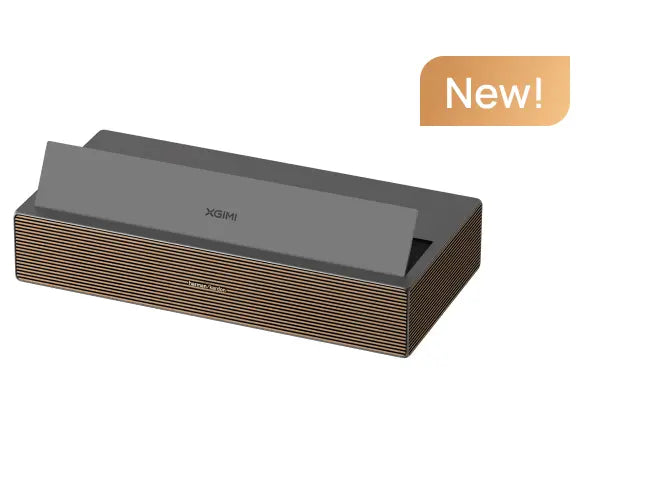
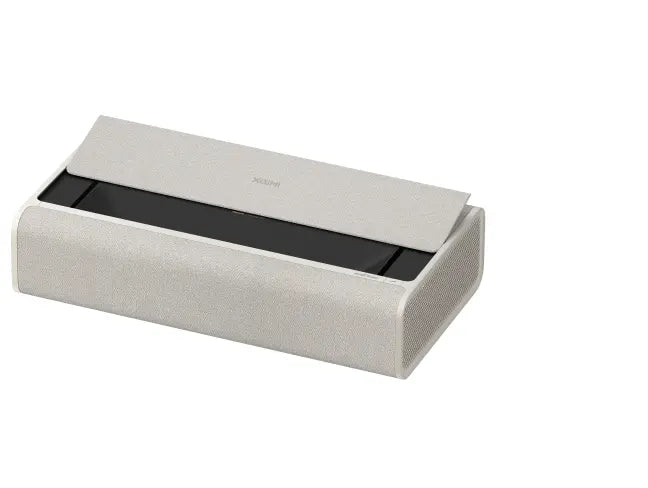
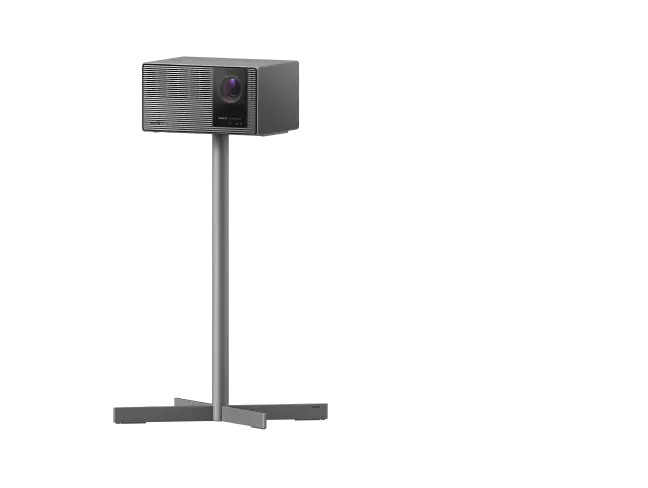
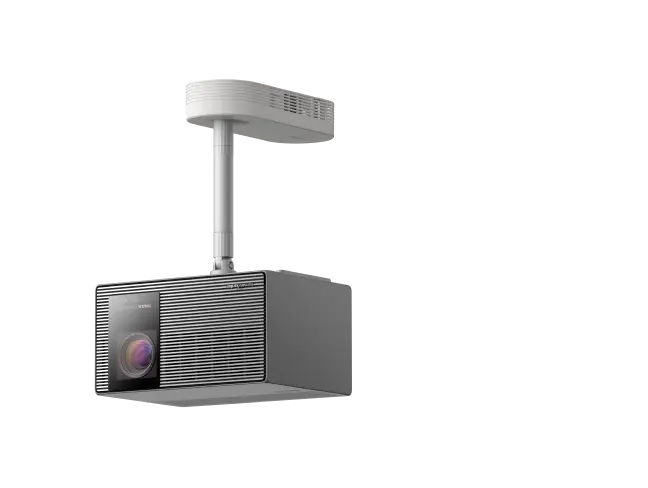



A 4K smart projector can transform movie nights, streaming, and gaming by bringing a large-screen experience into your living room, bedroom, or dedicated home theater. But choosing the right model involves more than resolution alone. Brightness, contrast, HDR support, streaming apps, gaming performance, and room placement all influence the result. Understanding these factors will help you find a 4K smart projector that fits your space, budget, and viewing habits.
Understand What Makes a Projector Smart and 4K
The terms “4K” and “smart” describe two different capabilities.
4K refers to image resolution. A 4K UHD image measures 3840 × 2160 pixels, offering more potential detail than 1080p. Native 4K projectors use imaging devices capable of displaying the full resolution, while some other projectors use pixel-shifting technology to create a higher-resolution projected image. Pixel shifting is a legitimate technique, but buyers should distinguish native panel resolution, displayed resolution, and supported input signals.
Smart refers to software and connectivity. A built-in smart OS can provide streaming apps, Wi-Fi, casting, and access to online entertainment. Google TV is one example, but not every smart projector uses Google TV, and Wi-Fi connectivity alone does not guarantee built-in streaming apps.
A streaming stick connected through HDMI can add app access to a compatible projector, but it cannot change the projector's underlying resolution, optics, or contrast performance.
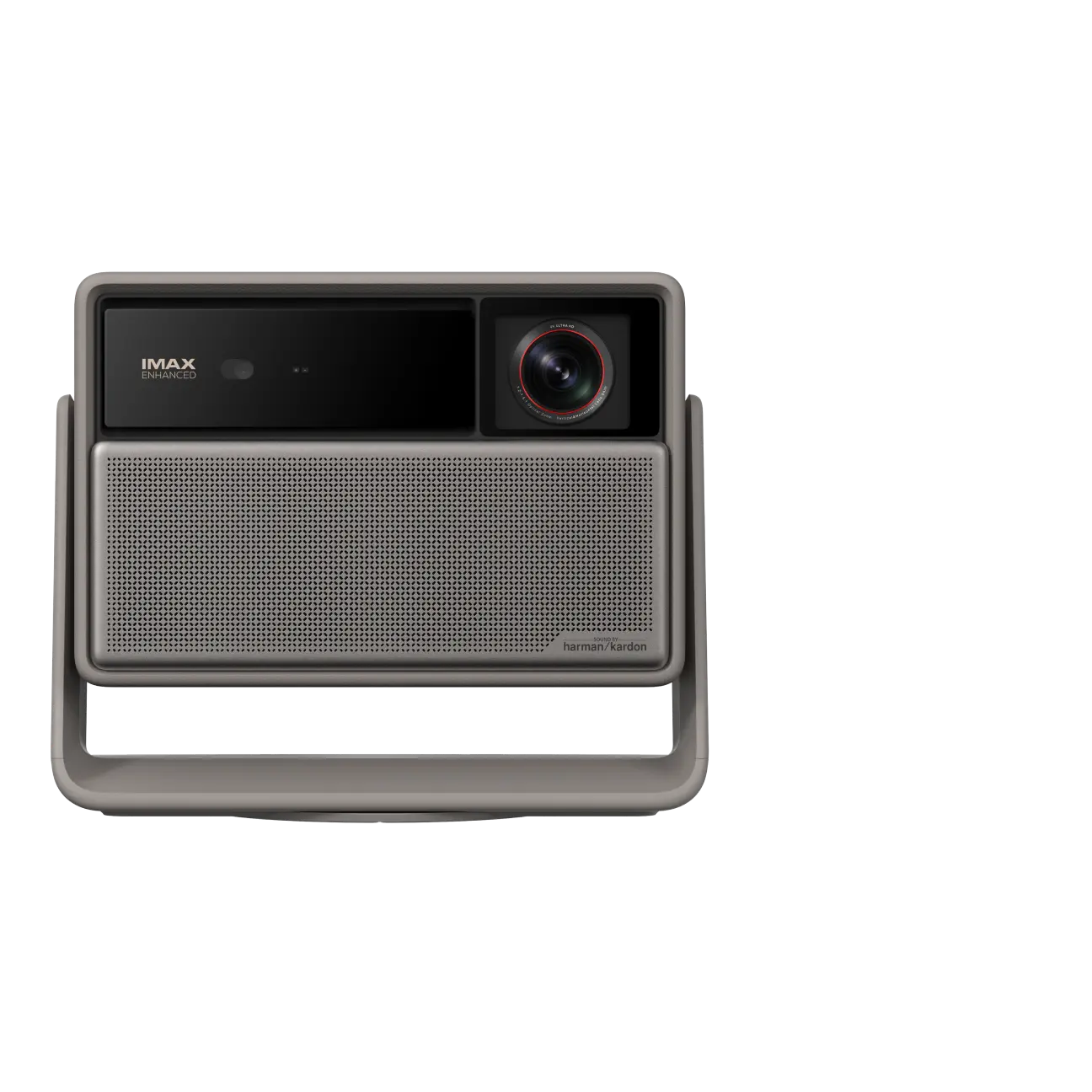
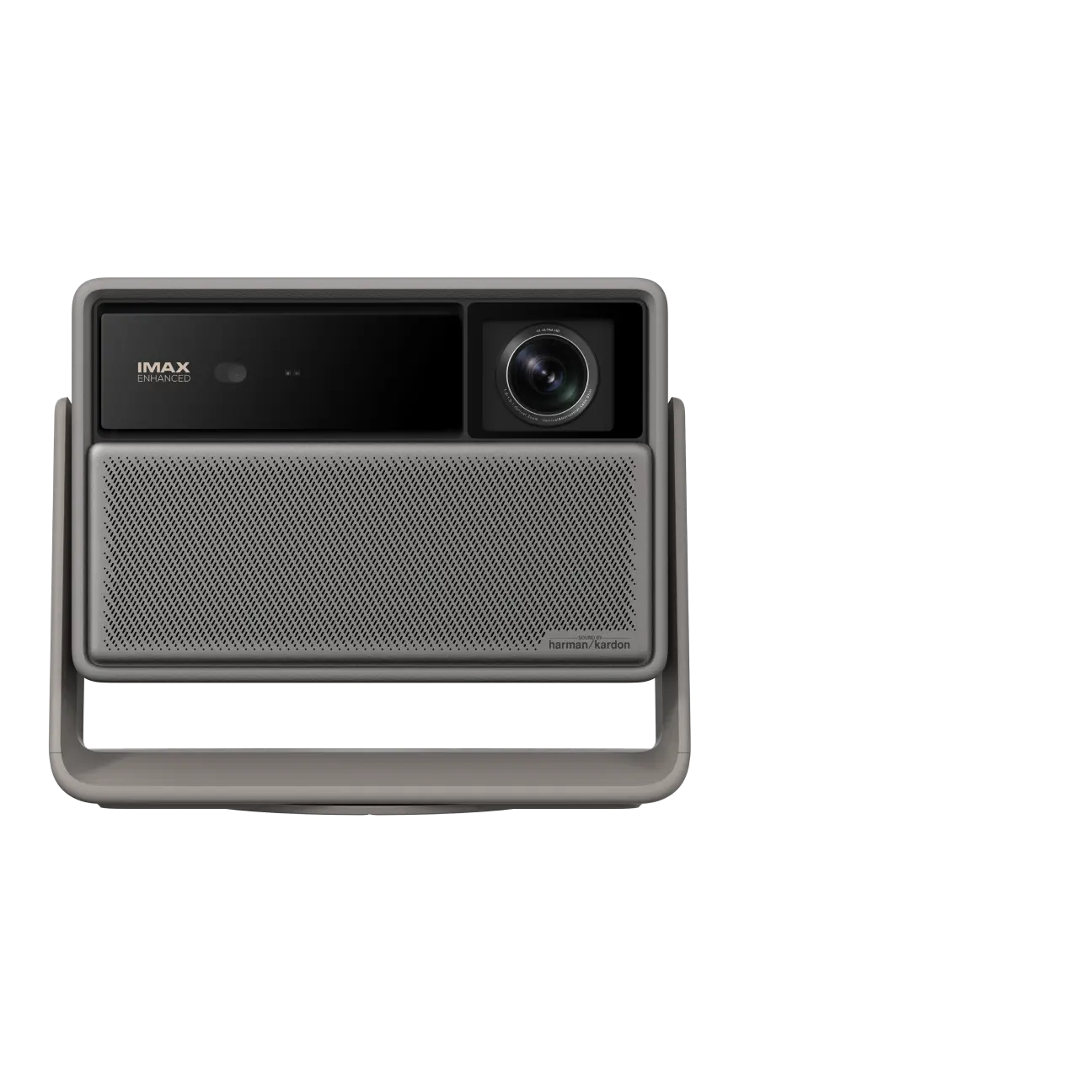
When comparing XGIMI's 4K projector collection, evaluate resolution and smart features separately. A useful projection system combines suitable image performance with convenient access to the content you watch.

Look Beyond Resolution for Image Quality
Resolution helps determine how much fine detail a projector can reproduce, but it does not guarantee excellent image quality by itself. Lens quality, focus, image processing, color accuracy, screen quality, and room lighting all affect the final picture.
Brightness, contrast, and HDR work together
Brightness determines how well the projected image remains visible as ambient light increases. Manufacturers publish brightness in different units, including ANSI lumens and ISO lumens. These standards should not be treated as interchangeable, and a brightness rating should always be considered alongside its measurement conditions.
For a dark room, a projector rated around 1,500–2,000 ANSI lumens may be sufficient for some 100-inch setups. Larger screens and rooms with ambient light generally demand more output. Even high-brightness projectors can struggle in direct sunlight.
Contrast determines how well a projector separates dark shadows from bright highlights. A native contrast ratio describes the underlying light-and-dark performance of the imaging system, while a dynamic contrast ratio can involve changes in light output or image processing. A large dynamic contrast ratio does not automatically mean a projector will reproduce darker blacks in every scene.
HDR support adds another layer. HDR10, HDR10+, HLG, and Dolby Vision HDR are among the formats found on modern projectors. Support for multiple HDR formats can improve compatibility with HDR content, but it does not guarantee accurate colors or excellent HDR performance. The projector must also process the source correctly and have sufficient brightness and contrast to reproduce the intended image.
Dynamic tone mapping can adapt brightness and tonal information to the projector's capabilities, helping preserve detail in bright scenes and dark areas. For example, the JVC DLA-NZ500 supports Frame Adapt HDR processing, while the BenQ W4100i offers dynamic tone-mapping features. The quality of the result depends on the implementation, content, and viewing conditions.
The light source matters, too. Laser projectors often offer long operating lives, with some rated for up to 30,000 hours, depending on the model and operating mode. LED light sources can also offer long service life. Neither technology automatically guarantees better color accuracy or contrast than every competing design.
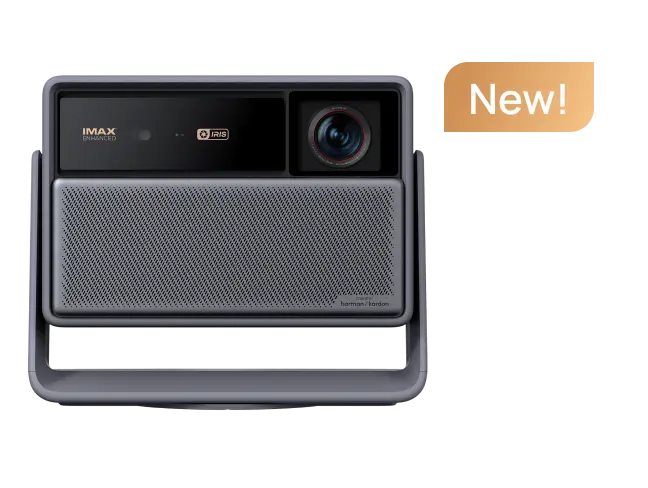
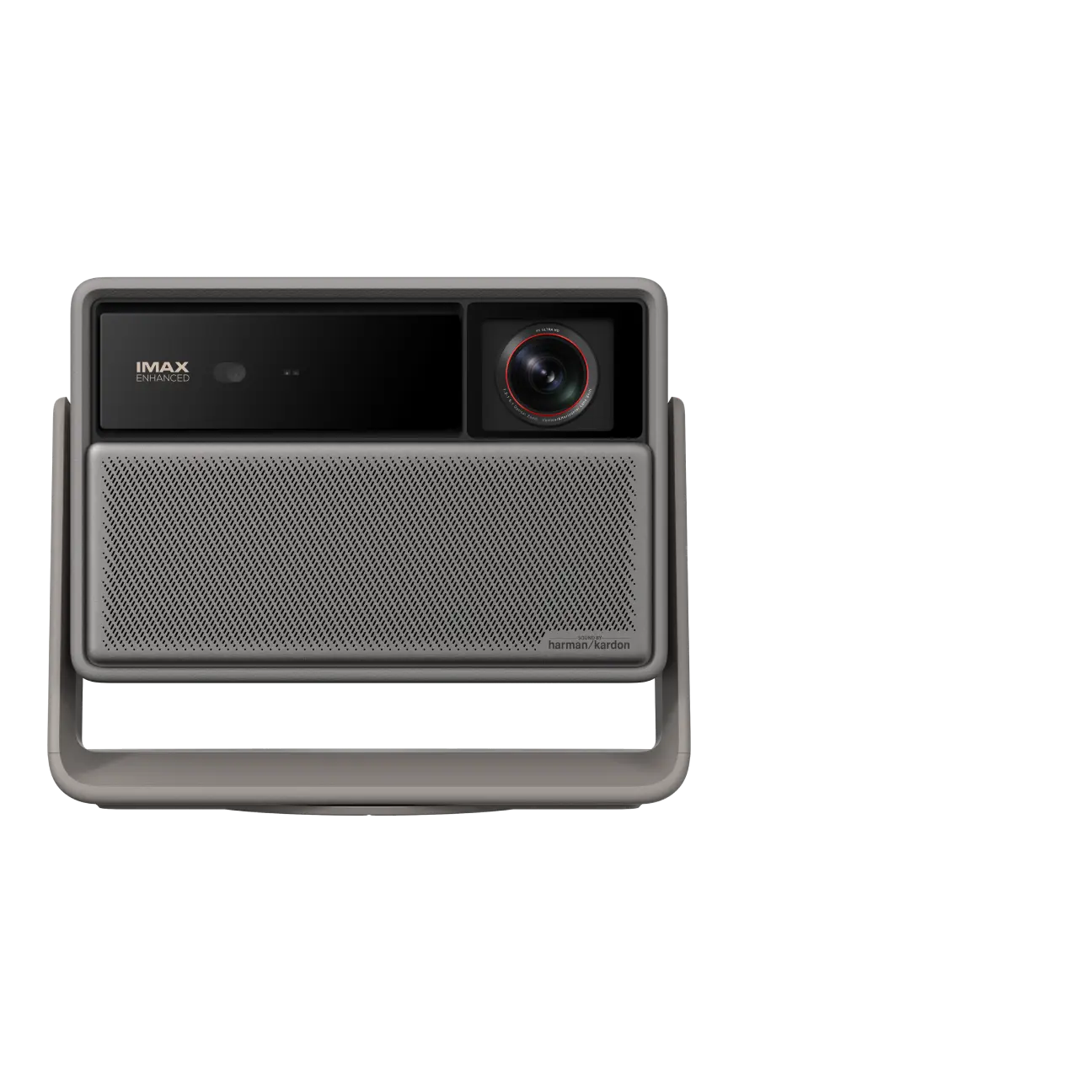
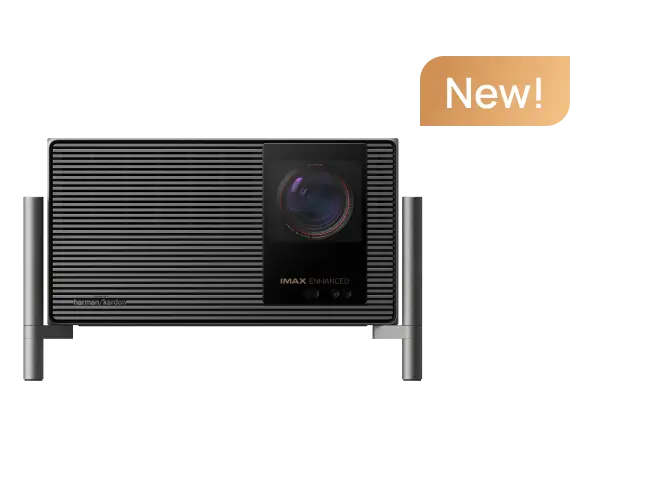
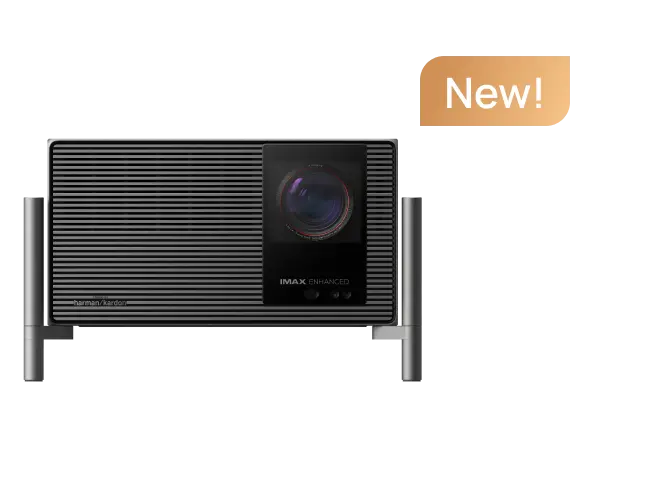
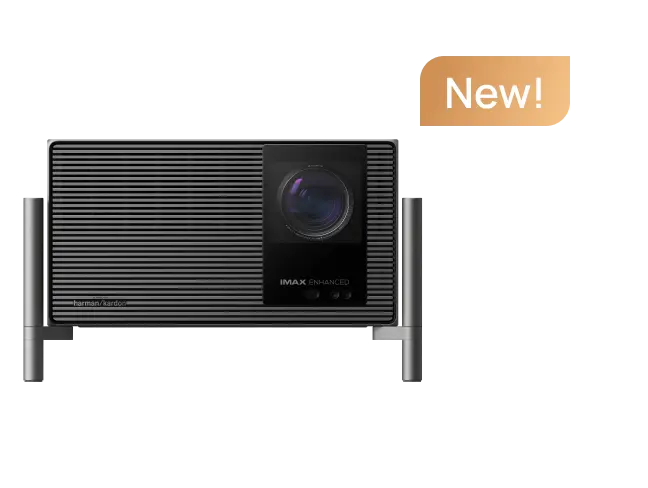
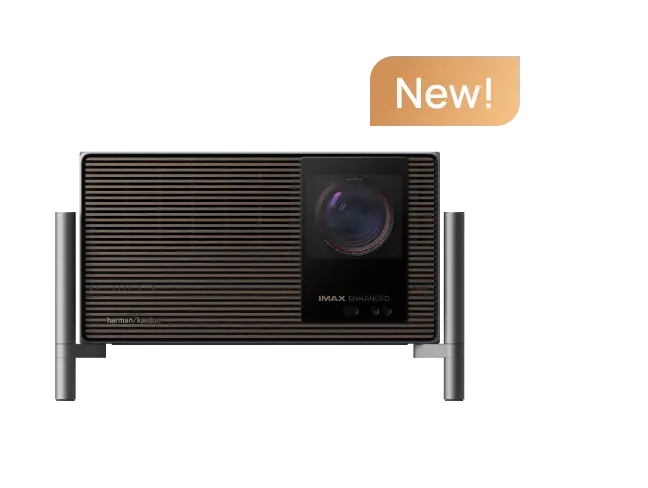
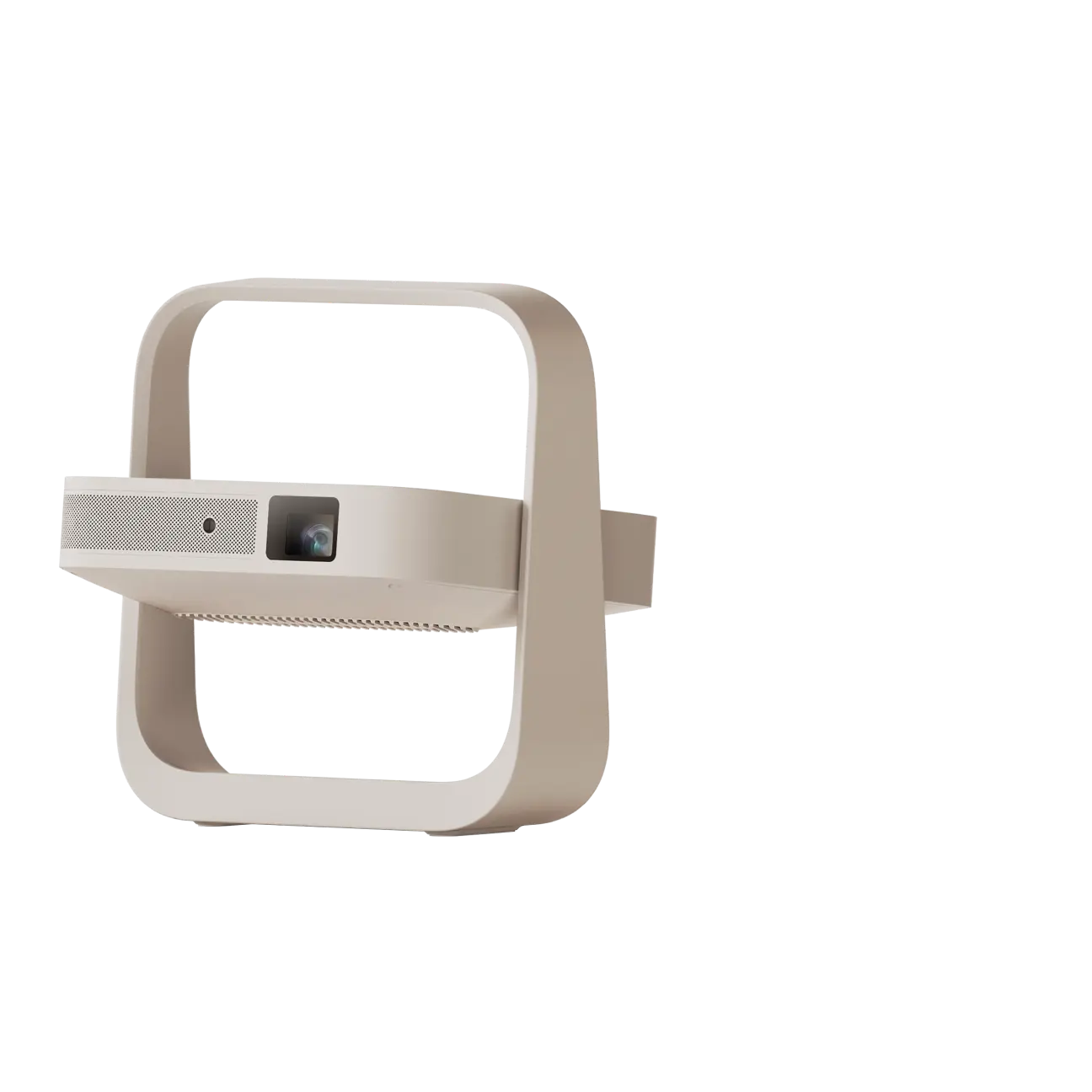
For an XGIMI example, the HORIZON 20 Max combines an RGB triple-laser light source, 5,700 ISO lumens, 4K resolution, Dolby Vision, HDR10+, and IMAX Enhanced support. These specifications describe different aspects of performance; brightness, contrast, color gamut coverage, and HDR processing still need to be considered together.
article_product1
Match the Projector to Your Room and Screen
Before choosing a projector, measure the available throw distance, screen width, ceiling height, and seating distance. These measurements help determine which models can create your desired screen size without awkward placement.
Standard-throw projectors generally need more distance between the lens and screen.
Short-throw projectors can produce a large image in a shallower space.
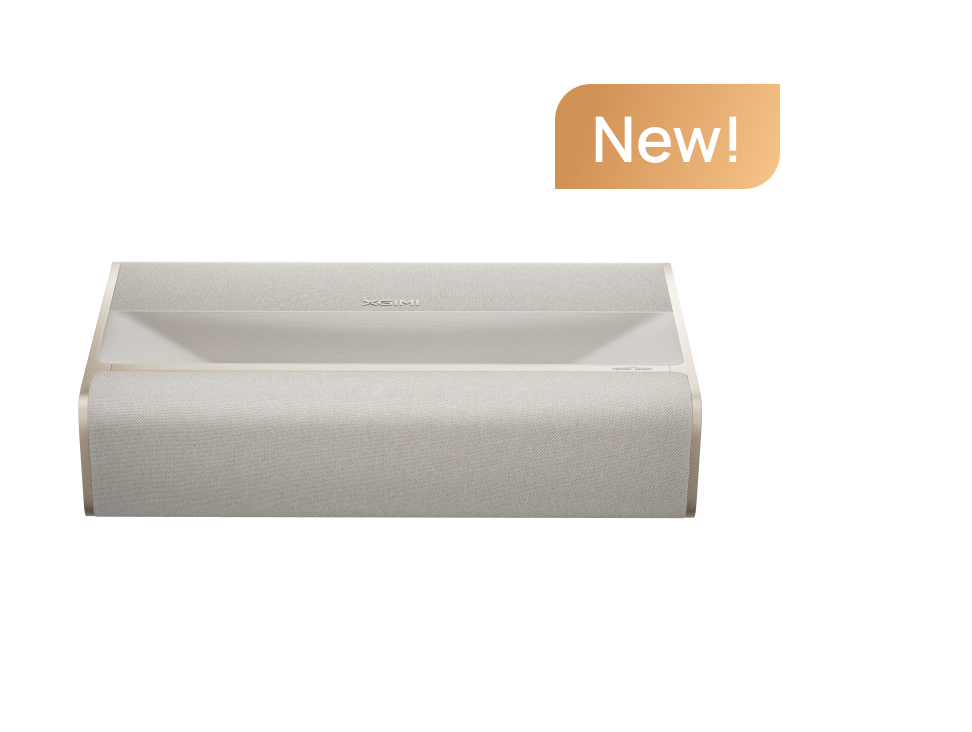
Ultra-short-throw models sit close to the wall while producing a large projected image, making them useful for living rooms where placing a projector across the room is impractical.
Optical zoom can adjust image size while preserving the intended optical projection, whereas digital zoom can crop or scale the image. Lens shift moves the image optically without requiring the projector itself to move. Digital keystone correction instead adjusts the image geometry electronically.
Automated setup features can save time and improve usability. Autofocus helps bring the projected image into focus, while automatic keystone correction helps align its geometry. Some models also offer screen alignment, obstacle avoidance, and wall-color adaptation. These tools make easy setup more achievable, but they do not eliminate the need for sensible physical placement.
For example, the HORIZON 20 Max includes autofocus, automatic keystone correction, optical zoom, and lens shift. Its listed throw ratio is 1.2–1.5:1, making it a different installation option from a UST projector.
For room planning, use the XGIMI Projection Calculator to estimate throw distance and image size. XGIMI's projector screen buying guide can also help you select a suitable projection screen. A dedicated screen may improve perceived brightness, contrast, and image consistency compared with an unsuitable wall.
Remember that a larger projected image spreads the available light across a greater area. The maximum advertised screen size is not necessarily the size that will deliver the best picture quality in your room.

Check Streaming, Gaming, and Audio Features
A good 4K smart projector should make everyday entertainment convenient while providing the performance your favorite content requires.
Streaming and smart features
A projector with Google TV built in can provide direct access to supported streaming apps without an additional device. Other models use different platforms, such as VIDAA or Android TV. Before purchasing, check the exact operating system and supported apps rather than assuming every connected projector offers the same experience.
Google TV does not guarantee that every streaming service will play in 4K. Playback resolution depends on app support, subscription level, available content, internet connection, and playback settings. An external streaming stick can be useful when a preferred service is unavailable on the projector.
Casting and screen mirroring are also different. Some streaming services support casting but restrict mirroring because of content-protection requirements. Bluetooth can connect compatible audio devices, but it does not carry screen-mirroring video.
For additional guidance, consult XGIMI's Netflix projector guide.
Gaming performance and sound quality
Gaming performance depends on input lag, resolution, refresh rate, and supported features such as variable refresh rate (VRR) and Auto Low Latency Mode (ALLM). Lower input lag helps your actions appear on screen sooner, which matters most in competitive and fast-paced games.
Always check the resolution and refresh rate associated with a latency figure. The XGIMI HORIZON 20 Max lists latency of 3ms at 4K/60Hz, 2.2ms at 1080p/120Hz, and 1ms at 1080p/240Hz under specified Game Mode conditions, with VRR enabled and automatic keystone correction disabled. These figures describe different operating modes and should not be confused with a 4K/120Hz specification.
Other models demonstrate why the conditions matter. The BenQ W4100i lists approximately 17.9ms input lag at 4K/60Hz, while an independent review of the Hisense C2 Ultra measured 4.6ms at 1080p/240Hz. These figures describe different modes and testing conditions, so they should not be compared as if they represented the same workload. Similarly, an independent review measured approximately 21ms for the Epson QL3000 at 4K/120Hz with Fast Image Processing enabled; a latency number without its mode and measurement conditions can be misleading.
Sound quality deserves similar consideration. Built-in speakers can simplify a living-room setup, while an external sound system may deliver fuller bass and a wider soundstage for a dedicated home theater. HDMI eARC, available on selected projectors, can transmit audio to a compatible soundbar or receiver. Check the specific projector's ports, supported audio formats, and sound-system compatibility before purchasing.
Choose the Best Projector for Your Viewing Habits
The best projector is not necessarily the brightest, most expensive, or most technically advanced model. It is the one that suits your room and priorities.
For a dedicated home theater: Prioritize native or clearly specified output resolution, contrast, HDR processing, accurate colors, and screen quality. A light-controlled room helps preserve shadow detail and improve the cinematic experience.
For a bright living room: Look for high brightness, manage ambient light where possible, and consider a compatible ALR screen. No conventional projector should be expected to deliver an ideal image in direct sunlight.
For a small room: Compare standard-throw, short-throw, and ultra-short-throw designs against your available space. A compact design does not necessarily mean the projector is battery-powered.
For gaming: Compare input lag at your preferred resolution and refresh rate, and verify VRR or ALLM support rather than relying on a single headline number.
For everyday streaming: Choose a built-in smart OS that supports your preferred services, or plan for a compatible external streaming device.
A 4K smart projector can be more immersive than a large television when you want a 120-inch or larger movie experience, especially in a room with controlled lighting. A television may still be more practical for bright daytime viewing or frequent casual use.
Ultimately, compare the complete projection system: resolution, brightness, contrast, HDR support, light source, placement, streaming, gaming, audio, and screen size. Match these factors to your room and viewing habits, and you will be better equipped to choose a 4K smart projector that delivers detailed images and an enjoyable big-screen experience at home.


