



The best 4K projector for gaming combines responsive gameplay, detailed images, and brightness suited to your room. Whether you play competitive shooters, explore cinematic open worlds, or switch between gaming and watching movies, resolution alone does not guarantee a great experience.
XGIMI offers projectors for high-refresh-rate gaming, brighter living rooms, dedicated home theaters, and space-saving setups. Here’s how to compare the key specifications and choose a model that fits your needs.
What Matters Most in a 4K Gaming Projector
Before comparing models, focus on five factors that affect everyday performance.
Input lag and refresh rate: Input lag measures the delay between a signal and its appearance on screen. Refresh rate describes how often the image updates. Lower lag is especially useful for competitive gaming, but always check the resolution and refresh rate associated with the advertised figure.
Brightness and contrast: Higher light output helps when some ambient light is present, but even a high-brightness projector cannot eliminate the effects of direct sunlight. Native contrast affects black levels and shadow detail, while dynamic contrast may use an iris or light-source control to change the result.
Resolution and HDR: 4K UHD refers to an image measuring 3,840 × 2,160 pixels. Dolby Vision and other high dynamic range (HDR) formats can improve compatible content, but the format alone does not guarantee excellent contrast or accurate colors.
Connectivity: Check HDMI inputs, VRR, ALLM, and compatibility with your console or PC. A projector that accepts a 4K/120Hz signal does not necessarily display it at that resolution and refresh rate.
Placement and sound: Optical zoom and lens shift offer more installation flexibility. Built-in speakers simplify setup, while a separate sound system can provide fuller bass and a more immersive home cinema experience.
Four XGIMI Projectors for Different Gaming Setups
These models address different priorities rather than forming a universal ranking. Specifications below are manufacturer-listed figures; actual picture quality depends on viewing mode, screen, and room conditions.
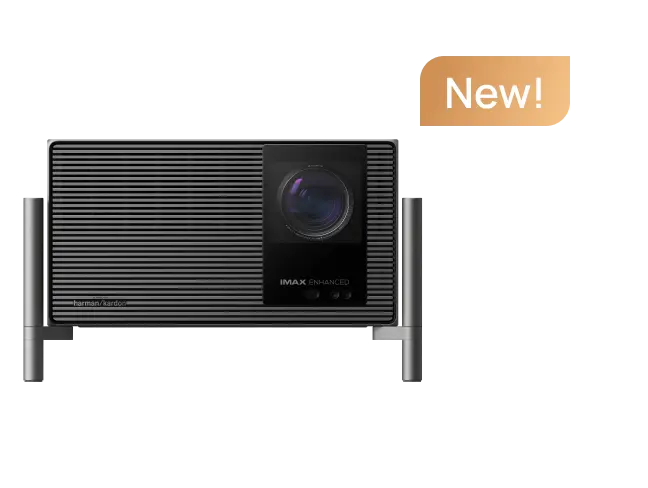
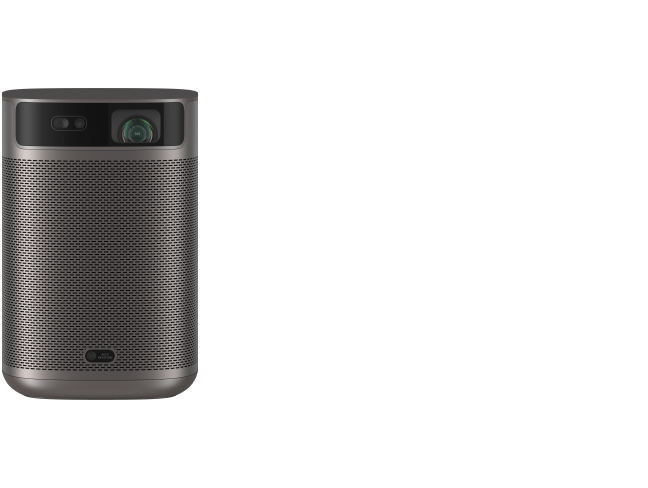
1. HORIZON 20 Pro: Balanced Gaming and Movies
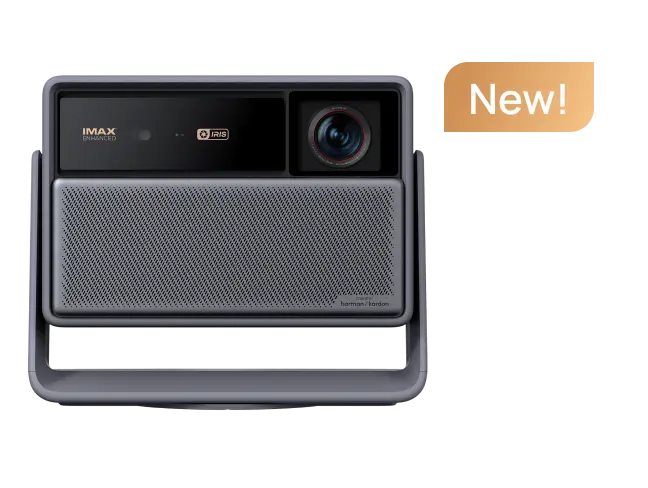
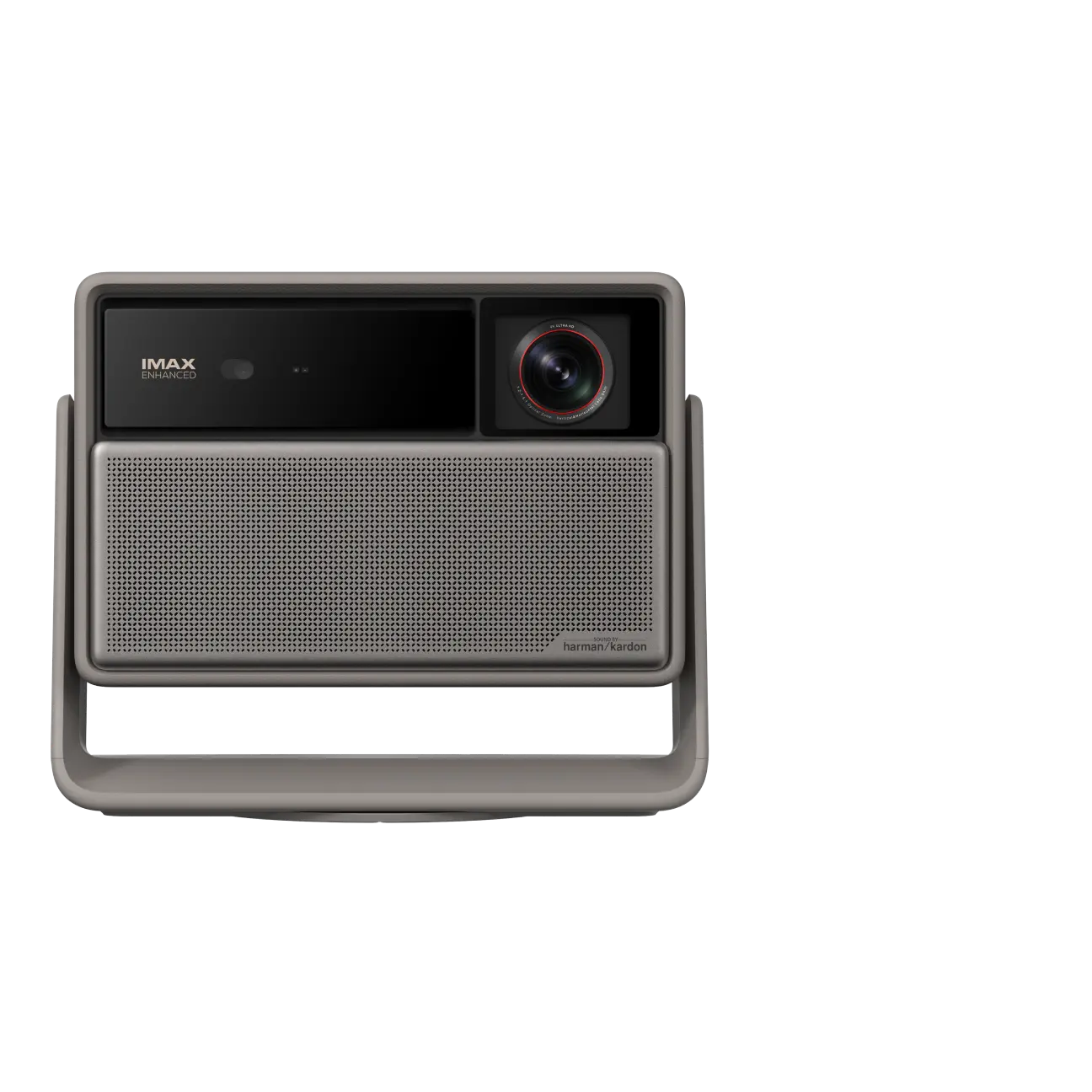
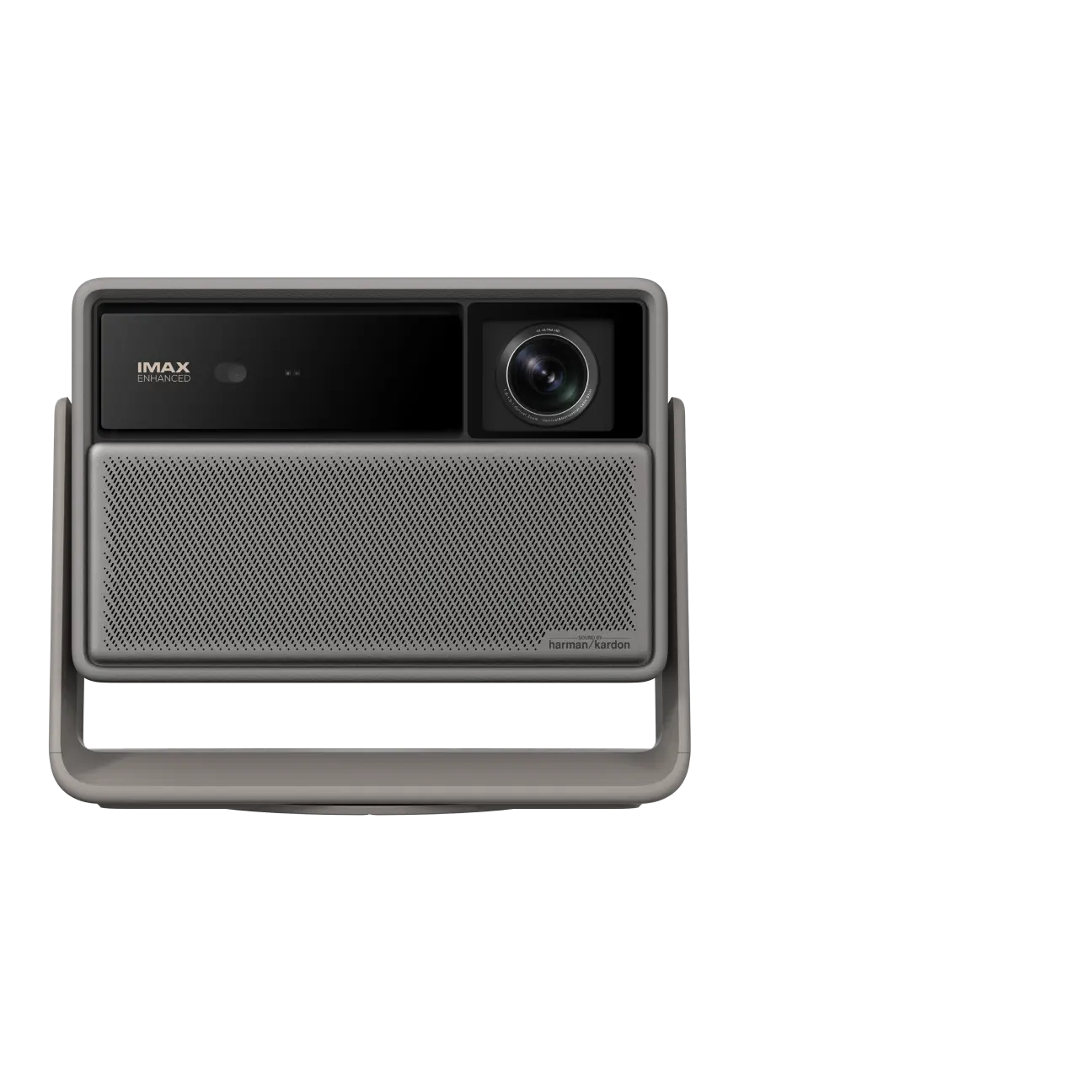
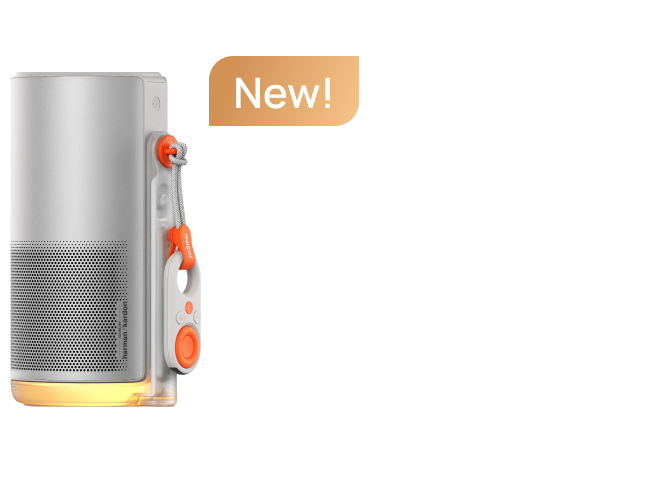
The HORIZON 20 Pro is a strong candidate for buyers who want a gaming projector that also works well for everyday entertainment. Its RGB triple-laser light source, 4K UHD output, and manufacturer-rated brightness of 4,100 ISO lumens support a colorful image on a large screen.
For gaming, XGIMI lists input lag as low as 1 ms at 1080p/240Hz, 2.2 ms at 1080p/120Hz, and 3 ms at 4K/60Hz, with VRR enabled and Auto Keystone Correction off. It also supports VRR and ALLM. These are distinct operating modes, so do not assume the lowest latency applies at every resolution.
Google TV and built-in Harman Kardon speakers make this a convenient choice for gaming, streaming, and watching movies without adding several components.
article_product1
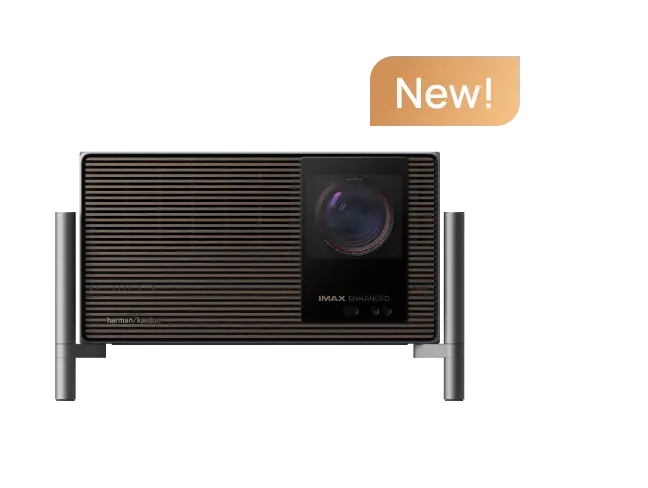
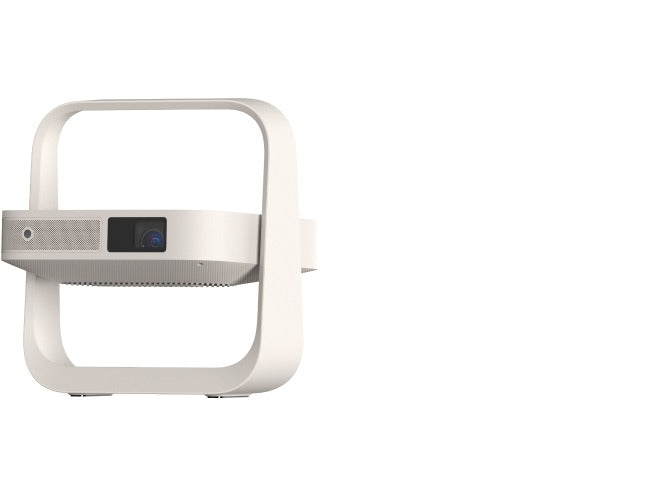
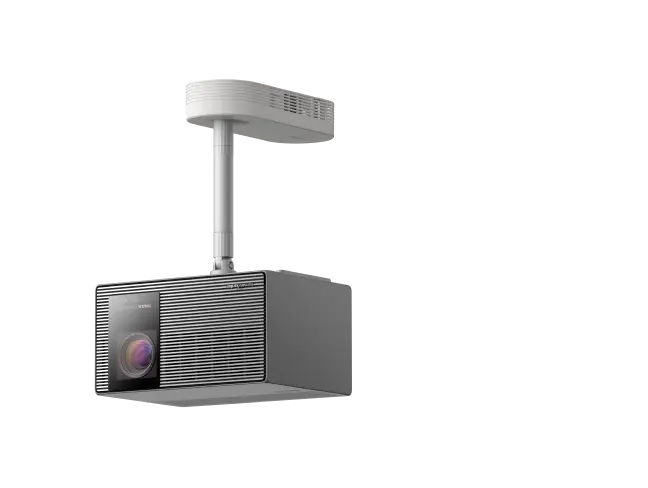
2. HORIZON 20 Max: More Brightness for Large Screens
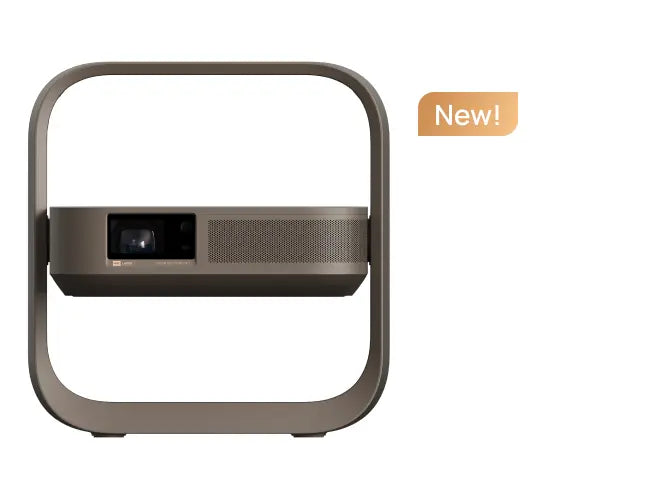
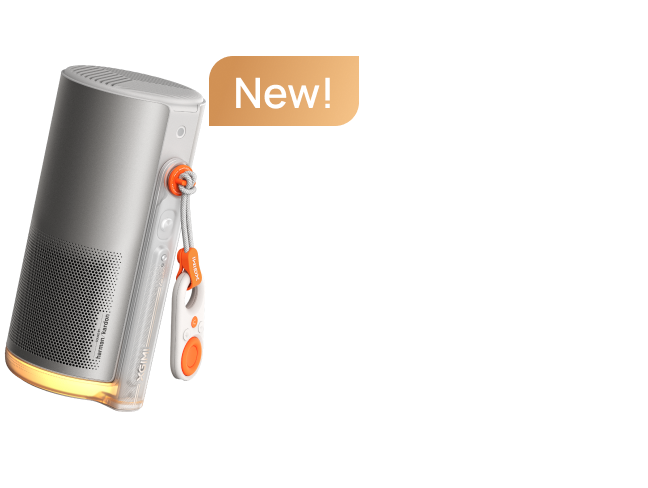
The HORIZON 20 Max is designed for buyers who want higher light output alongside gaming and home theater features. Its manufacturer-rated brightness is 5,700 ISO lumens, and its listed contrast ratio is 20,000:1 with Dynamic Black Level Enhancement enabled.
It supports Dolby Vision, HDR10+, 4K UHD, and high-refresh-rate gaming. Optical zoom and lens shift also help position the image without depending entirely on digital correction.
Compared with the HORIZON 20 Pro, its higher rated brightness provides more headroom for larger screens and rooms with some ambient light. However, a brighter projector cannot fully overcome strong daylight, and maximum-brightness modes may affect color rendering and fan noise.
article_product2
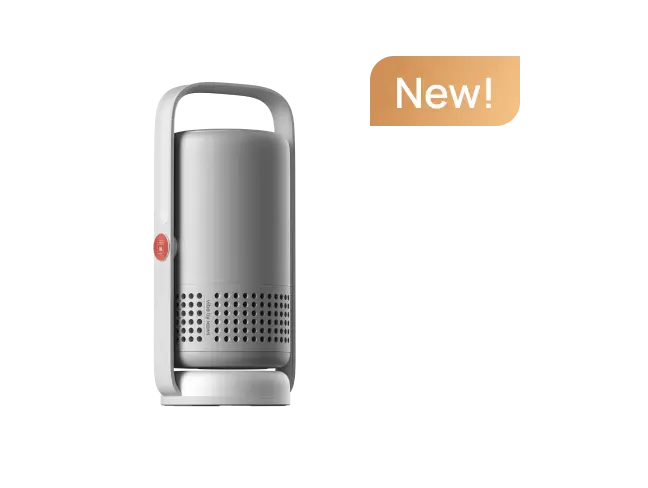
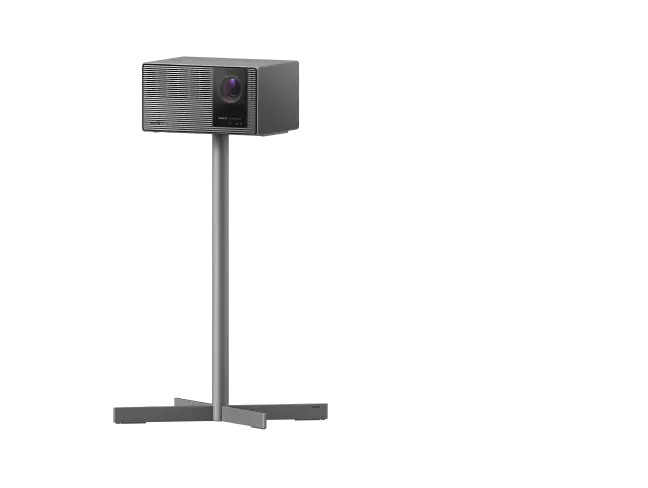
3. TITAN Noir Pro: A High-End Home Theater Option
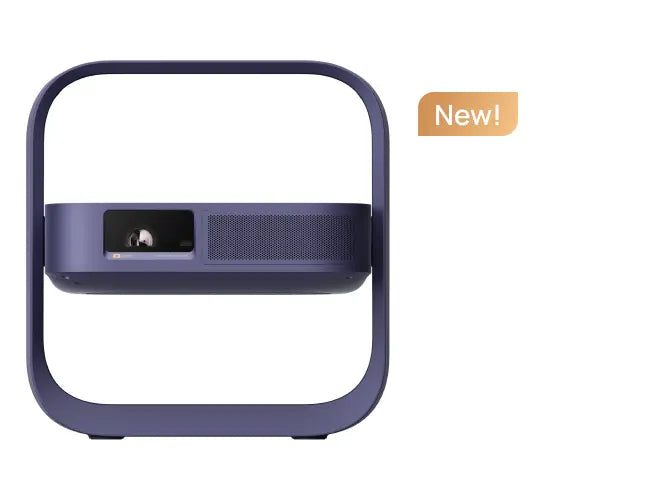
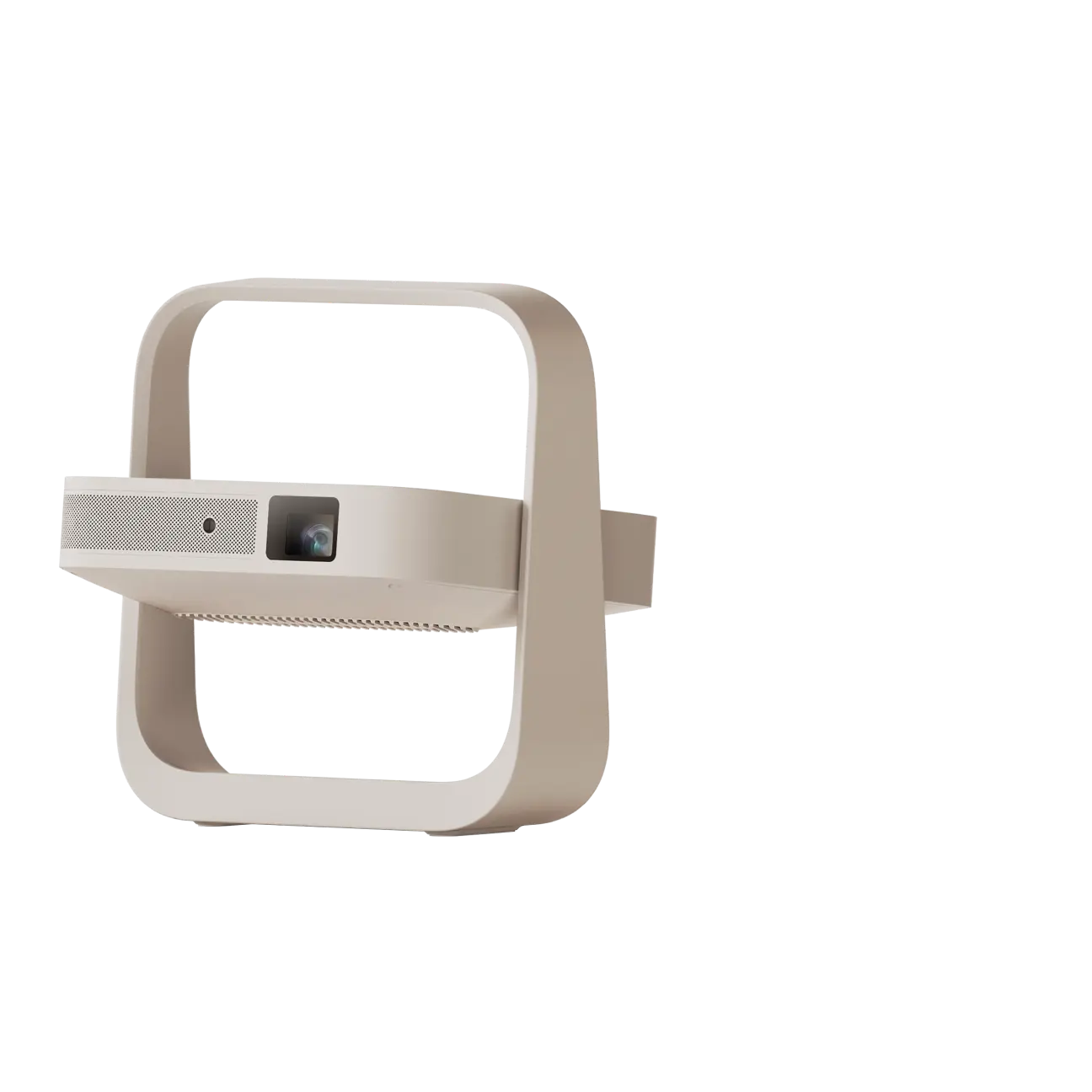
The TITAN Noir Pro is intended for buyers building a serious home theater who also want gaming capabilities. XGIMI lists 6,000 ISO lumens of peak brightness and an 8,000:1 native contrast ratio. Its dual intelligent iris system adjusts light optically to help balance bright highlights and dark-scene detail.
Gaming specifications include input lag as low as 1 ms at 1080p/240Hz, alongside VRR and ALLM support. Its optical zoom and lens shift also provide more flexibility for a dedicated installation.
This is a high-end projector, not automatically the best choice for every buyer. Its premium positioning makes the most sense when home theater image quality, contrast, and installation flexibility matter as much as gaming.
article_product3
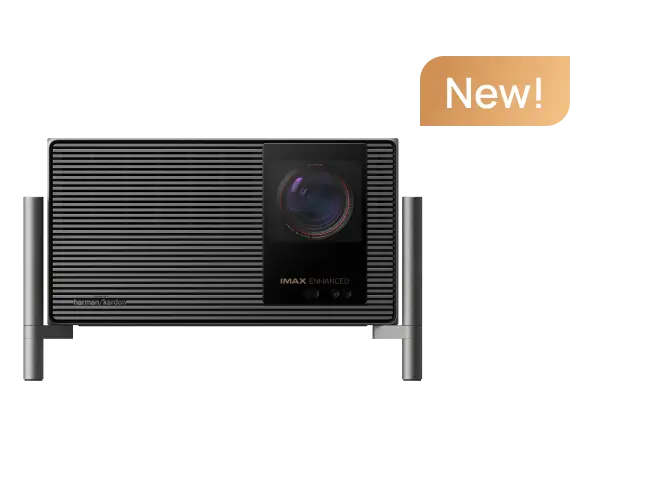
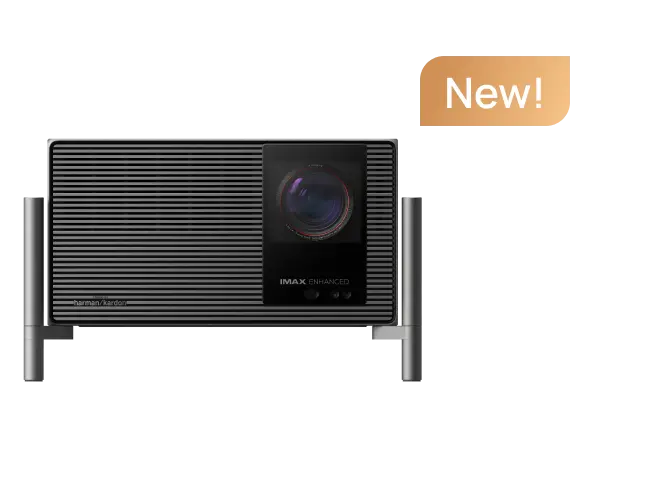
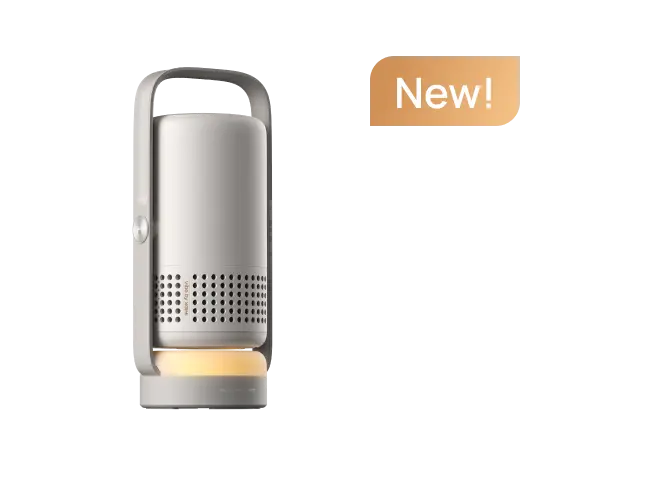
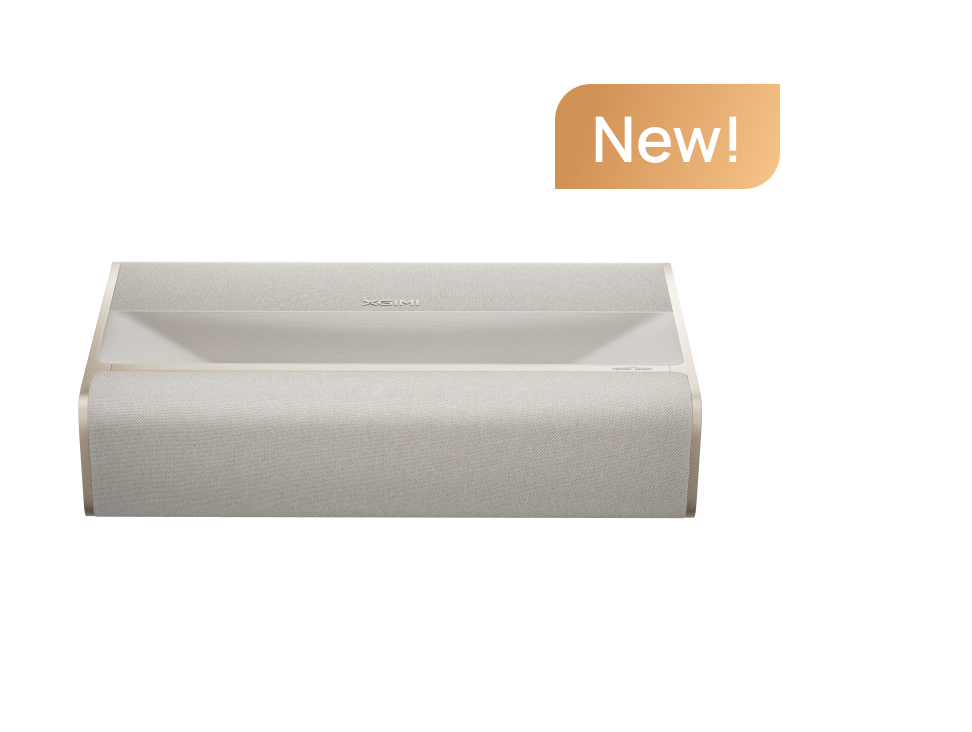
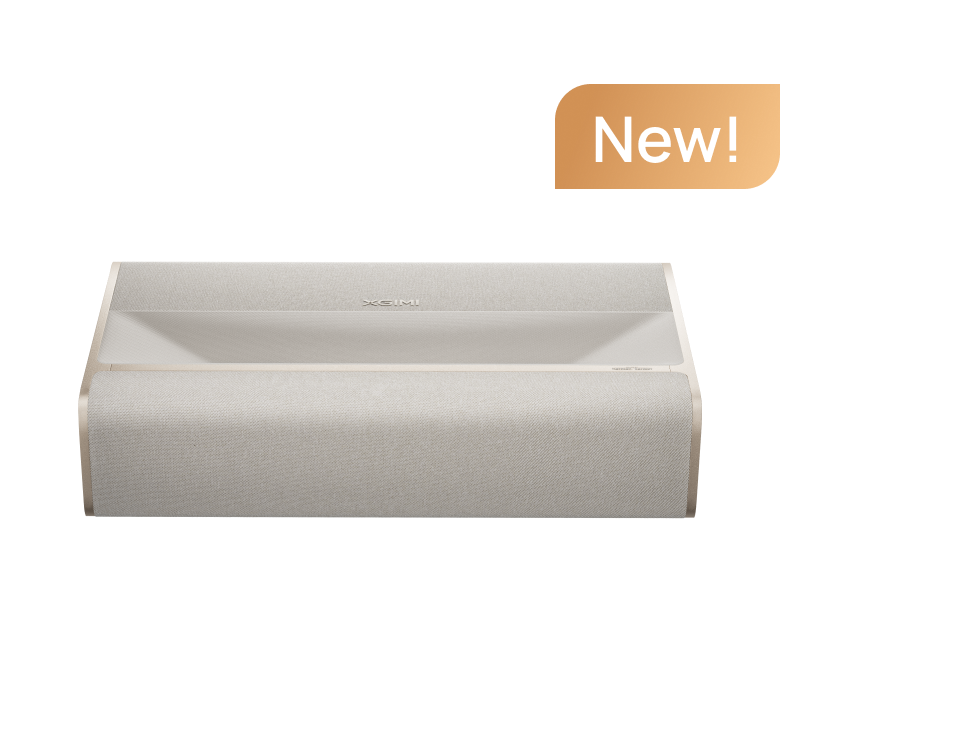
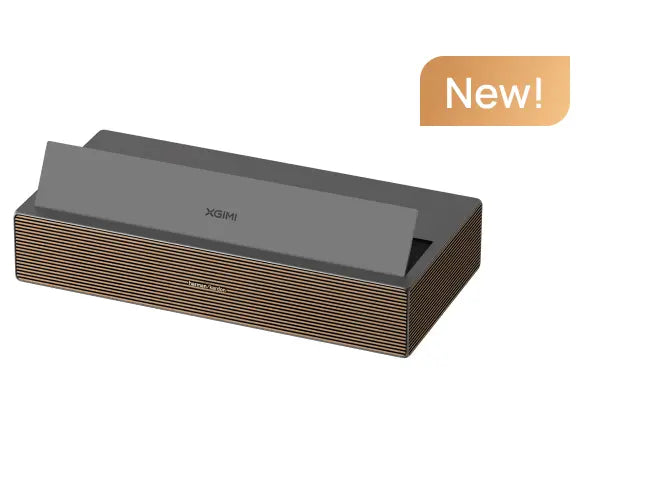
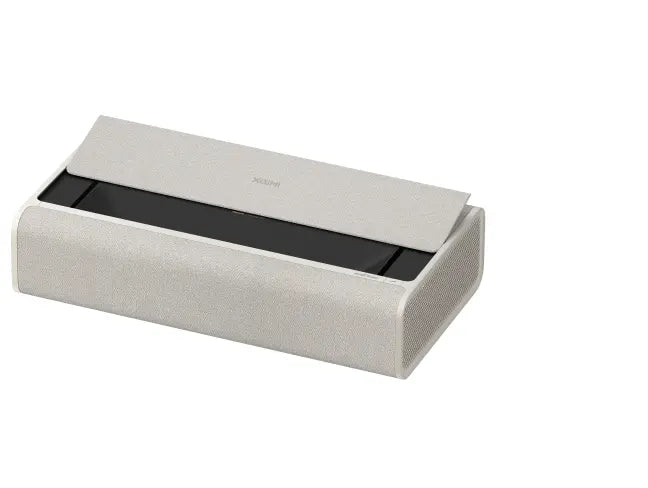
4. AURA 2 (New): Ultra-Short-Throw for Smaller Rooms
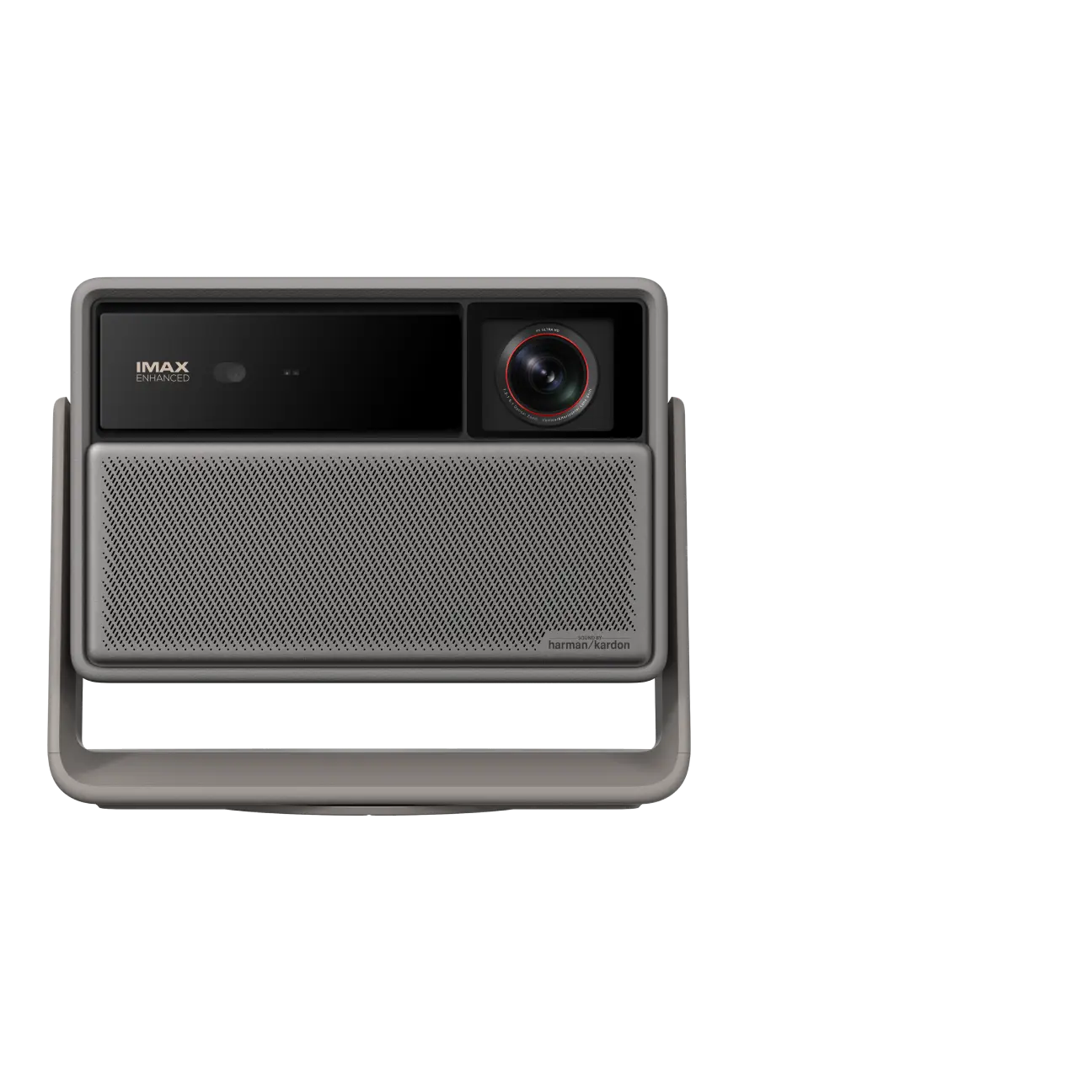
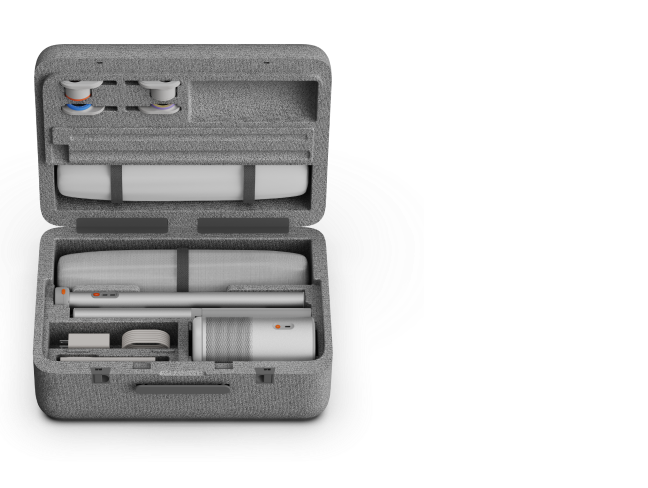
The AURA 2 (New) suits rooms where a conventional projector would need to sit too far behind the seating area. Its 0.177:1 ultra-short-throw ratio allows it to produce a large image from close to the wall, with a supported image size of 90–150 inches.
It offers 2,300 ISO lumens, 4K UHD resolution, Dolby Vision, Google TV, and built-in Harman Kardon speakers. Its manufacturer-listed gaming latency is as low as 20 ms with Auto Keystone Correction off.
The main advantage is placement convenience. The trade-off is that its gaming responsiveness is less suited to players who prioritize the lowest possible latency. Check the wall or screen surface carefully, as ultra-short-throw projection can make surface imperfections more noticeable.
article_product4

How Other 4K Projectors Compare
Looking at a few other projectors illustrates why specifications need context.
Epson Home Cinema LS11000: Epson lists 2,500 lumens of color brightness and 2,500 lumens of white brightness. Its 4K PRO-UHD system uses pixel shifting, supports gaming up to 4K/120Hz, and has manufacturer-stated input lag below 20 ms. It is worth considering for a dedicated home cinema that also supports modern gaming. Official specifications.
BenQ TK710: This laser gaming projector is rated at 3,200 ANSI lumens. ProjectorCentral measured its native contrast at approximately 1,800:1 and reported input lag around 16 ms at 4K/60Hz, 8 ms at 1080p/120Hz, and 4 ms at 1080p/240Hz. Its gaming performance is a strength, though its black levels and color-gamut coverage are more limited than those of some cinema-focused models. BenQ specifications · ProjectorCentral review.
Hisense M2 Pro: This compact triple-laser projector is advertised at 1,300 ANSI lumens and supports 4K/60Hz gaming, with higher-refresh-rate modes at lower resolutions. RTINGS found decent contrast and accurate colors but judged its brightness better suited to dark rooms than brightly lit spaces. Hisense specifications · RTINGS review.
JMGO N1S 4K: RTINGS found excellent contrast and vibrant colors, but also noted that ambient light can wash out the image and that the model is limited to 60Hz across resolutions. Its inability to remove judder from any source is also worth considering if motion performance is a priority. Independent review.
These comparisons are not a complete ranking of the market. When evaluating Epson Home Cinema models, BenQ gaming projectors, Sony BRAVIA projectors, or other 4K UHD projectors, compare like-for-like brightness measurements and the exact gaming modes rather than relying on one headline number.
Match the Projector to Your Room and Screen
A gorgeous image in a dark room can look washed out in a bright living room. To get better image quality, consider the environment before buying.
Dark room: Prioritize native contrast, shadow detail, and HDR processing. A high contrast ratio can help dark scenes retain depth, though no single ratio fully predicts real-world performance.
Living room with ambient light: Higher light output can help, but curtains and suitable screen material still matter. XGIMI explains the practical differences in its projector brightness guide.
Limited space: Check the throw ratio before buying. Standard-throw, short-throw, and ultra-short-throw models need different distances. Use XGIMI’s throw-ratio guide to plan placement.
Large screen: The same light output is spread over a larger area as the image grows, so balance screen size against brightness and seating distance. The screen-size guide can help you plan.
Light source and upkeep: Laser and LED light sources generally avoid routine lamp replacement, but their lifespan ratings do not guarantee the lifespan of the entire projector. Check the exact light-source type and maintenance guidance for the model you choose.
Automatic keystone correction can simplify setup, but excessive digital correction may reduce usable detail. Whenever possible, position the projector physically and use optical adjustments to keep the image square and sharp.
Understand 4K, Pixel Shifting, and Motion
Native 4K UHD resolution is 3,840 × 2,160, or approximately 8.3 million displayed pixels. Some projectors use digital light processing (DLP) chips with fewer physical imaging elements and use pixel shifting to create additional on-screen pixel positions.
Pixel-shifted projection can produce detailed 4K-class images; fewer physical elements do not automatically mean the projected image lacks 4K detail. Native 4K imaging can have advantages in some setups, but it does not guarantee visibly sharper images in every room. Lens quality, focus, image processing, contrast, screen size, and viewing distance all influence the result.
The same principle applies to HDR and motion. Dolby Vision support does not guarantee strong HDR performance, and a 240Hz specification does not mean the projector supports 4K/240Hz. Check the actual resolution and refresh rate available in the mode you intend to use.
Choose the Best Projector for Your Setup
For a balance of gaming and movies, start with the HORIZON 20 Pro. Choose the HORIZON 20 Max if higher brightness is a priority, the TITAN Noir Pro for a dedicated home theater, or the AURA 2 (New) when ultra-short-throw placement makes more sense.
Few projectors are equally suited to competitive gaming, bright-room viewing, and dedicated cinema. Rather than searching for one universal winner, compare all the projectors in XGIMI’s Projector Comparison Tool and choose the model whose gaming modes, brightness, contrast, and placement requirements match your room and budget.


