



Quick Answer
Yes. A regular home video projector can work as a Halloween window projector, but not by shining the image onto the glass from outside. The dependable method is rear projection: place the projector inside, aim it at a white translucent blind, frosted film, or taut sheet, then let the image glow through the window toward the street. You need a light-colored surface, a dark room behind the projector, and enough brightness to compete with porch lights and street lamps.
Searches for “Halloween window projector” are also ambiguous, so this guide separates the three products people usually mean before it walks through screen choice, brightness, mirroring, content, and safety.
What Does “Halloween Window Projector” Actually Mean?
The phrase describes a result, not a product category. Most search results fall into one of three groups:
- Dedicated holiday projector: a small, low-cost device sold as a “Halloween projector”, usually with preloaded ghosts, bats, or pumpkins. Simple to set up, but limited to the effects and hardware that ship with it.
- Pattern or gobo light: throws a single pattern — bats, a spider web, a skull — onto a wall, garage door, or window from a short distance. Best for one static effect.
- Home video projector: plays any image or video you own or can stream, from a downloaded loop to a slideshow. This is the category XGIMI makes.
XGIMI does not sell a Halloween-only projector. Our products are general-purpose home and portable video projectors for movies, gaming, presentations, and seasonal displays. They are designed primarily for indoor use, and they are not weatherproof.

Why the Projector Goes Inside the Window
The intuitive approach — standing in the yard and aiming a projector at the window — rarely produces a usable image:
- Clear glass is transparent, so most of the light passes into the room instead of forming a picture on the pane.
- Glass reflects street lamps, porch lights, and passing headlights.
- Any light inside the room washes out what little image reaches the outside.
Rear projection solves all three. The projector sits indoors, the image forms on a translucent diffusing layer that faces the street, and the room behind it stays dark. From the sidewalk, the window looks like a glowing screen.
Want the display on a wall instead? That is standard front projection, and our Halloween projector decoration ideas cover walls, pumpkins, photo backdrops, and shadow play.
What You Need for a Halloween Window Display
1. A light-colored, slightly translucent screen
A white roller blind, a taut white sheet, frosted privacy film, or dedicated rear-projection fabric all work. Tight, flat, and neutral is what matters; patterned blinds, dark curtains, and wrinkled fabric break up the image.
2. A dark room behind the projector
Light behind the screen competes with the projection. Turn off ceiling lights, close interior doors, and block a bright hallway. A room that only looks “dim” will read as gray from the street.
3. Enough brightness and contrast
Street light hits the outside of your screen, so brightness matters more than it does on an indoor wall. High-contrast content — bright silhouettes on black — is easier to see than a dim, detailed scene.
4. Content shaped for a vertical surface
Most windows are portrait; most projectors are landscape. Choose loops with a clear central subject, crop a wide video to a vertical frame, or accept dark letterboxing. Silhouettes, slow fog, dancing skeletons, a portrait with moving eyes, or a looping message all read better than a busy movie scene.
5. A way to mirror the image
Rear projection flips the picture left to right. Use the projector’s rear-projection or front/rear ceiling setting to flip it back, or mirror the video file before you play it. Project some text as a test — if it reads backwards from the street, the image still needs flipping.
6. Sound and safe power
Audio is optional and very effective: a small speaker near the window can carry footsteps, wind, or a soundtrack. Keep cables taped down, use an indoor outlet, and never run an extension cord across a walkway or through a door people use.
Set Up the Window Display in Eight Steps
- Choose one window that faces the street or a walkway and is visible from the sidewalk.
- Fix a white translucent blind, frosted film, or taut sheet to the inside of the glass.
- Place the projector on a stable table, shelf, or stand about 1.5–3 m (5–10 ft) back, square to the window.
- Darken the room, then play a test image to check size and alignment.
- Adjust zoom and focus; move the projector closer for a smaller, brighter image.
- Switch on rear projection (or mirror the source) and confirm any text reads correctly from outside.
- Loop the video, set the volume, and tidy the cables.
- Walk to the sidewalk and judge the result from where visitors will actually stand.
How Bright Does a Halloween Window Projector Need to Be?
There is no single number, because size, room darkness, and street lighting all change the result. These are practical starting points:
- Small window (under about 60 inches / 1.5 m diagonal) in a dark room: 400–500 ISO lumens can carry a simple silhouette.
- Medium window (60–100 inches) with some ambient light: 800 ISO lumens or more, plus high-contrast content.
- Large window or a brightly lit porch: 1,500 ISO lumens or more, a proper screen, and as much light control as you can manage.
Working out the size your room allows? The XGIMI Projection Planner estimates image size from throw distance and screen shape.
Five Mistakes that Flatten a Window Projection
- Projecting straight onto clear glass instead of a diffusing screen.
- Leaving a lamp or hallway light on behind the screen.
- Choosing a dark, detailed movie scene instead of a bold silhouette.
- Skipping the mirror step, so faces and text read backwards.
- Judging the picture from inside the room rather than from the street.
Safety and Neighbor Etiquette
- XGIMI projectors are not weatherproof. Keep them indoors or under dry cover, away from rain, dew, and damp ground.
- Never cover the vents or rest the projector against curtains, fabric, or paper decorations.
- Keep cables out of walkways and use an outlet that can handle the load.
- Do not look into the lens, and keep the beam away from children’s eyes.
- Skip jump-scare content if young children, older neighbors, or people with heart conditions may walk past.
- Keep spill light on your own property and avoid beams that could distract drivers. Check local rules on outdoor lighting and noise.
Which XGIMI Projector for a Halloween Window?
Every model below is a general-purpose home projector that can double as a window display.
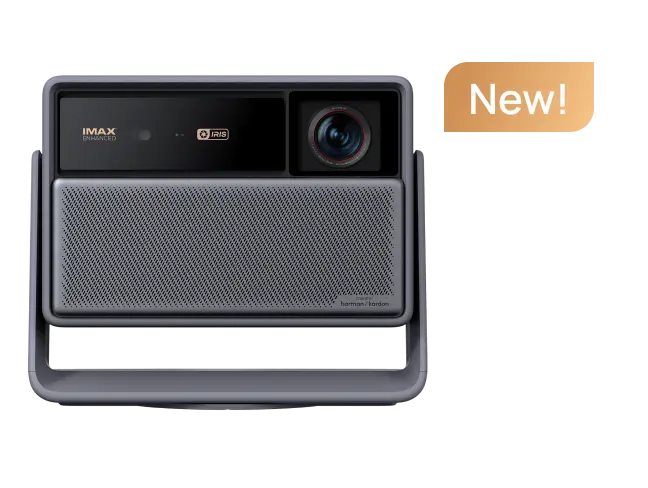
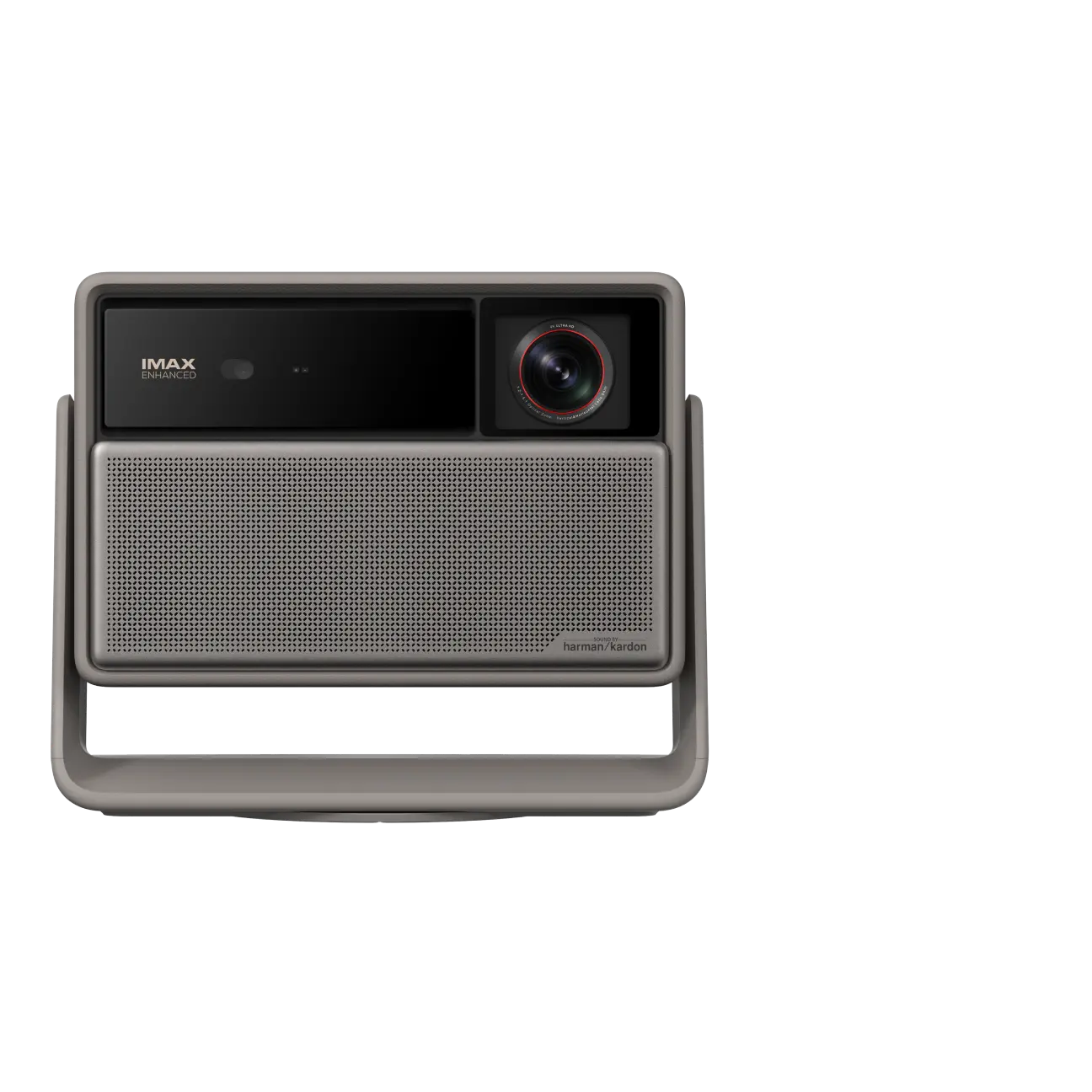
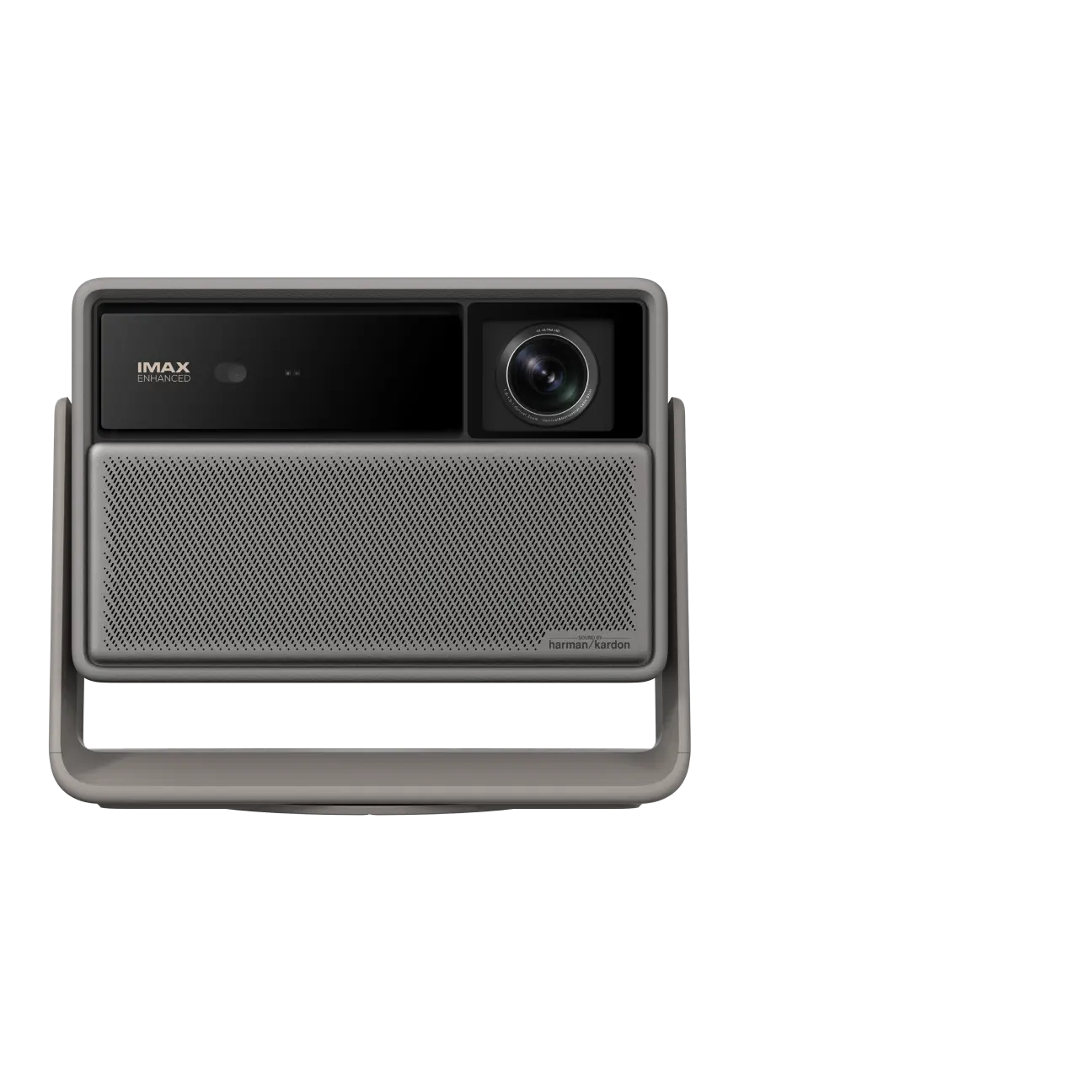
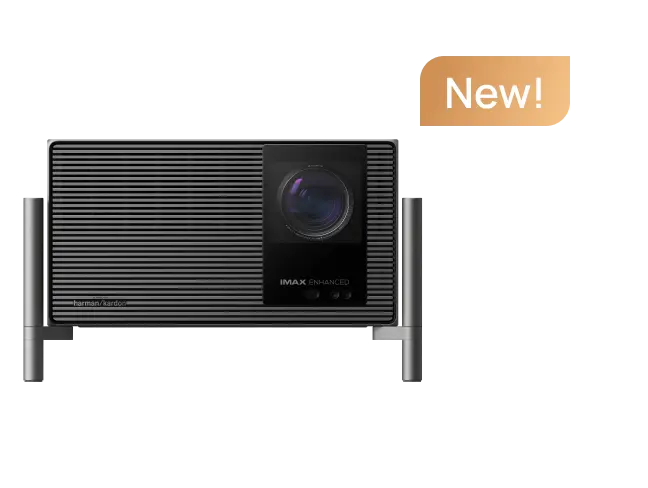
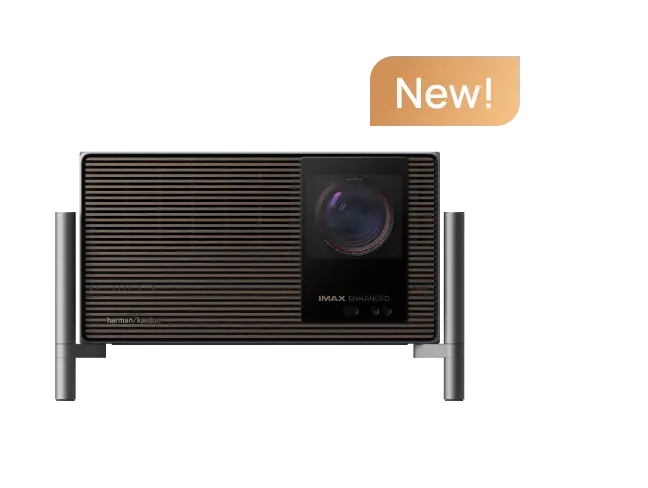
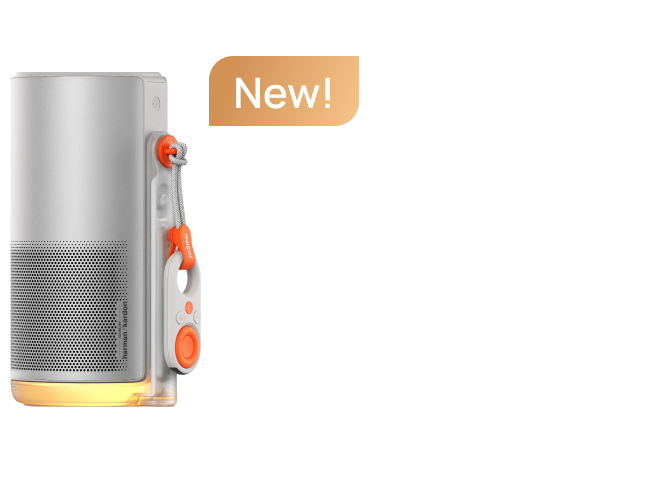
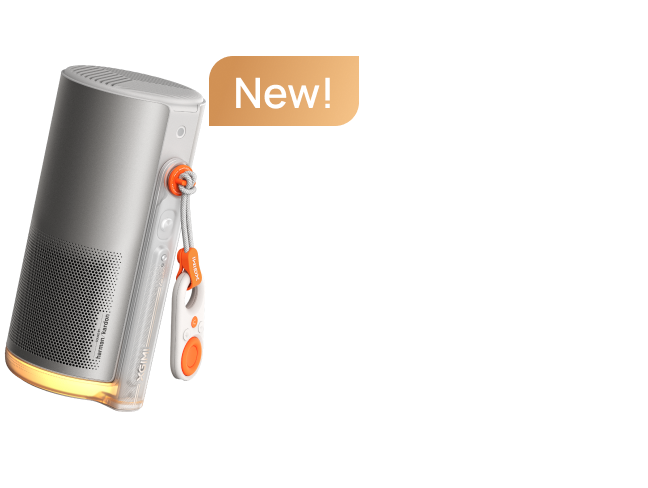
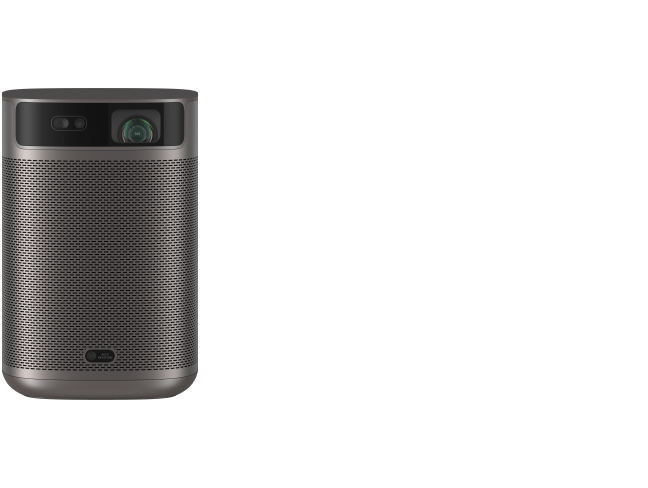
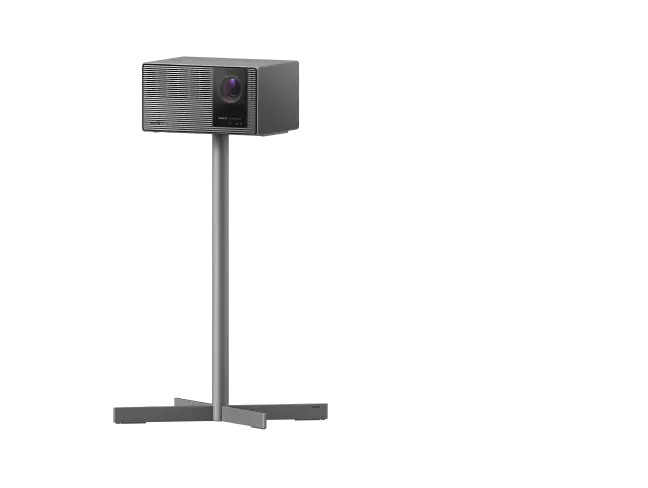
- MoGo 4 — $379 (24% off): 1080p, 450 ISO lumens, a built-in battery, and a 360° stand, so it is easy to move from window to window.
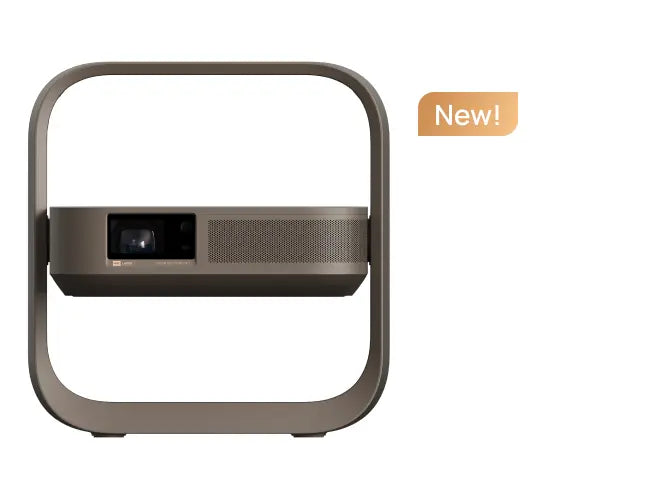
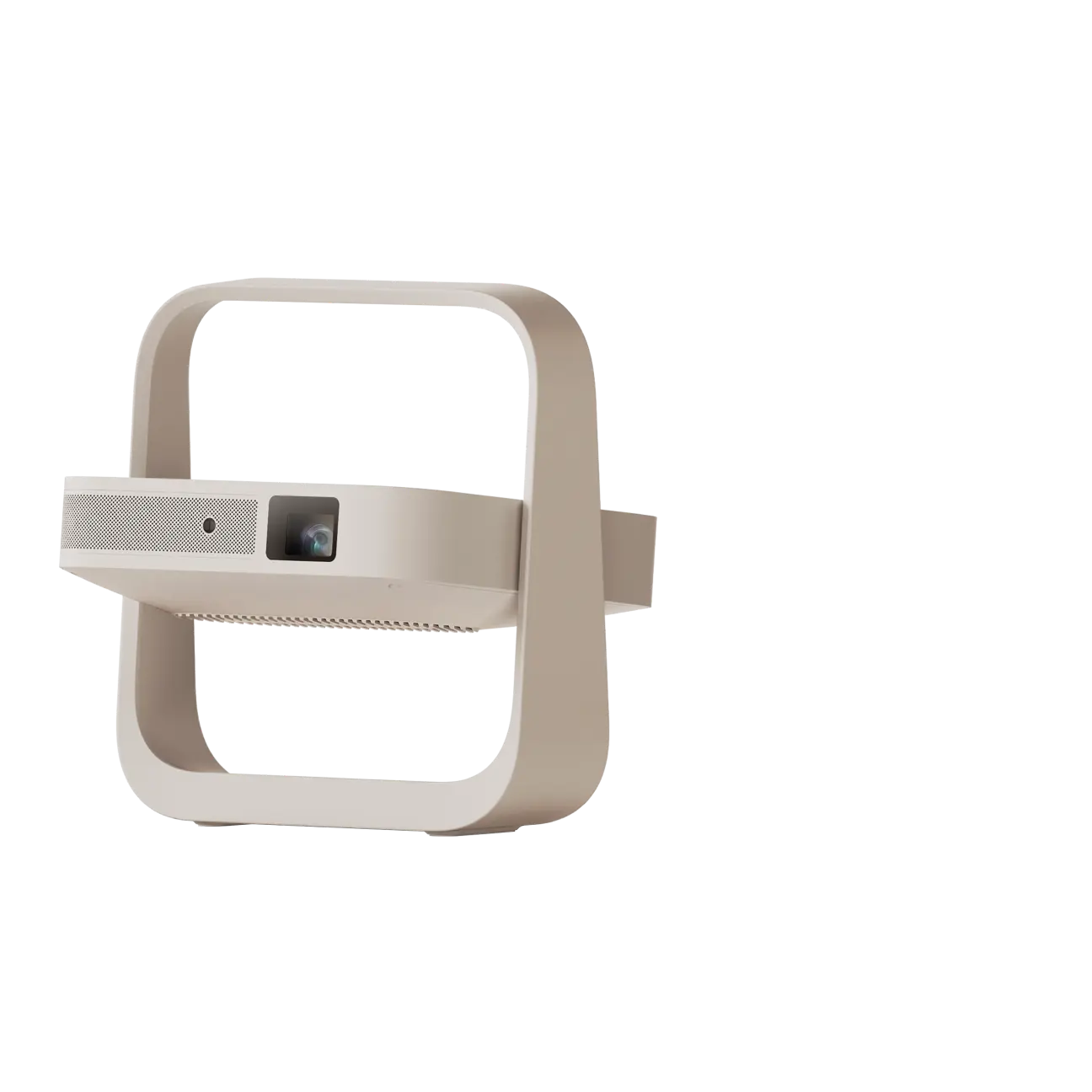
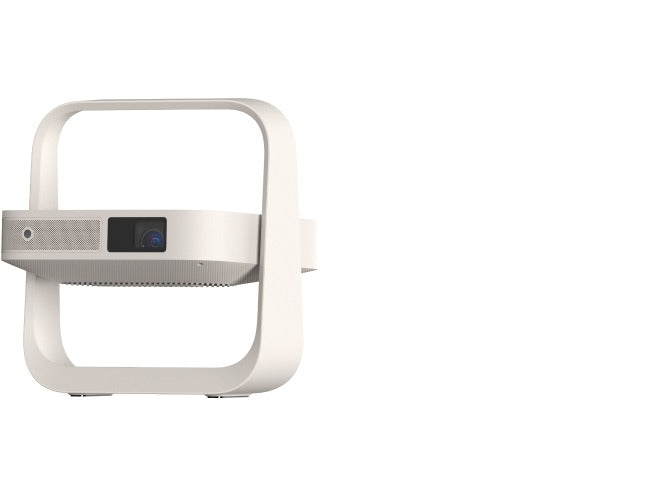
- Elfin Flip Plus — $319 (36% off): 500 ISO lumens, a 150° built-in stand, and a slim body for a fixed indoor setup.
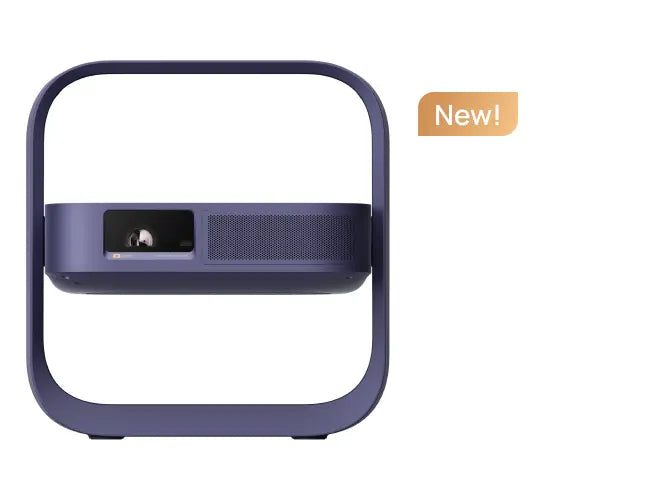
- Vibe One (Battery Powered) — $249 (24% off): a lower-cost way to try a window display, with a free accessory gift while supplies last.
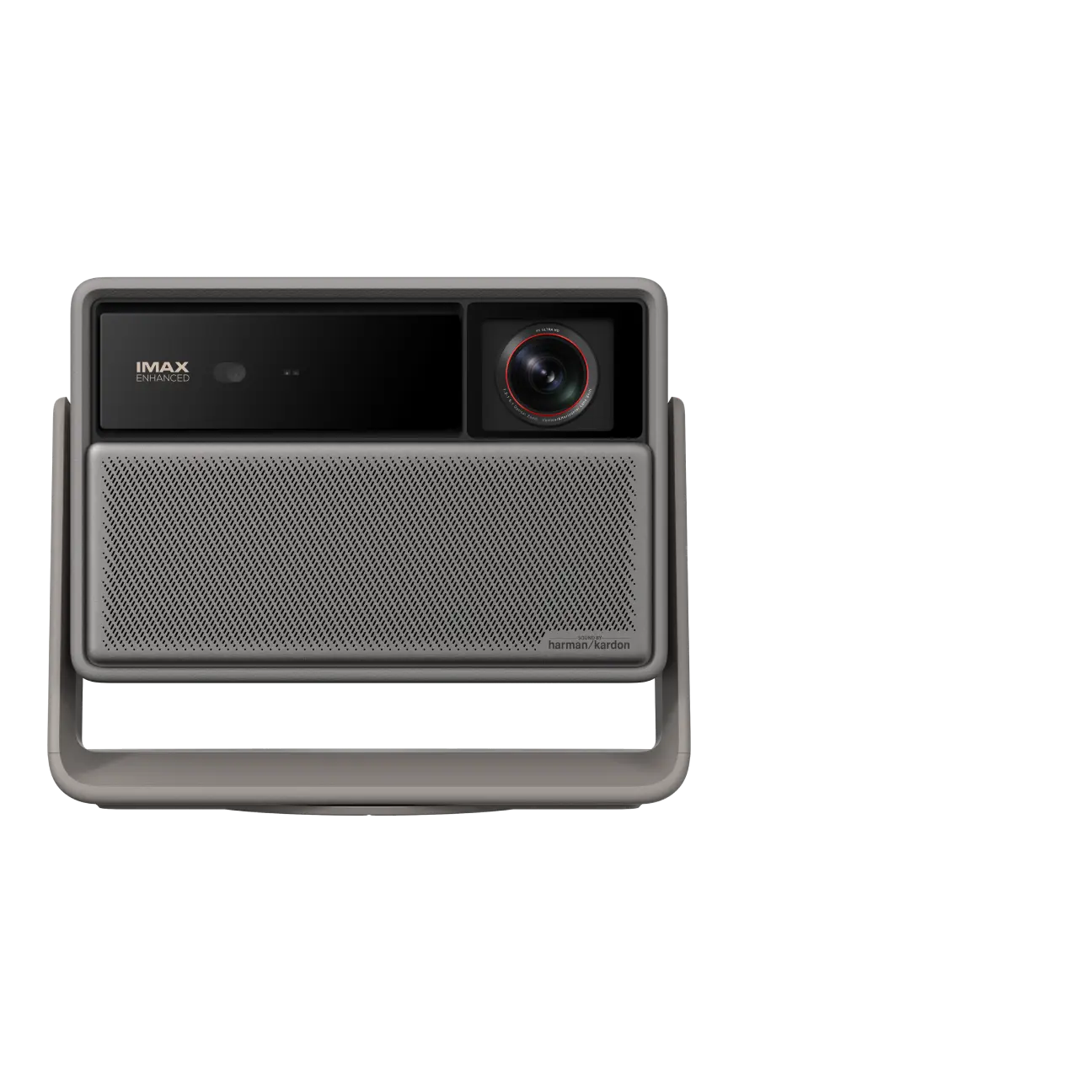
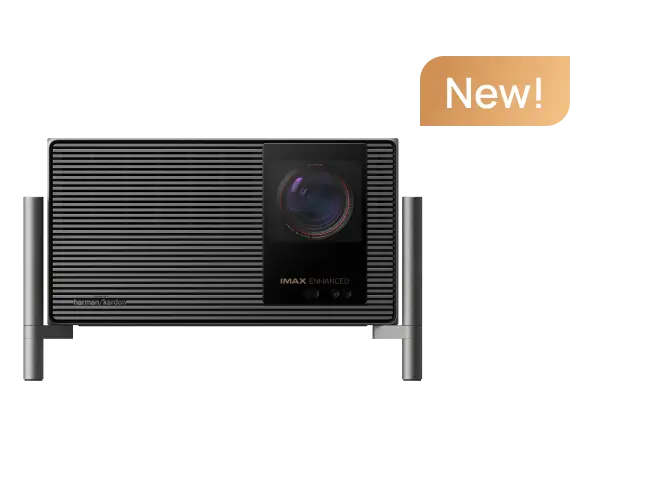
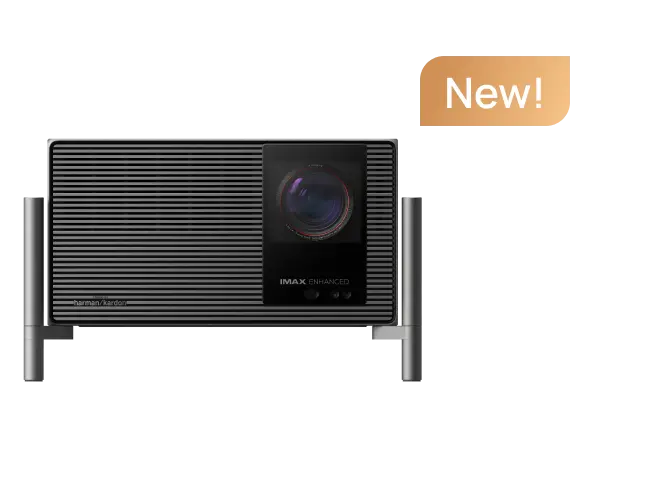
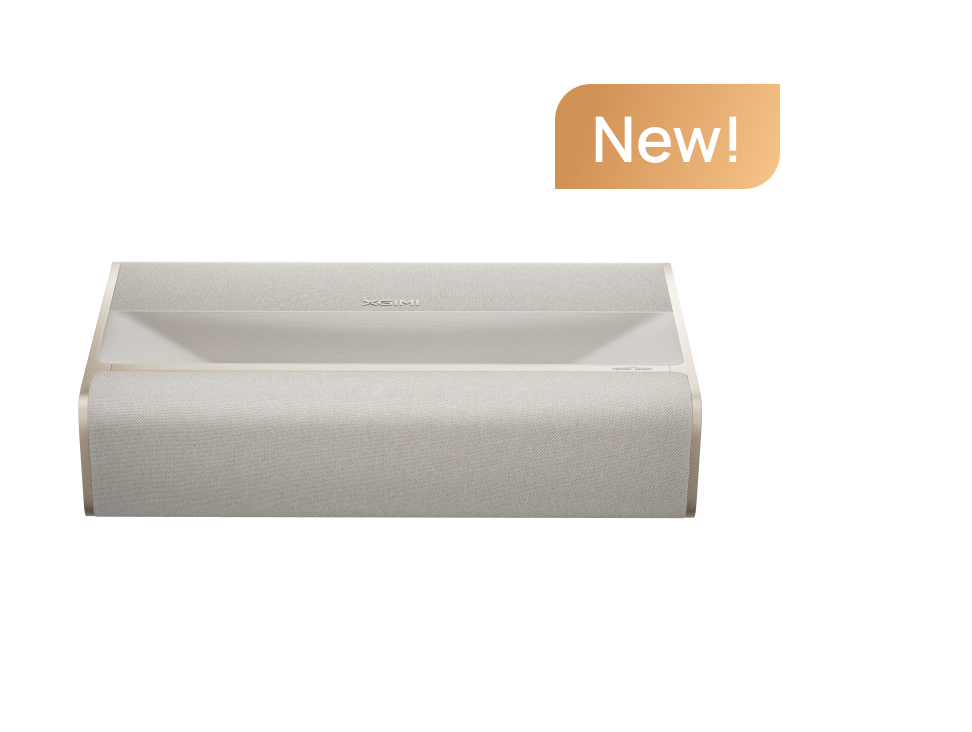
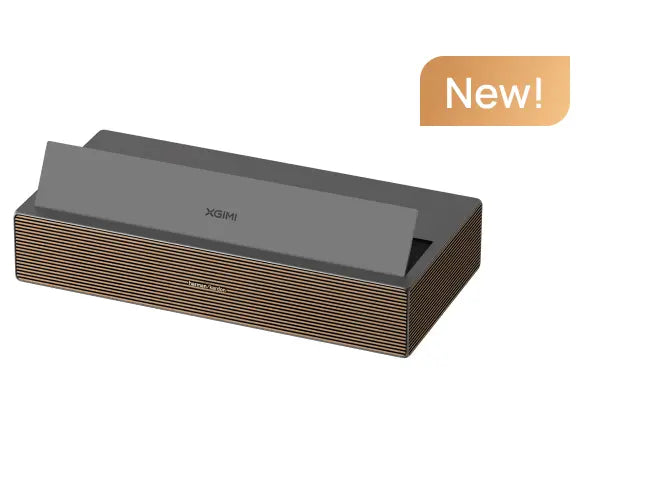
- HORIZON 20 Pro Limited Edition — $1,619 (35% off): 4K and far more light output for large windows and bright porches.
Want the widest choice of brightness and price? Shop the XGIMI Halloween sale.

- Note: For accurate offer terms and up-to-date product details, please refer to the sale and product pages.
FAQs
Can a regular projector be used as a Halloween window projector?
Yes. Project from inside onto a translucent white blind, frosted film, or taut sheet, keep the room dark, and use high-contrast content. The window becomes the screen rather than the projection surface itself.
Do I need a dedicated Halloween projector?
No. A dedicated holiday projector is convenient because the content is built in, but a home video projector plays anything you choose and keeps working after October. If you only want a single static pattern, a gobo light may be enough.
How many projectors do I need for several windows?
One per window if you want simultaneous, different scenes. For a single display, one projector is enough; running a long cable between rooms is usually harder than it looks.
Will a projector work through clear glass?
Not well. Clear glass transmits most of the light into the room and reflects outside lights back at viewers. A diffusing layer on the inside of the glass is what makes the image visible from the street.
Can I leave the projector outside overnight?
No. XGIMI home projectors are not weatherproof. Bring the projector indoors when you are finished, even if the night looks dry — condensation and dew are enough to cause damage.
What is the best content for a Halloween window?
Short, high-contrast loops that repeat cleanly: silhouettes, fog, dancing skeletons, a moving portrait, or a short message. Test the loop from the street before Halloween night.
Make the Whole Evening Work Together
Once the window is working, our Halloween projector decorations add wall, pumpkin, and photo-backdrop ideas, while our Halloween movie night guide turns the same projector into the center of the evening.


