






























Many smart projector owners enjoy clear dialogue from built-in speakers but notice that explosions, music, and action scenes lack the deep, immersive bass that makes movies feel cinematic. Pairing your projector with a wireless subwoofer offers a straightforward way to add that missing low-end impact while keeping your setup simple and mostly cable-free.

This upgrade works well for living rooms, bedrooms, or portable movie nights as long as your projector can reliably send audio to an external device. In 2026, many models support Bluetooth audio output or HDMI ARC, making the connection easier than ever. The result is fuller sound for streaming, gaming, and home theater experiences without replacing your entire projector or adding a complex AV receiver. For more on this topic, see How to Connect Multiple Bluetooth Speakers to Projector Simultaneou.... For more on this topic, see How to Sync Audio and Video When Using External Speakers with a Pro....
Why Built-in Projector Speakers Often Need Bass Support
Built-in projector speakers prioritize clarity for spoken dialogue and everyday convenience. They typically deliver adequate volume for small rooms but fall short on deep frequencies below 100Hz that give weight to soundtracks and effects. This limitation stems from the compact size of projector enclosures, which restricts driver size and bass response.
Adding a dedicated wireless subwoofer handles the low frequencies separately. The projector speakers continue managing mids and highs while the sub focuses on rumble and impact. This separation often creates a more balanced, theater-like experience for movies and bass-heavy content. As one manufacturer guide notes, projector audio serves best as a convenience feature, while external additions improve cinematic results.
Compatibility Check: Which Projectors Support a Wireless Subwoofer?
Not every projector pairs equally well with external audio. Start by confirming your model offers an audio output path. Common options in 2026 include Bluetooth transmission and HDMI ARC (Audio Return Channel), which sends sound from the projector to compatible devices.
HDMI ARC provides a standard route for audio to reach a soundbar, receiver, or wireless subwoofer system. Bluetooth allows completely wireless pairing but may require checking for stable connections on your specific projector. If your model lacks these features, you might need an adapter or consider models designed for easy external audio integration.
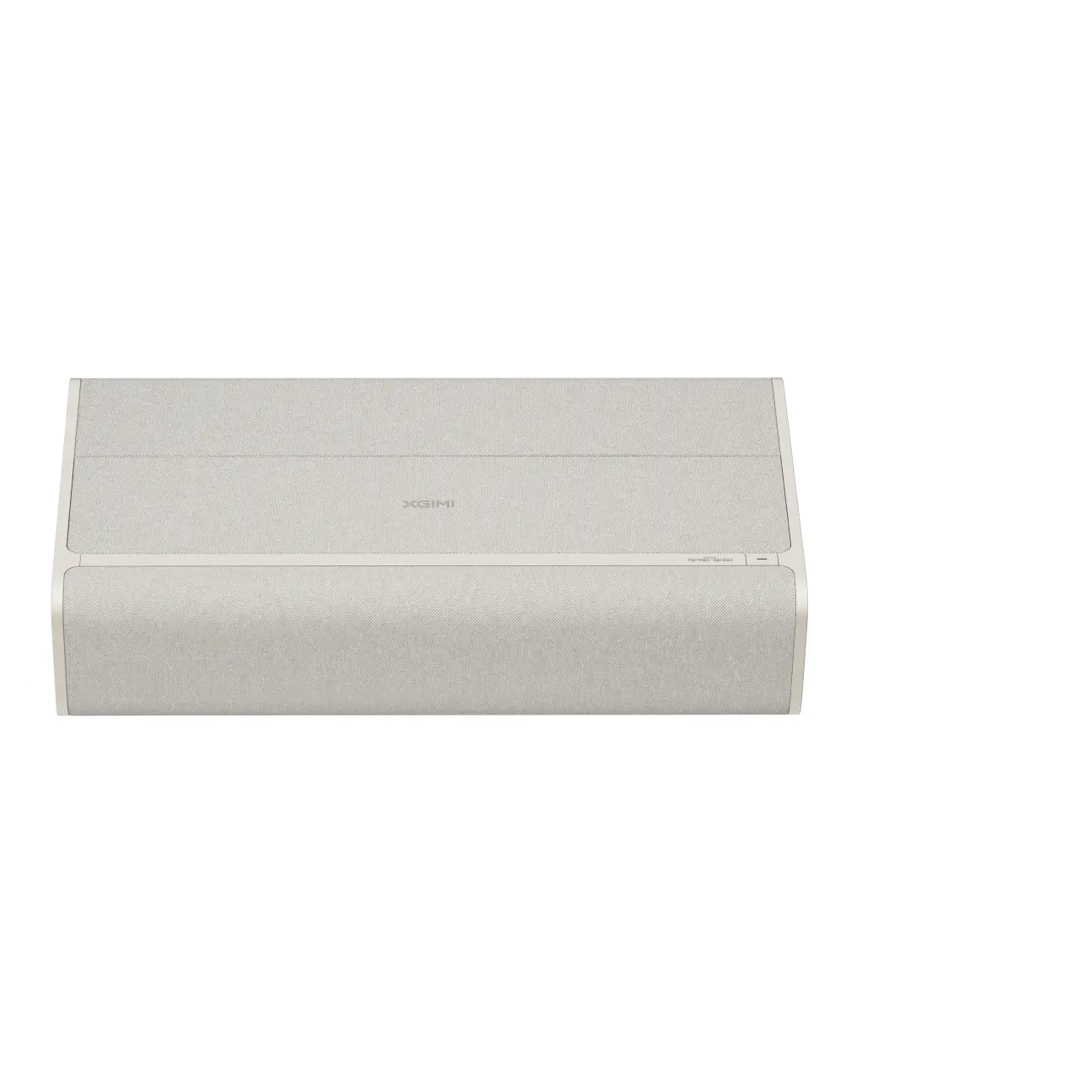
Before purchasing, review your projector's manual for supported audio output formats. Many XGIMI smart projectors, such as the HORIZON series, include Bluetooth capabilities that simplify wireless audio setups. Always verify the subwoofer's input requirements match your projector's output capabilities.
Step-by-Step: How to Connect a Wireless Subwoofer to Your Projector
Option 1: Bluetooth Wireless Connection
- Confirm your projector supports Bluetooth audio output.
- Put the wireless subwoofer or its paired receiver into pairing mode.
- On the projector, navigate to Bluetooth settings and select the subwoofer from available devices.
- Test with content and adjust volume levels.
This method keeps everything wireless and works well for occasional use. However, some setups may experience minor audio delay, especially with certain content.
Option 2: HDMI ARC or Optical Connection
- Connect an HDMI cable from the projector's ARC port to a compatible soundbar or receiver that supports wireless subwoofers.
- Enable HDMI ARC in both the projector and audio device menus.
- Pair the wireless subwoofer to the soundbar or receiver per its instructions.
- Use the projector's audio output settings to route sound externally.
HDMI ARC often delivers more consistent performance for permanent installations. This aligns with standard home theater practices for routing audio from display devices to external systems.
After connecting, play test content like action movies or bass-heavy music to evaluate the improvement. Adjust bass levels on the subwoofer for your room size.
Addressing Common Concerns: Latency, Sync, and Stability
Wireless audio can introduce lip-sync issues where sound slightly lags behind the picture. This occurs because of transmission delays in Bluetooth or other wireless protocols. Fortunately, audio-delay adjustment serves as a standard home theater feature to correct these timing differences.
Most projectors and audio devices offer sync or delay settings in their menus. Start with small adjustments (10-50ms) and test with dialogue-heavy scenes until lips match speech. Stability improves when devices stay within recommended range and avoid heavy Wi-Fi interference.
Firmware updates can also enhance Bluetooth performance and audio stability. For example, recent XGIMI updates have improved HDMI ARC reliability and overall audio handling.
Myth vs Reality: Wireless Subwoofers for Projectors
Myth: All projectors support wireless subwoofers seamlessly.
Reality: Only models with reliable audio output (Bluetooth or ARC) integrate cleanly. Always check your specific projector's capabilities first.
Myth: Bluetooth always causes noticeable lip-sync problems.
Reality: Delay can occur but is often correctable with built-in audio sync tools. The visibility depends on content type and setup quality.
Myth: Any wireless subwoofer will work perfectly.
Reality: Compatibility depends on matching audio formats and output paths. A subwoofer designed for TVs or receivers may need additional components with some projectors.
Myth: The upgrade won't make much difference.
Reality: External bass often transforms thin projector sound into something more impactful, especially for movies and effects.
Connection Methods Comparison
Different connection approaches suit different needs. The chart below provides an illustrative view of how Bluetooth, HDMI ARC, and other routes perform across common scenarios. These are heuristic scores based on typical setup characteristics.
Heuristic Fit of Connection Methods for a Projector Subwoofer
Illustrative comparison of which connection method fits each usage scenario best.
View chart data
| Category | Bluetooth | HDMI ARC | Other wired / adapter route |
|---|---|---|---|
| Portability | 9.0 | 3.0 | 5.0 |
| Sync sensitivity | 4.0 | 9.0 | 7.0 |
| Setup permanence | 5.0 | 9.0 | 6.0 |
| Movie / TV content | 6.0 | 8.0 | 7.0 |
| Music / bass-heavy content | 6.0 | 8.0 | 7.0 |
Modeled / heuristic suitability scores (0-10), derived from the provided scenario matrix and constraints: Bluetooth prioritizes convenience and portability but carries sync risk; HDMI ARC is best for stable, permanent theater-style setups; other wired/adapter routes are intermediate. Scores are illustrative rather than measured data and are intended to compare relative fit across scenarios, not to imply universal compatibility.
Bluetooth excels for portable or quick setups but scores lower on sync-sensitive viewing. HDMI ARC performs strongly for dedicated home theater arrangements. Choose based on your primary usage and tolerance for occasional adjustments.

Hidden Trade-offs and When This Upgrade May Not Be Worth It
While adding a wireless subwoofer improves bass, consider these practical realities. The subwoofer requires its own power outlet, limiting truly portable placements. Room acoustics affect performance—small spaces may produce boomy rather than tight bass.
Sync correction might need periodic tweaking if you switch between different content types or devices. Bluetooth pairing can occasionally drop, requiring reconnection. If your projector lacks native audio output, you may need extra adapters that reduce the wireless benefit.
This upgrade shines for occasional movie nights but may feel insufficient for dedicated enthusiasts seeking full surround sound. In those cases, a complete audio system might provide better long-term satisfaction.
Choosing the Right Wireless Subwoofer for Your Projector
Look for subwoofers with low-latency wireless technology and adjustable crossover settings. Models designed for home theater often include dedicated apps for EQ tuning. Consider size and power output matched to your room—larger rooms benefit from more powerful units.
Test compatibility with your specific projector model. Some systems work best with a soundbar that then wirelessly connects to the subwoofer, creating a hybrid chain that balances convenience and performance.
Setup Tips for the Best Cinematic Results
Position the subwoofer near the front of the room but experiment with corners for natural bass reinforcement. Avoid placing it directly against walls if bass sounds muddy. Use your projector's audio menu to set output to external and disable internal speakers if desired.
For optimal results, combine with room treatments like rugs or curtains that reduce echoes. Update firmware on both projector and audio devices regularly for improved stability. If using Bluetooth, keep devices within 30 feet with minimal obstacles.
Many users find that a one-time calibration session delivers satisfying results for most viewing. The key is treating this as a targeted bass enhancement rather than a complete sound system replacement.
Final Thoughts: Is a Wireless Subwoofer the Right Upgrade for You?
Adding a wireless subwoofer can noticeably enhance your projector's audio for movies, streaming, and gaming, delivering deeper bass without major complexity. It works particularly well for users who already own a compatible smart projector and want an incremental improvement rather than a full overhaul.
Success depends on verifying your projector's audio output capabilities and willingness to handle minor sync adjustments if needed. For many, the result is a more engaging home entertainment experience that feels closer to a true theater setup.
This article discusses comfort and setup guidance for audio enhancement only. It does not constitute professional audio advice. If you experience persistent issues with sound quality or equipment compatibility, consult qualified technicians or refer to your device manuals.
Consider exploring related resources like how to connect external devices to your projector or guides on improving latency for smoother performance. For premium home cinema options, check out 4K projectors that support advanced audio features.
The true value comes from matching the upgrade to your actual viewing habits and room conditions. When chosen thoughtfully, a wireless subwoofer can transform thin projector sound into something far more satisfying.


