








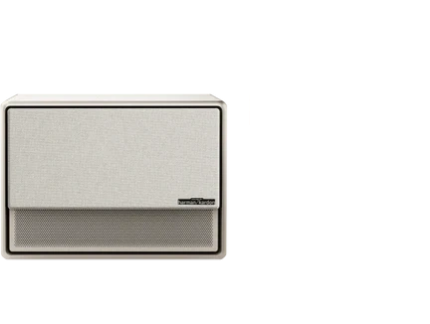
























XGIMI makes it easy to access your external devices via USB or HDMI ports installed on the projector. Below, you will learn how to connect TV sticks, amplifiers, USBs, and hard drives to your XGIMI device.
Using USBs & Hard Drives
Our projectors' internal storage has a 32GB capacity. However, to save or access large local or media files, it is recommended that you use an external USB or hard drive (up to 4T).
Connection is a breeze, simply connect your device to one of the USB ports on the projector, and you're good to go!
Using TV Sticks & Amplifiers
If you desire more streaming apps not available on the Google Play Store or need to install an audio amplifier, you’re in luck! XGIMI projectors come with two HDMI ports allowing you to connect TV sticks or amplifiers.
Note that our USB ports also offer enough current to power any TV stick.
article_product1
To set up your amplifier, simply follow these steps:
Step 1: Connect your amplifier to your XGIMI projector via an HDMI cable and ensure your device is powered on.
Step 2: Click the “Shortcut” button on the XGIMI remote controller, then go to “Settings - Sound”
Step 3: Click "Sound Output," "Sound," "Output," and then finally "Internal Speaker/SPDIF/ARC."
Then, you're all set!
XGIMI projector also has multiple ports, you can use them to your advantage to enhance your viewing experience.


