









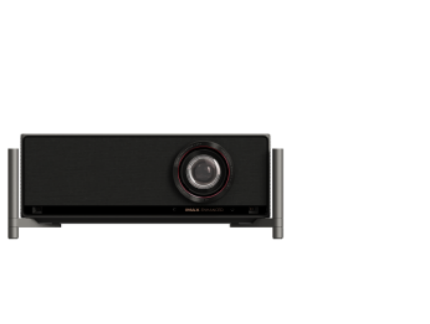







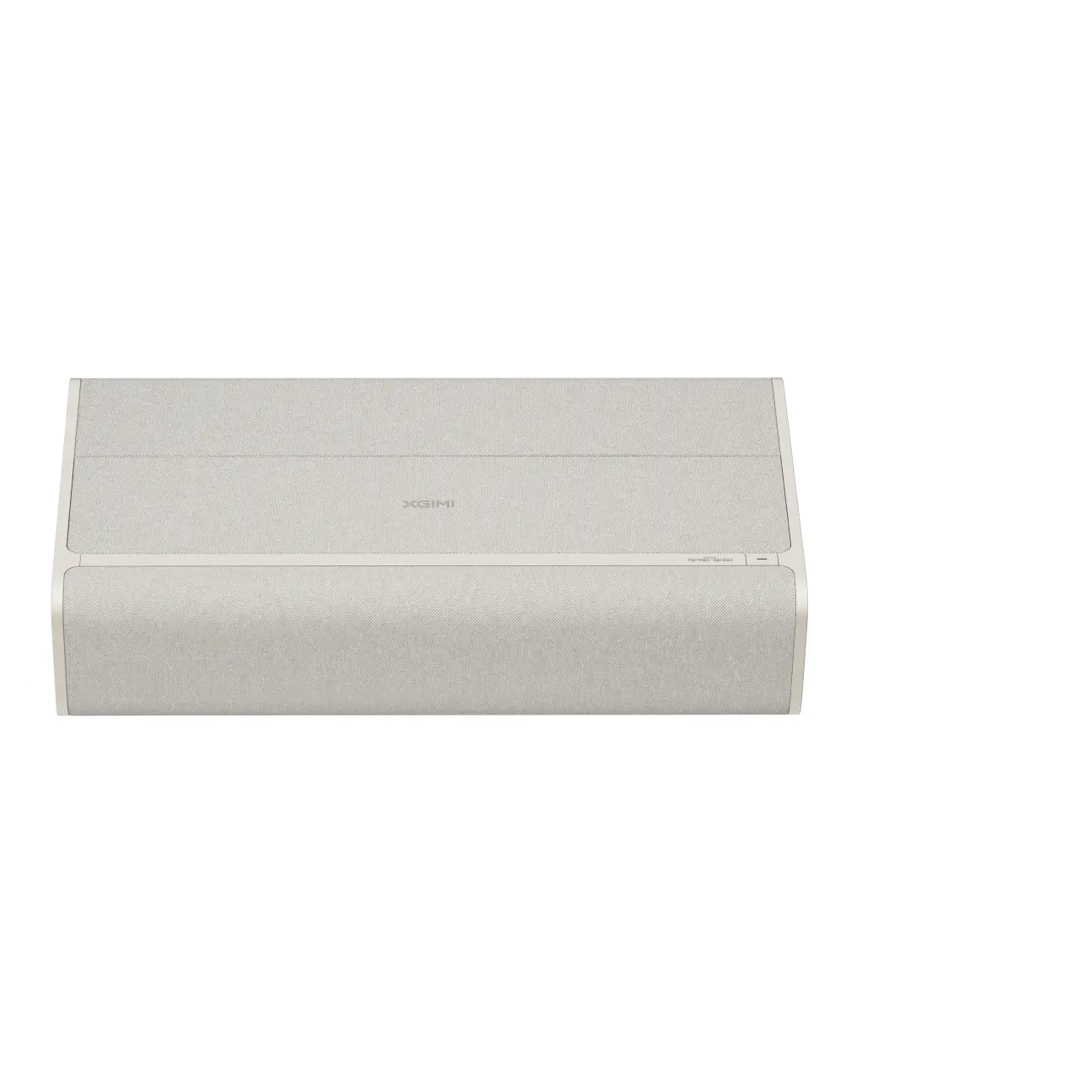








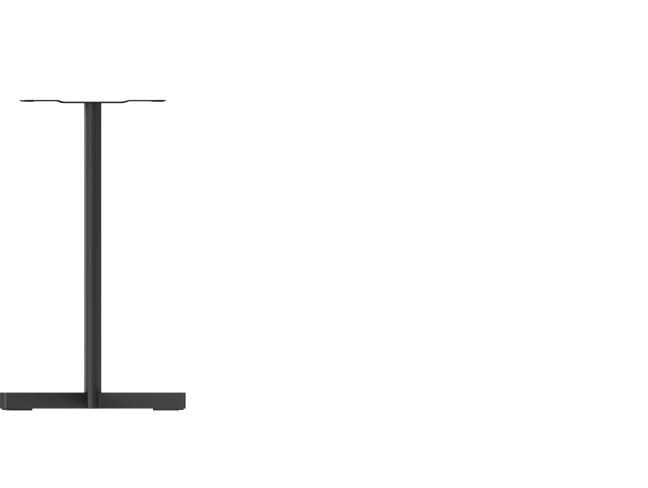
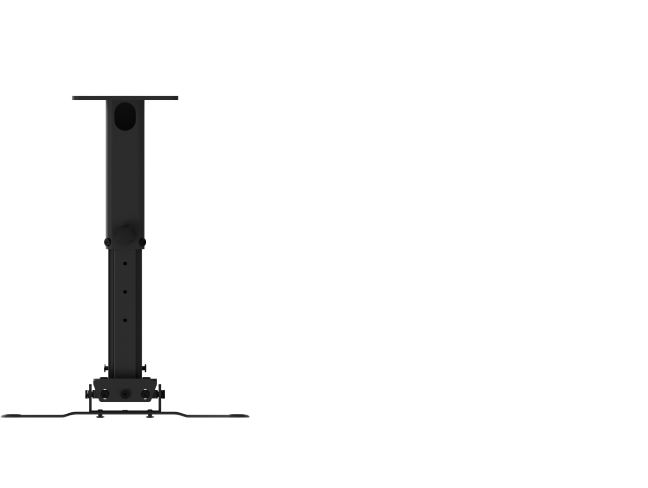



Complete your home theater with XGIMI TITAN series accessories designed for secure placement, stable projection and flexible setup. Explore dedicated floor stands, ceiling mounts and Active Shutter 3D Glasses for TITAN and TITAN Noir Series projectors, plus compatibility guidance for stands, power accessories, remote controls, screens and carrying solutions.
FAQs
What accessories are available for XGIMI TITAN series projectors?
XGIMI TITAN series accessories include dedicated mounting and viewing solutions for different TITAN models. Users can find options such as the X-Floor Stand Ultra for TITAN, X-Floor Stand Ultra (Interface B), ceiling mounts and Active Shutter 3D Glasses to create a more secure and comfortable setup.
Which floor stand should I use with a XGIMI TITAN projector?
The X-Floor Stand Ultra is designed specifically for the original TITAN and supports projector equipment up to 15 kg. For TITAN Noir, TITAN Noir Pro and TITAN Noir Max, the X-Floor Stand Ultra (Interface B) is the dedicated floor stand, with an X-shaped base, anti-slip feet and cable management for stable placement.
Can I use the X-Floor Stand or XGIMI Light Gold Portable Stand with TITAN?
The standard X-Floor Stand uses a 1/4-inch screw and has a height-adjustable design with a round base, but XGIMI does not list TITAN as a specifically supported model. Likewise, the XGIMI Light Gold Portable Stand supports up to 4.2 kg and its current compatible-device list does not include TITAN, so users should choose the dedicated TITAN floor stand instead.
What ceiling mount is compatible with TITAN Noir, TITAN Noir Pro and TITAN Noir Max?
The XGIMI Ceiling Mount (Interface B) is designed for the TITAN Noir Series. Its design provides secure placement, adjustment options and a dedicated airflow gap to support the projector's bottom ventilation while helping keep cables hidden for a cleaner setup.
Do XGIMI Active Shutter 3D Glasses work with TITAN Noir?
Yes. XGIMI Active Shutter 3D Glasses officially list the TITAN Noir Series among compatible devices and use DLP-Link technology. Their rechargeable battery and wide viewing angle are designed to provide a more immersive 3D viewing experience.
Can a projector screen improve TITAN image quality in ambient light?
A suitable screen can help improve perceived image clarity and contrast when ambient light is present, while an ambient light rejecting screen is specifically designed to reduce unwanted room light reaching the viewer. TITAN Noir models also offer high brightness—from 4,800 ISO lumens on TITAN Noir up to 7,000 ISO lumens on TITAN Noir Max—but room-light control and correct screen selection still matter for the best picture quality.
What is the difference between TITAN Noir, TITAN Noir Pro and TITAN Noir Max?
TITAN Noir delivers 4,800 ISO lumens with up to 7,000:1 native contrast, TITAN Noir Pro reaches 6,000 ISO lumens and up to 8,000:1, while TITAN Noir Max reaches 7,000 ISO lumens and up to 10,000:1 native contrast. All three support extensive lens shift and optical adjustments, so choosing the right stand or ceiling mount helps maintain accurate image placement.
Can I use a HORIZON power adapter, remote controller or series carrying case with TITAN?
Do not assume accessories from another XGIMI series will work with TITAN. The HORIZON Series Power Adapter is specified only for HORIZON and HORIZON Pro, while the HORIZON Series Remote Controller is limited to HORIZON, HORIZON Pro and AURA; the Halo/HORIZON Series Carrying Case is also designed around other projector series.
Does XGIMI offer a carrying case or protective cover for TITAN series?
XGIMI currently lists carrying case options for product families such as MoGo, Elfin, Halo and HORIZON, but the current US website does not show a dedicated TITAN series carrying case in the verified accessory listings. A properly fitted hard-shell case can provide additional protection against bumps and drops, but users should check projector dimensions and compatibility before choosing a third-party case.
How should I choose the right XGIMI TITAN series accessories?
Start with your exact projector model, then check compatibility, maximum supported weight, mounting interface, ventilation, placement and adjustment requirements. Review the product details on the official XGIMI website before you buy, because accessory availability, specifications, product updates and compatibility information can change over time.
Where can I find accessory support, setup answers or product updates?
Visit the relevant accessory product page for installation details, specifications and setup guidance. If you still have questions, suggestions or feedback, follow the support information on the XGIMI website and provide your projector model and accessory details when contacting support so the team can reply with the most relevant answer.