


An Update on Firmware Development
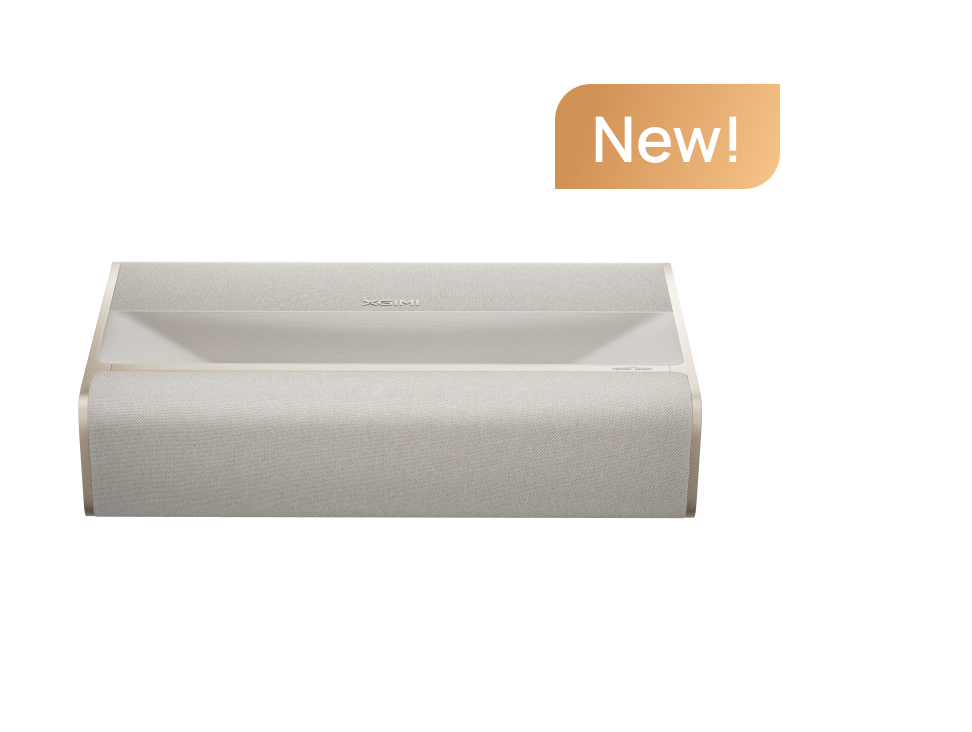
At XGIMI, we believe that delivering an exceptional home theater experience doesn't end with a product launch. Real-world experiences, valuable user feedback, and continuous technological improvements all play an important role in making our products better.
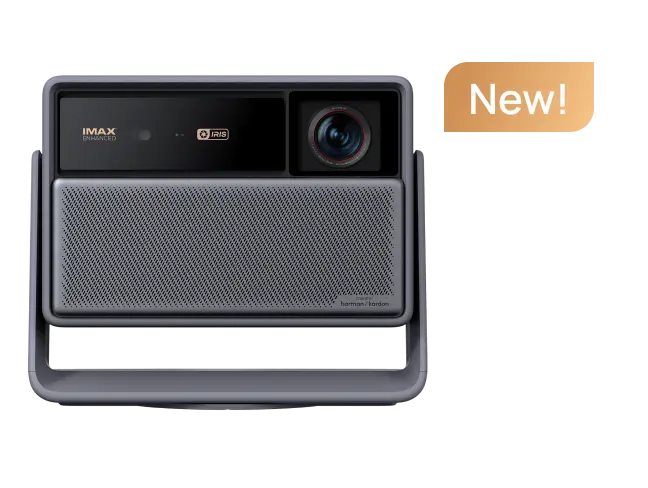
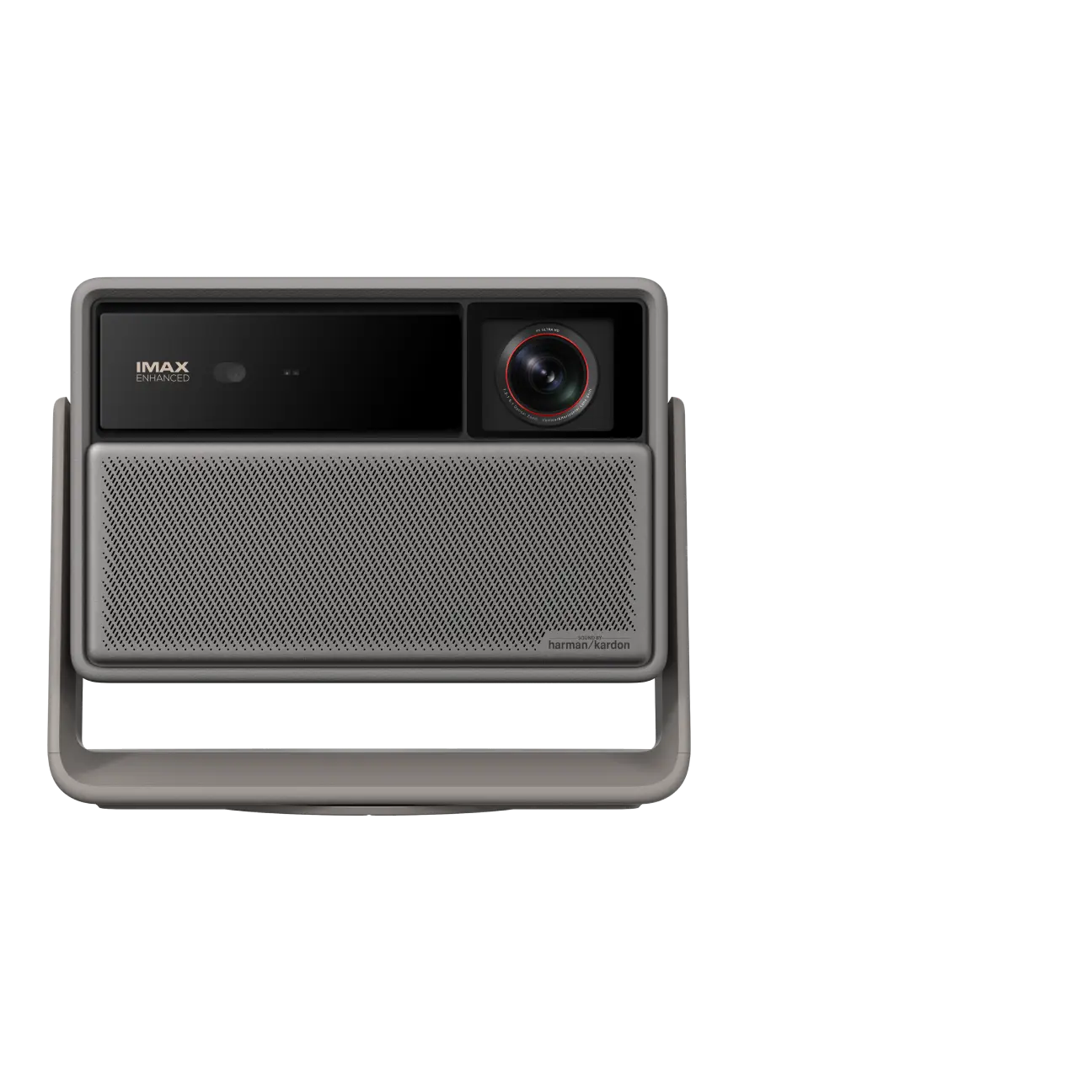
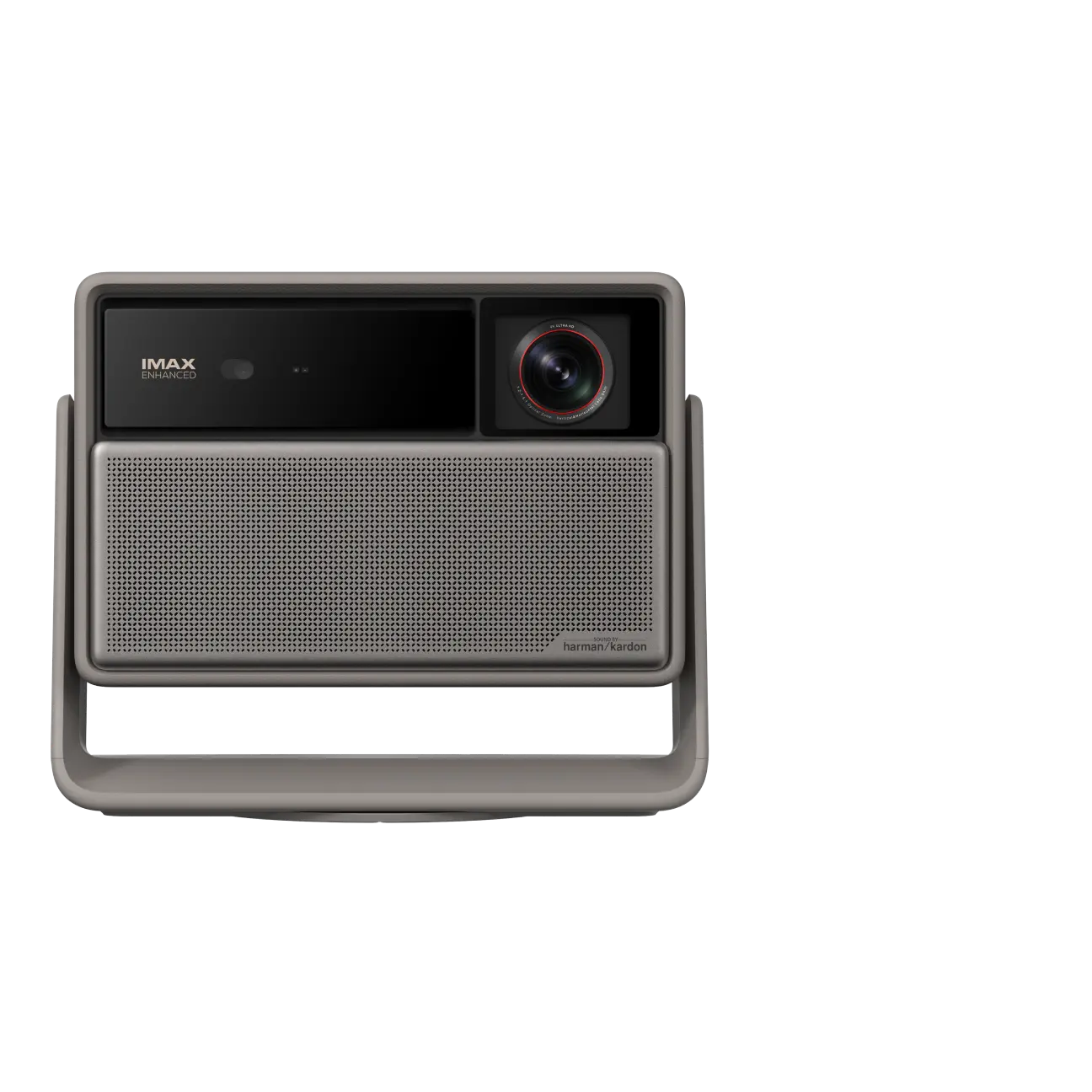
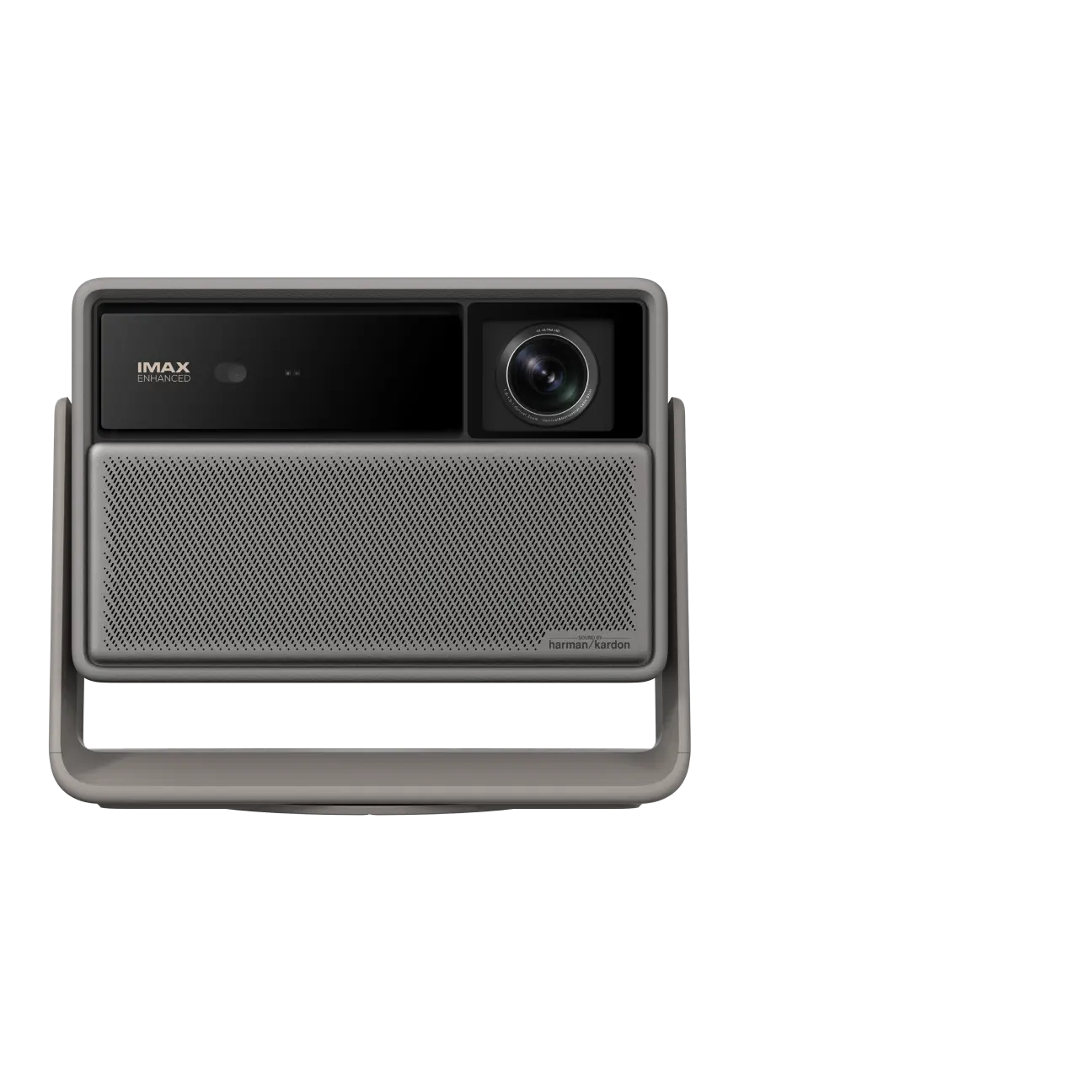
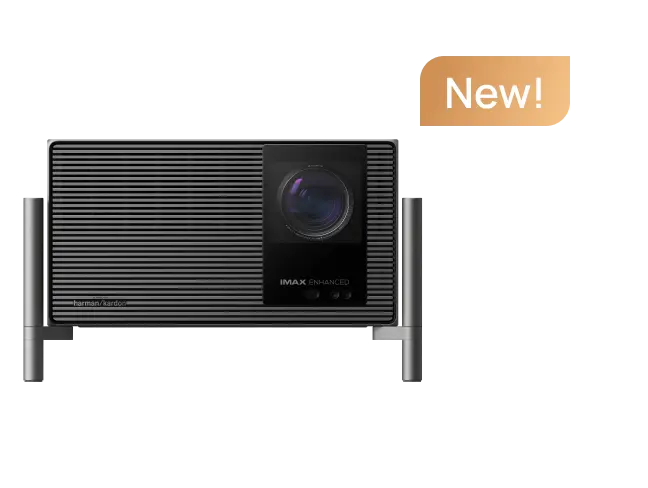
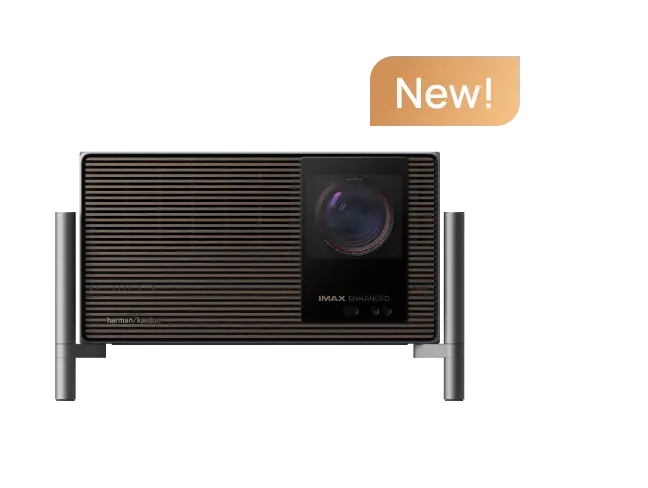
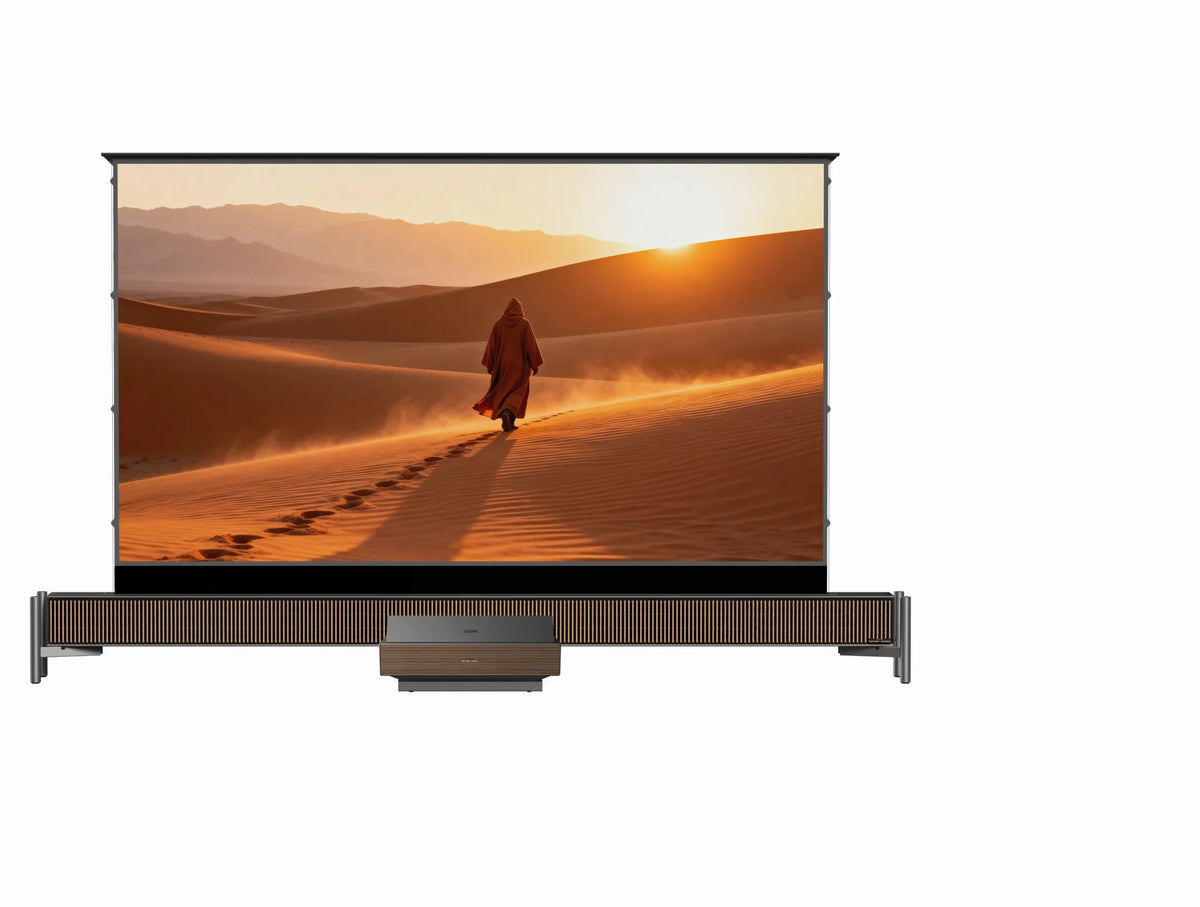
Since the launch of the HORIZON 30 Ultra Max, we've been closely following discussions and feedback from our community. From everyday movie lovers to dedicated home theater enthusiasts, your experiences and insights help us better understand how our products perform across different viewing environments and preferences.
Recently, we've received feedback from a small number of users who are particularly sensitive to color accuracy and picture quality. Our product and R&D teams have carefully reviewed these observations, conducted further testing, and continued working on relevant improvements.
Firmware Version 1.7.269: Availability and Update Options
As part of our ongoing product improvement efforts, we're making firmware version 1.7.269 publicly available to HORIZON 30 Ultra Max users as an optional manual update.
This optional manual update is primarily intended for experienced users who wish to access the latest firmware improvements ahead of the official OTA rollout.
However, for the vast majority of users, we recommend continuing to use your current firmware version and waiting for the upcoming official OTA update for a more convenient and seamless upgrade experience.
If you're considering installing this version manually, please carefully review the important information below before proceeding.
⚠️ Important Notice Before Installation
❗️IMPORTANT: PLEASE READ BEFORE DOWNLOADING OR INSTALLING
Firmware version 1.7.269 is available as an optional manual update. For most users, we recommend continuing to use your current firmware and waiting for the official OTA rollout.
Please be aware of the following:
- Risks of manual installation: Incorrect procedures, unexpected power interruptions during installation, or incompatible firmware files may cause the projector to malfunction.
- Installation experience required: We recommend this optional update only for users who are familiar with USB firmware installation and fully understand the procedures and associated risks.
Firmware Download and Installation Guide
For users who have carefully reviewed the information above and have a specific need for this version, the firmware download and installation instructions are provided below.
1. Manual Installation Precautions
- Before starting the installation, please ensure that you have the correct firmware package and have carefully reviewed all installation instructions.
- Do not turn off the projector or interrupt the firmware installation process during the update.
- If you have any questions or are unsure about the installation procedure, please contact XGIMI Customer Support for assistance.
2. Firmware Information
- Compatible Product: XGIMI HORIZON 30 Ultra Max
- Firmware Version: 1.7.269
- Update Type: Manual firmware update
- Installation Method: USB drive
- Firmware Download Link: Download firmware version 1.7.269
- Installation Guide: View the HORIZON 30 Ultra Max installation guide
Compatibility Notice: This firmware is intended exclusively for the HORIZON 30 Ultra Max. Please do not install it on any other XGIMI projector model.
What's Next?
We will continue listening to community feedback, validating improvements, and further enhancing the overall viewing experience of the HORIZON 30 Ultra Max.
Once the necessary testing and validation are completed, we plan to make these improvements available to more users through a future OTA update.
Thank you to every member of the XGIMI community for continuing to share your valuable feedback and insights. Your thoughtful observations and real-world experiences help us continuously refine our products and deliver an even better home theater experience.


